


N5 Net Software Repository
Your one-stop for all your software needs.
Search N5 Net Software Repository:
Search Files
Sponsor:
Browse:
- Audio & Multimedia (1527)
- Business (1697)
- Communications (462)
- Desktop (135)
- Development (555)
- Education (163)
- Games & Entertainment (700)
- Graphic Apps (657)
- Home & Hobby (102)
- Network & Internet (524)
- Security & Privacy (499)
- Servers (65)
- System Utilities (8668)
- Web Development (279)
Areas Of Interest
Authors Area
Are you a software author? Take a look at our Author Resource Center where you will find marketing tools, software specifically created for promoting your software and a ton of other helpful resources.
Replay Music 2024.3.15.21
Audio & Multimedia :: Audio File Recorders

(Click to Enlarge)
Replay Music is the ultimate streaming music recorder. It can record any streaming music you play on your PC. Songs are saved as individual, high quality files (in either MP3, M4A, WMA, OGG or FLAC format). Each song is tagged with the Artist, Album, Title and Genre. Replay Music works great with any Music Video sites or streaming Music sites like Pandora, Rhapsody or Deezer. You can automatically upload songs to DropBox, Google Drive or OneDrive for easy access on the go. Unlike other recorders which just work with a few sites, Replay Music is the only product that works with high quality online radio stations, music videos, and popular subscription music services, and any PC-based program. It works great with Windows 8, 7, Vista or XP. Replay Music can turn music videos into a high-quality audio file. Just open Replay Music and play the video - you'll get a fully tagged MP3 file as soon as the song ends. It's yet another way for you to discover new artists and songs. Only Replay Music can automatically tag your recorded song files. Using proprietary song recognition technology, Replay Music identifies each song after it's recorded, and adds the artist, song title, album and genre information to each music file. Not only can you record, but now you know what you're listening to! Additionally, Replay Music will import the song lyrics and artwork into the UI. Replay Music sports the most sophisticated track splitting algorithms on the planet. Besides just recording and tagging, each MP3 file contains the entire song -- no more, no less. Other recording programs may chop off the start or end of the song, or add unwanted noise. Replay Music's songs are always perfect. Try Replay Music FREE. The free demo is fully functional so that you can try all of the features. You can record and tag 25 tracks in demo mode. Once you order you can record and tag unlimited songs.
Specifications:
Version: 2024.3.15.21 |
Download
|

Similar Products:
DEBUT FREE SCREEN CAPTURE SOFTWARE 13.01
Audio & Multimedia :: Video Tools
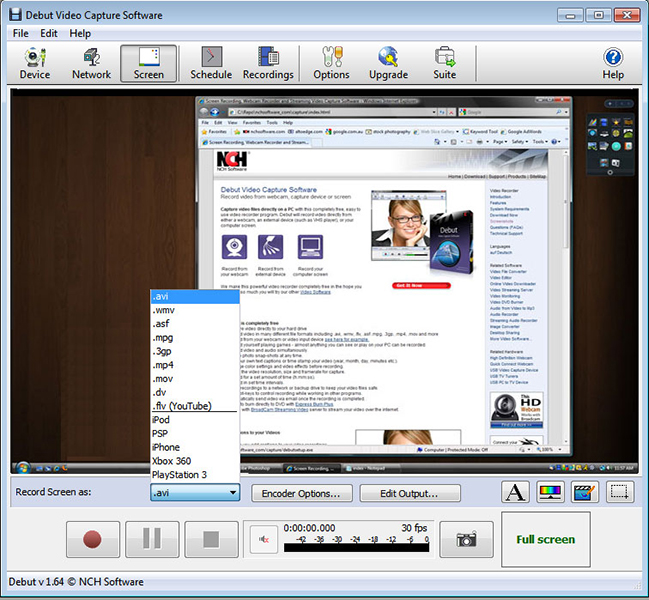 Debut is a free screen capture software. With Debut you can capture video from your entire screen, a single window or a selected portion. Save the recorded video as avi, flv, wmv and other video file formats. Email video recordings automatically when recording has stopped or send via FTP. Set Debut to record video at specific times, record computer games, create how to demonstrations, capture video messages, add text or captions and much more.
Windows | Freeware
Read More
System Utilities :: Automation Tools
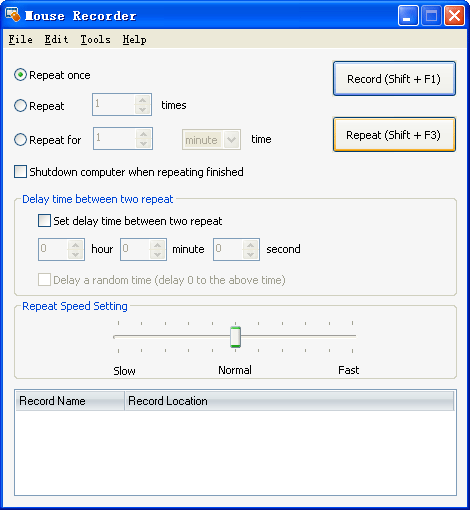 Mouse Recorder is the best Mouse Record Tool. It can record all your mouse actions, and then repeat all the actions accurately. It is very powerful and easy-to-use. And it's free for update forever!
Windows | Shareware
Read More
Audio & Multimedia :: Presentation Tools
 ProfCast is a versatile, powerful, yet very simple to use tool for recording lectures including PowerPoint slides for creating enhanced media files. ProfCast provides a low cost solution for recording lectures, special events, and presentations as podcasts. ProfCast offers an integrated workflow that makes creating, recording, and exporting podcast media easy. It's as simple as Launch, Load, and Lecture!
Windows | Shareware
Read More
BOILSOFT SCREEN RECORDER 1.05.13
Audio & Multimedia :: Presentation Tools
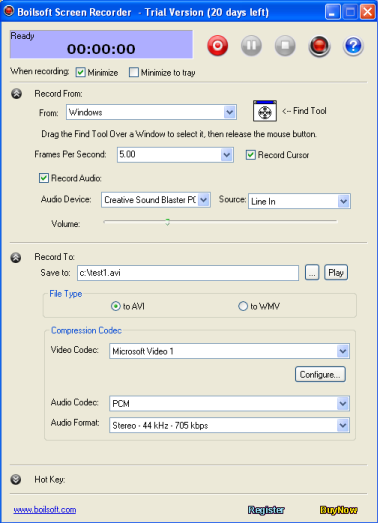 Boilsoft Screen Recorder is great demo creation software program which is designed to record desktop activities with audio from microphone, line-in, or speakers into compressed AVI or WMV videos in real-time. This screencasting software is the right solution to make demo videos, capture streaming video, record website service, generate presentation flash, make training materials, record PC game play and etc.
Windows | Shareware
Read More