


N5 Net Software Repository
Your one-stop for all your software needs.
Search N5 Net Software Repository:
Search Files
Sponsor:
Browse:
- Audio & Multimedia (1527)
- Business (1697)
- Communications (462)
- Desktop (135)
- Development (555)
- Education (163)
- Games & Entertainment (700)
- Graphic Apps (657)
- Home & Hobby (102)
- Network & Internet (524)
- Security & Privacy (499)
- Servers (65)
- System Utilities (8668)
- Web Development (279)
Areas Of Interest
Authors Area
Are you a software author? Take a look at our Author Resource Center where you will find marketing tools, software specifically created for promoting your software and a ton of other helpful resources.
Mouse Recorder 2.6.8.8
System Utilities :: Automation Tools
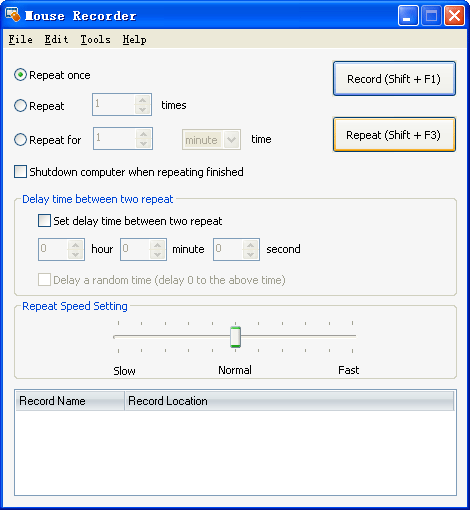
(Click to Enlarge)
Mouse Recorder is the best Mouse Record Tool. It can record all your mouse actions, and then repeat all the actions accurately. It is very powerful and easy-to-use. And it's free for update forever! Key features: Record all mouse actions and repeat accurately. Support setting repeat times and the delay between two repeating. Support setting repeat speed. Comes with a mouse click tool. Update for free for ever.
Specifications:
Version: 2.6.8.8 |
Download
|

Similar Products:
Audio & Multimedia :: Music Composers
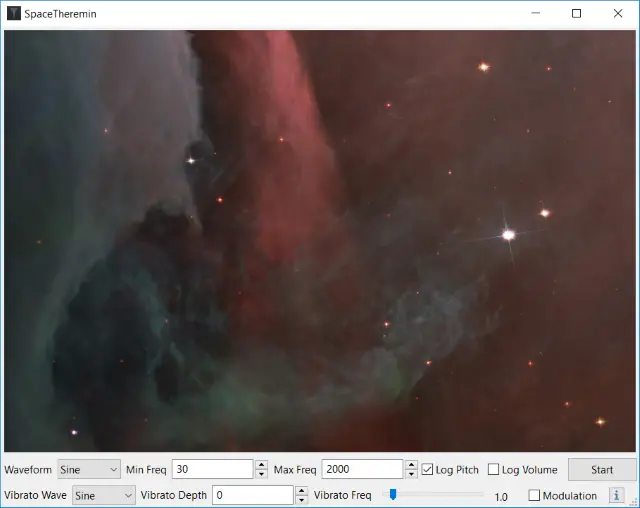 SpaceTheremin is a virtual mouse-controlled theremin. Unlike a standard analog theremin, which typically has a sinewave oscillator and some basic vibrato, SpaceTheremin lets you choose from six different oscillator types (sine, square, triangle, sinc, saw, and pulse). The same waveforms can also be used for vibrato and modulation. It uses PortAudio for sound generation and works on versions of Windows from XP through Windows 10.
Windows | Freeware
Read More
System Utilities :: Automation Tools
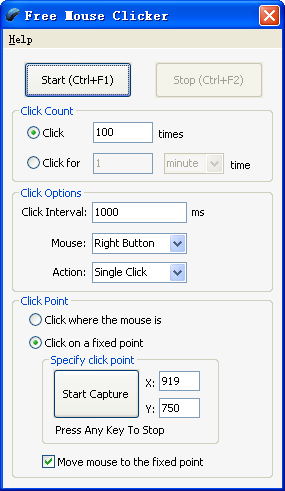 Free Mouse Clicker is an easy-to-use tool that can click automatically on locations that you defined. It can free your hands and save your time. It's used to automate screen mouse clicks at specified intervals and any location on the screen.
Windows | Freeware
Read More
System Utilities :: Automation Tools
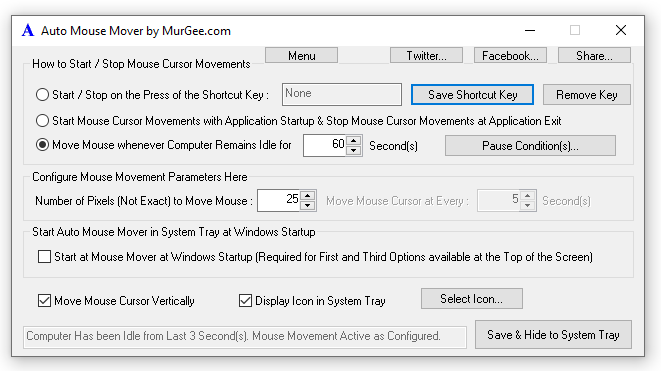 Auto Mouse Mover provides continous mouse input to your computer at a configurable interval. The Auto Mouse Mover Utility can be used to prevent the computer from doing any configurable idle activity such as launching the configured screensaver, sending the computer into the configured sleep, hibernate mode etc. The Mouse Utility can be useful while watching a movie, or something else when you do not wish to be disturbed by the screensaver, etc
Windows | Shareware
Read More