


N5 Net Software Repository
Your one-stop for all your software needs.
Search N5 Net Software Repository:
Search Files
Sponsor:
Browse:
- Audio & Multimedia (1527)
- Business (1697)
- Communications (462)
- Desktop (135)
- Development (555)
- Education (163)
- Games & Entertainment (700)
- Graphic Apps (657)
- Home & Hobby (102)
- Network & Internet (524)
- Security & Privacy (499)
- Servers (65)
- System Utilities (8668)
- Web Development (279)
Areas Of Interest
Authors Area
Are you a software author? Take a look at our Author Resource Center where you will find marketing tools, software specifically created for promoting your software and a ton of other helpful resources.
Macro Keys 4.0
System Utilities :: Automation Tools

(Click to Enlarge)
Macro Keys is a unique productivity software that helps you save your time when working with your computer. It can help you create shortcut texts called macros for your repetitive texts. It also saves last 100 clipboard content to help you use them later. Furthermore, it supports creating hotkeys for launching just about anything on your computer. Macro Keys works with all the programs allowing text inputs in word processors, text editors, email programs, instant messengers, online forms, etc. Macro Keys replaces and types automatically your desired text whenever you type your Macro Shortcut anywhere in your PC. You need not type the text manually ever again. Simply choose a unique word that is easy for your to remember and correlate it with the replacement text to create a macro. Furthermore, Macro Keys helps you record macro with special keys like Tab, Enter, Up, Down and other special keys, for later use in lets say, filling forms over the internet or activating a game cheat. All created macros and shortcuts are password protected and saved in an encrypted form to ensure that they could not be leaked to anyone. All encrypted macros are saved in a .mck file. Double clicking this file, will automatically import saved macros in Macro Keys. Macro Keys can also store multiple clipboard items. It stores 100 latest items you copied on your PC. It remembers these copied items even if you restart your computer and makes it possible for you to use them at a later time. This helps you recover back important data you forget or switch back and forth with your clips without copying and pasting anything again and again. You can also quickly launch your favorite applications, folders, drives, favorite websites, emails to friend, colleagues or co-workers. Never browse through your favorite folders in Windows Explorer again; simply create a hotkey for it. Macro Keys works on all flavors of 32-bit and 64-bit of Windows 7.0, Vista, XP, 2003, 2000, NT.
Specifications:
Version: 4.0 |
Download
|

Similar Products:
PASSREC EXCEL PASSWORD RECOVERY 2.0.0.1
System Utilities :: Automation Tools
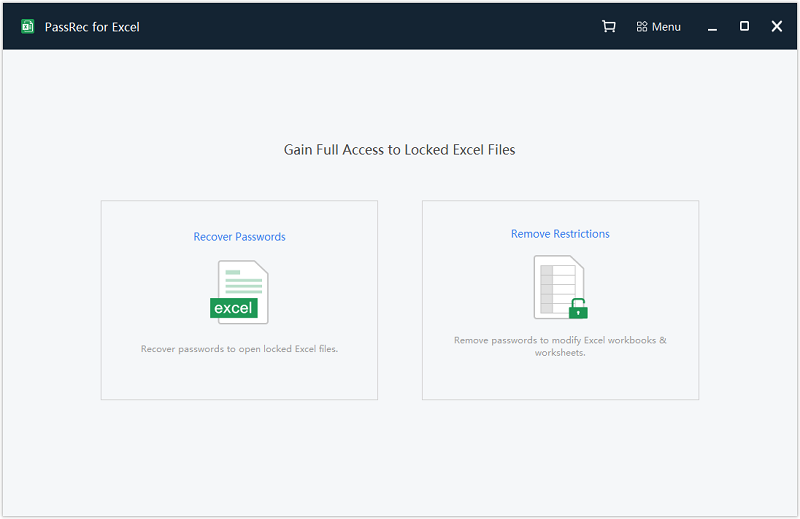 With three password attack methods, PassRec for Excel enables you to unlock locked Excel files easily. The more clue about the password you provide, the less time PassRec will need to recover your password. Even if you have no clue, PassRec has its built-in dictionaries that stores billions of password data that helps match your own password until it's completely gone through. But basically, recovering password with no clue takes much longer time
Windows | Shareware
Read More
System Utilities :: Automation Tools
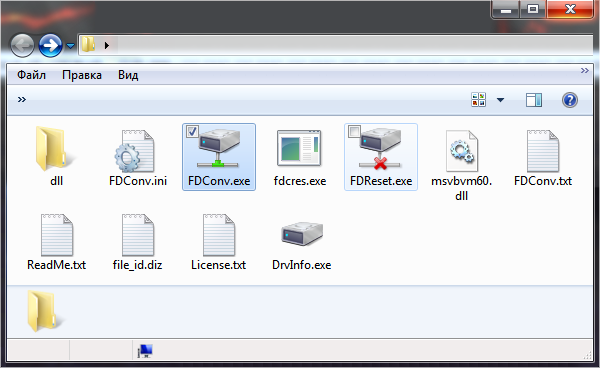 Automatic transformation of the network or local folder in network or in a virtual disk, with the subsequent automatic shutdown of the created disk in the absence of access to the specified folder.
Windows | Freeware
Read More
System Utilities :: Automation Tools
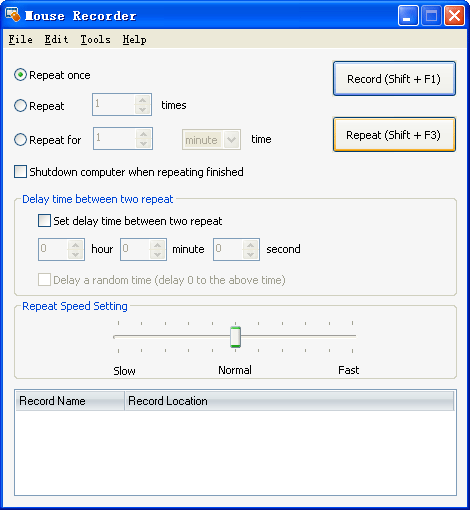 Mouse Recorder is the best Mouse Record Tool. It can record all your mouse actions, and then repeat all the actions accurately. It is very powerful and easy-to-use. And it's free for update forever!
Windows | Shareware
Read More
System Utilities :: Automation Tools
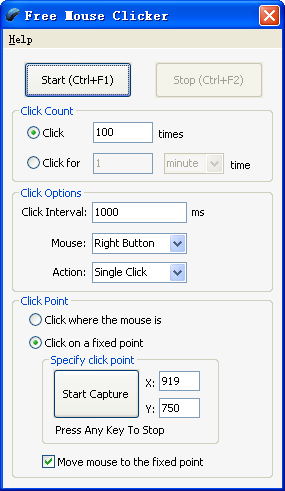 Free Mouse Clicker is an easy-to-use tool that can click automatically on locations that you defined. It can free your hands and save your time. It's used to automate screen mouse clicks at specified intervals and any location on the screen.
Windows | Freeware
Read More