


N5 Net Software Repository
Your one-stop for all your software needs.
Search N5 Net Software Repository:
Search Files
Sponsor:
Browse:
- Audio & Multimedia (1527)
- Business (1697)
- Communications (462)
- Desktop (135)
- Development (555)
- Education (163)
- Games & Entertainment (700)
- Graphic Apps (657)
- Home & Hobby (102)
- Network & Internet (524)
- Security & Privacy (499)
- Servers (65)
- System Utilities (8668)
- Web Development (279)
Areas Of Interest
Authors Area
Are you a software author? Take a look at our Author Resource Center where you will find marketing tools, software specifically created for promoting your software and a ton of other helpful resources.
Xilisoft AVI to MOV Converter 6.0.2.0415
Audio & Multimedia :: Video Tools
(Click to Enlarge)
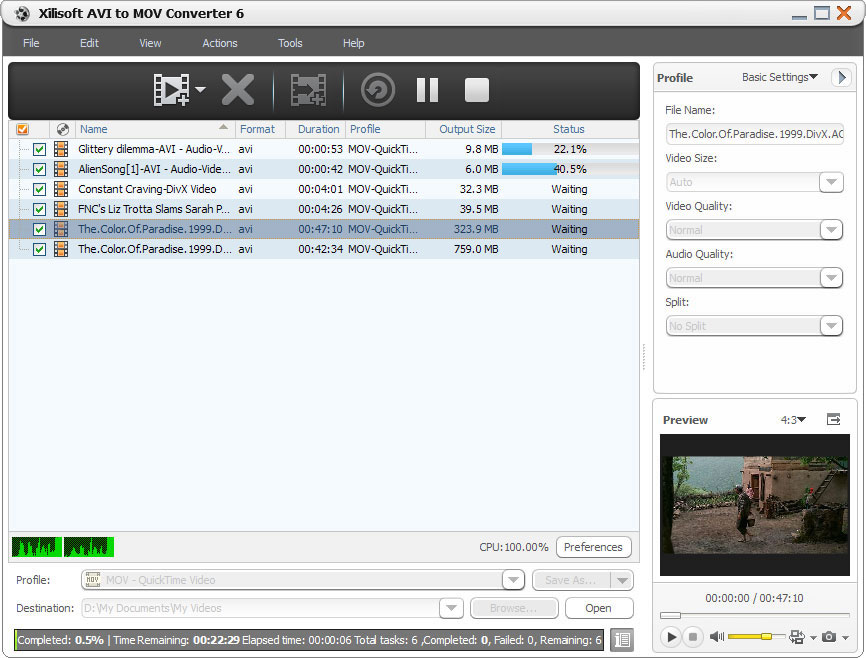
Xilisoft AVI to MOV Converter is the easiest way to convert AVI files to QuickTime MOV videos. With the AVI to MOV converter, you can create MOV videos from photos (JPG, PNG, GIF and BMP), split a large file to get several segments, customize output file size with the Bitrate Calculator, and convert only the selected segment and adjust the output parameters to get the perfect MOV file with the exact size and quality you want. New added features: 1. Makes the built-in player resizable (Switch the zoom mode between 4:3 and 16:9) 2. Offers the function of power management Key features: 1. Two steps to convert AVI files to MOV videos. 2. Convert a batch of photos (JPG, PNG, BMP, GIF) into a slideshow video. 3. Xilisoft AVI to MOV Converter supports multi-core CPU, multithreading, and batch process. 4. Split one file into several segments to fit your video on any device. 5. Customize the output video file size with the built-in Bitrate Calculator in the AVI to MOV converter. 6. Any video segment can be converted into MOV video files by setting its start time and duration. 7. Make adjustment to the following parameters: video codec, video size, bit rate, frame rate, audio codec, channels, and more. 8. Specify Xilisoft AVI to MOV Converter to run in the background to save CPU resources. Perform auto quit, shut down, hibernate or standby after AVI to MOV conversions. 9. Take snapshot during preview mode. 10. The AVI to MOV converter will auto check for software updates. 11. Provides several interface languages: English, Japanese, German, French and Chinese.
Specifications:
Version: 6.0.2.0415 |
Download
|

Similar Products:
APEAKSOFT FREE ONLINE AUDIO RECORDER 1.0.2
Audio & Multimedia :: Video Tools
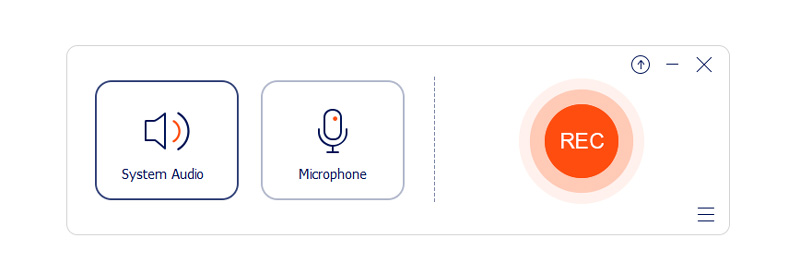 Do you have trouble in recording the system audio of your computer? Apeaksoft Free Online Audio Recorder is your best choice. With this audio recording tool, you could not only record your own voice by enabling microphone voice but also record the voice from your computer by using the system audio. It is also able to record audio from external LP, cassette, CD/DVD player, AM/FM/Satellite radio, etc.
Windows | Freeware
Read More
4MEDIA VIDEO CONVERTER PLATINUM 7.0.0.1121
Audio & Multimedia :: Video Tools
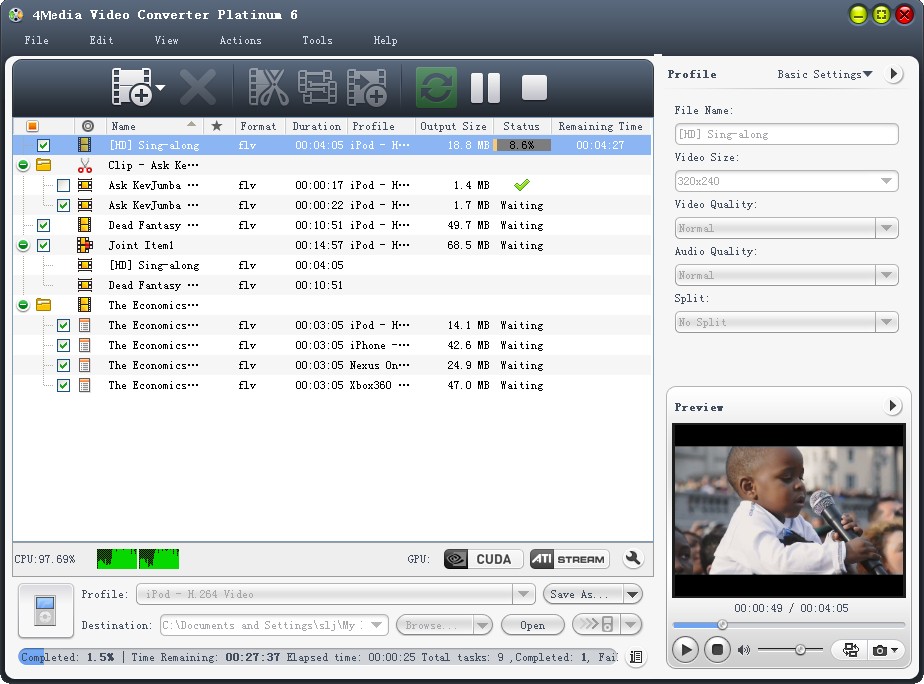 4Media Video Converter Platinum converts video files from HD to HD/SD and SD to SD, converts between audio formats, extract audio/pictures from video. This video converter makes it easy to put any video/music on iPod, iPhone, Apple TV, PSP, PS3, NDS, Wii, BlackBerry phone, iRiver, Creative Zen and other multimedia devices. Plenty of customization options are available to help you personalize output files.
Windows | Shareware
Read More
DEBUT FREE SCREEN CAPTURE SOFTWARE 13.01
Audio & Multimedia :: Video Tools
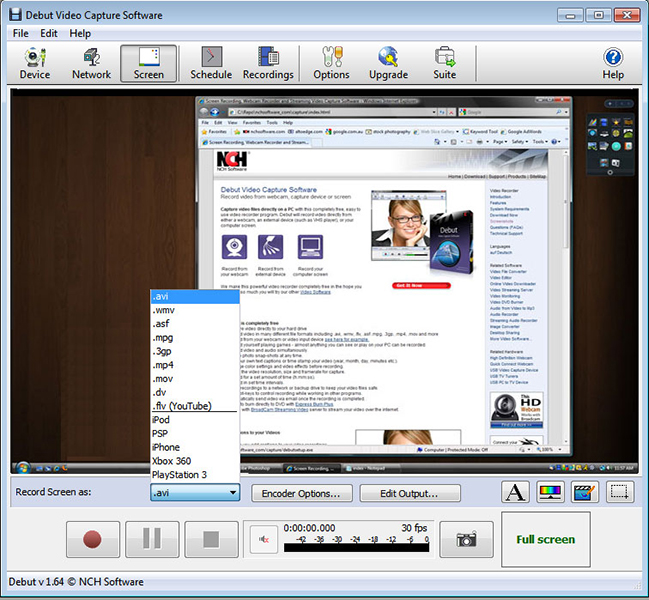 Debut is a free screen capture software. With Debut you can capture video from your entire screen, a single window or a selected portion. Save the recorded video as avi, flv, wmv and other video file formats. Email video recordings automatically when recording has stopped or send via FTP. Set Debut to record video at specific times, record computer games, create how to demonstrations, capture video messages, add text or captions and much more.
Windows | Freeware
Read More
Audio & Multimedia :: Video Tools
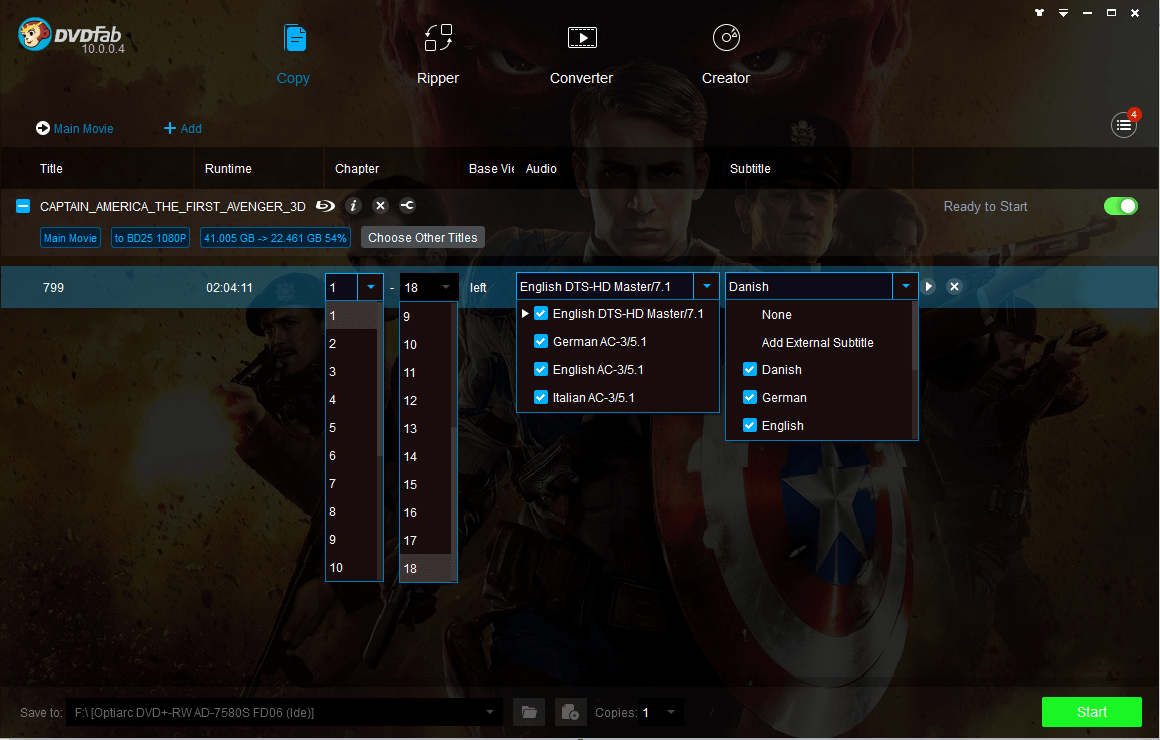 DVDFab All-In-One is the all-in-one software discount package for copying Blu-ray/DVD and converting video. It consists of several feature options: DVD Copy, DVD Ripper, Blu-ray Copy, Blu-ray Ripper, Blu-ray to DVD Converter, DVD to Blu-ray Converter, DVD Creator, CinaviaRemoval HD, Blu-ray Creator, Video Converter, and File Transfer, all in one convenient and easy to customize user interface. Really a powerful and amazing package!
Windows | Shareware
Read More