


N5 Net Software Repository
Your one-stop for all your software needs.
Search N5 Net Software Repository:
Search Files
Sponsor:
Browse:
- Audio & Multimedia (1534)
- Business (1704)
- Communications (460)
- Desktop (134)
- Development (555)
- Education (164)
- Games & Entertainment (701)
- Graphic Apps (656)
- Home & Hobby (102)
- Network & Internet (522)
- Security & Privacy (498)
- Servers (65)
- System Utilities (8837)
- Web Development (277)
Areas Of Interest
Authors Area
Are you a software author? Take a look at our Author Resource Center where you will find marketing tools, software specifically created for promoting your software and a ton of other helpful resources.
Recover MS Backup Database 5.9
System Utilities :: Backup & Restore
(Click to Enlarge)
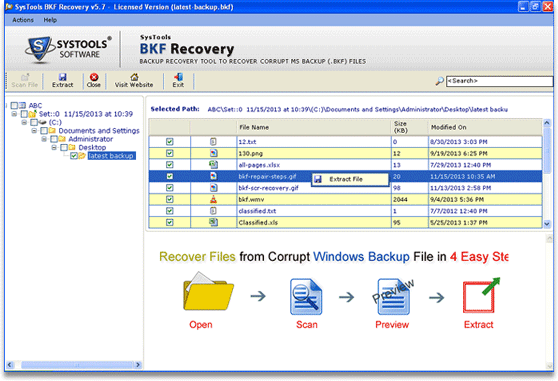
Do you want to recover MS Backup database files? So just, try MS Backup database recovery software which uses latest and advanced algorithms for providing 100% results in a very short time of period. With the help of this tool users can restore ms backup file into latest Windows 7 and 8 platforms successfully. MS backup database recovery application has user-friendly interface that encourages users to use this utility confidently. Corrupt MS Backup database recovery tool is the best solution and it will recover up to 400 GB data and also gives an easy option that helps you to recover MS Backup database into different parts as what you want to recover and that is Range Based Scan option. MS Backup recovery tool can successfully regain backup database created using NTBackup.exe and VERITAS Backup utility. If you want to get a trial for backup recovery then you can use its trial version which is without any investment and also obtain satisfaction with Best MS backup recovery tool. It can recover MS Backup database by following simple steps of recovery by purchasing the utility by just 89 USD Only.
Specifications:
Version: 5.9 |
Download
|

Similar Products:
System Utilities :: Backup & Restore
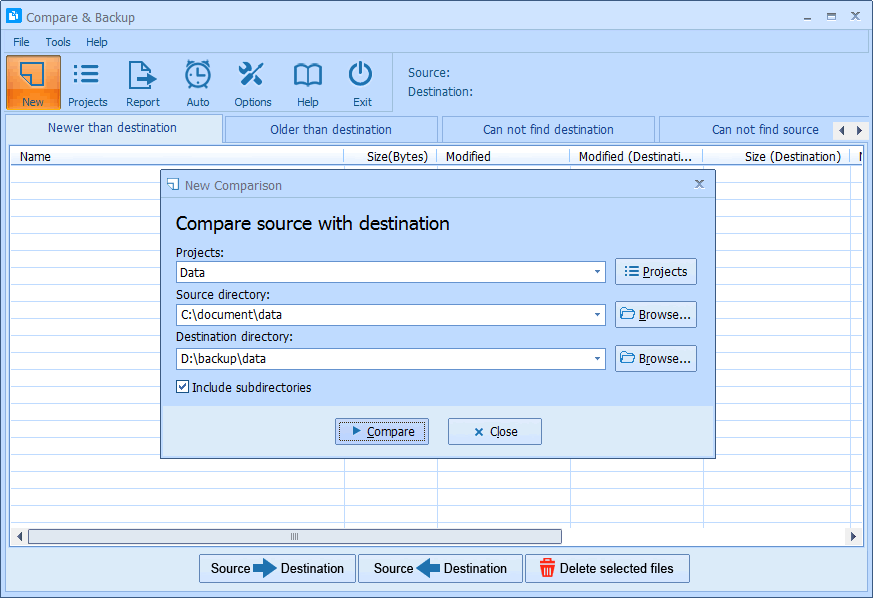 Compare & Backup is an easy to use and powerful tool for directory synchronization. It allows you to compare source with destination before backup. Compare results are shown in 5 sections:
1) Newer than destination
2) Older than destination
3) Can not find destination
4) Can not find source
5) Only size changed
So you will exactly know what the difference is between source and destination.
Compare & Backup is an easy to use and powerful tool for directory synchronization. It allows you to compare source with destination before backup. Compare results are shown in 5 sections:
1) Newer than destination
2) Older than destination
3) Can not find destination
4) Can not find source
5) Only size changed
So you will exactly know what the difference is between source and destination.
Windows | Shareware
Read More
System Utilities :: Backup & Restore
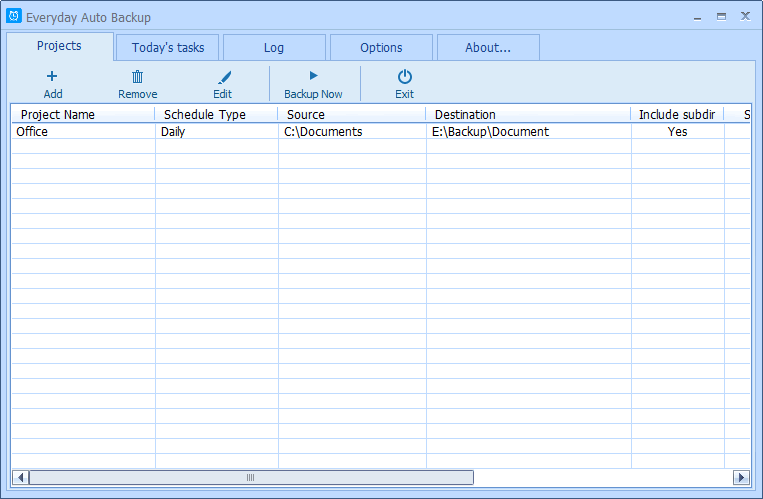 Everyday Auto Backup is an easy-to-use software designed to backup files automatically. What you need to do is to specify the source directory, the destination directory and the backup time. Then let this software do the rest. When the start time of a backup task arrives, this software will automatically start the backup task in the background without manual intervention. This software could be very useful to the Dropbox users.
Windows | Freeware
Read More
QILING DISK MASTER PROFESSIONAL 8.7.6
System Utilities :: Backup & Restore
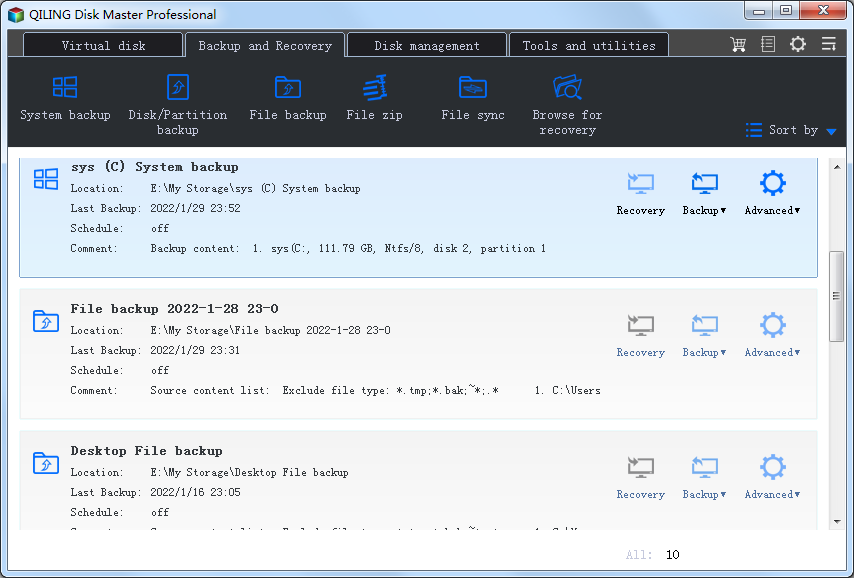 QILING Disk Master Professional is not only a reliable fast backup and recovery software solution, but also a ramdisk and partition manager software. It aiming to protect your data and improve the performance of your computer. It's is for private or home computer usage or any organization use for commercial purpose and licensed for one computer installation only.
Windows | Shareware
Read More
GRBACKPRO PROFESSIONAL BACKUP 11.2.0
System Utilities :: Backup & Restore
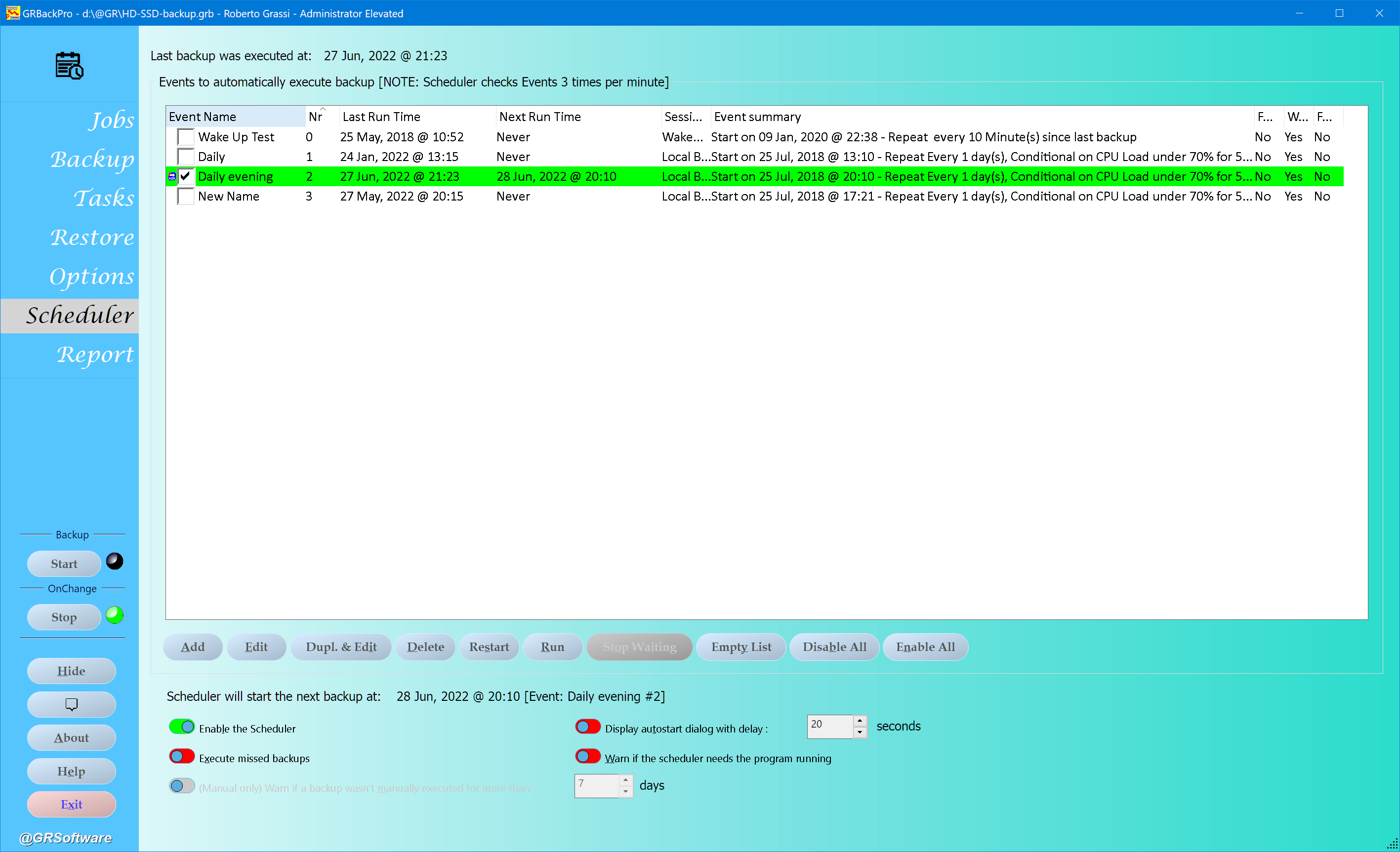 Professional Backup for Windows designed to solve your backup problems at a low price. Fully customizable, include/exclude files, skip directories. Zip64 compression with password. Run as a Service. Integrated restore, scheduler and tasks (email). Full, Incremental and Differential Backup modes. Supports: Windows Volume Shadow Copy, Unicode and Long path names. Span, Split, History modes. Support network UNC names and removable drives, NO Tapes.
Windows | Shareware
Read More