


N5 Net Software Repository
Your one-stop for all your software needs.
Search N5 Net Software Repository:
Search Files
Sponsor:
Browse:
- Audio & Multimedia (1527)
- Business (1697)
- Communications (462)
- Desktop (135)
- Development (555)
- Education (163)
- Games & Entertainment (700)
- Graphic Apps (657)
- Home & Hobby (102)
- Network & Internet (524)
- Security & Privacy (499)
- Servers (65)
- System Utilities (8668)
- Web Development (279)
Areas Of Interest
Authors Area
Are you a software author? Take a look at our Author Resource Center where you will find marketing tools, software specifically created for promoting your software and a ton of other helpful resources.
Everyday Auto Backup 3.6
System Utilities :: Backup & Restore
(Click to Enlarge)
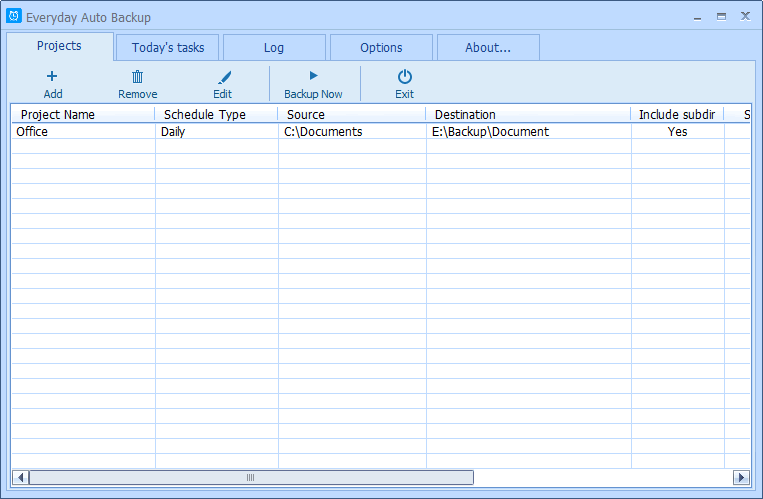
Everyday Auto Backup is an easy-to-use software designed to backup files automatically. What you need to do is to specify the source directory, the destination directory and the backup time. Then let this software do the rest. When the start time of a backup task arrives, this software will automatically start the backup task in the background without manual intervention. This software could be very useful to the Dropbox users because they don't have to manually copy files to the Dropbox folder now. When the date changes (the new day arrives or the date of the computer is modified), this software will immediately generate the backup task list for today according to the projects' settings. The backup project allows you to set: * The name of the backup project. * Source directory and destination directory. * Backup type: Minutely, Hourly, Daily, Weekly, Monthly, Manually. * Whether to include the suddirectories. * The start time (for Daily, Weekly, Monthly). * Whether to check the file time. If Yes the backup task will only backup newer or modified files.
Specifications:
Version: 3.6 |
Download
|

Similar Products:
System Utilities :: Backup & Restore
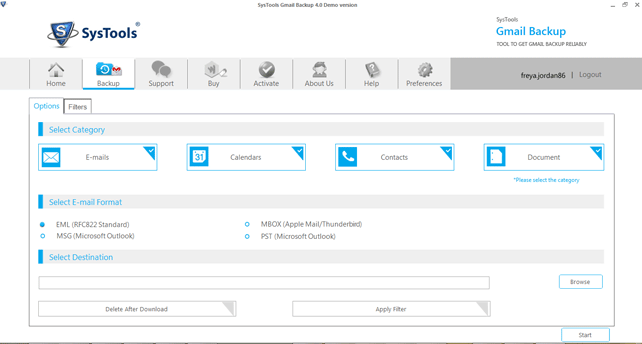 Our company offers Gmail backup software which is specifically developed for Gmail users. Using Gmail backup software, you can easily take backup of all Gmail emails including inbox, sent mail, starred, personnel, drafts and label) from Google account. There are some unique backup features of Gmail backup software including date based backup & delete after backup that assists you to create Gmail backup of Gmail account holder.
Windows | Shareware
Read More
System Utilities :: Backup & Restore
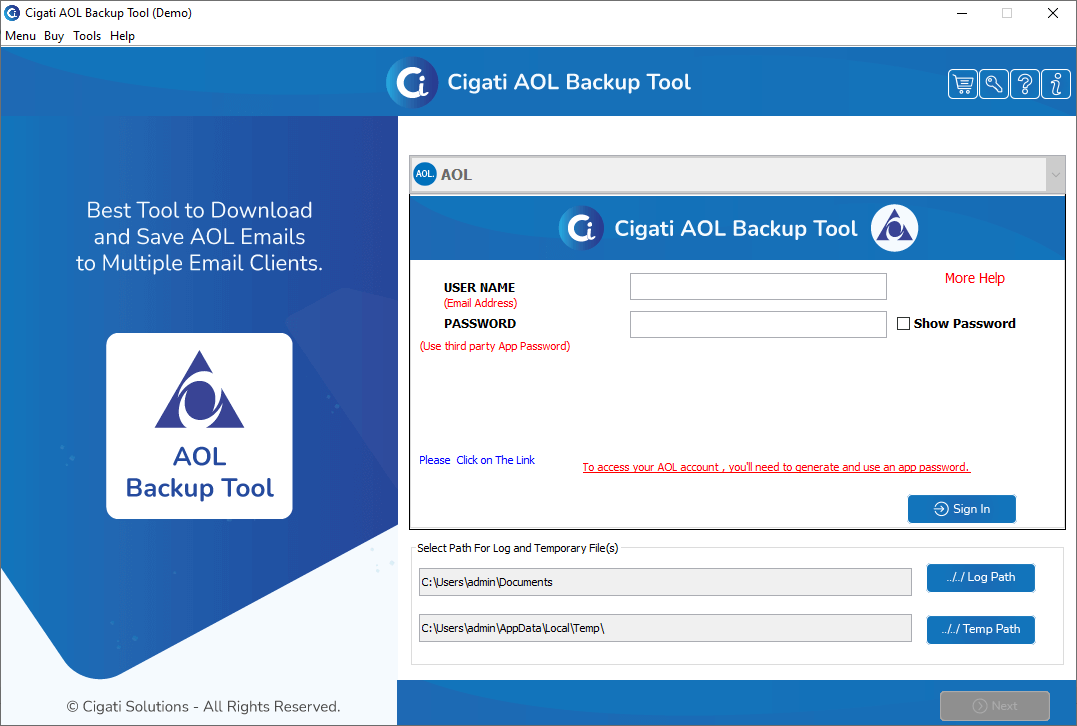 Using AOL Backup Tool to backup AOL Mails and other important data is one the best and most reliable approaches. This software has different most amazing features that a user can use to complete the backup process. The interface of this tool is so simple that even a non-technical person performs it. To examine its performance, you can try its free demo version. But the free versions allow only the first 50 emails per folder to backup.
Windows | Shareware
Read More
System Utilities :: Backup & Restore
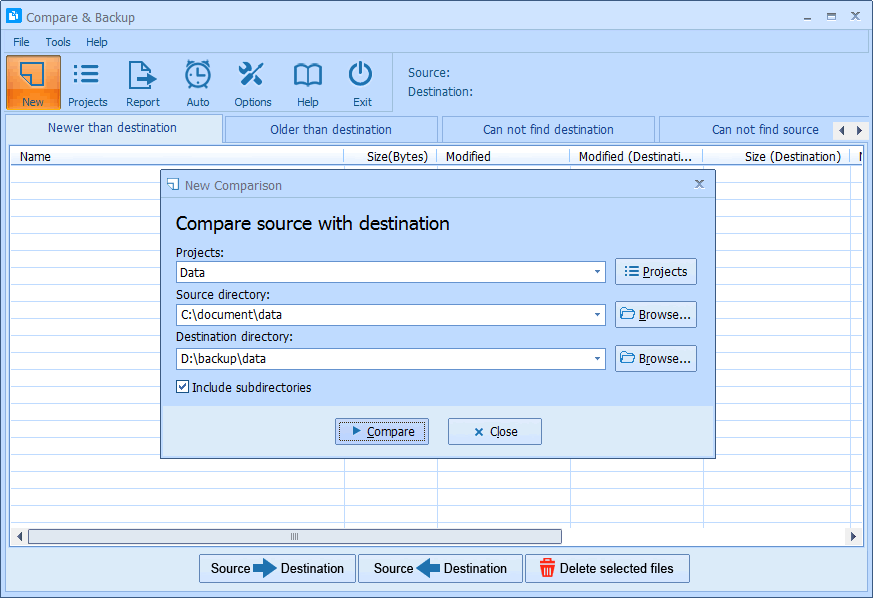 Compare & Backup is an easy to use and powerful tool for directory synchronization. It allows you to compare source with destination before backup. Compare results are shown in 5 sections:
1) Newer than destination
2) Older than destination
3) Can not find destination
4) Can not find source
5) Only size changed
So you will exactly know what the difference is between source and destination.
Compare & Backup is an easy to use and powerful tool for directory synchronization. It allows you to compare source with destination before backup. Compare results are shown in 5 sections:
1) Newer than destination
2) Older than destination
3) Can not find destination
4) Can not find source
5) Only size changed
So you will exactly know what the difference is between source and destination.
Windows | Shareware
Read More