


N5 Net Software Repository
Your one-stop for all your software needs.
Search N5 Net Software Repository:
Search Files
Sponsor:
Browse:
- Audio & Multimedia (1565)
- Business (1732)
- Communications (466)
- Desktop (182)
- Development (569)
- Education (166)
- Games & Entertainment (707)
- Graphic Apps (683)
- Home & Hobby (105)
- Network & Internet (543)
- Security & Privacy (500)
- Servers (65)
- System Utilities (9315)
- Web Development (281)
Areas Of Interest
Authors Area
Are you a software author? Take a look at our Author Resource Center where you will find marketing tools, software specifically created for promoting your software and a ton of other helpful resources.
Time Lapse Video Maker For Windows OS 2.2.0.1
Audio & Multimedia :: Video Tools
(Click to Enlarge)
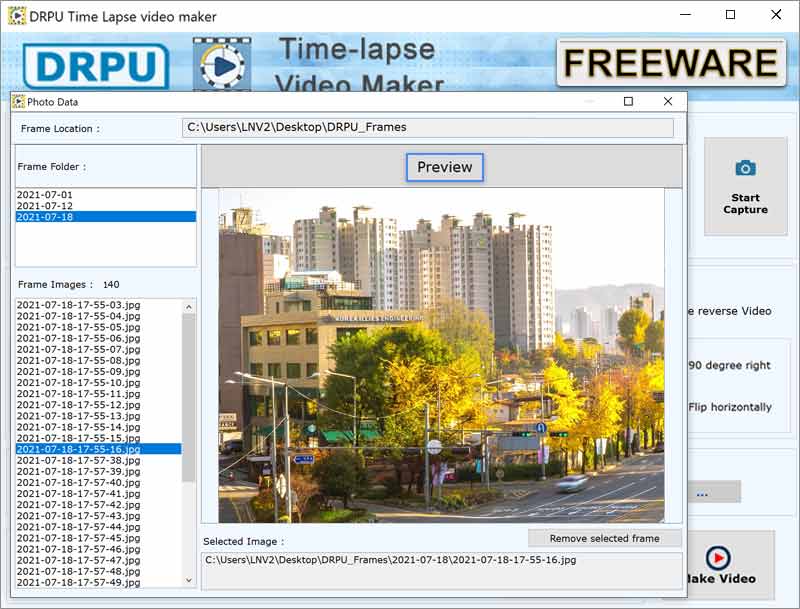
Time Lapse maker application can easily helps user to make slow frame rate video. It can be achieved by still camera shots. Software has audio option weather mute the audio or can add desired audio in video. It can change the video orientation and flip it as per need. It is a good tool for making good quality time lapse videos and provides multiple features to get high speed conversion and excellent result. ? How time lapse software works Time lapse are viewed as videos and software converts the sequence of raw images or taken by the camera using app and convert it into sequence of video. User can set the speed of frame rate per second. If user wants to make 10 second of time lapse video in 30fps so you have to add 300 still camera images and adds that folder into the input frame location. ? Easy to use software Software is very easy to use and user friendly and have multiple properties to make the video. In capture settings options user can select the capture device first either external camera or integrated webcam. User can check the video after clicking of make video option if any changes should?ve wanted. It can make one time lapse video at a time. User can change the name of the resulted video and save at the desired path in system. ? Supports Multiple file formats Software supports multiple different file formats for both images and video. For inserted image user can change format into JPG, PNG and BMP. User can convert resulted video format into AVI, MP4, MOV, MPG, WMV, MTS, 3GP, and MKV. Before saving the video click on format button in output video section. Software provides that many options so user can choose any format as per system need. ? Application areas of time lapse video maker Software offers great features during time lapse video process. However, user should know that application only create time lapse nothing else. If you want to edit the resulted video user have to use different software for that.
Specifications:
Version: 2.2.0.1 |
Download
|

Similar Products:
VIDEOPAD FREE VIDEO EDITOR 18.13
Audio & Multimedia :: Video Tools
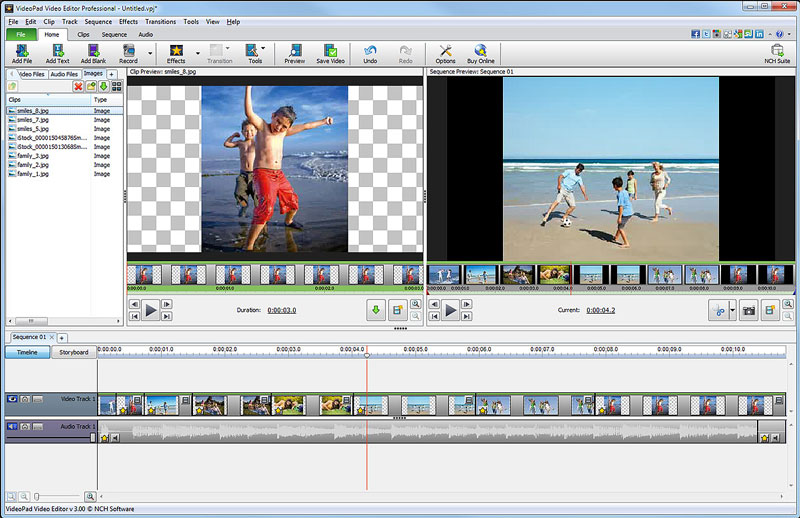 Free movie maker and video editing software for Windows. This video editing application allows you to import various file formats including .avi, .wmv, .3gp, .wmv, .divx and many others. Create great looking videos easily with the intuitive user interface. This is a free, video editing application which allows you create movie projects from various video clips or a single video file.
Windows | Freeware
Read More
PRISM PLUS VIDEO FILE CONVERTER 13.04
Audio & Multimedia :: Video Tools
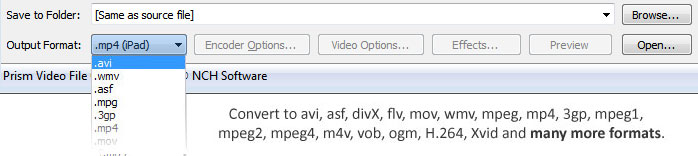 Prism is a video file converter for Windows. It can convert video files from avi, mpg, vob, wmv (Windows Media Video formats) and more into avi, asf or wmv files. Prism Video Converter is very easy to use. Just add the files you want to convert to the list, select the format you want to use, and then click the convert button.
Windows | Shareware
Read More
Audio & Multimedia :: Video Tools
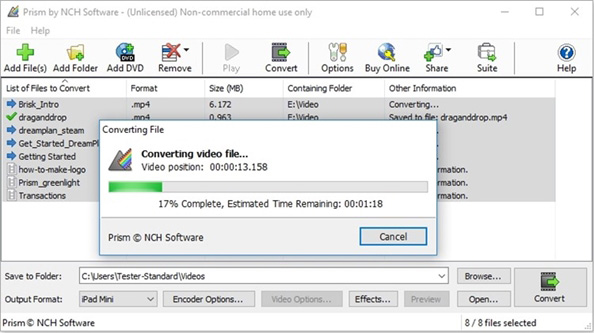 Prism Plus software to convert video file formats for Windows. Supported file types include but aren't limited to avi, mpg, vob, wmv (Windows Media Video formats) and more into avi, asf or wmv files. Prism Video Converter is simple to learn. Add the files that need converting to the list, select the output format you want and then click the convert button.
Windows | Shareware
Read More
VIDEOPAD MASTERS EDITION 18.13
Audio & Multimedia :: Video Tools
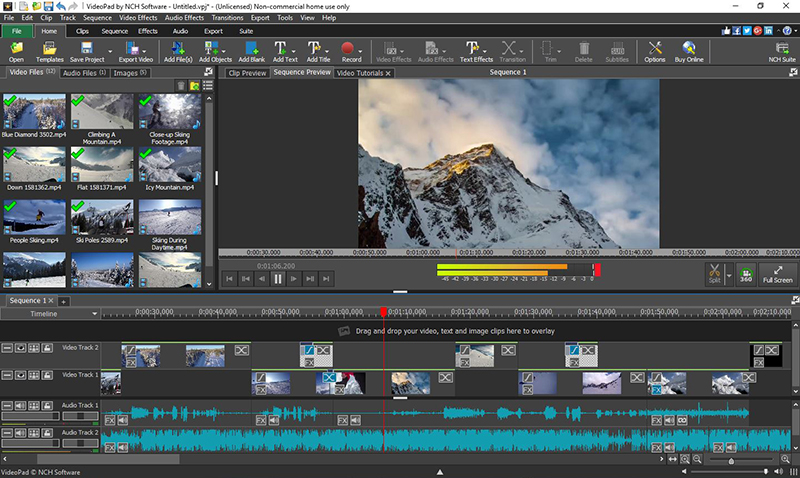 VideoPad Masters Edition by NCH Software is professional video editing software for Windows to create movies and edit videos of many different formats including avi, wmv, .3gp, wmv, divx and more. Create great looking videos or movies easily with the intuitive user interface. Drag and drop video clips. Choose from over 50 visual effects and transitions including chroma key or green screen technology. Burn your video to DVD or share to Youtube.
Windows | Shareware
Read More