


N5 Net Software Repository
Your one-stop for all your software needs.
Search N5 Net Software Repository:
Search Files
Sponsor:
Browse:
- Audio & Multimedia (1527)
- Business (1697)
- Communications (462)
- Desktop (135)
- Development (555)
- Education (163)
- Games & Entertainment (700)
- Graphic Apps (657)
- Home & Hobby (102)
- Network & Internet (524)
- Security & Privacy (499)
- Servers (65)
- System Utilities (8668)
- Web Development (279)
Areas Of Interest
Authors Area
Are you a software author? Take a look at our Author Resource Center where you will find marketing tools, software specifically created for promoting your software and a ton of other helpful resources.
HTMLAsText 1.11
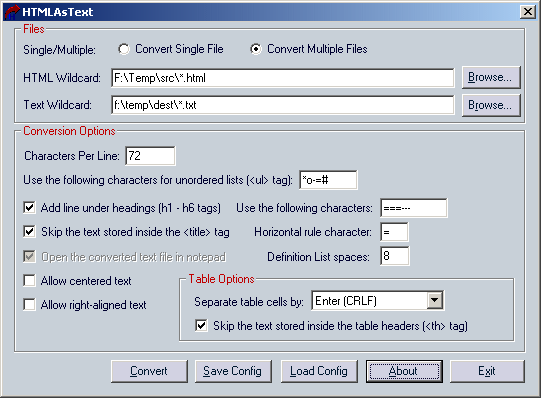
(Click to Enlarge)
HTMLAsText utility converts HTML documents to simple text files, by removing all HTML tags and formatting the text according to your preferences. Features: * HTMLAsText automatically removes all tags and scripts from the document. * The remained text is formatted according to the number of characters per line that you select. * All HTML entities (e.g.: &, <) are converted into the corresponding ASCII characters. * Unordered lists (
- tag) and ordered lists (
- tag) are formatted accordingly. The bullets beside the items of unordered lists are replaced by ASCII characters according to your selection.
* Definition lists are formatted by adding spaces in the left side of the definition lines.
* Optionally, centered and right-aligned paragraphs are formatted accordingly by adding space characters in the left side of the lines.
* Optionally, HTMLAsText allows you to add a line under each heading (
- tags)
* Simple tables can be delimited by spaces, tab characters, commas, or CRLF.
* Preformatted text blocks ( tag) are copied "as is", without formatting the text.
* You can convert multiple HTML files in the same folder at once, by using wildcard. (e.g.: c:\files\*.html)
* You can run the conversion process without displaying any user interface, by using the /run command-line option.
 tag) are copied "as is", without formatting the text.
* You can convert multiple HTML files in the same folder at once, by using wildcard. (e.g.: c:\files\*.html)
* You can run the conversion process without displaying any user interface, by using the /run command-line option.
Specifications:
Version: 1.11 |
Download
|

Similar Products:
UNIPDF PDF TO DOC CONVERTER 1.3.4
Business :: Office Suites & Tools
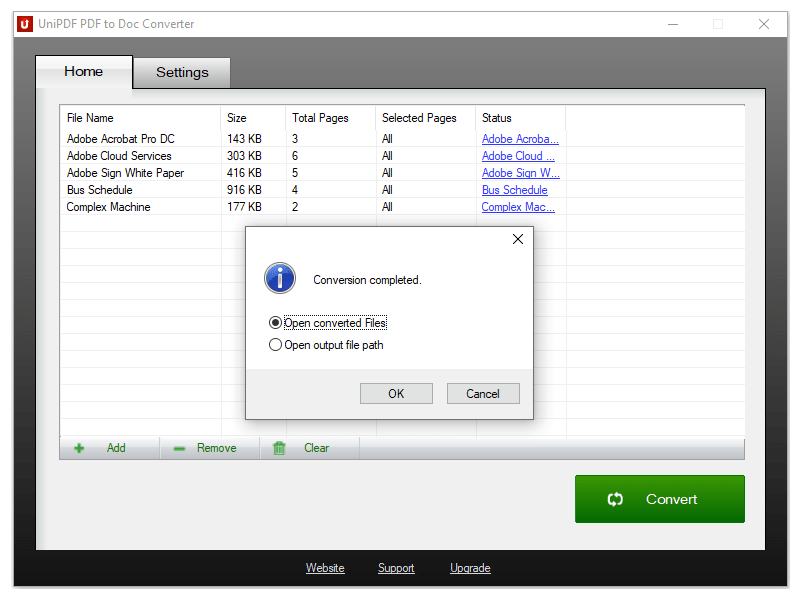 100% Free PDF to Doc converter software. Convert PDF to Doc format in batch mode and keep original document texts, layouts, images. This easy-to-use PDF to Doc converter allows you to change PDF files into Word documents in seconds in only two simple steps: Add PDF files; Convert. It's just that easy! Unlike other online PDF to Doc converters, you don't need to register, upload, and download to get the job done.
Windows | Freeware
Read More
Business :: Office Suites & Tools
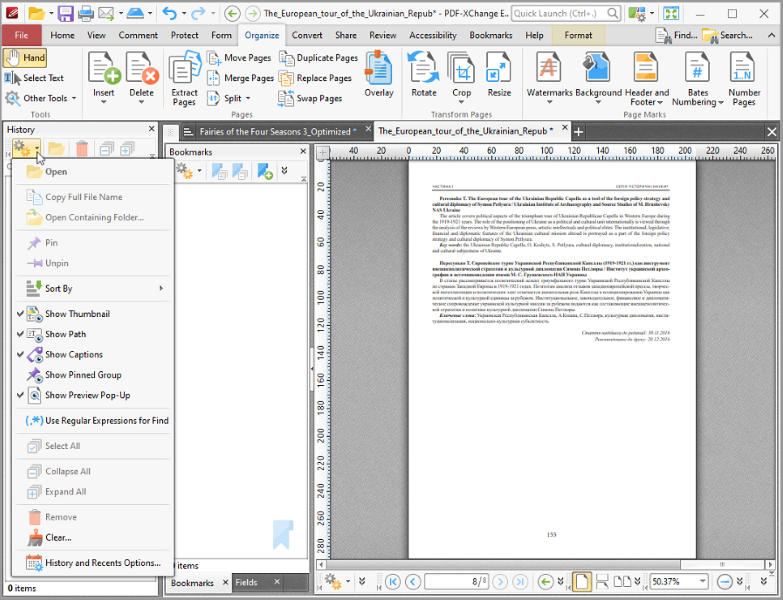 All you will ever need to Create (from virtually any windows application). Includes PDF-XChange Editor Plus and PDF-Tools; Create new PDF files from the output of any Windows app; Create and Edit Fillable PDF Forms; Dynamic Stamps; Interactive Adobe AcroForms
Windows | Shareware
Read More
OUTLOOK EMAIL TO PDF CONVERTER 6.0
System Utilities :: File & Disk Management
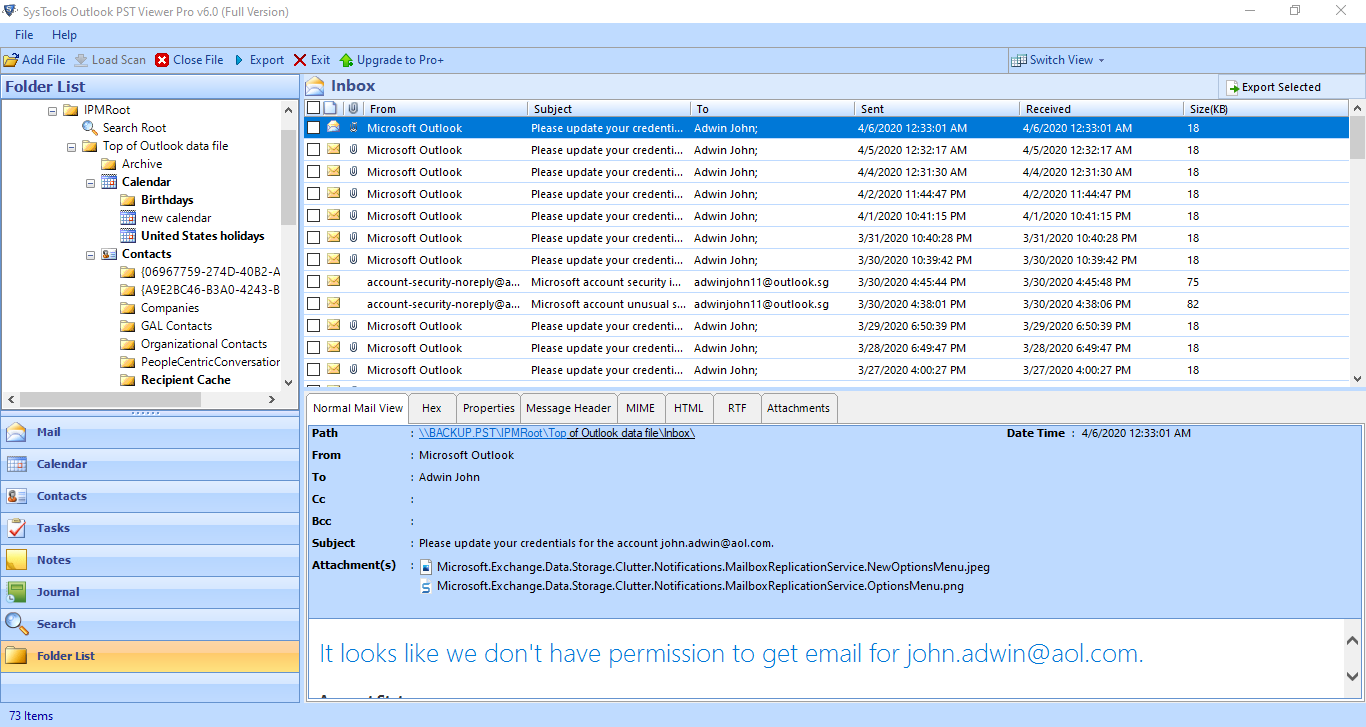 Outlook Email to PDF Converter software gives you the best option to generate a printed copy of selected emails. A user can have his emails printed in a short time. By using this email printing feature, users can easily make a paper copy of their emails by printing them directly with the PST Viewer tool. PST to PDF Converter is a dedicated tool that supports PST files created from all versions of Outlook such as 2002, 2003, 2007, 2010, 2013.
Windows | Shareware
Read More
SAVE OUTLOOK EMAIL TO PDF WITH ATTACHMENT 6.0
System Utilities :: File & Disk Management
How to Save Outlook Email to PDF With Attachments? Also, you can convert and export Outlook 2019 email as PDF without losing any information. So if you want to complete this work quickly, For this you have to download PST to PDF converter. This wizard is developed specifically for Outlook users. You can export Outlook emails to PDF files. There is no need to save every email repeatedly.
Windows | Shareware
Read More