


N5 Net Software Repository
Your one-stop for all your software needs.
Search N5 Net Software Repository:
Search Files
Sponsor:
Browse:
- Audio & Multimedia (1565)
- Business (1732)
- Communications (466)
- Desktop (182)
- Development (569)
- Education (166)
- Games & Entertainment (707)
- Graphic Apps (683)
- Home & Hobby (105)
- Network & Internet (543)
- Security & Privacy (500)
- Servers (65)
- System Utilities (9315)
- Web Development (281)
Areas Of Interest
Authors Area
Are you a software author? Take a look at our Author Resource Center where you will find marketing tools, software specifically created for promoting your software and a ton of other helpful resources.
Image2PDF Command Line 3.2

(Click to Enlarge)
Image2PDF is an application program based on Windows platform, which can directly convert more dozens of image formats, such as TIF, JPG, GIF, PNG, BMP, PSD, WMF, EMF, PDF, PCX, PIC and so on, into PDF format, can support manifold conversion way, and automatically clear and skew-correct by adopting special technique for B/W images, to insure display effect of high quality after conversion. Image2PDF can operate independently on Adobe Acrobat, in faster processing speed. We once have an example of testing, in which, under Windows 2000 Pro, CPU Celeron400 / memory 256M, 5 minutes and 30 seconds was needed to convert 3042 images, totally 108 MB, in 200 directories, into one file. If your application program doesn't require OCR (Optical Character Recognition) function, this software provides a kind of very convenient way to compose electronic books so that users can very conveniently issue it to Web. You can directly scan paper documents into image files by scanner, convert them into PDF file by Image2PDF. Without complicated procedure and operation, it will be very simple to compose electronic books. Image2PDF Command Line Features: 1. Image To PDF Converter supports specify any resolution in the generated PDF file; 2. Easily generate bookmarks to go to a specific page; 3. Image To PDF Converter supports wildcard character, for example: *.tif, a*.tif, etc; 4. Image To PDF Converter supports command line operation (for manual use or inclusion in scripts); 5. Image To PDF Converter supports merge to an existing PDF file (insert before the first page or append to the last page); 6. Image To PDF Converter supports TIF, TIFF, JPG, JPEG, PNG, GIF, PCD, PSD, TGA, BMP, DCX, PIC, EMF, WMF, etc. image formats; 7. Image To PDF Converter supports combine multiple directories and images into one PDF file; 8. Image To PDF Converter does NOT need Adobe Acrobat software;
Specifications:
Version: 3.2 |
Download
|

Similar Products:
Graphic Apps :: Viewers
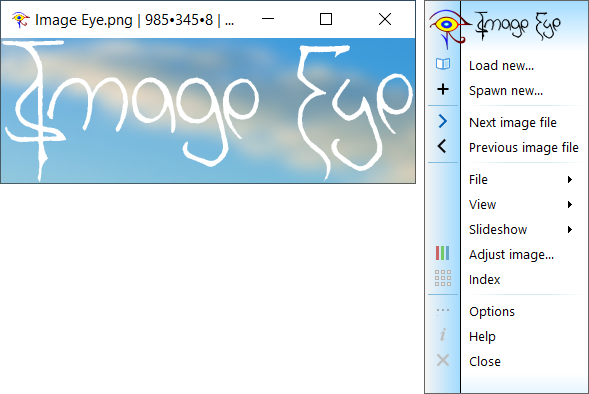 The only image viewer you need for viewing and browsing images. Small, very fast, highly tuned code. Clean with no unnecessary menus and toolbars wasting your desktop space. Uncompromising image quality. High quality, non-destructive, image adjustment options. Index feature with fast thumbnail creation. Native versions for x64 (64-bit), x86 (32-bit), and Arm64. Multi-core and SIMD vector-instruction support. Translated into many languages. Freeware!
Windows | Freeware
Read More
ONE SIMPLE IMAGE COMPRESSOR 3.0.0
Graphic Apps :: Converters & Optimizers
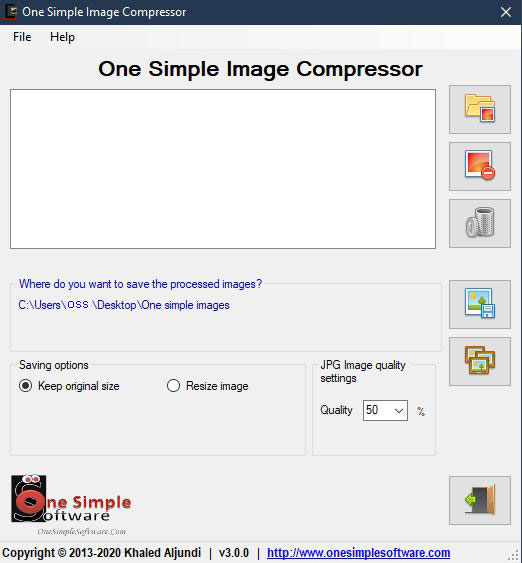 One Simple Image Compressor allows you to compress your images with ease. The software will compress your bmp, jpg, jpeg, gif, ico, emf, wmf, png, tif, tiff, and exif image files to save space and be more productive. The images are compressed to acceptable quality level and size. The software also allows you to resize any image and will give you a flexible option to compress your jpg files to any quality compression level ranging from 20% to 90%
Windows | Freeware
Read More
Graphic Apps :: Editors
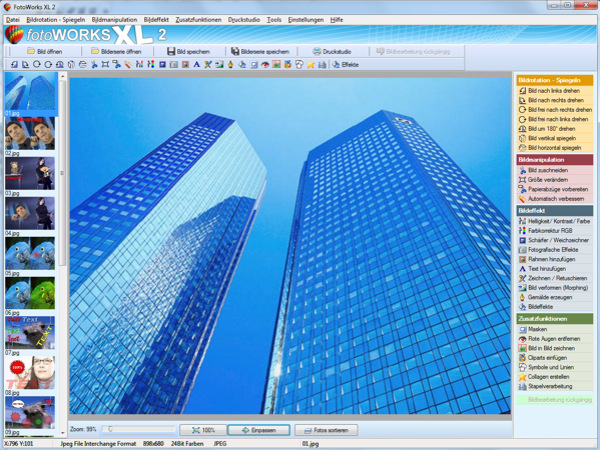 Photo editing software for beginners and professionals. The photo editing software FotoWorks XL includes all well-known photo effects needed to edit, improve, or enhance your photos. Edit photos easily without a long training period. Correct the color, brightness, and contrast values automatically; create photo montages, photo collages, or use the expert functions. Updated: color mode
Windows | Shareware
Read More
IMAGE DATE TIME FILE NAME STAMP 4.0.0
Graphic Apps :: Editors
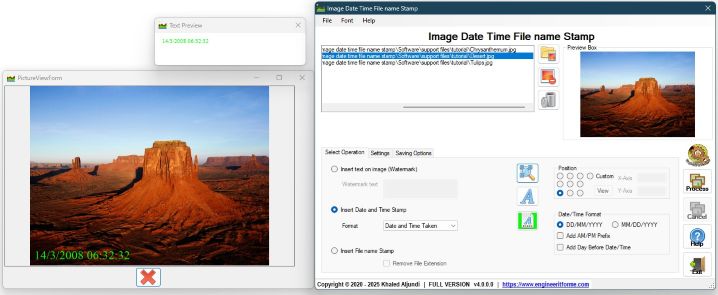 watermark your photos and images using a text that you can provide. The software can also stamp your pictures with any date or time, or extract time and date a photo was taken, also system time and date a photo was created, stamp photo file name extracted from each image. Software supports batch mode operation this allows you to process several images in one go and save time, there is so the ability to compress images during operation
Windows | Shareware
Read More