


N5 Net Software Repository
Your one-stop for all your software needs.
Search N5 Net Software Repository:
Search Files
Sponsor:
Browse:
- Audio & Multimedia (1527)
- Business (1697)
- Communications (462)
- Desktop (135)
- Development (555)
- Education (163)
- Games & Entertainment (700)
- Graphic Apps (657)
- Home & Hobby (102)
- Network & Internet (524)
- Security & Privacy (499)
- Servers (65)
- System Utilities (8668)
- Web Development (279)
Areas Of Interest
Authors Area
Are you a software author? Take a look at our Author Resource Center where you will find marketing tools, software specifically created for promoting your software and a ton of other helpful resources.
Aiseesoft Burnova 1.5.58
Audio & Multimedia :: CD Burners
(Click to Enlarge)
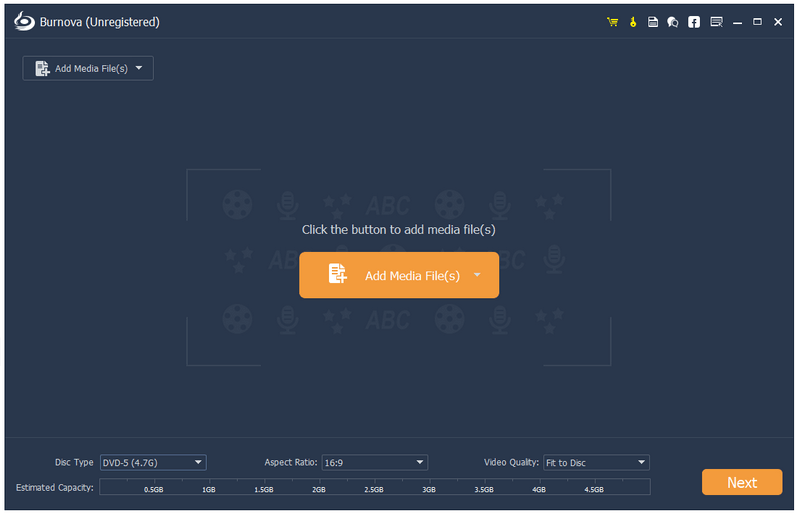
Aiseesoft Burnova is compatible with almost all video formats for DVD/Blu-ray making. You are able to import videos in MP4, AVI, WMV, MKV, M4V, MOV, M2TS/MTS, 3GP, VOB, FLV, MPEG, MPG, DV, RMVB, TOD, ASF and more formats, even HD video files are supported. It lets you add external audio track from MP3, AAC, AIFF, FLAC, WAV, WMA, OGG, AC3, MPA, MP2, etc. audio files to make your own video. Key Features: 1. Convert various video files to DVD/Blu-ray disc/folder/ISO files Aiseesoft Burnova enables you to burn any popular video to DVD/Blu-ray disc/folder and ISO files. And there are two Blu-ray types for you to choose: BD-25 and BD-50. You can also burn movies to various DVD types, like DVD-R, DVD+R, DVD-RW, DVD+R DL, DVD-R DL, DVD-5, DVD-9, etc. 2. Burn DVD/Blu-ray with various menu templates Burnova provides you with various templates (holiday, family, travel, wedding and more styles) to specify your different types of movies or videos. You can also add your own images as the background to tell your own story for the video. For the title, menu and play button, you are allowed to edit or drag the buttons to the place you want. For the opening film, you are capable of importing your favorite video clips. 3. Edit videos before burning Before you burn your video or movie to a DVD or Blu-ray disc, you are allowed to edit the video effects by rotating, flipping, adjusting brightness and contrast, adding watermark and more to make your video more perfect. 4. Add and set audio track/subtitle Users can add audio track and subtitle to the Blu-ray/DVD. It's also possible to add your own audio track.
Specifications:
Version: 1.5.58 |
Download
|

Similar Products:
Audio & Multimedia :: CD Burners
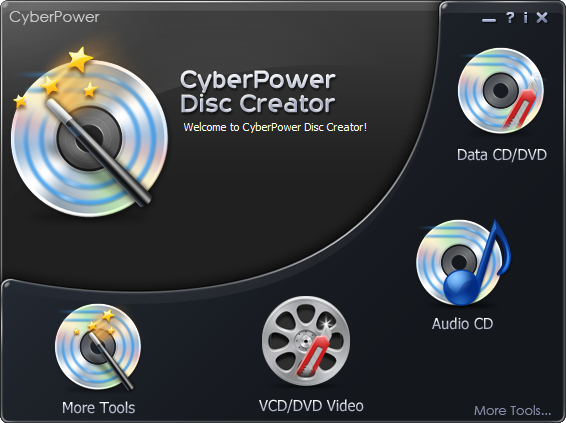 CyberPower Disc Creator is comprehensive all-in-one CD DVD burner software that enables you to create, share and store all of your digital content on discs. This new disc burner software supports all current optical disc formats from legacy Audio CD to brand-new Blu-Ray and HD-DVD disks. Of course, you can burn a data CD, a single or double-layer video DVD or data disk just as easily!
Windows | Shareware
Read More
Audio & Multimedia :: CD Burners
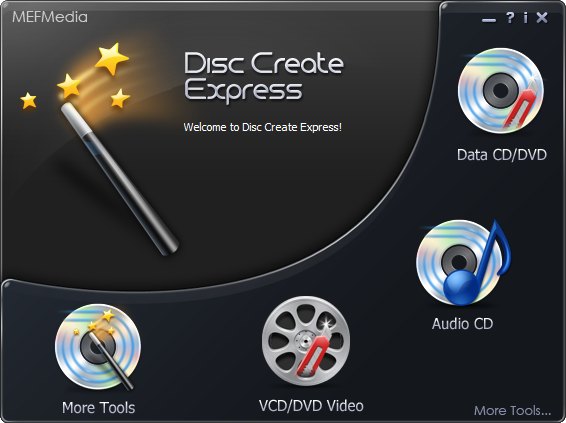 The Disc Create Express is truly the most powerful yet simple CD DVD burner which enables you to burn any data (text, image, video, audio and more) from your computer onto CD-R, DVD-R, DVD+R, CD-RW, DVD-RW, DVD+RW, HD DVD and Blu-ray discs; burn AVI, MPEG-1, MPEG-2 and WMVD files to DVD-R/DVD+R discs quickly and easily; burn audio files to audio CD that can be played in any standard CD player with ease; rip audio tracks from your music CDs.
Windows | Shareware
Read More
Audio & Multimedia :: CD Burners
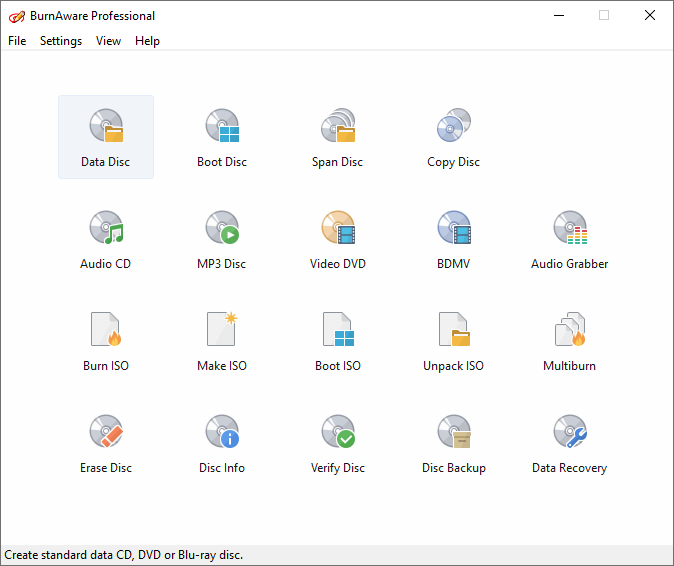 BurnAware Premium is a CD, DVD and Blu-ray Disc burning and copying software designed specifically for users who need additional functionality, besides disc burning, such as disc-to-disc copying, audio track extraction or data recovering. If you are looking for a well-rounded disc burning and copying tool with a price you can afford, BurnAware Premium is a perfect candidate for the job.
Windows | Shareware
Read More
Audio & Multimedia :: CD Burners
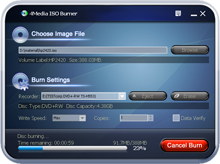 4Media ISO Burner is a skillful tool. Owning the program, it can help you burn ISO file into CD/DVD disc. Moreover, it supports various input formats including BIN/CUE, IMG, MDF, NRG, CDI, B5i, B6i, DMG, etc. Prolific disc formats including CD-R, CD-RW, DVD-R, DVD+R, DVD-RW, DVD+RW, are also supported for using freely. For guaranteeing the information veracity, the program will verify the written data after burning.
Windows | Shareware
Read More