


N5 Net Software Repository
Your one-stop for all your software needs.
Search N5 Net Software Repository:
Search Files
Sponsor:
Browse:
- Audio & Multimedia (1527)
- Business (1697)
- Communications (462)
- Desktop (135)
- Development (555)
- Education (163)
- Games & Entertainment (700)
- Graphic Apps (657)
- Home & Hobby (102)
- Network & Internet (524)
- Security & Privacy (499)
- Servers (65)
- System Utilities (8668)
- Web Development (279)
Areas Of Interest
Authors Area
Are you a software author? Take a look at our Author Resource Center where you will find marketing tools, software specifically created for promoting your software and a ton of other helpful resources.
MSG to PDF Converter 21.12
System Utilities :: File & Disk Management
(Click to Enlarge)
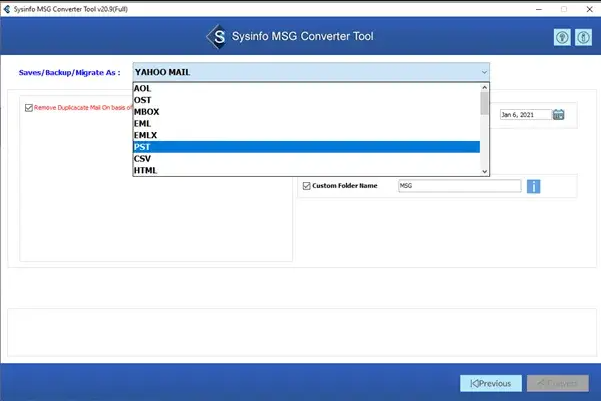
This Outlook MSG to PDF Converter tool offers bulk conversion of MSG to PDF or several file formats and email clients. Additionally, it added unique features like previewing your files or folders before proceeding. And its a smooth and quick execution process can be adaptable for nontechnical also to convert MSG files into a selected file format or email client. These advanced features of this tool make it distinct in the market and the first choice of users. It is very easy to operate when you run the software as an administrator. It shows you a wizard that asks you to add a Single File or multiple files/folders. When you add a single file, click on the Next button. A tree structure loaded on your screen containing MSG files and emails. Select the files, folders, and subfolders in the preview pane, and click Next. Here, you have to choose the file format or Email clients from the drop-down list, like PST, PDF, Gmail, Office 365, etc. After selecting all these, check the options as Save in the same folder, Migrate or Backup without attachment, or Split resultant PST. With these options, You can save your Output file in the same folder, Migrate your file without attachment which saves your space. Additionally, you can select your mail preference by the Mail filter option. Next, assign a name and choose a destination for your Output File. Finally, click on the Convert button to download your Output File. On the contrary, when you choose Multiple File Folders, you need to select the file or folders from the tree structure. Apart from that, this screen also allows you to remove the file or folder or select remove all. Make sure to preview the files or folders before proceeding in both cases. After previewing the chosen file or folder, select the file from the tree. Here it offers you an extra option to Remove Duplicate Files, and the rest of the features are the same as in the case of Single Files. These options may vary as per file format or Email Client Chosen. After
Specifications:
Version: 21.12 |
Download
|

Similar Products:
BULK CONVERT MSG FILES TO PDF 5.1
System Utilities :: File & Disk Management
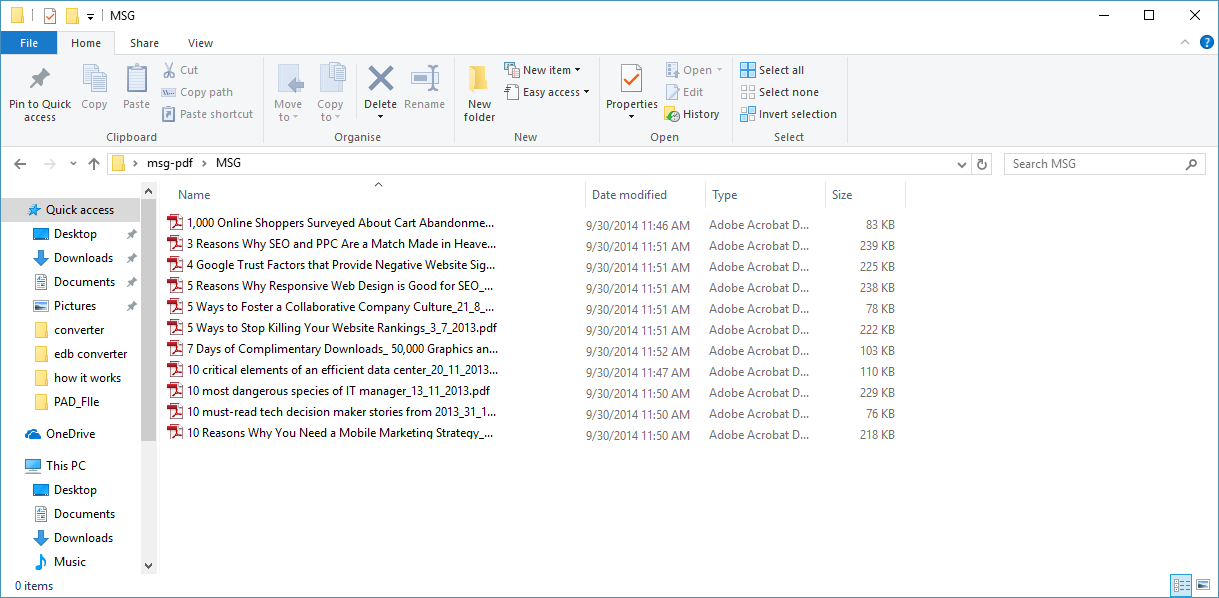 The tool is well developed and is a cost-effective solution with multiple advanced features and options. This tool has many useful features to help you convert and select MSG files to PDF. It works with an intuitive and easy conversion process, so anyone can run it easily without the help of an expert.
Windows | Shareware
Read More
EXPORT ALL OUTLOOK EMAILS TO PDF 8.2.1
System Utilities :: File & Disk Management
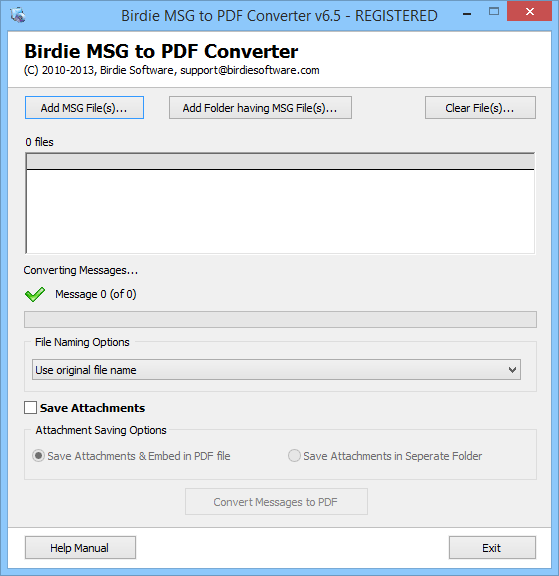 Grab the flawless conversion process of MSG to PDF Converter application as this application is deliberated with advanced technical features so that you can swiftly export all Outlook emails to PDF format in one go. The program has a GUI interface that provide guidance for exporting MSG emails to PDF format and it preserves all email elements from any loss while you convert MSG to PDF format.
Windows | Shareware
Read More
System Utilities :: File & Disk Management
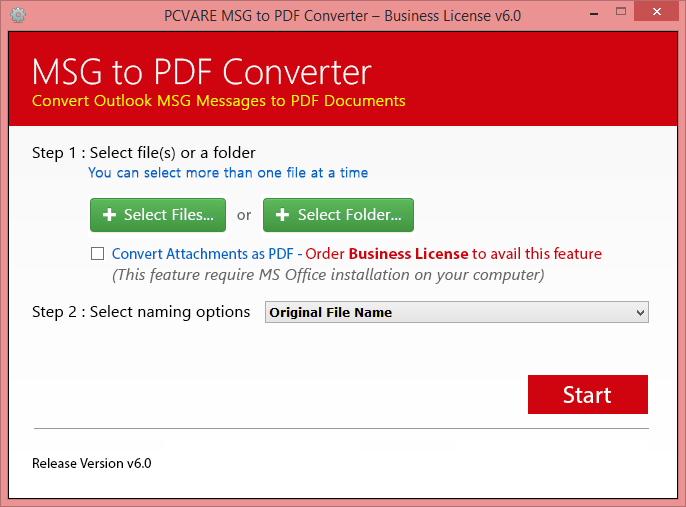 You can easily use the MSG to PDF Converter that can smoothly export MSG to PDF Adobe. The Software is absolutely capable to run on entire Outlook edition ? 2013, 2010, 2007, 2003, etc and it also work with entire Windows OS ? Win 8.1, 8, 7, Vista, XP, etc.
Windows | Shareware
Read More
System Utilities :: File & Disk Management
Grab MSG to PDF Converter application to simply bulk import to PDF format in one fair attempt. The software preserve all email components while importing MSG files to Adobe PDF format as well as the software facilitate you to save the email attachments either in the same PDF file folder or in any detached / new folder while you importing MSG to PDF process.
Windows | Shareware
Read More