


N5 Net Software Repository
Your one-stop for all your software needs.
Search N5 Net Software Repository:
Search Files
Sponsor:
Browse:
- Audio & Multimedia (1582)
- Business (1741)
- Communications (469)
- Desktop (134)
- Development (571)
- Education (165)
- Games & Entertainment (709)
- Graphic Apps (683)
- Home & Hobby (106)
- Network & Internet (544)
- Security & Privacy (505)
- Servers (67)
- System Utilities (9267)
- Web Development (284)
Areas Of Interest
Authors Area
Are you a software author? Take a look at our Author Resource Center where you will find marketing tools, software specifically created for promoting your software and a ton of other helpful resources.
Pavtube HD Video Converter for Mac 4.8.6.6
Audio & Multimedia :: Video Tools
(Click to Enlarge)
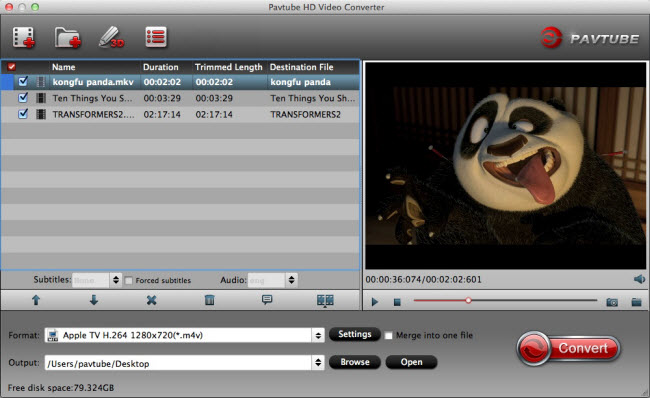
Your Complete HD Video Toolbox - Pavtube HD Video Converter for Mac. Convert, edit, enhance, organize, capture, and watch in over 250 formats on Mac El Capitan, include HD, 4K, 3D, SD, Common videos. Anyone can easily convert all Videos/Audios to any formats like H.265 MP4/MKV, 3D MP4/MKV/MOV/AVI/WMV, HD MKV/MP4/MOV/M4V/WMV/AVI/MPG, M3U8, FLV, ProRes, DNxHD, AIC, MPEG-2, Divx, Xvid, MP3, AC3, AAC, FLAC, WMA, WAV, M4A... The list of compatible devices and formats you can convert to is one of this video converter for Mac's best features. This application allows you to create files specifically tailored for a variety of Non-linear editing systems, tablets, smartphones, gaming systems, VR Headsets, Media Players and more. You can also select Web file types such as FLV, F4V, SWF, then upload them to YouTube, Facebook, Vimeo and Google plus, etc. The best thing about Pavtube is the fact that you find all of its tools in a single screen. You can trim your video before you convert it and adjust aspects such as brightness, contrast, hue and saturation from the same screen. You can also rotate the video from the main interface. Overall, Pavtube HD Video Converter for Mac offers users extraordinary 4K/3D/HD video experience anytime and anywhere. Key features: 1. Innovative HD decoding and encoding technology Not only converting HD videos, converting 4K 3D and general videos are equally impressive. 2. The support for most digital devices All ready-made profiles are optimized for devices, NEL including PS3, Xbox, Apple TV, iPad, iPhone, FCP X, Premiere, etc. 3. High-level customization Change any parameters to improve your video and save your changes for future use 4. Edit Video Deinterlace for better video effect Trim & crop & split Add Text and Image/Video Watermark Insert SRT/ASS/SSA subtitle Audio Editor 5. Audio and video sync technology - allows you to enjoy smooth output videos 6. Handy operation and intuitive profile list
Specifications:
Version: 4.8.6.6 |
Download
|

Similar Products:
AISEESOFT MAC BLU-RAY PLAYER 6.6.60
Audio & Multimedia :: Video Tools
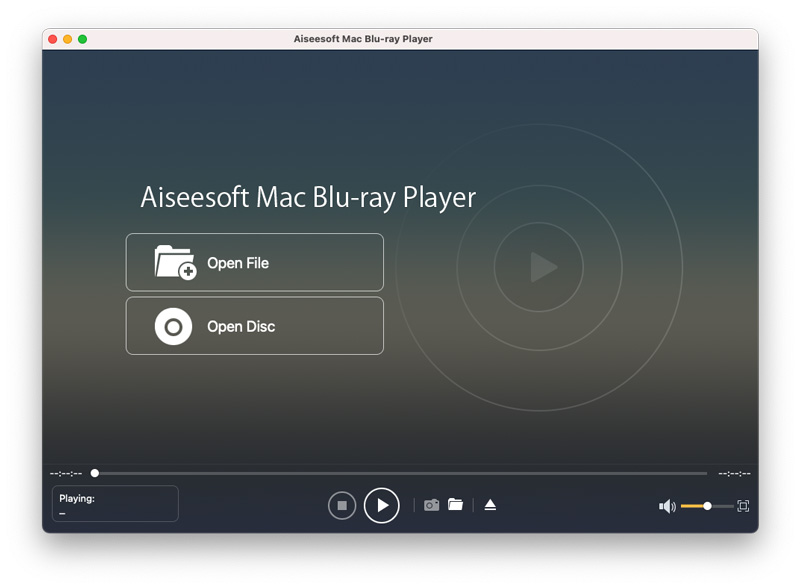 Aiseesoft Mac Blu-ray Player is specially designed to play almost all popular Blu-ray discs, Blu-ray folder and Blu-ray ISO image files with wonderful image and sound quality. Also, this player allows users to choose the specific Blu-ray title/chapter to play. Moreover, it can play nearly all video files in different resolution from 4K to 1080p/1080i/720p easily.
MAC | Shareware
Read More
DEBUT PRO EDITION FOR MAC 10.14
Audio & Multimedia :: Video Tools
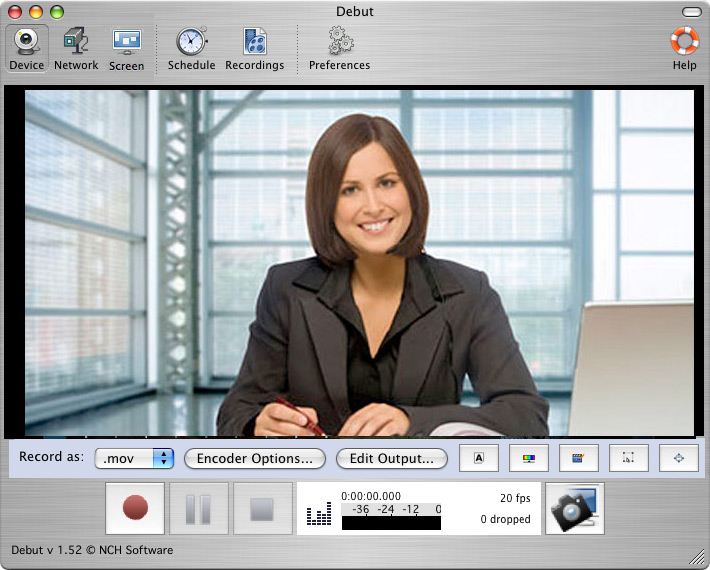 Debut is a professional screen capture software. With Debut you can capture video from your entire screen, a single window or a selected portion. Save the recorded video as avi, flv, wmv and other video file formats. Email video recordings automatically when recordings has stopped or send via FTP. Set Debut to record video at specific times, record computer games, create how to demonstrations, capture video messages, add text and much more.
MAC | Shareware
Read More
TIPARD BLU-RAY PLAYER FOR MAC 6.2.78
Audio & Multimedia :: Video Tools
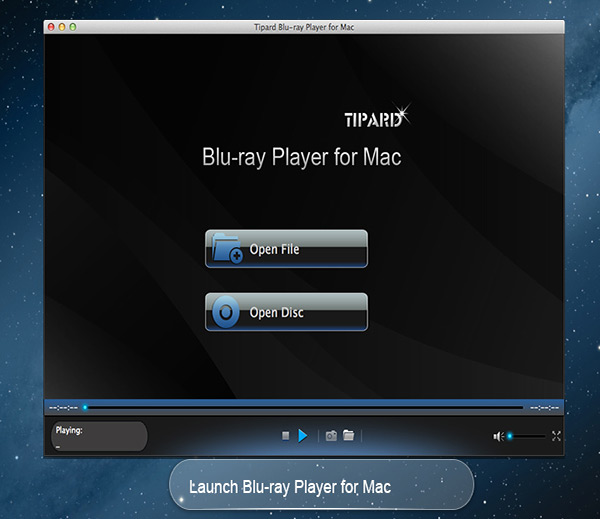 Tipard Blu-ray Player for Mac can not only help you play Blu-ray movies, Blu-ray folder and Blu-ray ISO image files with lossless quality on Mac, but also enables you to play HD MPG, HD MPEG, HD MPEG2, HD MPEG4, HD MP4, HD WMV, QuickTime HD MOV and other 1080p HD videos for Mac. Meanwhile, you can choose your desired video track and audio track when you play your Blu-ray movies in this software.
MAC | Shareware
Read More
VIDEOPAD MASTERS EDITION FOR MAC 18.05
Audio & Multimedia :: Video Tools
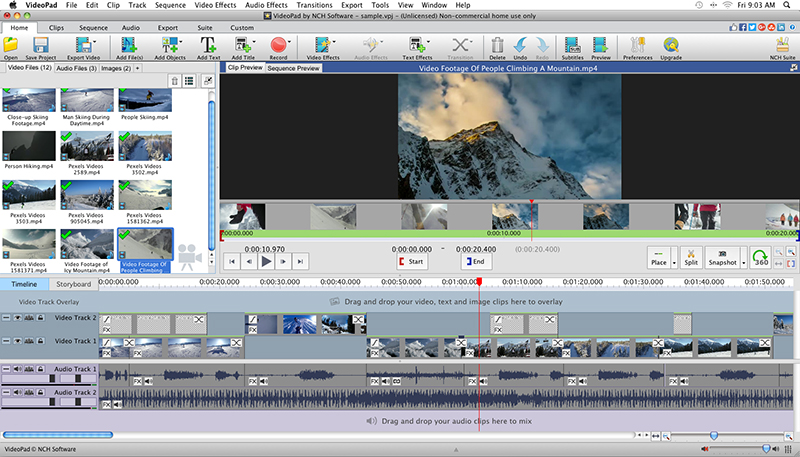 With VideoPad Masters Edition for Mac you can drag and drop files for easy video editing. You can also apply effects, transitions, speed adjustments, and more. VideoPad is one of the fastest video stream processors available. You can capture video from several sources, including DV camera, VHS, webcam, or raw files. You can also use VideoPad Masters to burn movies to DVD, share online, or post to video sites.
MAC | Shareware
Read More