


N5 Net Software Repository
Your one-stop for all your software needs.
Search N5 Net Software Repository:
Search Files
Sponsor:
Browse:
- Audio & Multimedia (1527)
- Business (1697)
- Communications (462)
- Desktop (135)
- Development (555)
- Education (163)
- Games & Entertainment (700)
- Graphic Apps (657)
- Home & Hobby (102)
- Network & Internet (524)
- Security & Privacy (499)
- Servers (65)
- System Utilities (8668)
- Web Development (279)
Areas Of Interest
Authors Area
Are you a software author? Take a look at our Author Resource Center where you will find marketing tools, software specifically created for promoting your software and a ton of other helpful resources.
Advanced Recent Access 13.0
System Utilities :: Launchers & Task Managers
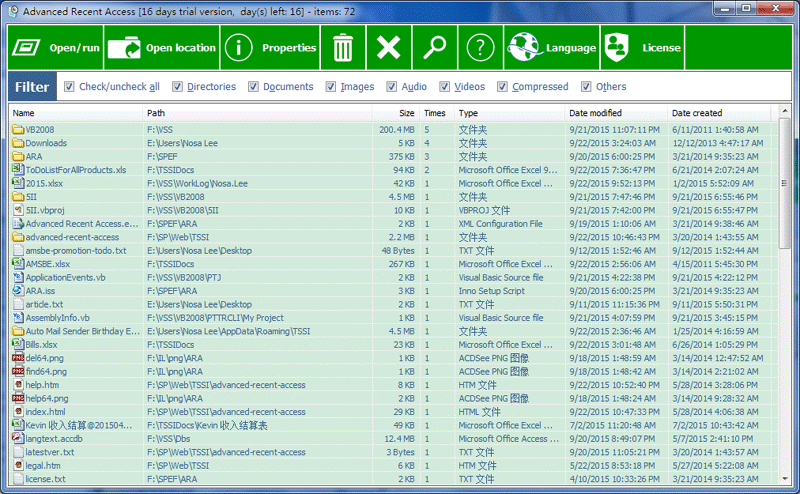
(Click to Enlarge)
Advanced Recent Access is designed to see more properties of your recent used resources (files and directories), such as path, size, type, and date accessed/modified/created. Key features: automatically record accessed times. Automatically delete the nonexistent recent resources. Can quickly filter the recent resources by their types, such as applications, directories, documents, images, audio, videos, compressed and others. Can sort the recent resources by any above properties. Displays recent resources count. Automatically refresh recent resources list. Automatically remember the order and width of the columns, sorting column and order. Automatically remember the size and location of the main window. Can hide some columns/resources that you do not want to see.
Specifications:
Version: 13.0 |
Download
|

Similar Products:
System Utilities :: Launchers & Task Managers
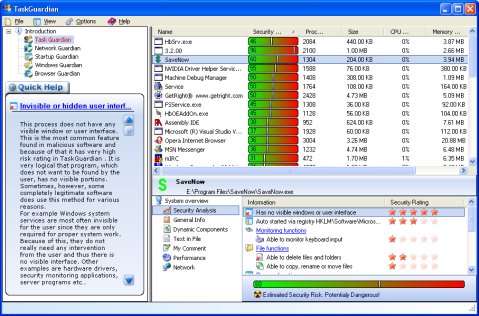 TaskGuardian is the arsenal of security tools designed to give you complete overview of what software is running on your system, in a comprehensible and easily understandable way. TaskGuardian includes advanced real-time process viewer with security analyzer, network connections viewer, startup and services manager, Windows folder scanner and browser plugin manager.
Windows | Shareware
Read More
System Utilities :: Launchers & Task Managers
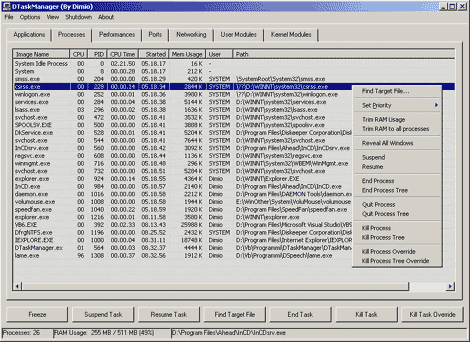 DTaskManager is a stand-alone Task-Manager specifically engineered to give additional functionalities that the Windows bundled TaskManager does not has: forced termination of any type of process bypassing all permissions (it can terminate also system processes), suspend and reactivate a process capability, monitor actually opened ports and much more.
Windows | Freeware
Read More
System Utilities :: Launchers & Task Managers
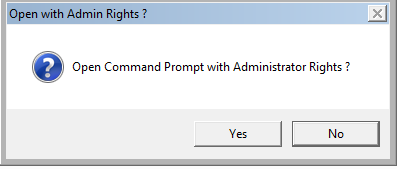 Launch the Command Prompt with or without administrative rights directly at any folder from Windows Explorer.Open Command Prompt Here is a free shell extension to the right click menu of Windows Explorer that adds a menu item to the right click context menu that opens the command prompt at the selected folder with or without admin rights. Both Windows 32bit and Windows 64bit are supported.
Windows | Freeware
Read More
System Utilities :: Launchers & Task Managers
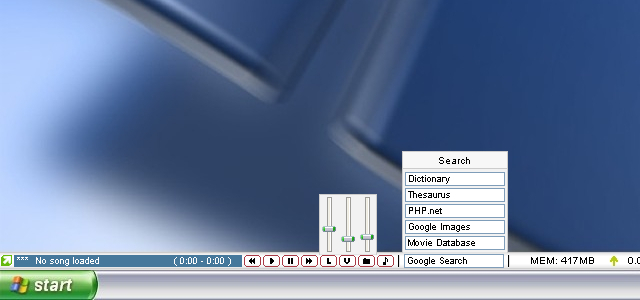 CustomBar is a bar that is always visible, much like the taskbar. Unlike the taskbar, you can place almost anything you want on it. This is accomplished through a scripting/plugin/skinning system that is powerful enough to create some basic apps in. C++ plugins can be used to further extend functionality. Standard features include Winamp controls, web search, volume controls, shortcuts, a mini notepad, system stats and much more. Fully skinnable.
Windows | Shareware
Read More