


N5 Net Software Repository
Your one-stop for all your software needs.
Search N5 Net Software Repository:
Search Files
Sponsor:
Browse:
- Audio & Multimedia (1565)
- Business (1732)
- Communications (466)
- Desktop (182)
- Development (569)
- Education (166)
- Games & Entertainment (707)
- Graphic Apps (683)
- Home & Hobby (105)
- Network & Internet (543)
- Security & Privacy (500)
- Servers (65)
- System Utilities (9315)
- Web Development (281)
Areas Of Interest
Authors Area
Are you a software author? Take a look at our Author Resource Center where you will find marketing tools, software specifically created for promoting your software and a ton of other helpful resources.
Adjust Laptop Brightness 2.0
(Click to Enlarge)
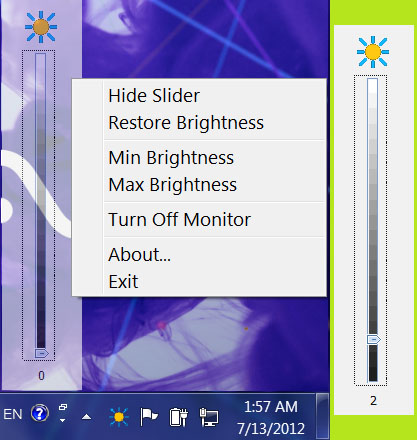
A tuning utility to adjust screen brightness on laptop, notebook, netbook, and ultrabook. It helps you to save your battery and your eyes as well as the back light of your monitor. If you find your desktop, screen, or monitor too bright, you can make it lighter; if you find your display device too dim, you can make it brighter by changing the brightness level slider in the application window of this utility. The application window can be minimized as an icon in the notification area of the taskbar (system tray) that indicates the current brightness level of the main display. Notification area icon also shows current brightness in a tool tip. Brightness can be changed by clicking the icon and drag the slider knob shown on the fly. It is a good idea to set the proper brightness value before you can work with office documents, read electronic books, surf the internet, watch movies, and play video games, etc. Adjust Laptop Brightness allows you to keep your eyes in optimum condition and have a good time while working on your PC. We have tested the software utility with HP laptop, COMPAQ laptop, Dell laptop, Gateway laptop, IBM laptop, LENOVO laptop, Sony laptop, Toshiba laptop, Fujitsu laptop, Panasonic laptop, Samsung laptop, Acer laptop, MSI laptop, Apple iMac, Apple MacBook Air, and Apple MacBook Pro. The software is proved to be able to easily adjust the brightness of the screen without any issue. Notebook, netbook, and ultrabook are also tested. Major Features - Change brightness at anytime and adjust brightness to the most comfortable level - Show current brightness level in the notification area of the taskbar - Turn off monitor to save battery when display is not needed - Dim your screen brightness to the lowest - Raise your screen brightness to the highest - Calibrate monitor brightness on system startup - Reduce brightness level on system idle - Support LCD, LED, backlight LED monitor - No hardware OSD needed
Specifications:
Version: 2.0 |
Download
|

Similar Products:
SHELL AND TUBE HEAT EXCHANGER DESIGN 5.1.0.0
Business :: Calculators & Converters
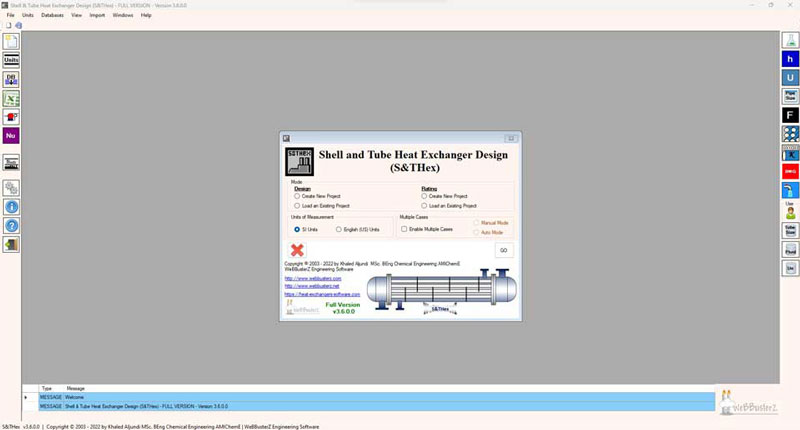 This tool is made to demonstrate the chemical design & rating calculations of Shell and Tube Heat Exchangers.Unlike other tools, ensures that the calculations are performed step by step to help in understanding the design calculations. The software is easy to use and can calculate unknown shell/tube side temperatures by iteration method. Also can select from different correlations to calculate heat transfer coefficient and much more....
Windows | Demo
Read More
REPAIR OST FILE TO PST FREE 8.0
System Utilities :: File & Disk Management
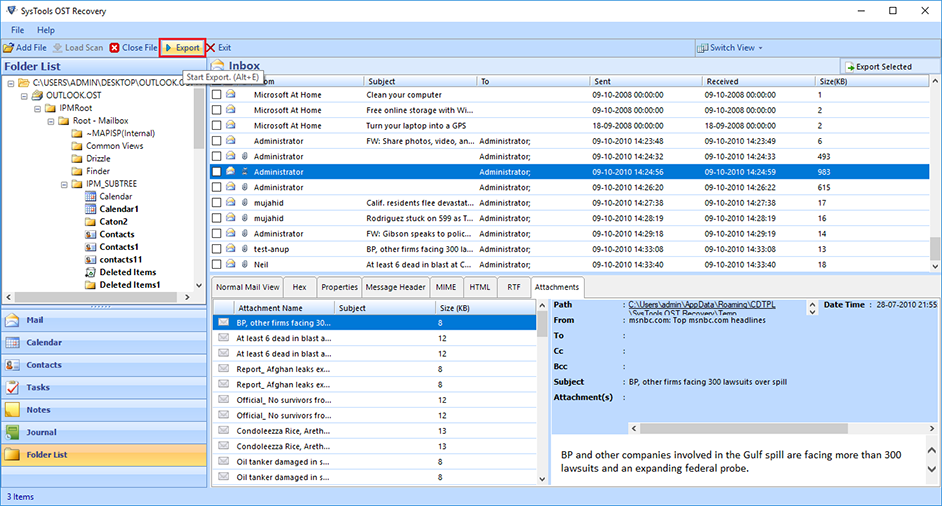 Outlook OST Repair eliminates all corruption of OST files from the scanning process. The tool has two modes: fast or advanced scan. By default, repair Outlook software to OST in a quick scan, but if your data is severely damaged. Ost database, advanced scan is the best. If OST files get damaged due to unexpected errors, repair OST file to PST free. Software Exchange 2010 Repair OST Process useful.
Windows | Shareware
Read More
Security & Privacy :: Anti-Spam & Anti-Spy Tools
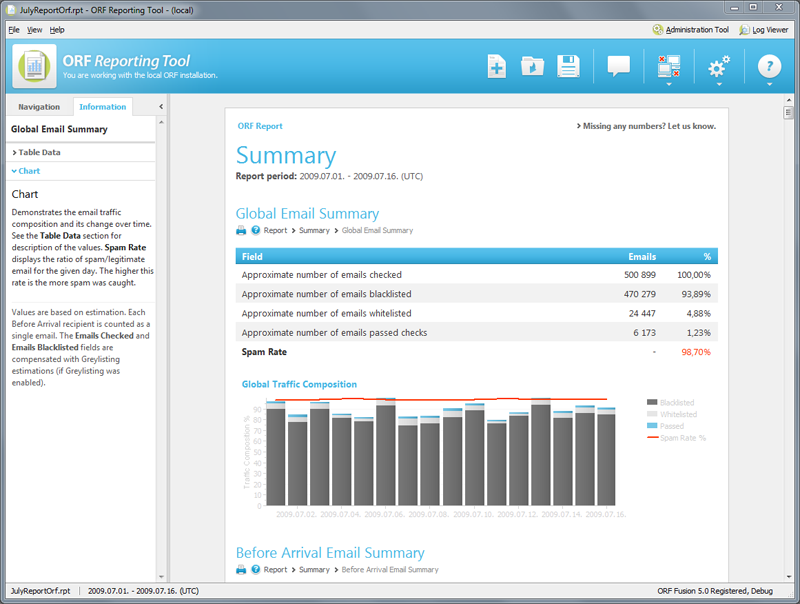 ORF Fusion is an award-winning enterprise level spam filtering solution from Vamsoft. Stops spam in its tracks before it even reaches your network. ORF Fusion combines time-proven techniques to create a unique combination of technologies to fight spam. ORF can be used with Microsoft Exchange Servers (2016, 2013, 2010, 2007, 2003 or 2000) and Windows Server's built-in IIS SMTP Service. Deployed over 12,000 locations in 112 countries across the world.
Windows | Commercial
Read More
GASKETED PLATE HEAT EXCHANGER DESIGN 10.0.0.0
Business :: Calculators & Converters
 PHex is an easy to use tool which demonstrates the thermal calculations of Gasketed Plate Heat Exchangers, The plate dimensions and materials can be entered, this includes the size of plate heat exchanger and chevron angle. with many more features, please visit webbusterz for more...
Windows | Demo
Read More