


N5 Net Software Repository
Your one-stop for all your software needs.
Search N5 Net Software Repository:
Search Files
Sponsor:
Browse:
- Audio & Multimedia (1527)
- Business (1697)
- Communications (462)
- Desktop (135)
- Development (555)
- Education (163)
- Games & Entertainment (700)
- Graphic Apps (657)
- Home & Hobby (102)
- Network & Internet (524)
- Security & Privacy (499)
- Servers (65)
- System Utilities (8668)
- Web Development (279)
Areas Of Interest
Authors Area
Are you a software author? Take a look at our Author Resource Center where you will find marketing tools, software specifically created for promoting your software and a ton of other helpful resources.
Alt-Tab Terminator 4.2
System Utilities :: Shell Tools
(Click to Enlarge)
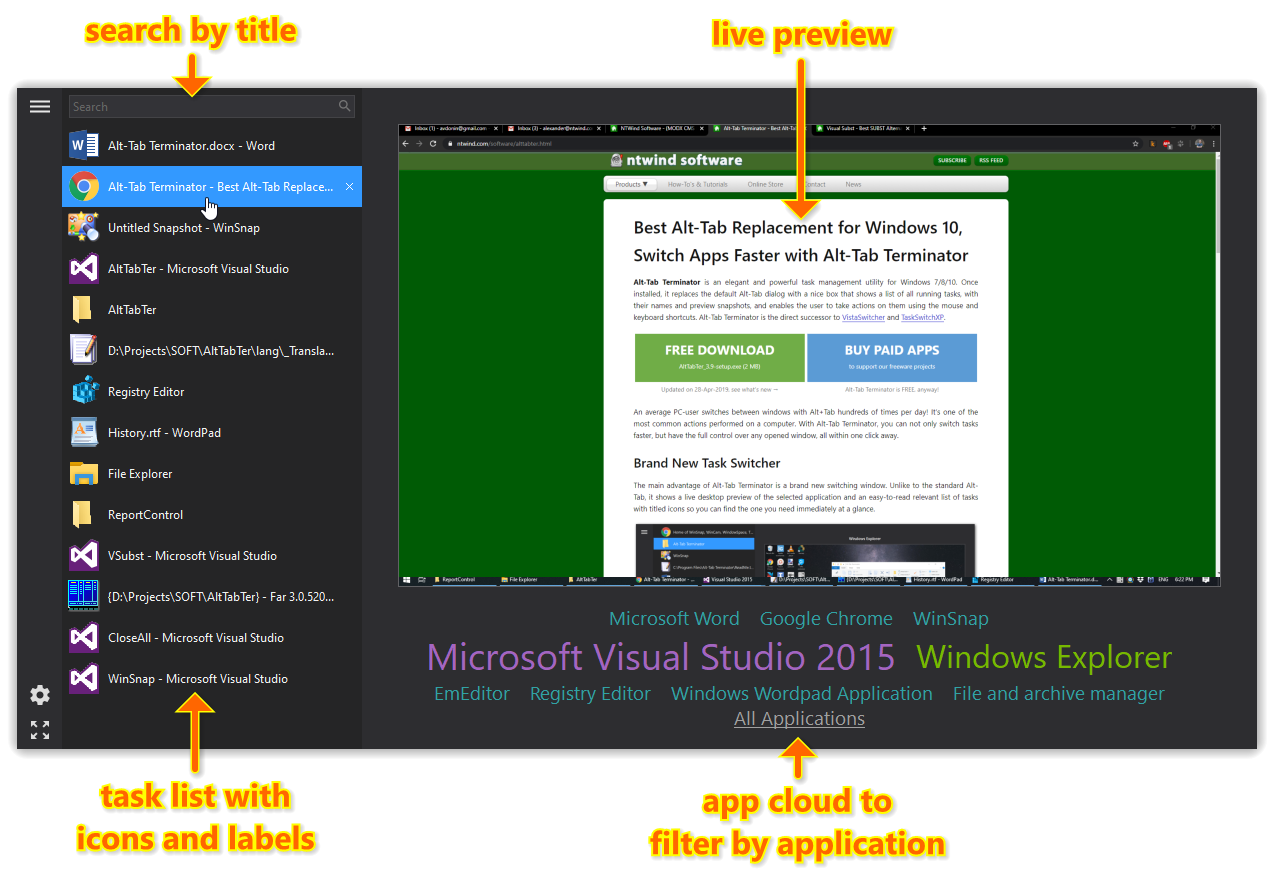
Alt-Tab Terminator is an elegant and powerful task management utility for Windows. Once installed, it replaces the default Alt-Tab dialog with a nice box that shows a live desktop preview of the selected application and an easy-to-read relevant list of applications with titled icons so you can find the one you need immediately at a glance. With Alt-Tab Terminator, you have the full control over opened windows: you can close, minimize, maximize, restore the main window, run a new copy or terminate the application. There is a keyboard shortcut to every action. For example, pressing F4 will close the selected window, similar to the default Alt+F4 shortcut - easy to remember and use! Switch windows faster with Alt-Tab Terminator!
Specifications:
Version: 4.2 |
Download
|

Similar Products:
System Utilities :: Launchers & Task Managers
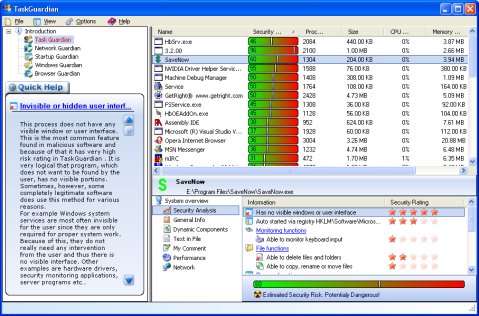 TaskGuardian is the arsenal of security tools designed to give you complete overview of what software is running on your system, in a comprehensible and easily understandable way. TaskGuardian includes advanced real-time process viewer with security analyzer, network connections viewer, startup and services manager, Windows folder scanner and browser plugin manager.
Windows | Shareware
Read More
System Utilities :: System Maintenance
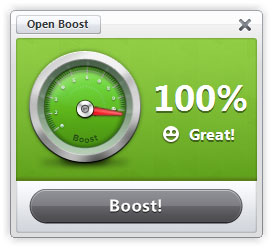 Boost helps you gain back control of your PC by improving performance and stability with one click. There is nothing better than the feeling of a brand new PC. However, over time your PC quickly becomes sluggish, bogged down with tons of programs and clutter. With Boost, one click is all it takes to make your PC feel like new again.
Windows | Shareware
Read More
System Utilities :: Launchers & Task Managers
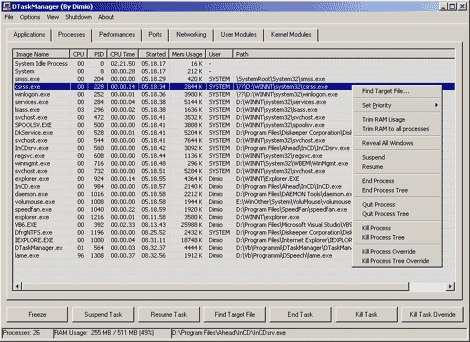 DTaskManager is a stand-alone Task-Manager specifically engineered to give additional functionalities that the Windows bundled TaskManager does not has: forced termination of any type of process bypassing all permissions (it can terminate also system processes), suspend and reactivate a process capability, monitor actually opened ports and much more.
Windows | Freeware
Read More
Business :: Office Suites & Tools
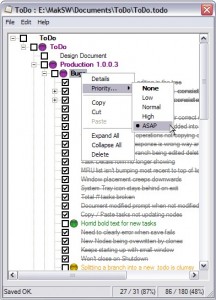 Organise your tasks in a hierarchical tree so you know how much you have done, and how much you haven't! Quickly add and remove tasks, check them as finished, print out your lists, prioritise tasks and even add notes! ToDo even helpfully remembers the last .todo list you had open and reloads it for you on startup.
Windows | Freeware
Read More