


N5 Net Software Repository
Your one-stop for all your software needs.
Search N5 Net Software Repository:
Search Files
Sponsor:
Browse:
- Audio & Multimedia (1527)
- Business (1697)
- Communications (462)
- Desktop (135)
- Development (555)
- Education (163)
- Games & Entertainment (700)
- Graphic Apps (657)
- Home & Hobby (102)
- Network & Internet (524)
- Security & Privacy (499)
- Servers (65)
- System Utilities (8668)
- Web Development (279)
Areas Of Interest
Authors Area
Are you a software author? Take a look at our Author Resource Center where you will find marketing tools, software specifically created for promoting your software and a ton of other helpful resources.
WindowSpace 2.6.1
System Utilities :: Shell Tools
(Click to Enlarge)
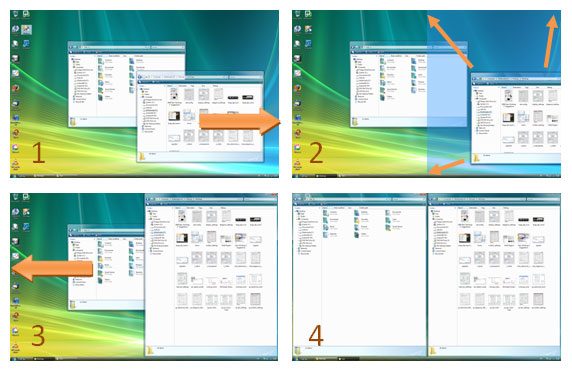
WindowSpace is a desktop enhancement utility that allows you to manipulate windows in many new ways. Now, you can snap windows to the screen edges and other windows, move and resize them with keyboard shortcuts, maximize vertically or horizontally, pin a window on top of the others, hide from view, minimize to tray, and do other useful things. WindowSpace makes it a true delight for the computer user to manage multiple windows on a big screen, widescreen, or even on a multi-monitor system. Snapping is a great way to avoid window overlapping that comes as a result of multitasking. Too many open windows make the desktop messy as they partly cover or completely block each other. It affects your performance as very soon you'll find yourself hunting for windows, rather than doing the job. This is where WindowSpace can extend a helping hand. Just enable its snapping feature, and it'll help you to avoid overlapping. Snap windows to each other or to the screen neatly, edge to edge, and stop playing hide-and-seek with them! If you love your keyboard more than the mouse, you'll be pleased to be able to move and resize windows using a set of keyboard shortcuts. Now, you do not have to reach for the mouse or sweep the finger across the touchpad to move a window on the screen, make it bigger or smaller. With WindowSpace, you can also quickly maximize a window vertically or horizontally, rather than open it full-screen. This feature comes in handy if you want to see the window content with the minimal amount of white space. Also looking at two vertically opened pages sitting next to each other makes things a lot easier to compare, or move content between them. WindowSpace gives you even more opportunities to manage windows with the keyboard. In just one press of the hotkey, you can tile all desktop windows vertically or horizontally, cascade, or close them. Other useful features, "Minimize To Tray" and "Hide Window" will help you to get rid of the clutter in the taskbar.
Specifications:
Version: 2.6.1 |
Download
|

Similar Products:
TRANSFER WINDOWS MAIL TO MS OUTLOOK 7.0
System Utilities :: File & Disk Management
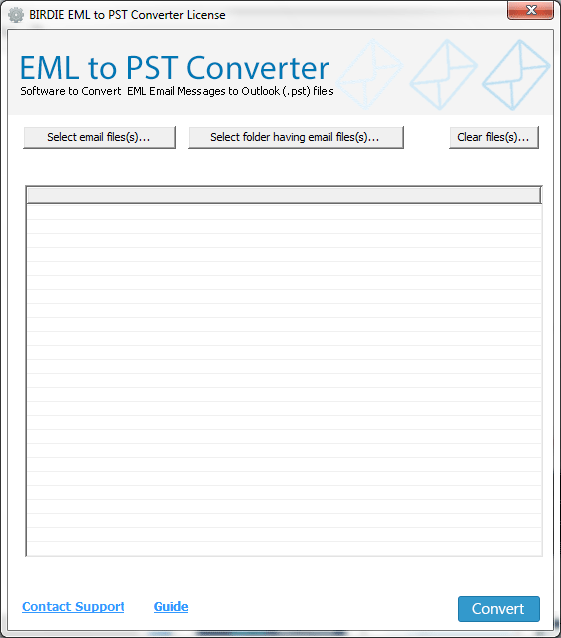 Make in use "Transfer Windows Mail to MS Outlook" utility to perform Windows Mail to MS Outlook Conversion with maintaintaining all emails properties and reuse your perfect Windows Mail eml files into MS Outlook tool.This tool has found several attractive features to shift or transfer Windows email to MS Outlook as-batch mode conversion,user interface,previous structure etc.
Windows | Shareware
Read More
System Utilities :: File & Disk Management
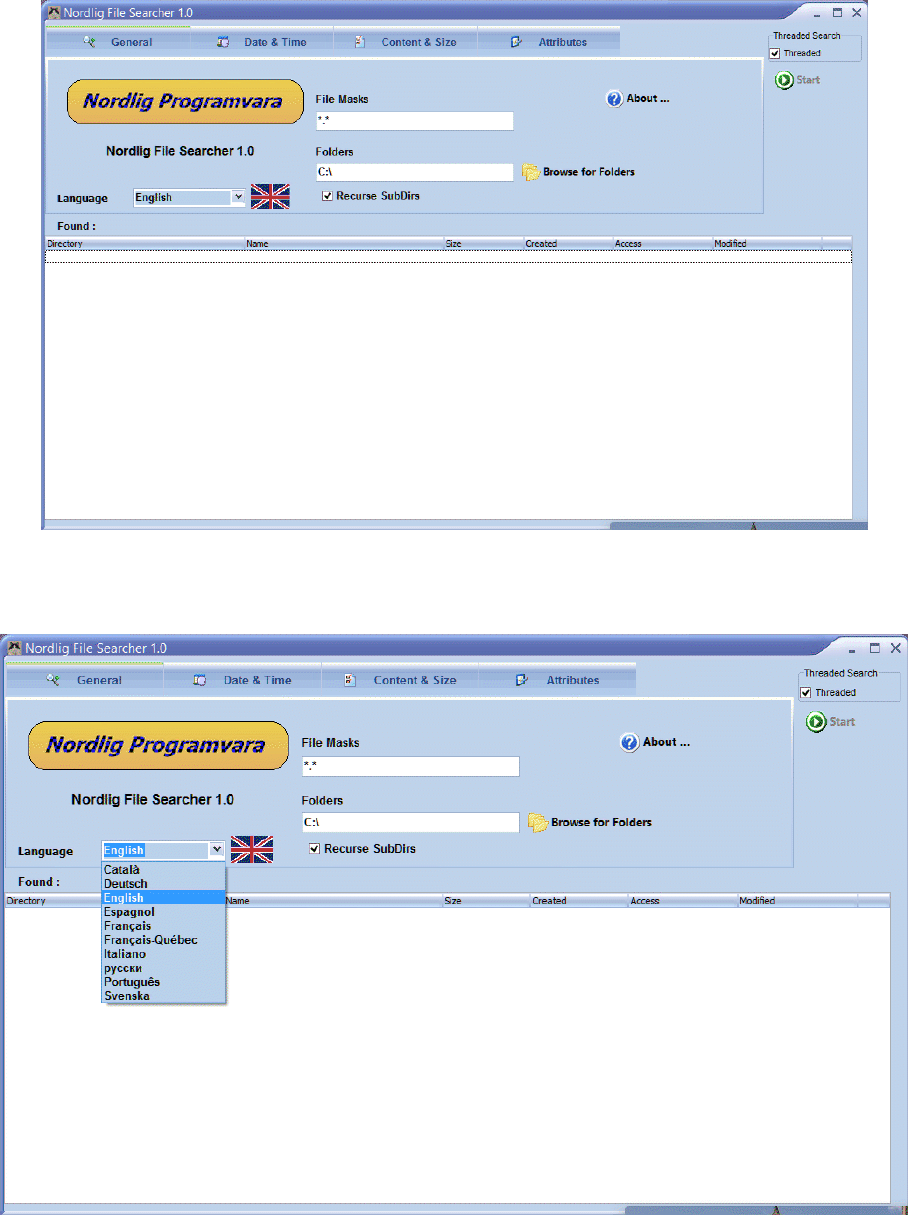 Nordlig File Search is a Windows Multilingual English file search tool to find any files on your computer, including hidden and read-only files. There are four tabs to narrow the search criteria. The Date & Time tab enables you to specify the date / time for a file when it was modified or created. The Content & Size file enables you to specify the size limits of the file
Windows | Freeware
Read More
System Utilities :: File & Disk Management
 Visually manage and graphically organize your disk space - from Windows Explorer!
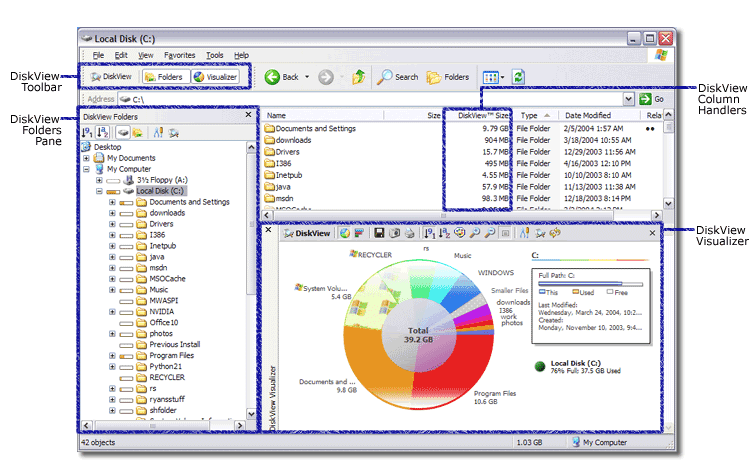
DiskView analyzes your disk space, understands it's structure, assimilates information, and presents it visually so that you can understand and manage your files and folders easily - without stepping out of Windows Explorer. DiskView helps you find big files at a glance, and visually shows how disk space is organized not only on your computer, but also on network shares !
Visually manage and graphically organize your disk space - from Windows Explorer!
DiskView analyzes your disk space, understands it's structure, assimilates information, and presents it visually so that you can understand and manage your files and folders easily - without stepping out of Windows Explorer. DiskView helps you find big files at a glance, and visually shows how disk space is organized not only on your computer, but also on network shares !
Windows | Shareware
Read More
System Utilities :: Launchers & Task Managers
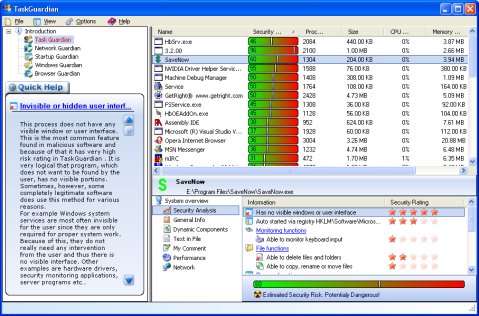 TaskGuardian is the arsenal of security tools designed to give you complete overview of what software is running on your system, in a comprehensible and easily understandable way. TaskGuardian includes advanced real-time process viewer with security analyzer, network connections viewer, startup and services manager, Windows folder scanner and browser plugin manager.
Windows | Shareware
Read More