


N5 Net Software Repository
Your one-stop for all your software needs.
Search N5 Net Software Repository:
Search Files
Sponsor:
Browse:
- Audio & Multimedia (1582)
- Business (1741)
- Communications (469)
- Desktop (134)
- Development (571)
- Education (165)
- Games & Entertainment (709)
- Graphic Apps (683)
- Home & Hobby (106)
- Network & Internet (544)
- Security & Privacy (505)
- Servers (67)
- System Utilities (9267)
- Web Development (284)
Areas Of Interest
Authors Area
Are you a software author? Take a look at our Author Resource Center where you will find marketing tools, software specifically created for promoting your software and a ton of other helpful resources.
Jihosoft Photo Eraser 1.22
(Click to Enlarge)
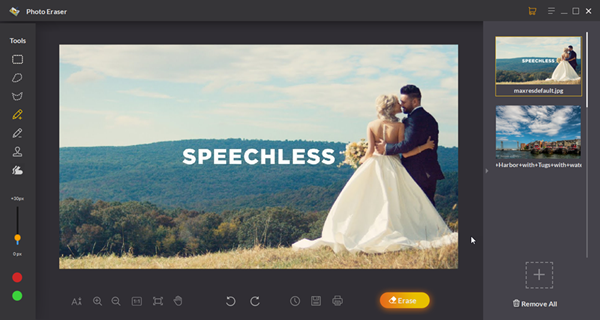
Jihosoft Photo Eraser, as its name indicates, is an effective way to remove unwanted objects from your photos. Since many times we are unfortunate in taking a shot with too many distractions which removes our focus from the core object in the photo. Hence, Photo eraser is built to be the solution for these kinds of situations. You can use this tool to remove things such as unwanted persons, street signs, watermarks, and face blemishes without affecting the background of your photos. Moreover, you are able to remove scratches and other damages to repair your old photos with it. To use Jihosoft Photo Eraser for picture eraser is simpler than Adobe Photoshop as it is very easy to use and comes with an intuitive user interface, even a fifth grader with few tricks can use it to perfect the photos. Check out these steps to use Jihosoft Photo Eraser for Windows: Step1: Select a Selection method from Brush, Rectangle, Lasso, Polygon Lasso, and then adjust the size of the brush according to the object you want to erase. Step2: Brush the unwanted object in the image by clicking and dragging the mouse. Step 3: Click on the Erase button and then you are good to go.
Specifications:
Version: 1.22 |
Download
|

Similar Products:
BATCH IMAGE RESIZER LITE 5.6.135
Graphic Apps :: Editors
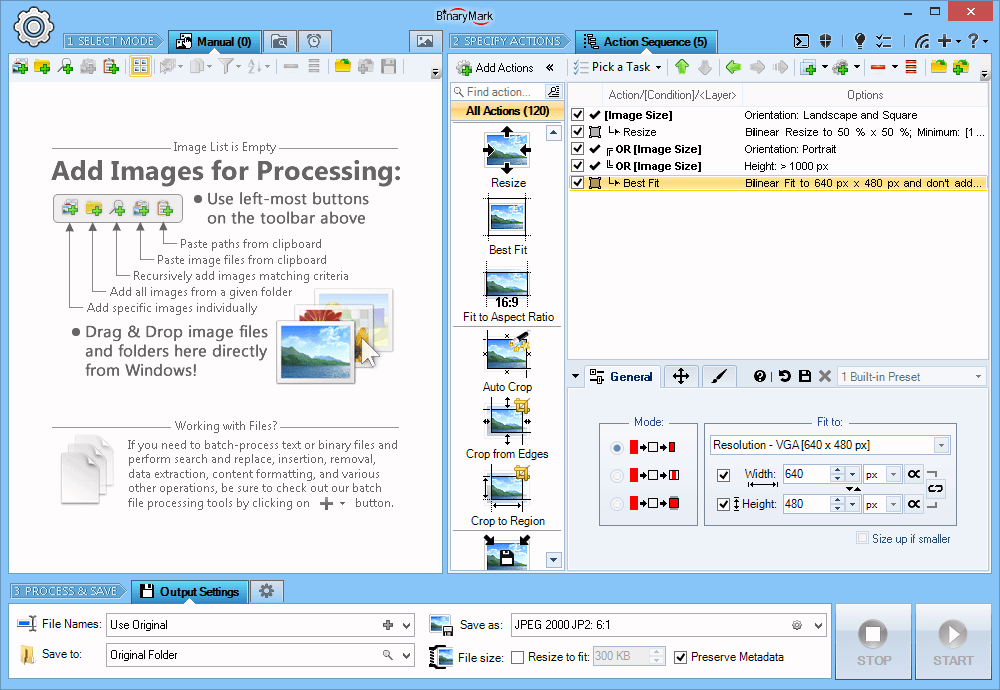 Resize, crop, shrink, flip, EXIF-autorotate, resample, convert, enhance, and process multiple pictures and photos with this professional software!
- 120+ Actions: resize, contrast, watermark
- Save results in any of 30+ formats: jpg, png, gif, tiff, bmp, j2k
- 20 scaling modes: Lanczos, Bilinear, Bicubic, Box, HqX
- Conditional Processing based on Image Orientation
- Automatic crop, crop to fixed size, crop from edges, crop to W:H ratio
Resize, crop, shrink, flip, EXIF-autorotate, resample, convert, enhance, and process multiple pictures and photos with this professional software!
- 120+ Actions: resize, contrast, watermark
- Save results in any of 30+ formats: jpg, png, gif, tiff, bmp, j2k
- 20 scaling modes: Lanczos, Bilinear, Bicubic, Box, HqX
- Conditional Processing based on Image Orientation
- Automatic crop, crop to fixed size, crop from edges, crop to W:H ratio
Windows | Shareware
Read More
ASHAMPOO PHOTO OPTIMIZER PRO 26 26.0.0
Graphic Apps :: Editors
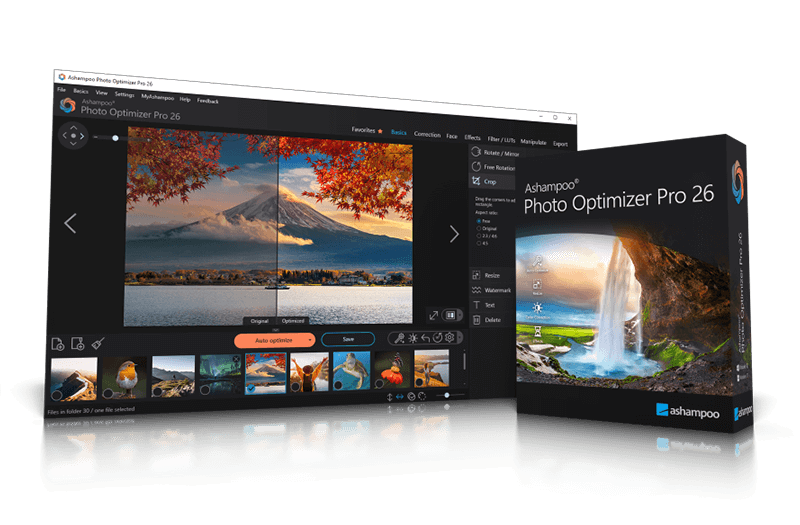 Ashampoo Photo Optimizer Pro 26 enhances digital photos automatically or manually. Colors, contrast, and exposure are optimized, perspectives corrected, and effects added. Perfect for individual images or entire collections with integrated batch processing.
Windows | Shareware
Read More
Graphic Apps :: Editors
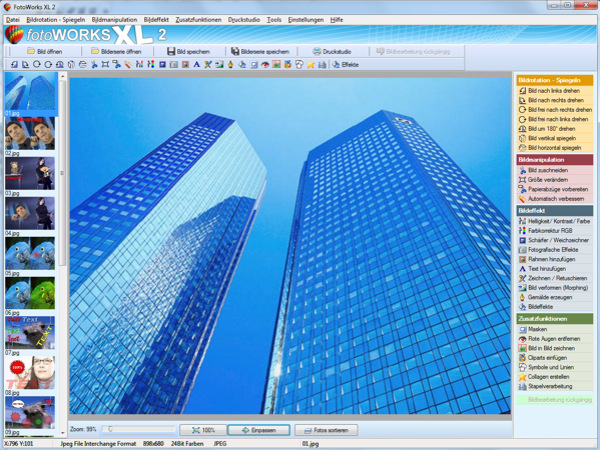 Photo editing software for beginners and professionals. The photo editing software FotoWorks XL includes all well-known photo effects needed to edit, improve, or enhance your photos. Edit photos easily without a long training period. Correct the color, brightness, and contrast values automatically; create photo montages, photo collages, or use the expert functions. Updated: clone stamp
Windows | Shareware
Read More
Graphic Apps :: Editors
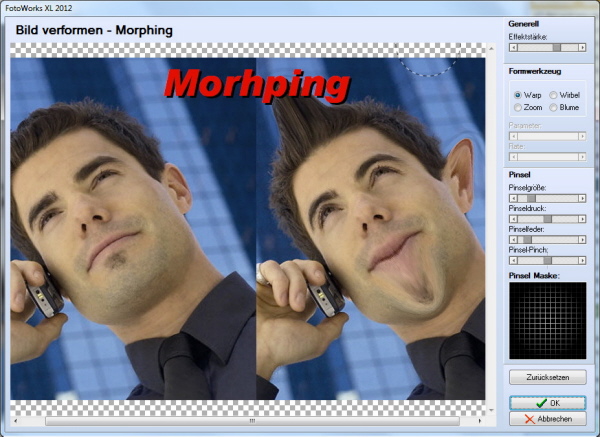 Photo editing software for beginners and professionals. The photo editing software FotoWorks XL includes all well-known photo effects needed to edit, improve, or enhance your photos. Edit photos easily without a long training period. Correct the color, brightness, and contrast values automatically; create photo montages, photo collages, or use the expert functions. Updated: clone stamp
Windows | Freeware
Read More