


N5 Net Software Repository
Your one-stop for all your software needs.
Search N5 Net Software Repository:
Search Files
Sponsor:
Browse:
- Audio & Multimedia (1536)
- Business (1704)
- Communications (461)
- Desktop (134)
- Development (555)
- Education (164)
- Games & Entertainment (701)
- Graphic Apps (657)
- Home & Hobby (102)
- Network & Internet (523)
- Security & Privacy (498)
- Servers (65)
- System Utilities (8841)
- Web Development (277)
Areas Of Interest
Authors Area
Are you a software author? Take a look at our Author Resource Center where you will find marketing tools, software specifically created for promoting your software and a ton of other helpful resources.
AVStoMPEG 12.2009.0622.05
Audio & Multimedia :: Video Tools
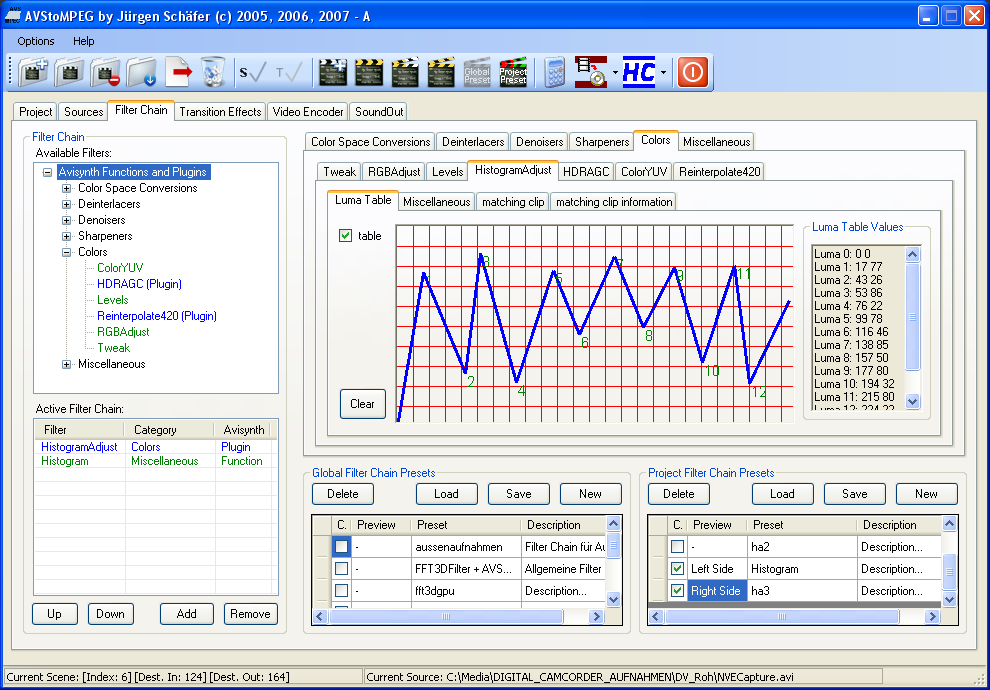
(Click to Enlarge)
AVStoMPEG is a tool for video cutting, filtering and encoding. It uses Avisynth for the cutting, filtering and the audio encoding part and optional HC-Encoder, CINEMA CRAFT® Encoder or x264 for video encoding. It provides a graphical user interface for the Avisynth filters and for the video and audio encoding settings. A scenes-list shows a lot of information about the scenes of a project, e.g. from which source the scene is, source video properties, destination video properties or notices about a scene. The video preview with the option to compare the filtered video with the original video or to compare two different filter chains makes it easy to improve the visual quality of a video or an image. The bitrate calculator helps to find the maximum video and audio bitrate for a given storage medium. The user can encode only selected scenes from different sources as single videos or e.g. a complete video together with scene transition effects. The Avisynth filters makes it possible to enhance nearly any thinkable bad video source. The filters are organized in the categories ?Color Space Conversions?, ?Deinterlacers?, ?Denoisers?, ?Sharpeners?, ?Colors? and ?Miscellaneous?. The user can also import complete Avisynth scripts or write own portions of a script. Beside this, own filter chains can be saved as presets, so they can be used for other projects, too. Video sources can be: *.3gp, *.avi, *.flv, *.m1v, *.m2v, *.m4v, *.mkv, *.mov, *.mp4, *.mpeg, *.mpg, *.mpv, *.vob, *.wmv. Image Sources can be: *.bmp, *.jpg, *.png, *.tif, *.tiff. The following types of demultiplexed audio files can be used as input source (together with the video source): *.ac3, *.dts, *.lpcm, *.mpa, *.mp2, *.mp3, *.wav, *.w64. Video output files will be saved as MPEG-2 or MPEG-4 H.264 files. Audio output will be saved as ac3, wav, mp2, mp3, FLAC , WavPack and ogg. Image output files can be saved: *.bmp, *.bw, *.dds, *.ebmp, *.jpg, *.png, *.tga, *.tiff and others.
Specifications:
Version: 12.2009.0622.05 |
Download
|

Similar Products:
VIDEOPAD FREE VIDEO EDITOR 18.26
Audio & Multimedia :: Video Tools
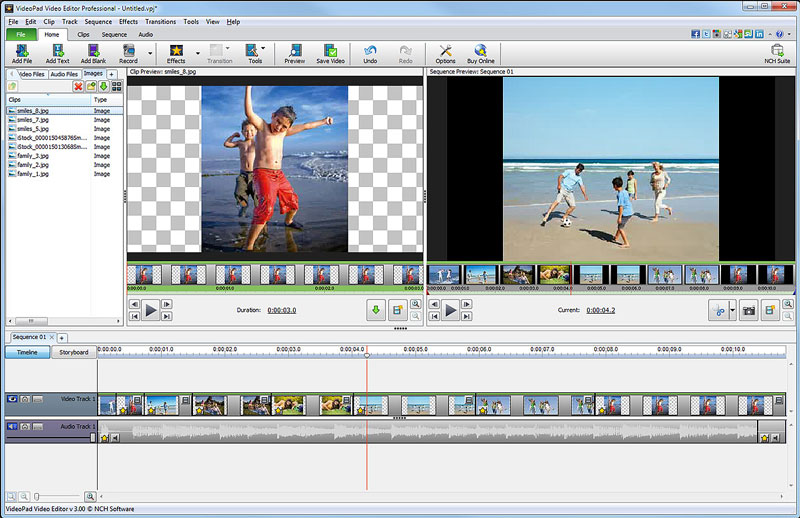 Free movie maker and video editing software for Windows. This video editing application allows you to import various file formats including .avi, .wmv, .3gp, .wmv, .divx and many others. Create great looking videos easily with the intuitive user interface. This is a free, video editing application which allows you create movie projects from various video clips or a single video file.
Windows | Freeware
Read More
VIDEOPAD FREE MOVIE AND VIDEO EDITOR 18.26
Audio & Multimedia :: Video Tools
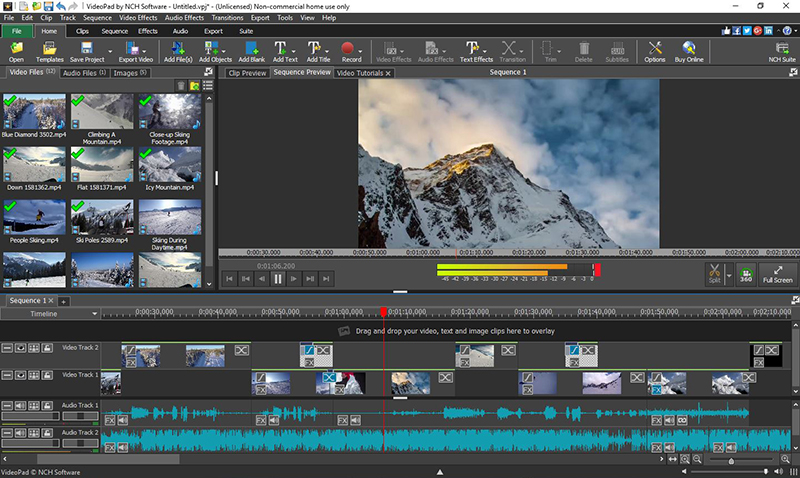 With this free Movie Maker and Video Editing Software you can drag and drop files for easy video editing. You can also apply effects, transitions, speed adjustments, and more. This is one of the fastest video stream processors available. You can capture video from several sources, including DV camera, VHS, webcam, or raw files. You can also use this free program to burn movies to DVD, share online, or post to video sites.
Windows | Freeware
Read More
WINX FREE MP4 TO WMV CONVERTER 5.1.0
Audio & Multimedia :: Rippers & Converters
 WinX Free MP4 to WMV Video Converter is a free video converting software to convert MP4 to WMV for free and to play the converted video on PC or WMV compatible video players. This free MP4 to WMV video converter also allows you to extract audio and images out and save as MP3, PNG files. What's more, this free video converter converts videos from MP4 to WMV with super fast speed and excellent quality.
Windows | Freeware
Read More
WINX FREE AVI TO MPEG CONVERTER 5.1.0
Audio & Multimedia :: Rippers & Converters
 WinX Free AVI to MPEG Converter is a special designed free AVI to MPEG video converter tool. With friendly and simple interface, users can free convert AVI to MPEG video format with a few clicks. This free AVI to MPEG converter enables you to full convert AVI video without quality loss, and the speed is super fast. 100% stable 100% clean, No spyware, No malware, No adware and No virus.
Windows | Freeware
Read More