


N5 Net Software Repository
Your one-stop for all your software needs.
Search N5 Net Software Repository:
Search Files
Sponsor:
Browse:
- Audio & Multimedia (1527)
- Business (1697)
- Communications (462)
- Desktop (135)
- Development (555)
- Education (163)
- Games & Entertainment (700)
- Graphic Apps (657)
- Home & Hobby (102)
- Network & Internet (524)
- Security & Privacy (499)
- Servers (65)
- System Utilities (8668)
- Web Development (279)
Areas Of Interest
Authors Area
Are you a software author? Take a look at our Author Resource Center where you will find marketing tools, software specifically created for promoting your software and a ton of other helpful resources.
Free PDF Protector 4dots 4.9
Business :: Office Suites & Tools

(Click to Enlarge)
With Free PDF Protector 4dots you can batch protect many PDF documents with passwords. It is absolutely free, very easy to use and also multilingual. You can set both a user password (used for opening the PDF documents) and an owner password (used for settings various permissions such as content copying, commenting, printing, form field fill-in e.t.c.). Whole folders with PDF documents and their subfolders can be selected and protected. The PDF documents can be protected with 128 bits or 40 bits encryption passwords. You can protect PDF documents simply with a right click in Windows Explorer since Free PDF Protector 4dots can be integrated into Windows Explorer. Also, you can just drag and drop PDF documents to be protected to the main window of the application. A text list file of PDF documents can be imported. The application does NOT need Adobe Acrobat software installed. With Free PDF Protector 4dots you can also batch set metadata of PDF documents such as author, subject, title, keywords, creation date e.t.c. It can also be executed from the command line, which is useful for inclusion in scripts. The application is translated into 38 languages. To sum up, Free PDF Protector 4dots is the best free solution if you want to batch protect many PDF documents with a password without the need to have Adobe Acrobat software installed.
Specifications:
Version: 4.9 |
Download
|

Similar Products:
UNIPDF PDF TO DOC CONVERTER 1.3.4
Business :: Office Suites & Tools
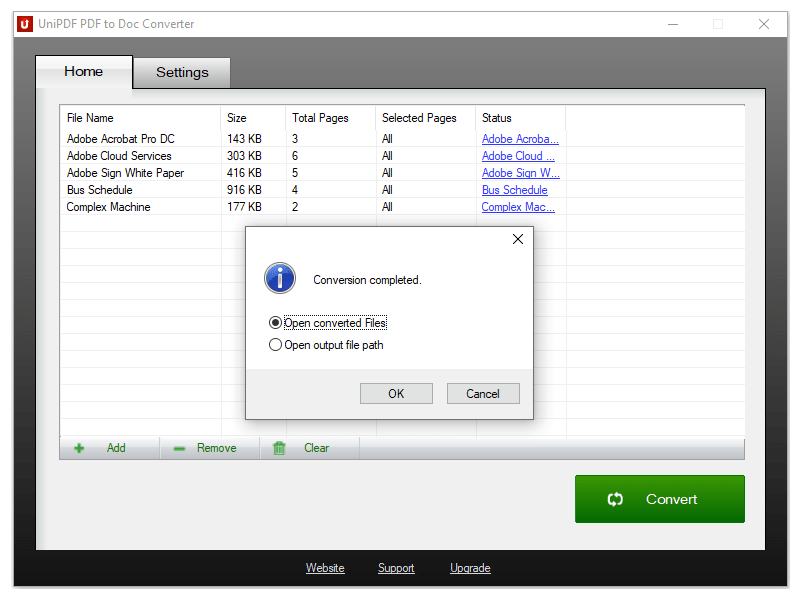 100% Free PDF to Doc converter software. Convert PDF to Doc format in batch mode and keep original document texts, layouts, images. This easy-to-use PDF to Doc converter allows you to change PDF files into Word documents in seconds in only two simple steps: Add PDF files; Convert. It's just that easy! Unlike other online PDF to Doc converters, you don't need to register, upload, and download to get the job done.
Windows | Freeware
Read More
Business :: Office Suites & Tools
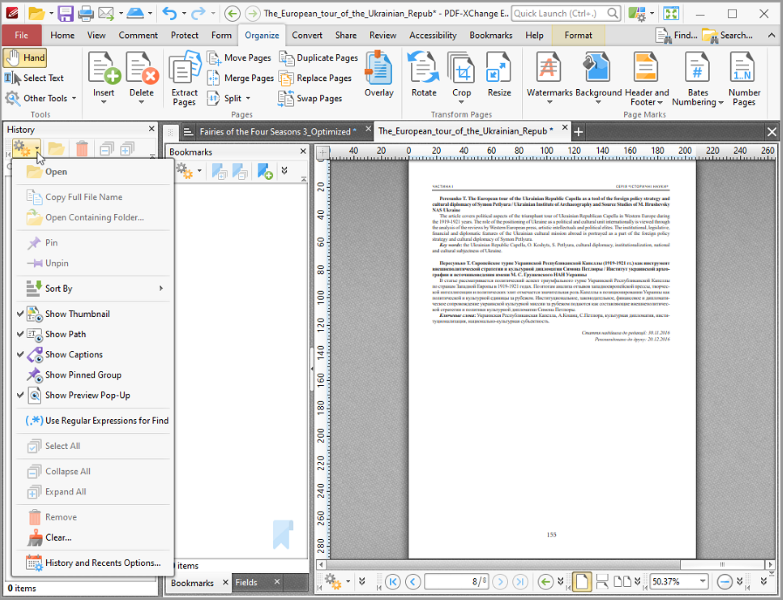 Text Content Editing, OCR options, Spellchecker, XFA forms support, Listen/add audio comments, New Extended Digital Signature Support, PDF Security Support, Add Comments and Annotations, Custom Stamps, Direct Content, Combine PDFs, Import Directly from XPS and other support formats, Bates Numbering, Crop/Insert/Delete Pages, Scan to PDF, Portfolio, 3D annotations, enhanced OCR, to/from PowerPoint, save/open sessions, SharePoint
Windows | Shareware
Read More
ARYSON PDF BATES NUMBERING TOOL 23.11
System Utilities :: File & Disk Management
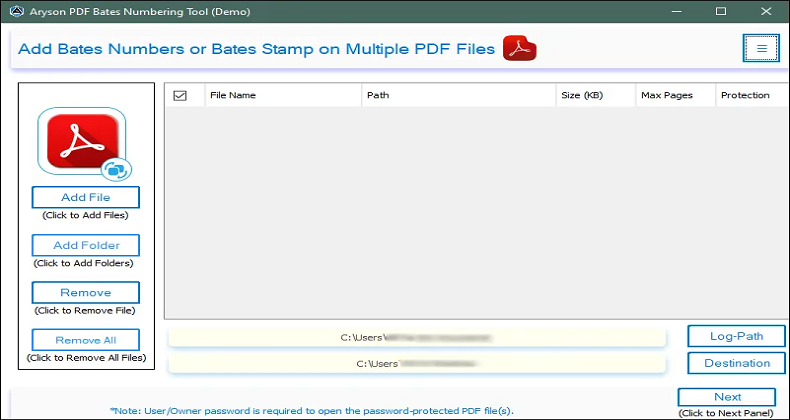 The Aryson PDF Bates Numbering Tool offers the feature of adding Bates numbers on the basis of their arrangements of pages in a PDF file. It also assists in adding Bates numbers to various PDF files in a single attempt and allows for a preview of Bates numbers on the PDF file before implementing the results. It works on all Windows operating system versions, like Windows 11/ 10/ 8.1/ 8/ 7/, 2008/ 2012 (32 and 64 Bit), and other versions below.
Windows | Shareware
Read More
Business :: Office Suites & Tools
 All you will ever need to Create (from virtually any windows application). Includes PDF-XChange Editor Plus and PDF-Tools; Create new PDF files from the output of any Windows app; Create and Edit Fillable PDF Forms; Dynamic Stamps; Interactive Adobe AcroForms
Windows | Shareware
Read More