


N5 Net Software Repository
Your one-stop for all your software needs.
Search N5 Net Software Repository:
Search Files
Sponsor:
Browse:
- Audio & Multimedia (1582)
- Business (1741)
- Communications (469)
- Desktop (134)
- Development (571)
- Education (165)
- Games & Entertainment (709)
- Graphic Apps (683)
- Home & Hobby (106)
- Network & Internet (544)
- Security & Privacy (505)
- Servers (67)
- System Utilities (9267)
- Web Development (284)
Areas Of Interest
Authors Area
Are you a software author? Take a look at our Author Resource Center where you will find marketing tools, software specifically created for promoting your software and a ton of other helpful resources.
Xilisoft Photo Slideshow Maker 1.0.2.0214
Audio & Multimedia :: Multimedia Creation Tools
(Click to Enlarge)
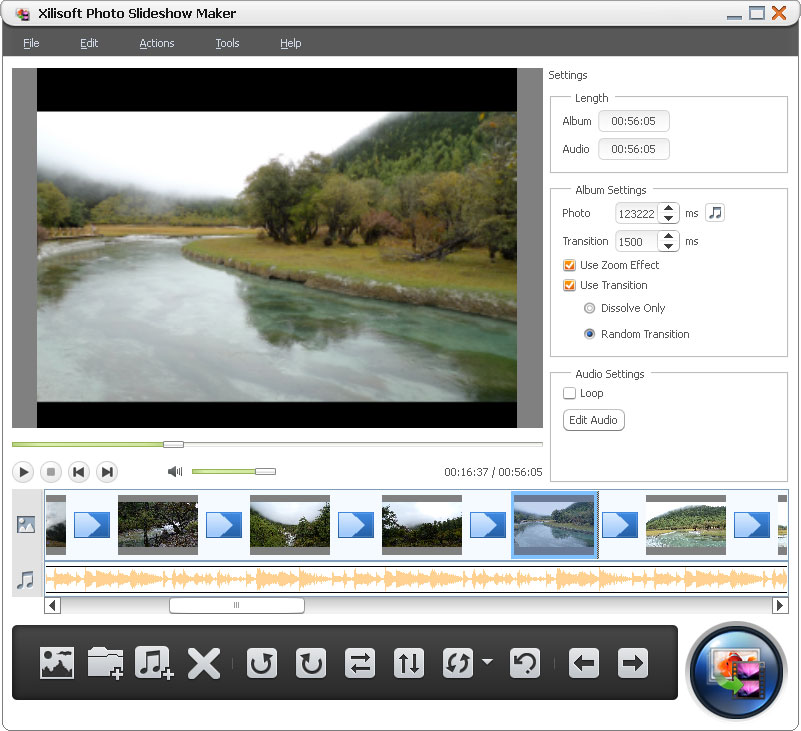
Xilisoft Photo Slideshow Maker helps you make dynamic photo slideshow to memorize photo stories, share them with friends or upload to websites. Support nearly all video formats like AVI, MPEG, WMV, DivX, MP4, H.264/AVC, AVCHD, MKV, RM, MOV, XviD and 3GP. It can also create more personalized photo videos by appending background music and transitional effects between images, adjusting photo orientation and displaying them sequence and etc. Features: 1.Create photo videos from multiple image formats, including jpg, jpeg, png, gif, bmp, tiff, xbm and xpm. 2.Drag and drop photos to easily add contents to a photo slide show video. 3.Real-time preview your photo slideshows to get the clear view of any change. 4.Add background music from various audio formats, like aac, aif, aiff, ac3, ape, au, flac, mpa, mp2, mp3, ogg, ra, wav, wma, m4a to enrich the output effect of videos. You can also clip an audio segment as background music, apply fade-in or fade-out effect and set loop mode. 5.Apply Zoom effect to enlarge the images for clearer view, add transitional to dissolve each image during playing or just transit images randomly. You can also set the display time of each images as well as the transition time. 6.Free to sequencing the images, change the orientations of single image to meet actual need. 7.Frustrated by a batch of messy photos? Now, with sorting functions, you can classify a batch of photos by name, type, date and size easily and clearly. 8.Auto-exit the application, shut down, hibernate, standby the computer automatically or do nothing after a task is done. 9.Upload photo videos to YouTube, Facebook and more to share, output photo videos on portable devices like iPad, iPhone, iPod and etc. 10.English, German, Spanish, French, Italian, Japanese, Simplified and Traditional Chinese interface languages are optional.
Specifications:
Version: 1.0.2.0214 |
Download
|

Similar Products:
Audio & Multimedia :: Multimedia Creation Tools
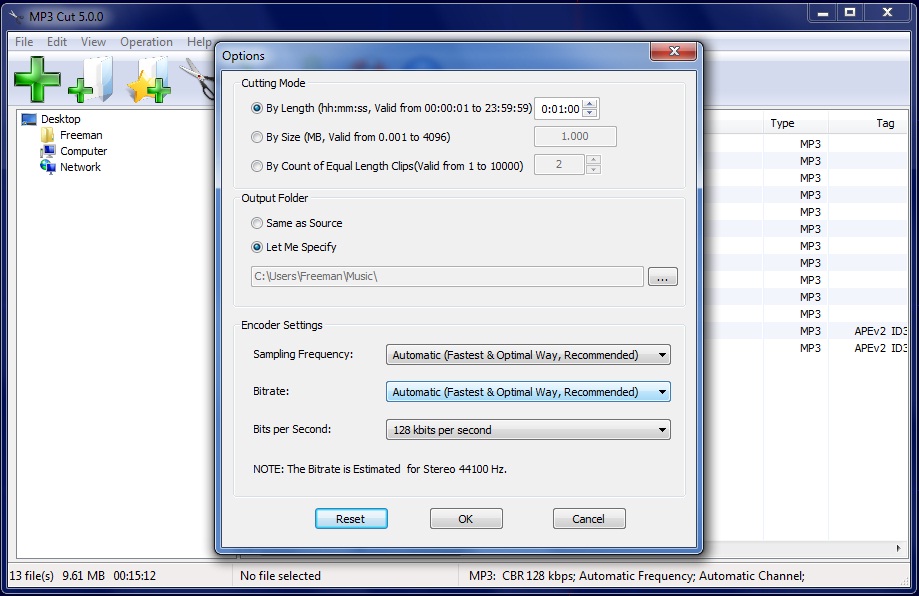 MP3 Cut is an easy and efficient FREE mp3 cutter which cuts MP3 files in various ways.
Windows | Freeware
Read More
Audio & Multimedia :: Multimedia Creation Tools
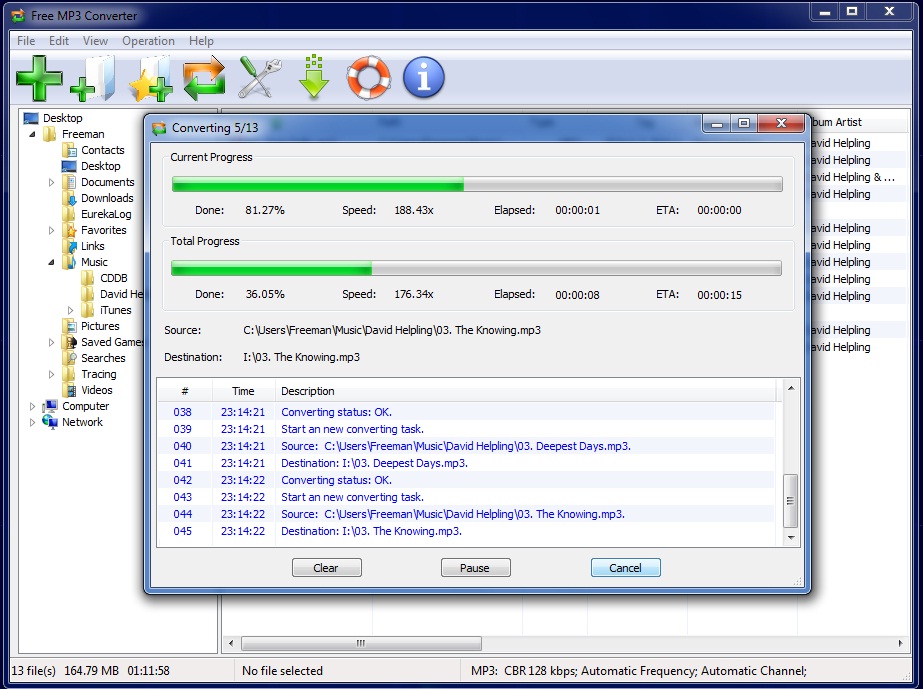 Free MP3 Converter is a fast, straightforward yet FREE MP3 Converter which converts WAV, MP3, WMA and OGG to MP3 format.
Windows | Freeware
Read More
Audio & Multimedia :: Multimedia Creation Tools
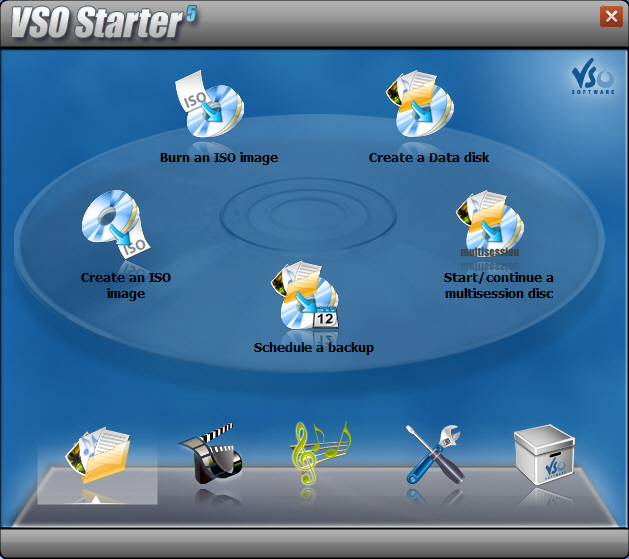 Burn anything you want to disk or as an ISO. Make perfect copies of your disks! CopyTo is a complete burning suite, burn, backup and copy all that you want: files, folders, music, photos, videos with its quality burning engine. Simple to use, add your files and press burn. A smart project analyzer will help you choose which format to burn your files. Burn files with a simply right click, thanks to the shell integration.
Windows | Shareware
Read More
FREE MP3 CUTTER AND EDITOR 2.8.0.3811
Audio & Multimedia :: Multimedia Creation Tools
 This free mp3 cutter and editor is an extremely simple and handy tool for routine mp3 editing tasks.
The program displays a waveform graph that lets you easily select a portion of the mp3 for editing.
You can cut out unwanted part of the audio, change volume by specifying a percentage value, create a fade in or fade out, and convert the audio between stereo and mono.
This free mp3 cutter and editor is an extremely simple and handy tool for routine mp3 editing tasks.
The program displays a waveform graph that lets you easily select a portion of the mp3 for editing.
You can cut out unwanted part of the audio, change volume by specifying a percentage value, create a fade in or fade out, and convert the audio between stereo and mono.
Windows | Freeware
Read More