


N5 Net Software Repository
Your one-stop for all your software needs.
Search N5 Net Software Repository:
Search Files
Sponsor:
Browse:
- Audio & Multimedia (1582)
- Business (1741)
- Communications (469)
- Desktop (134)
- Development (571)
- Education (165)
- Games & Entertainment (709)
- Graphic Apps (683)
- Home & Hobby (106)
- Network & Internet (544)
- Security & Privacy (505)
- Servers (67)
- System Utilities (9267)
- Web Development (284)
Areas Of Interest
Authors Area
Are you a software author? Take a look at our Author Resource Center where you will find marketing tools, software specifically created for promoting your software and a ton of other helpful resources.
Xilisoft Video to DVD Converter 6.2.1.0321
Audio & Multimedia :: Rippers & Converters
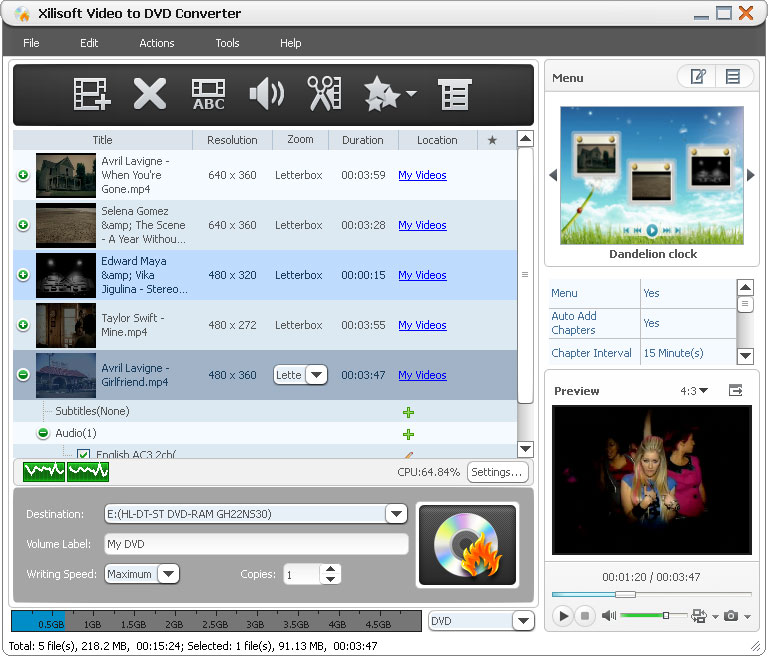
(Click to Enlarge)
Xilisoft Video to DVD Converter offers the ideal solution to convert common and high-definition (HD) format video files to DVD movies, ISO files and DVD folders. It also comes with a powerful array of DVD editing tools: clip video segments, create stylish DVD menus, add DVD opening film, create a multilingual DVD by adding multiple subtitles and audio tracks, plus much more. Multithreading and multi-core processing are also supported. New feature Support minimize the window when burning DVD. Key features 1.Convert video files in MP4, MKV, AVI, DivX, XviD, HD camcorder videos (M2TS, MTS, TS), MPG, MPEG, QuickTime Videos (MOV, QT), DV, VOB, Real Video (RM, RMVB), WMV, H.264/AVC, ASF, DAT, FLV, 3GP format to DVD movies. 2.Supports all popular DVD formats as the target DVD: DVD-R, DVD+R, DVD-RW, DVD+RW, DVD+R DL, DVD-R DL, DVD-5, DVD-9. 3.Ability to process video to DVD movie conversions using all CPU cores at the highest available speed offered by your system. 4.Create a DVD menu with a template of your choice; edit the menu by specifying a clip f or a picture as the video thumbnail for your DVD menu, and adding background music, picture, title, and opening film to your DVD menu. 5.Clip the desired segments from a video to extract the bits you need. 6.Crop its video frame to remove anything you don?t like from the image. 7.Make your movie look special with various artistic effects applied; label your movie with text or picture watermarks. 8.Add up to 32 subtitle files (.srt) and 8 audio tracks to your movie. 9.A range of output parameters are available to customize your output DVD movie including: video/audio quality, bit rate, television standard, aspect ratio, resize mode, audio channel, and sample rate. 10.Preview your movie with applied settings in real-time; take snapshots of movie images while previewing. 11.Auto-add chapters to your DVD title accordingly at regular intervals.
Specifications:
Version: 6.2.1.0321 |
Download
|

Similar Products:
::
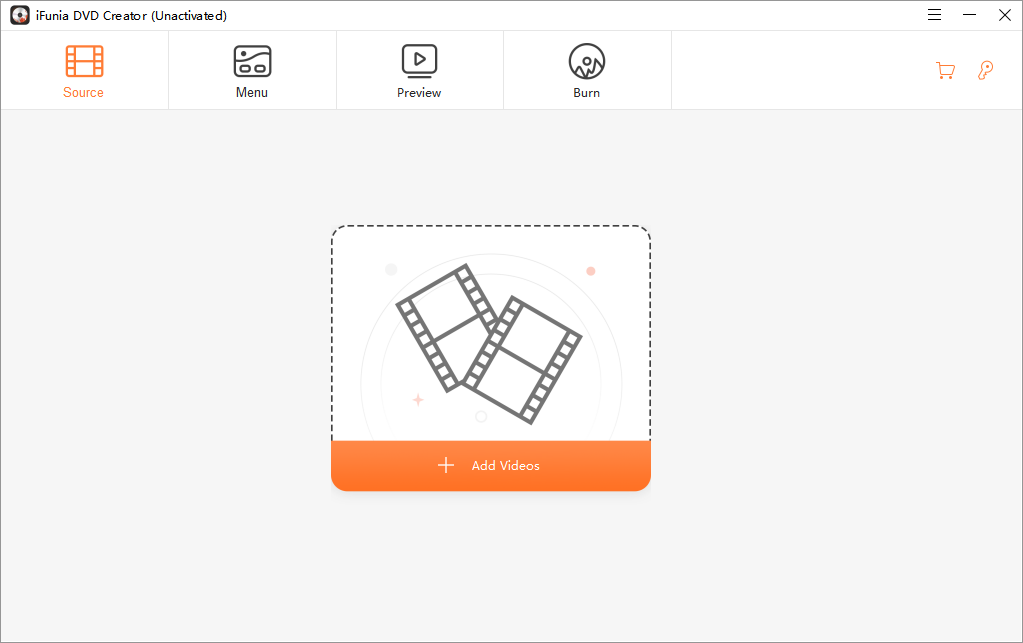 iFunia DVD Creator is a powerful DVD burning application that can burn a DVD disc from any video file(s). It allows users to burn to disc directly, or create ISO image file/DVD folder. Before burning, users can edit the video with the built-in editor, customize a DVD menu, and preview the DVD exactly the way your DVD player will display it.
Windows | Shareware
Read More
Audio & Multimedia :: Video Tools
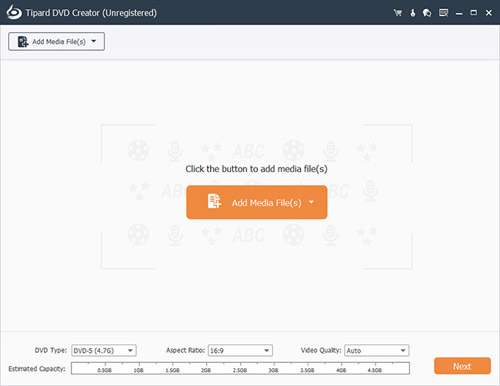 Tipard DVD Creator is able to burn DVD disc with any videos in MP4, AVI, MKV, MOV, WMV, TS and more formats with super high speed and excellent video quality. It can also allow you to set unique DVD with multiple flexible features. For example, you can add audio track, background music, picture and opening film to your DVD movie; you can choose one suitable menu for your DVD.
Windows | Shareware
Read More
Audio & Multimedia :: Video Tools
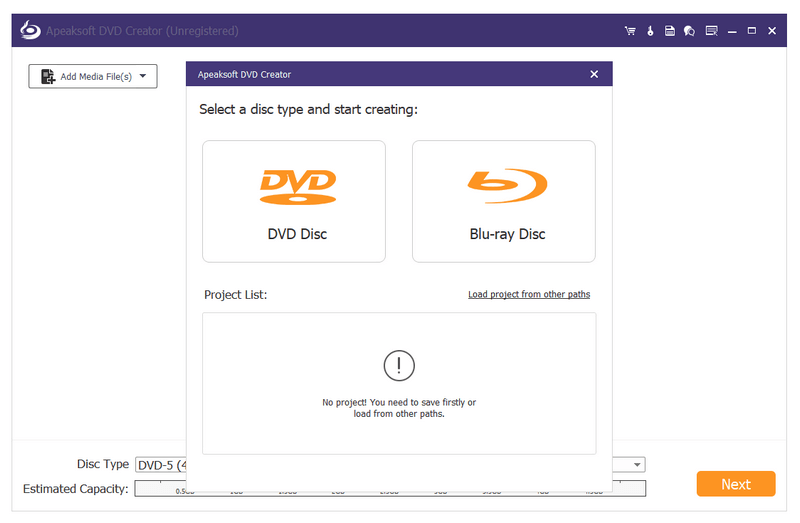 Apeaksoft DVD Creator can create DVD/Blu-ray disc/folder/ISO files with popular videos like MP4, AVI, WMV, MKV, MOV and more. In addition, this software has powerful editing functions like changing brightness/contrast, trimming, cropping, and adding watermark. Moreover, it allows you to customize DVD/Blu-ray menu style/templates and add audio track/subtitle according to your needs.
Windows | Shareware
Read More