


N5 Net Software Repository
Your one-stop for all your software needs.
Search N5 Net Software Repository:
Search Files
Sponsor:
Browse:
- Audio & Multimedia (1566)
- Business (1738)
- Communications (472)
- Desktop (180)
- Development (573)
- Education (166)
- Games & Entertainment (709)
- Graphic Apps (679)
- Home & Hobby (105)
- Network & Internet (543)
- Security & Privacy (503)
- Servers (64)
- System Utilities (9409)
- Web Development (284)
Areas Of Interest
Authors Area
Are you a software author? Take a look at our Author Resource Center where you will find marketing tools, software specifically created for promoting your software and a ton of other helpful resources.
Xilisoft AVI to SWF Converter 6.0.3.0419
Audio & Multimedia :: Rippers & Converters
(Click to Enlarge)
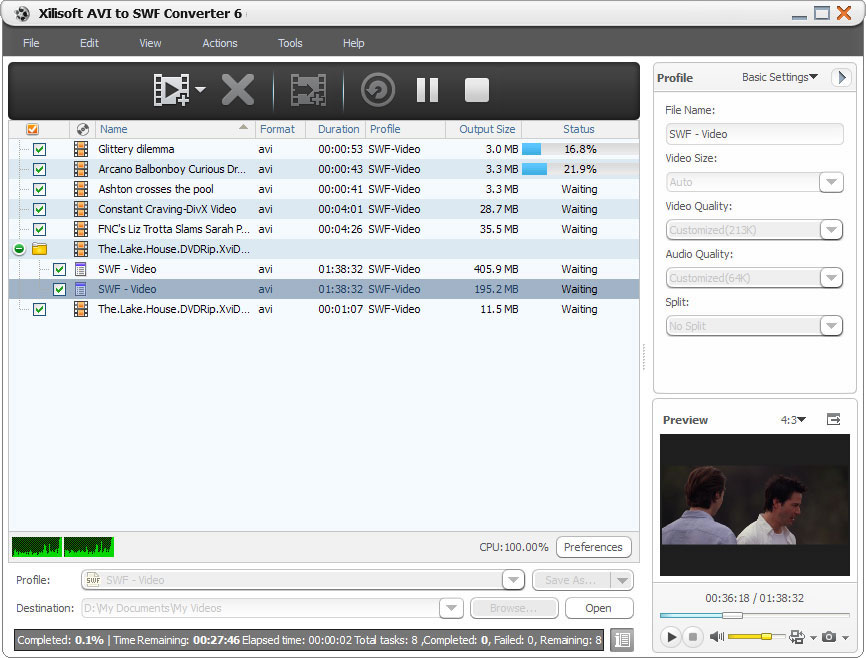
Xilisoft AVI to SWF Converter converts AVI video files to SWF format enabling users to attach them into HTML pages and even sharing them on almost all Internet-enabled desktops, handsets, mobile devices with Flash Player capability.The converter automatically splits a large file not exceeding 16,000 frames. New features: 1. Makes the built-in player resizable (Switch the zoom mode between 4:3 and 16:9) 2. Offers the function of power management Key Features: 1. Stream videos on the internet by converting AVI video files into SWF formats. 2. Turn photos with JPG, PNG, BMP and GIF formats into SWF video file. 3. The Converter runs on dual-core or multi-core CPU. More cores mean quicker AVI to SWF conversion. 4. Automatically split files every 16,000 frames to make target SWF files to be played normally. 5. The built-in Bit Rate Calculator helps you compute an output file size you want. 6. The output file size can be customized with the built-in bit rate Calculator tool. 7. Adjustable video parameters: video codec, video size, bit rate, frame rate, audio codec, channels and more. 8. AVI files can be converted at the same time. 9. Run the converter in the background. 10. Set an action after conversion is done: Hibernate, Exit, Standby or Shut Down. 11. Preview source file with built-in player; take snapshots and save as picture file. 12. Automatically check for software updates periodically. 13. Several languages to choose from: English, Japanese, German, French and Chinese.
Specifications:
Version: 6.0.3.0419 |
Download
|

Similar Products:
AUDFREE TIDAL MUSIC CONVERTER FOR WINDOWS 3.10.0
Audio & Multimedia :: Rippers & Converters
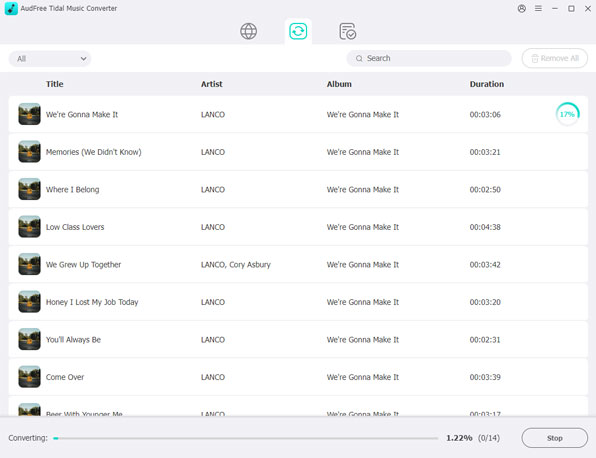 As a smart Tidal DRM removal tool and music converter, AudFree Tidal Music Converter works at up to 37X faster speed to download protected Tidal tracks and convert Tidal songs to MP3, FLAC, WAV, M4A, AIFF, Lossless and M4B on PC. With the professional Tidal music downloader, it?s easy to listen to Tidal songs with original quality and ID3 tags on any device and music player offline even if you have canceled the premium plan on Tidal.
Windows | Shareware
Read More
DRMARE DRM AUDIO CONVERTER FOR WINDOWS 3.5.0
Audio & Multimedia :: Rippers & Converters
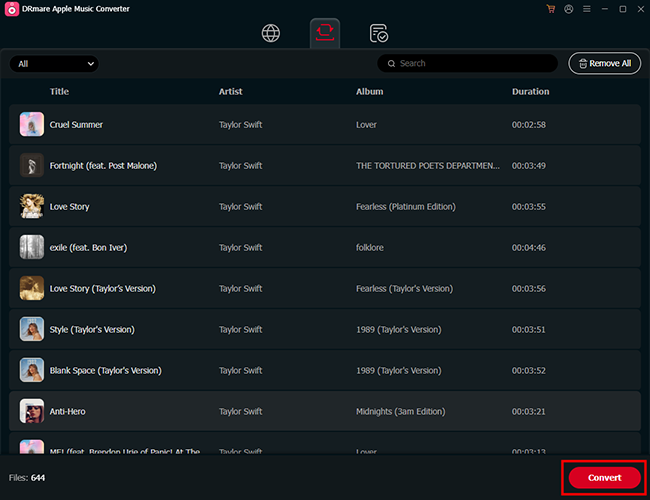 As one of the best streaming audio converter, DRmare Audio Converter is able to losslessly remove DRM lock from all protected audios, including Apple Music, iTunes and Audible audiobooks. Not only that, it can convert both DRM and non-DRM audios to common MP3, AAC, M4A, FLAC, WAV, M4B while preserving original audio quality and ID3 tags for any device and player.
Windows | Shareware
Read More
Audio & Multimedia :: Rippers & Converters
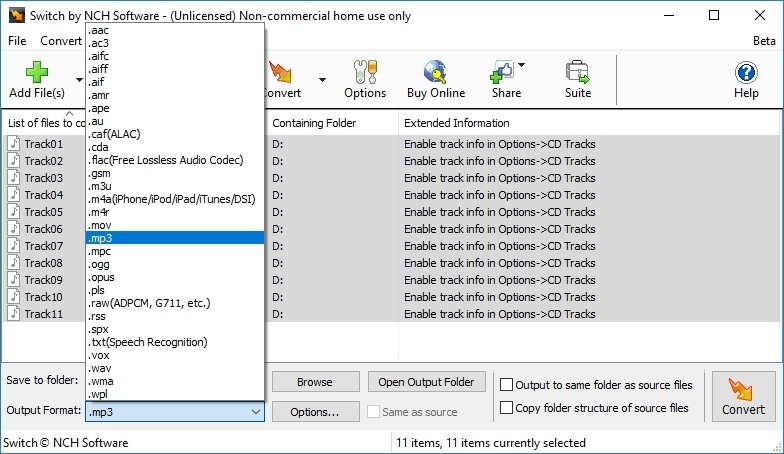 Convert wma to mp3 with Switch audio file format converter for Windows. It can convert mp3, wav or wma format and more to the format of your choice. Switch Converter is very easy to use. Just add the files you want to convert to the list, select the format you want to use, and then click the convert button. Automatically normalize audio while converting. Access online database to add song information as you convert.
Windows | Shareware
Read More
SWITCH FREE AUDIO AND MP3 CONVERTER 14.03
Audio & Multimedia :: Rippers & Converters
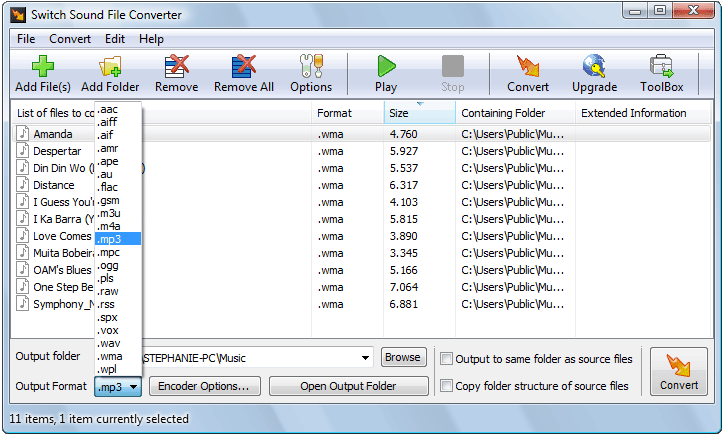 Convert wma to mp3 with Switch audio converter for Windows. It can convert mp3, wav or wma format and more to the format of your choice. Switch Converter is very easy to use. Just add the files you want to convert to the list, select the format you want to use, and then click the convert button. Automatically normalize audio while converting. Access online database to add song information as you convert.
Windows | Freeware
Read More