


N5 Net Software Repository
Your one-stop for all your software needs.
Search N5 Net Software Repository:
Search Files
Sponsor:
Browse:
- Audio & Multimedia (1527)
- Business (1697)
- Communications (462)
- Desktop (135)
- Development (555)
- Education (163)
- Games & Entertainment (700)
- Graphic Apps (657)
- Home & Hobby (102)
- Network & Internet (524)
- Security & Privacy (499)
- Servers (65)
- System Utilities (8668)
- Web Development (279)
Areas Of Interest
Authors Area
Are you a software author? Take a look at our Author Resource Center where you will find marketing tools, software specifically created for promoting your software and a ton of other helpful resources.
VeryUtils OCR to Any Converter 2.7
Business :: Office Suites & Tools
(Click to Enlarge)
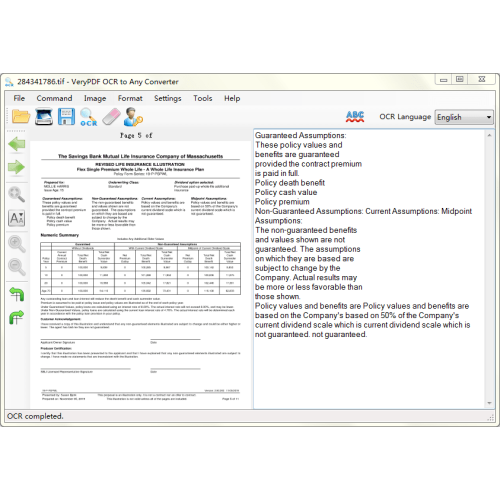
VeryUtils OCR to Any Converter for Windows is a Windows desktop application which can be used to extract text characters from scanned image and PDF files. OCR to Any Converter software supports input files in BMP, GIF, JPEG, PNG, TIFF, and PDF file formats. Recognized text contents can be saved to Microsoft Word (doc, docx), Excel (xls, xlsx), RTF, XML, and TXT file formats. You can edit the text contents and check the spelling before saving the recognized text to other formats. VeryUtils OCR to Any Converter is an Optical Character Recognition Software for Windows and supports scanning from most Twain scanners and can also open most scanned PDF's and multi page Tiff images as well as popular image file formats. OCR to Any Converter outputs plain text and can export directly to Microsoft Word format. VeryUtils OCR to Any Converter includes a Windows installer, it is very simple to use and supports opening multi-page tiff documents, Adobe PDF and fax documents as well as most image types including compressed Tiff files. It now can scan using Twain and WIA scanning drivers. Features of VeryUtils OCR to Any Converter: * Windows desktop application. * Directly recognize images scanned from scanner. * Support input file formats of BMP, GIF, JPEG, PNG, TIFF, PDF and TXT. * Support output file formats of Word (doc, docx), Excel (xls, xlsx), RTF, XML, and TXT. * Support recognition of multiple language characters. * Pre-process (de-skew) image before recognition. * Change image page orientation before OCR. * Edit recognized text before saving. * Monitor and automatic recognizing images in a specified directory. * Use custom dictionary to check OCR result. * Provide accessories for merging TIFF, merging PDF and spitting PDF.
Specifications:
Version: 2.7 |
Download
|

Similar Products:
Business :: Office Suites & Tools
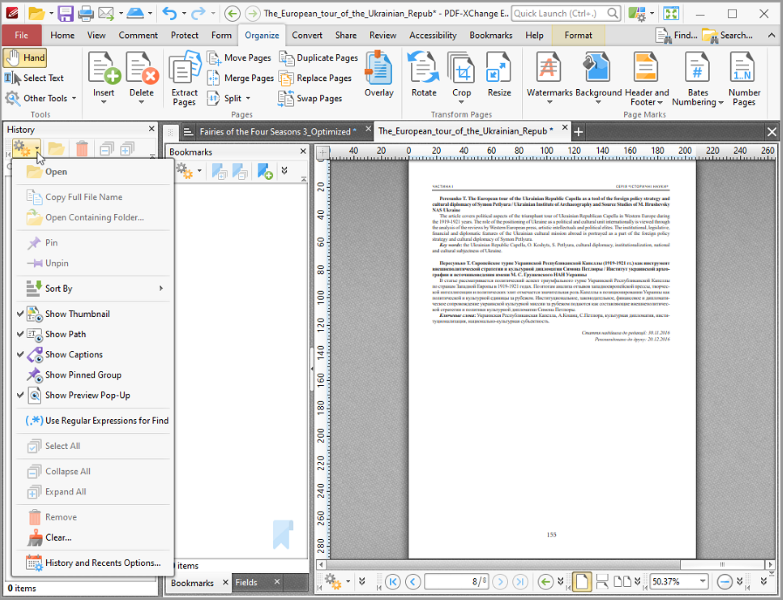 Text Content Editing, OCR options, Spellchecker, XFA forms support, Listen/add audio comments, New Extended Digital Signature Support, PDF Security Support, Add Comments and Annotations, Custom Stamps, Direct Content, Combine PDFs, Import Directly from XPS and other support formats, Bates Numbering, Crop/Insert/Delete Pages, Scan to PDF, Portfolio, 3D annotations, enhanced OCR, to/from PowerPoint, save/open sessions, SharePoint
Windows | Shareware
Read More
VERYPDF PDF TO TEXT OCR SDK FOR .NET 2.0
Business :: Office Suites & Tools
 VeryPDF PDF to Text OCR SDK for .NET can recognize text from scanned documents with Optical Character Recognition technology. It can extract text from scanned PDF and even images. As a command line tool, users can implement batch process with batch scripts.
Windows | Shareware
Read More
Business :: Office Suites & Tools
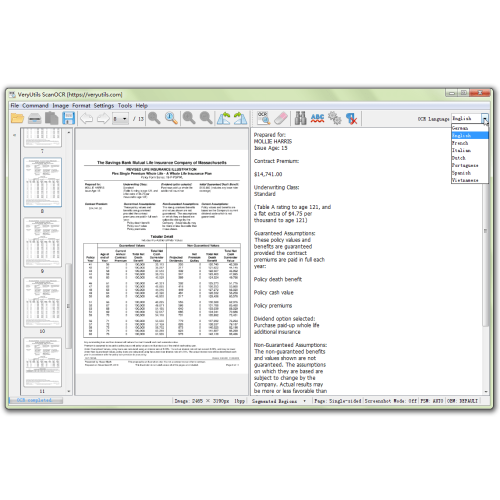 VeryUtils ScanOCR is a simple OCR software for Windows, Mac and Linux systems, providing character recognition support for common image formats, and multi-page images and PDF files. The program has postprocessing which helps correct errors regularly encountered in the OCR process, boosting the accuracy rate on the result. The program can also function as a console application, executing from the command line.
Windows | Shareware
Read More
VERYPDF BARCODE GENERATOR SDK 2.1
Business :: Office Suites & Tools
 VeryPDF Barcode Generator SDK for .NET is a royalty free SDK for C#, ASP.NET, VB.NET Developers. Create barcodes in all development environments with our versatile Barcode Generator SDK. The extensive set of supported barcode symbologies and available barcode components - ActiveX Control, COM, .NET, ASP. NET and DLL (32+64 Bit) - fulfill all your requirements. VeryPDF Barcode Generator SDK is the ideal barcode software for generating barcodes.
Windows | Shareware
Read More