


N5 Net Software Repository
Your one-stop for all your software needs.
Search N5 Net Software Repository:
Search Files
Sponsor:
Browse:
- Audio & Multimedia (1527)
- Business (1697)
- Communications (462)
- Desktop (135)
- Development (555)
- Education (163)
- Games & Entertainment (700)
- Graphic Apps (657)
- Home & Hobby (102)
- Network & Internet (524)
- Security & Privacy (499)
- Servers (65)
- System Utilities (8668)
- Web Development (279)
Areas Of Interest
Authors Area
Are you a software author? Take a look at our Author Resource Center where you will find marketing tools, software specifically created for promoting your software and a ton of other helpful resources.
VeryPDF PDFPrint Command Line 2.22
Business :: Office Suites & Tools
(Click to Enlarge)
VeryPDF PDFPrint Command Line can be used to print existing PDF documents to any windows printer devices. PDFPrint Command Line supports command line operation, it can be easily embedded into your applications and print PDF files quickly. VeryPDF PDFPrint Command Line does NOT need Adobe Acrobat or free Acrobat Reader software. VeryPDF PDFPrint Command Line Features 1. PDF Print is a standalone software, Adobe Acrobat and Reader NOT required! 2. PDF Print support print unattended and in batch mode 3. A set of printing options (select printer, page range, copies, selectable paper size, orientation, duplex printing, collate, scale on printer, etc.) are available, support all options in DEVMODE structure 4. Print PDF documents to a specific printer, or to the default printer 5. Set the page mode (x-scale, y-scale, scale to fit) 6. Set the vertical and horizontal page offset (x-offset, y-offset) 7. Support 100+ standard paper sizes, custom paper sizes or retrieve paper size from PDF file 8. Popup a dialog to select Windows Printer Driver by manual 9. Set paper orientation (upright, upside down, left side down, right side down) 10. Set printer orientation (portrait, landscape) 11. Select the number of copies 12. Print PDF documents in duplex mode (simplex, horizontal, vertical) 13. Select the color mode (color, black and white) 14. PDF Print support convert embedded fonts to Type1 or TrueType fonts 15. Select the print quality (high, medium, low, draft, 300DPI, 600DPI, 1200DPI or others) 16. Print a single page, range of pages, or whole document 17. Print owner password protected PDF files directly 18. Chinese, Japanese and Korean (CJK) characters are fully supported 19. PDF Print supports various languages, include Chinese Simplified, Chinese Traditional, French, Danish, Dutch, English, German, Italian, Japanese, Korean, Norwegian, Portuguese, Russian, Spanish, Swedish, etc. 20. PDF Print allows you to add watermarks to the printed documents.
Specifications:
Version: 2.22 |
Download
|

Similar Products:
UNIPDF PDF TO DOC CONVERTER 1.3.4
Business :: Office Suites & Tools
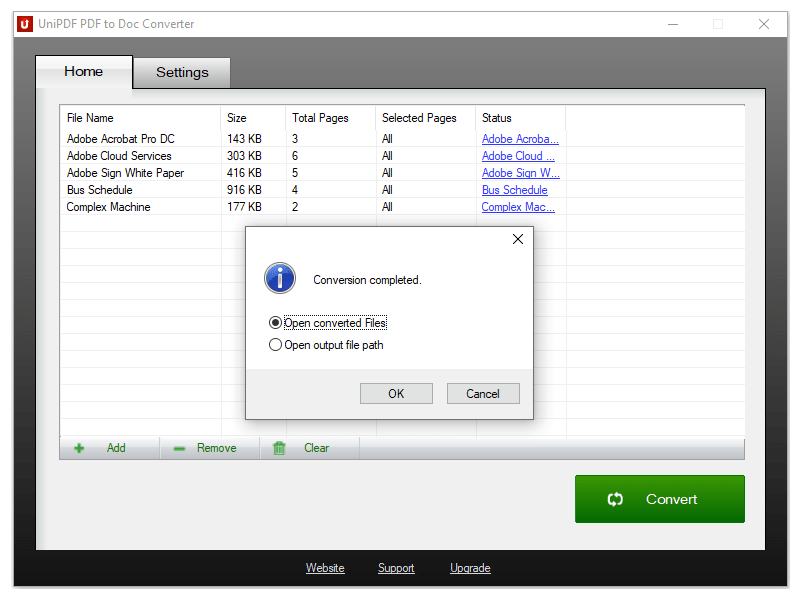 100% Free PDF to Doc converter software. Convert PDF to Doc format in batch mode and keep original document texts, layouts, images. This easy-to-use PDF to Doc converter allows you to change PDF files into Word documents in seconds in only two simple steps: Add PDF files; Convert. It's just that easy! Unlike other online PDF to Doc converters, you don't need to register, upload, and download to get the job done.
Windows | Freeware
Read More
Business :: Office Suites & Tools
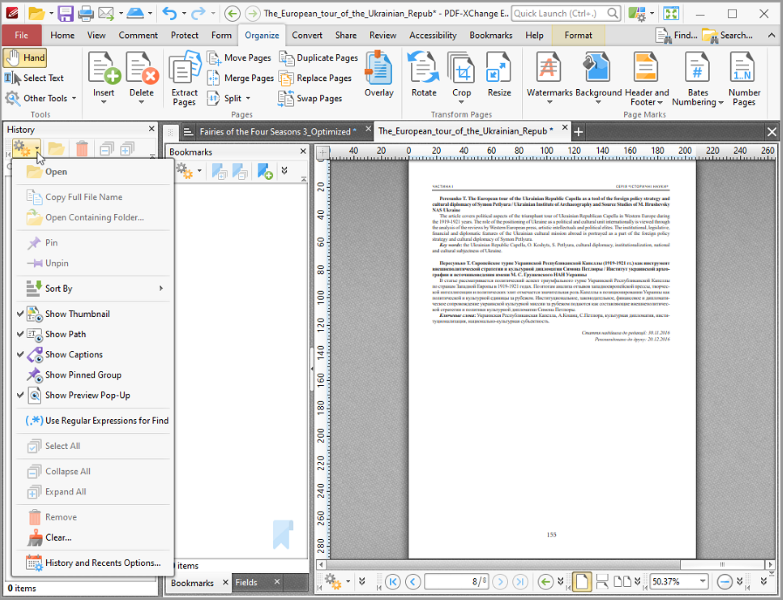 Text Content Editing, OCR options, Spellchecker, XFA forms support, Listen/add audio comments, New Extended Digital Signature Support, PDF Security Support, Add Comments and Annotations, Custom Stamps, Direct Content, Combine PDFs, Import Directly from XPS and other support formats, Bates Numbering, Crop/Insert/Delete Pages, Scan to PDF, Portfolio, 3D annotations, enhanced OCR, to/from PowerPoint, save/open sessions, SharePoint
Windows | Shareware
Read More
ARYSON PDF BATES NUMBERING TOOL 23.11
System Utilities :: File & Disk Management
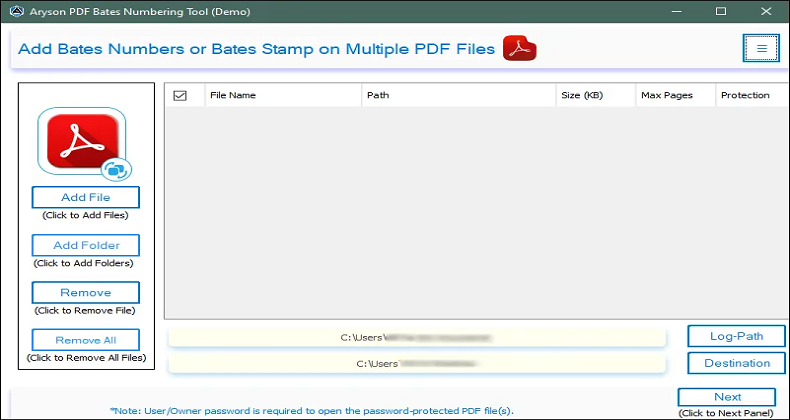 The Aryson PDF Bates Numbering Tool offers the feature of adding Bates numbers on the basis of their arrangements of pages in a PDF file. It also assists in adding Bates numbers to various PDF files in a single attempt and allows for a preview of Bates numbers on the PDF file before implementing the results. It works on all Windows operating system versions, like Windows 11/ 10/ 8.1/ 8/ 7/, 2008/ 2012 (32 and 64 Bit), and other versions below.
Windows | Shareware
Read More
Business :: Office Suites & Tools
 All you will ever need to Create (from virtually any windows application). Includes PDF-XChange Editor Plus and PDF-Tools; Create new PDF files from the output of any Windows app; Create and Edit Fillable PDF Forms; Dynamic Stamps; Interactive Adobe AcroForms
Windows | Shareware
Read More