


N5 Net Software Repository
Your one-stop for all your software needs.
Search N5 Net Software Repository:
Search Files
Sponsor:
Browse:
- Audio & Multimedia (1596)
- Business (4238)
- Communications (1257)
- Desktop (183)
- Development (602)
- Education (171)
- Games & Entertainment (702)
- Graphic Apps (686)
- Home & Hobby (107)
- Network & Internet (571)
- Security & Privacy (532)
- Servers (65)
- System Utilities (11196)
- Web Development (284)
Areas Of Interest
Authors Area
Are you a software author? Take a look at our Author Resource Center where you will find marketing tools, software specifically created for promoting your software and a ton of other helpful resources.
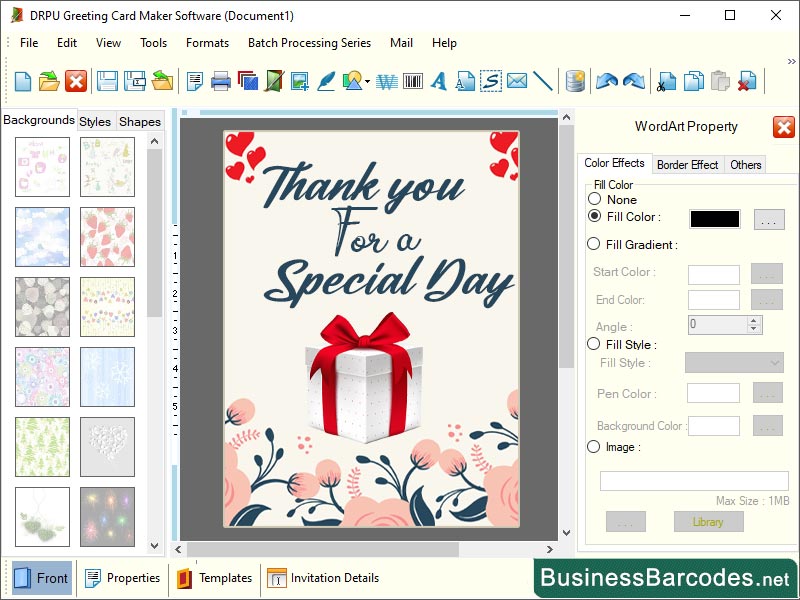
Creative Greeting Card Application 11.2
Business :: Office Suites & Tools
(Click to Enlarge)
*What are essential steps to consider when preparing your greeting card design? 1-To create a greeting card, set up bleeds and margins to prevent white borders or unintended gaps during trimming. 2-Ensure the card's final size fits within the trim area and leave a safe zone to keep critical design elements within. 3-Set your document colour mode to CMYK for accurate colour representation, calibrate your monitor, and use colour profiles recommended by the printer. 4-Embedding or outlining fonts and check licensing restrictions. 5-Save the final design in a suitable file format, such as PDF, and avoid excessive compression.6- Establish clear communication with the printer, discussing project requirements, file specifications, deadlines, and seeking guidance on preferred file setup, colour profiles, or specific guidelines. * How create a unique greeting card design? To create unique card, use bold typography to set the tone and personality of the card. Incorporate texture and embellishments to enhance the design's visual appeal. Focus on composition, experimenting with layouts and compositional techniques to create visual harmony. Personalize and customize elements, such as the recipient's name or message, and consider unconventional formats like pop-up cards or accordion-fold cards. Pay attention to detail, ensure the design is visually cohesive, and seek feedback to improve its impact. Continuously review and assess your design, making necessary adjustments to improve its impact. * Avoid these mistakes when designing a greeting card: Avoid overcomplicating design elements, opt for a clean, simple, and focused greeting card, avoiding excessive text, graphics, or embellishments, and opting for a balanced composition. Maintain consistency with brand guidelines when designing greeting cards, avoiding conflicting colours, fonts, or styles, and aligning with the brand's personality and visual elements.
Specifications:
Version: 11.2 |
Download
|

Similar Products:
Business :: Office Suites & Tools
 PDF Shaper is a set of feature-rich PDF tools that makes it simple to split, merge, watermark, sign, protect, optimize, convert, encrypt and decrypt your PDF documents. The software is optimized for low CPU resource usage and operates in batch mode, allowing users to process multiple PDF files while doing other work on their computers. PDF Shaper's clean, intuitive interface allows users to become productive in just a few minutes.
Windows | Shareware
Read More
Business :: Office Suites & Tools
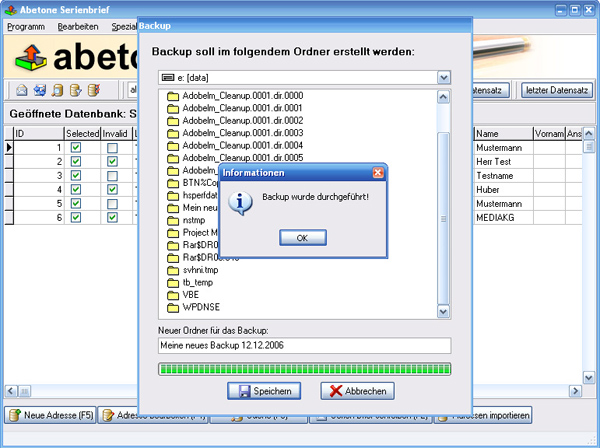 Data base software with serial letter function with personal address
Windows | Shareware
Read More
Business :: Office Suites & Tools
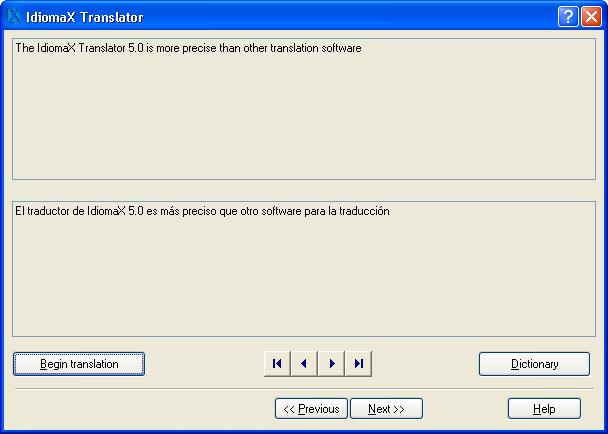 With this assistant-like program you can translate whole documents, not word by word, but analyzing complete sentences. You can also make spell checking, select the text that you do not wish translated, edit the program dictionaries and select the text specialties, before the translation process begins. Translation to/from English, Spanish, Italian and French are included.
Windows | Shareware
Read More
UNIPDF PDF TO DOC CONVERTER 1.3.4
Business :: Office Suites & Tools
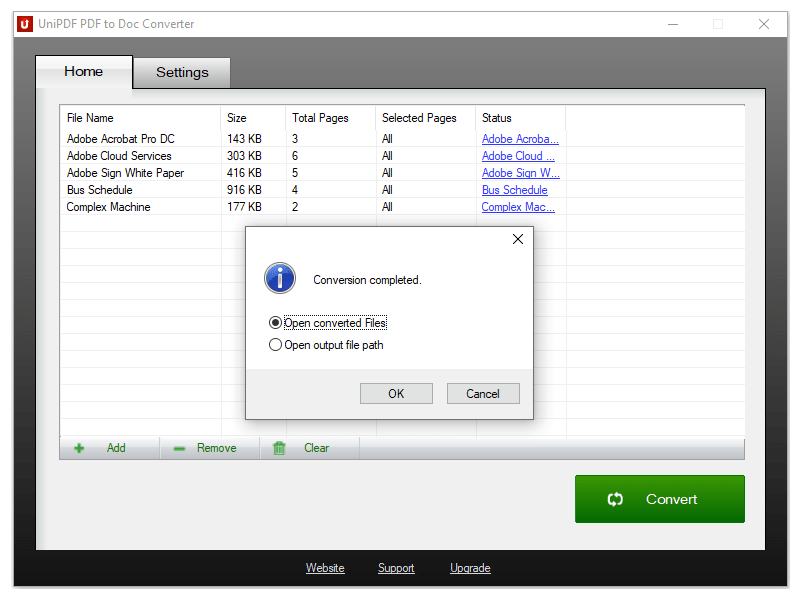 100% Free PDF to Doc converter software. Convert PDF to Doc format in batch mode and keep original document texts, layouts, images. This easy-to-use PDF to Doc converter allows you to change PDF files into Word documents in seconds in only two simple steps: Add PDF files; Convert. It's just that easy! Unlike other online PDF to Doc converters, you don't need to register, upload, and download to get the job done.
Windows | Freeware
Read More