


N5 Net Software Repository
Your one-stop for all your software needs.
Search N5 Net Software Repository:
Search Files
Sponsor:
Browse:
- Audio & Multimedia (1565)
- Business (1732)
- Communications (466)
- Desktop (182)
- Development (569)
- Education (166)
- Games & Entertainment (707)
- Graphic Apps (683)
- Home & Hobby (105)
- Network & Internet (543)
- Security & Privacy (500)
- Servers (65)
- System Utilities (9315)
- Web Development (281)
Areas Of Interest
Authors Area
Are you a software author? Take a look at our Author Resource Center where you will find marketing tools, software specifically created for promoting your software and a ton of other helpful resources.
Identity Badge Logo Maker 6.3.0.9
Business :: Office Suites & Tools
(Click to Enlarge)
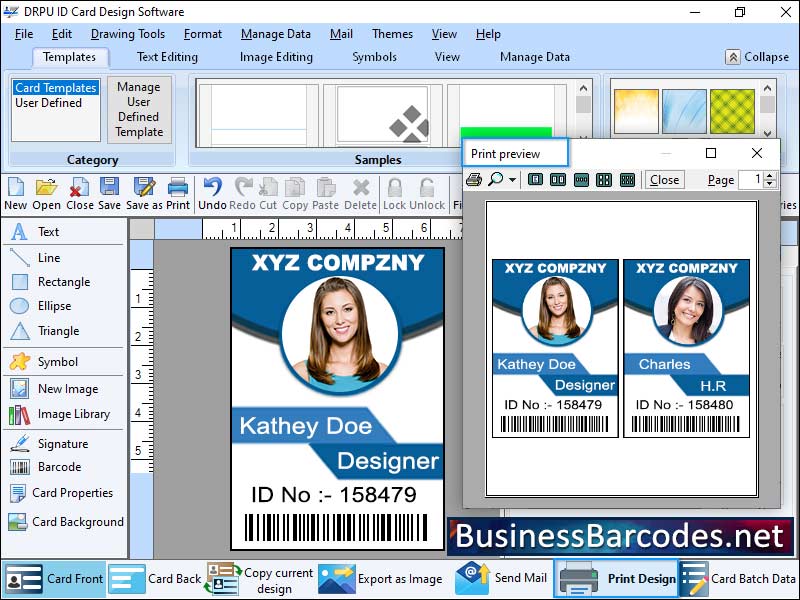
*How personalization can be incorporated into ID badge design? ID badges are essential for identifying employees within an organization. They provide a sense of ownership and belonging by displaying the employee's name prominently, ensuring easy readability. Employee?s photo, clear, well-lit, and recent, visually associates the badge with the individual, allowing quick identification. Personalization can extend beyond the name and photo, incorporating the company's logo, brand colours, or other elements. Personalization enhances ID badge security by making it harder to counterfeit or misuse. Additional security features like holograms, barcodes, or RFID technology can be added for authentication and access control. * Why and how you can include a company logo or branding in your ID badge design? An ID badge is a crucial tool for identifying individuals within an organization. Its design incorporates the company logo or branding, making it easier for others to recognize the wearer's affiliation. This enhances professionalism, reinforces the brand identity, and instils a sense of pride among employees. Additionally, it contributes to security features by distinguishing authentic badges from counterfeit ones. *When incorporating a company logo or branding into an ID badge design: logo should be prominently placed on a badge, ideally at the top or centre, and large enough for quick identification. It should be scaled appropriately to maintain a balanced design. ogo should blend harmoniously with other badge design elements, and it is essential to comply with brand guidelines for maximum size requirements and colour variations. *Different Layout of Id Badge:1-Full-bleed layout refers to a design where the background colour, image, or pattern extends to the edges of the badge, without any margins.2- Tabbed layout involves adding tabs or sections to the badge design, creating distinct areas for different information.
Specifications:
Version: 6.3.0.9 |
Download
|

Similar Products:
Business :: Office Suites & Tools
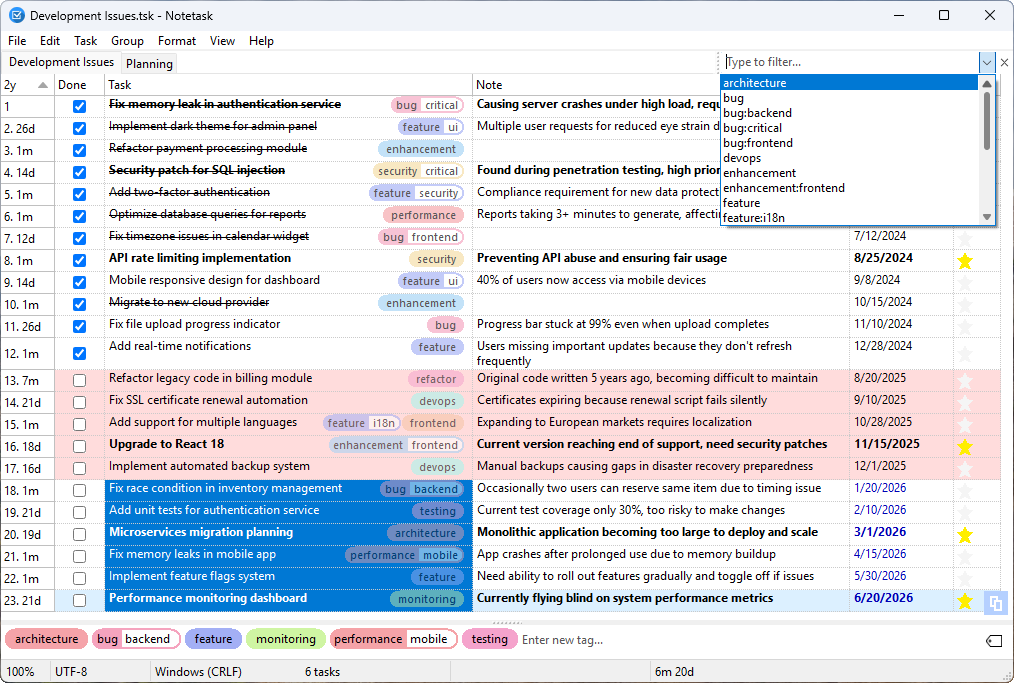 Notetask is a free and open-source cross-platform task manager and note-taking application for Windows and Linux, written in Lazarus (Free Pascal). The core idea of Notetask is simple: it stores tasks and notes in plain text files, where each line represents a separate task or note. Users can also choose to save their files in an encrypted format for personal information, while all data remains local to their device.
Windows Linux | Freeware
Read More
BATCH DOCX TO DOC CONVERTER 2026.18.211
Business :: Office Suites & Tools
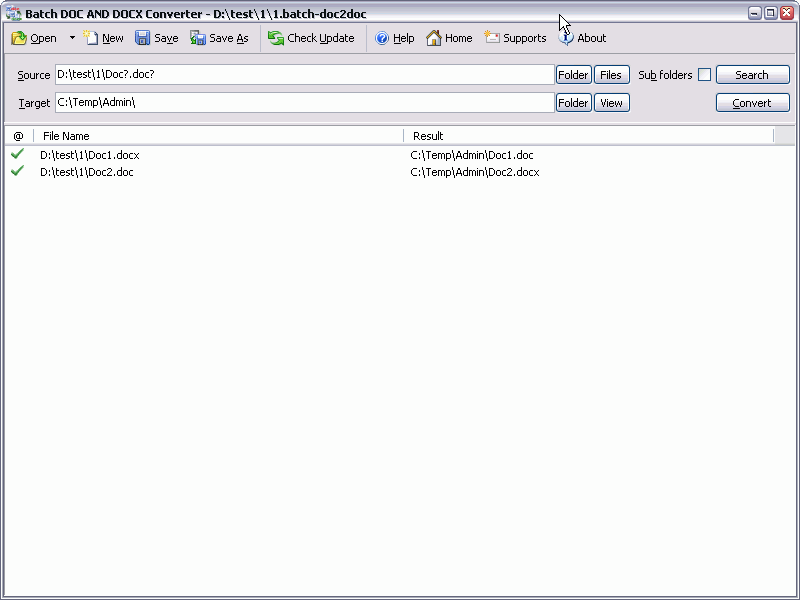 Batch DOC AND DOCX Converter is a Word DOC to DOCX DOCX to DOC Batch Converter that can convert Word DOC to DOCX and DOCX to DOC easily. Batch DOC TO DOCX Converter supports powerful search for a lot of files. A DOC and DOCX converter for Word. Batch DOC AND DOCX Converter supports project and command line. Batch DOC AND DOCX Converter has a friendly GUI so it is used very easily. Batch DOC AND DOCX Converter Drag and Explorer Context supported.
Windows | Shareware
Read More
BATCH XLSX TO XLS CONVERTER 2026.18.211
Business :: Office Suites & Tools
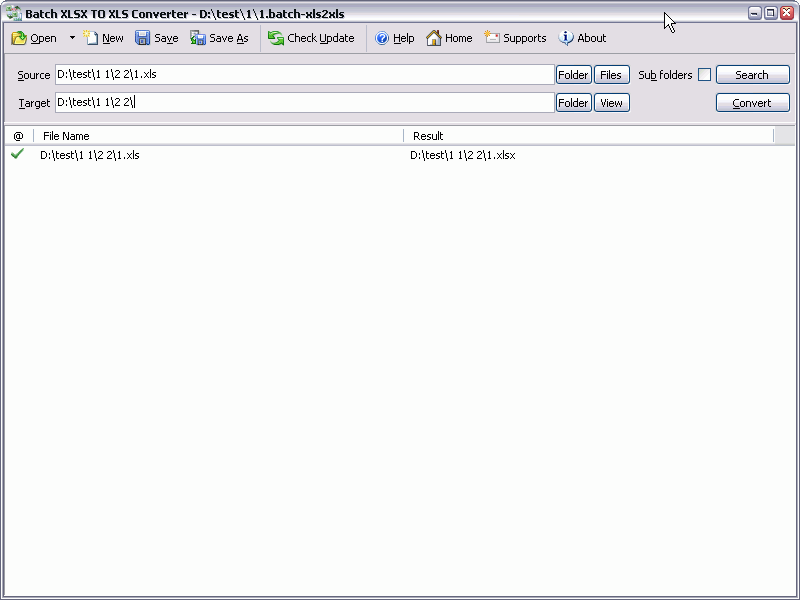 Batch XLS AND XLSX Converter is a Excel XLS to XLSX XLSX to XLS Batch Converter that can convert Excel XLS to XLSX and XLSX to XLS easily. Batch XLS TO XLSX Converter supports powerful search for a lot of files. A XLS and XLSX converter for Excel. Batch XLS AND XLSX Converter supports project and command line. Batch XLS AND XLSX Converter has a friendly GUI so it is used very easily. Batch XLS & XLSX Converter Drag and Explorer Context supported.
Windows | Shareware
Read More
BATCH WORD TO PNG CONVERTER 2026.18.211
Business :: Office Suites & Tools
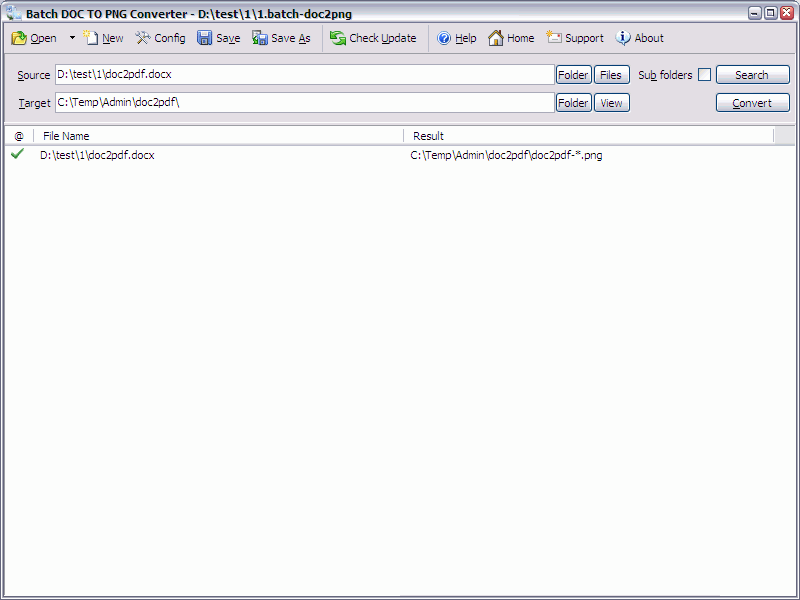 Batch DOC TO PNG Converter is a Word to PNG DOC/DOCX to PNG Batch Converter that can convert Word DOC/DOCX to PNG (Portable Network Graphics) easily. Batch DOC TO PNG Converter supports powerful search for a lot of files. A PNG publisher for Word. Batch DOC TO PNG Converter supports project and command line. Batch DOC TO PNG Converter has a friendly GUI so it is used very easily. Batch DOC TO PNG Converter Drag and Explorer Context supported.
Windows | Shareware
Read More