


N5 Net Software Repository
Your one-stop for all your software needs.
Search N5 Net Software Repository:
Search Files
Sponsor:
Browse:
- Audio & Multimedia (1582)
- Business (1741)
- Communications (469)
- Desktop (134)
- Development (571)
- Education (165)
- Games & Entertainment (709)
- Graphic Apps (683)
- Home & Hobby (106)
- Network & Internet (544)
- Security & Privacy (505)
- Servers (67)
- System Utilities (9267)
- Web Development (284)
Areas Of Interest
Authors Area
Are you a software author? Take a look at our Author Resource Center where you will find marketing tools, software specifically created for promoting your software and a ton of other helpful resources.
Classic PDF Reader for Windows 10 1.01
(Click to Enlarge)
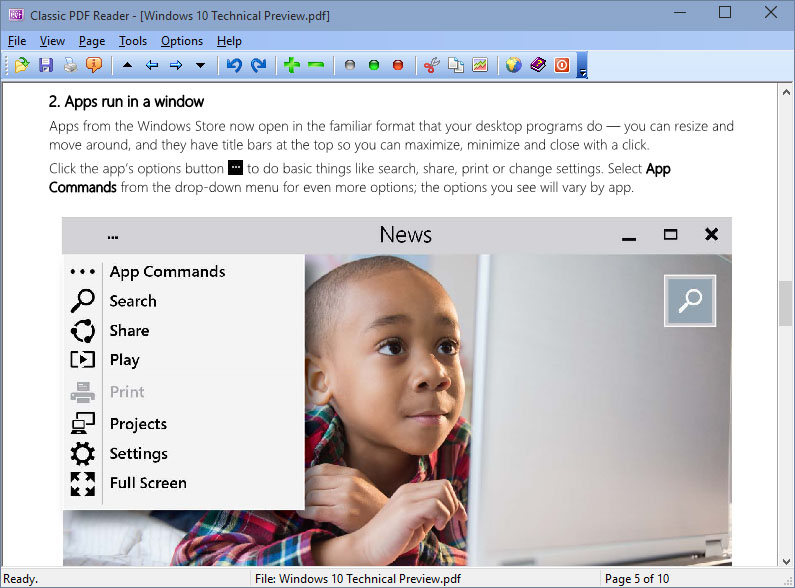
Windows 10 is great, but if you want to run two instances of a modern PDF Reader app at the same time or read two PDFs side by side, but it's only possible to view one at a time using the Reader apps. You can switch between two PDFs open in the PDF Reader app, but not in the same way as switching between open documents in other apps. Rather than being able to Alt-Tab or Windows-Tab through things, you have to use a menu. Inconsistency once again. The solution is to install a Classic PDF Reader that allows for multiple documents to be displayed side by side, but why should you? Sod it, you might as well install Classic PDF Reader and use it alongside Windows' own Reader ? at least then you can be consistent with your use of inconsistent interfaces. It takes you back to your previous complaint of Windows 10 being like a rollercoaster ride. More advanced features include the conversion of PDF to TXT, BMP, JPG, GIF, PNG, WMF, EMF, EPS, and TIFF, snipping your desired text or graphics out of PDF file. As an alternative to Microsoft PDF Reader or Adobe Reader, Classic PDF Reader is extremely fast and responsive when you scroll your mouse between PDF pages on Windows 10. Features: View PDF Side by Side Open and view PDF files in multiple windows, and read them side by side in Microsoft Windows 10. Snipping Text and Graphics Cut and paste your desired text and graphics out of PDF document. Save PDF as Other File Format Convert PDF to text and graphics in BMP, JPG, GIF, PNG, WMF, EMF, EPS, and TIFF format. PDF Slide Show Present your PDF file as a PowerPoint slides in a full-screen show.. Mouse Wheel Scrolling Drag the view area by scrolling your mouse wheel. High-quality rendering View graphics and text in high resolution. Work with 86 different languages PDF files with Asian, Hebrew, Arabic and other language fonts can be opened and viewed without difficulty.
Specifications:
Version: 1.01 |
Download
|

Similar Products:
Development :: Help Tools
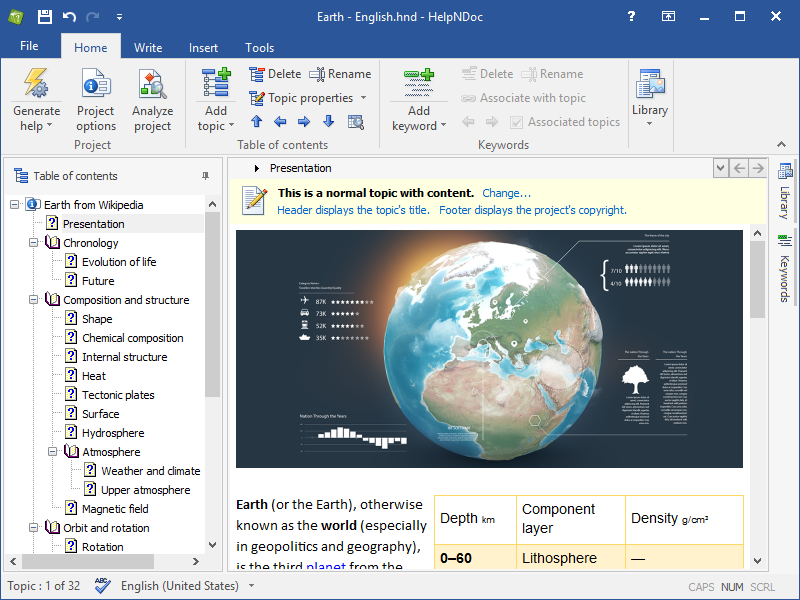 Forget about bloated user interfaces and incomprehensible help authoring tools: HelpNDoc provides the most advanced functionalities in their simplest form. Creating HTML and CHM help files is usually a painful process but thanks to HelpNDoc you may surprise yourself enjoying it! Producing Word and PDF manuals, ePub and Kindle eBooks is as easy while the amazing template engine will let you generate iPhone specific documentation websites in a snap
Windows | Freeware
Read More
Development :: Help Tools
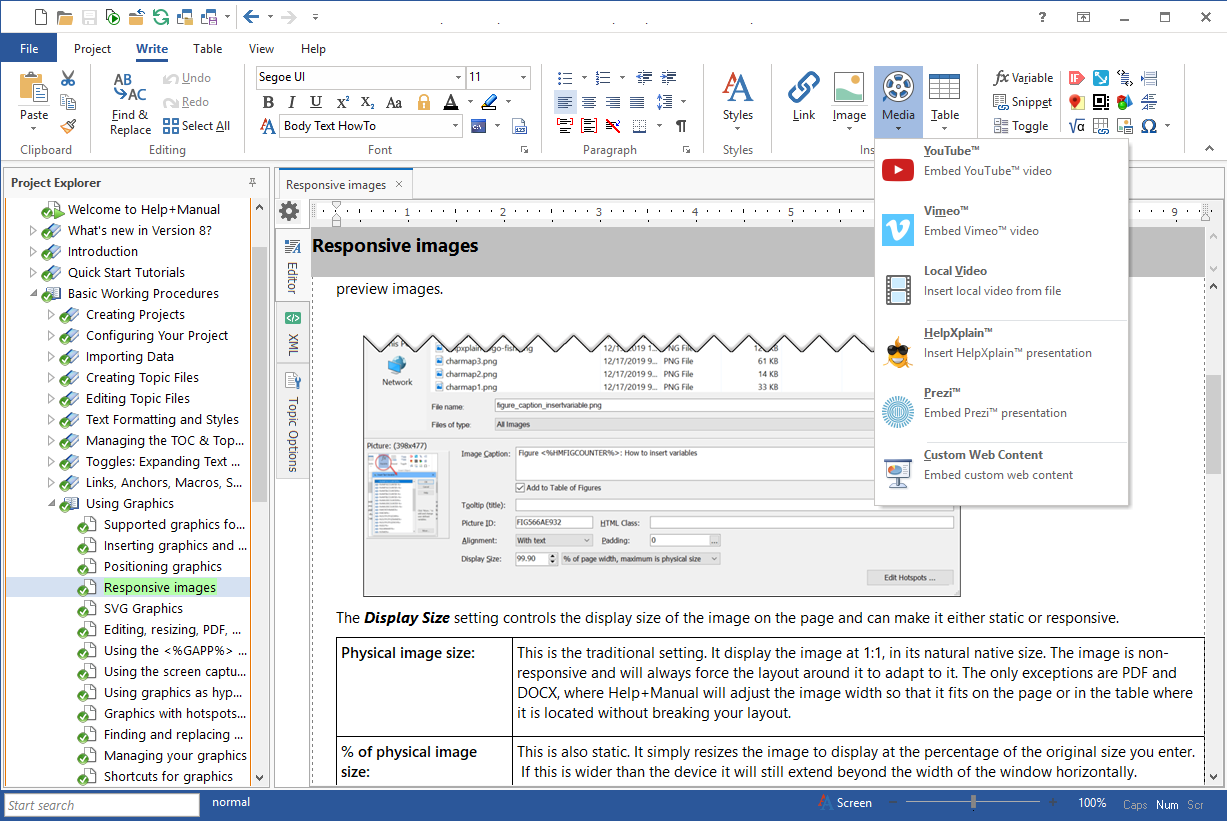 Help+Manual is a single-source help authoring and content management system for both single and multi-author editing. Working with Help+Manual is as easy as writing text with a word processor. Help+Manual scales from small to really large projects with thousands of pages and creates Windows help files, Webhelp and manuals in print and PDF format. Try yourself and download a trial of Help+Manual! Writing help has never been easier.
Windows | Shareware
Read More
Graphic Apps :: Converters & Optimizers
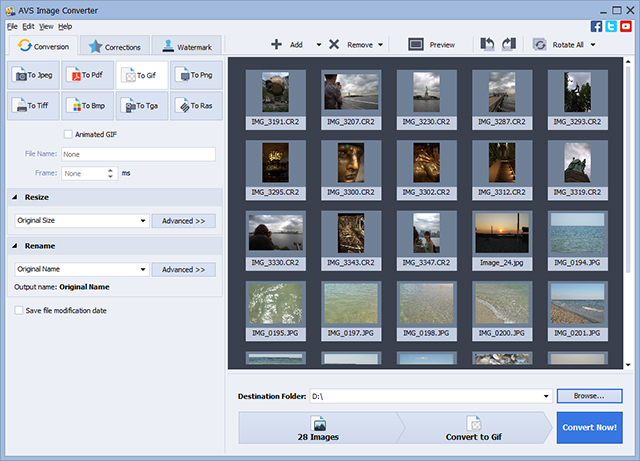 Convert images between all key formats such as JPEG, PDF, RAW, TIFF, TGA, RAS, GIF, JPEG 2000, animated GIF/PNG, etc. Automatically resize your photos to popular printing formats. Automate routine work using ready conversion templates. Protect your images with personal watermark. AVS Image Converter is a part of the AVS4YOU package. Register once and use all tools from www.AVS4YOU.com. Subscribe for $39/year or $59/lifetime.
Windows | Freeware
Read More
Business :: Office Suites & Tools
 PDF Shaper is a set of feature-rich PDF tools that makes it simple to split, merge, watermark, sign, protect, optimize, convert, encrypt and decrypt your PDF documents. The software is optimized for low CPU resource usage and operates in batch mode, allowing users to process multiple PDF files while doing other work on their computers. PDF Shaper's clean, intuitive interface allows users to become productive in just a few minutes.
Windows | Shareware
Read More