


N5 Net Software Repository
Your one-stop for all your software needs.
Search N5 Net Software Repository:
Search Files
Sponsor:
Browse:
- Audio & Multimedia (1582)
- Business (1741)
- Communications (469)
- Desktop (134)
- Development (571)
- Education (165)
- Games & Entertainment (709)
- Graphic Apps (683)
- Home & Hobby (106)
- Network & Internet (544)
- Security & Privacy (505)
- Servers (67)
- System Utilities (9267)
- Web Development (284)
Areas Of Interest
Authors Area
Are you a software author? Take a look at our Author Resource Center where you will find marketing tools, software specifically created for promoting your software and a ton of other helpful resources.
watchDirectory 4.2.5
System Utilities :: Automation Tools

(Click to Enlarge)
WatchDirectory automatically starts tasks when the directory contents that this program is monitoring changes (a file or directory is added, deleted or changed). You can choose from the following predefined tasks: Automatically Copy Files. Automatically Sort Files based on rules. Automatically Email when files are created/deleted. Automatically Delete Files. Automatically Upload (ftp) Files (supports Proxies, Passive mode and Secure FTP). Automatically create thumbnails for your pictures. Automatically Generate HTML. Automatically Generate auditing reports for changed/deleted files (Who Did It?). Automatically Compress (zip) files. Automatically Uncompress (unzip) files. Automatically start .bat files. Several sample .bat files are included: * Automatically run VBS scripts * Automatically convert Postscript files to PDF * Automatically print PDF * Automatically print Microsoft Word documents * Log file system activity * Automatically start your own .bat file Other highlights: Can monitor local and network directories for changes. Efficiently monitors directories: watchDirectory receives a notification from Windows when the monitored folder changes. Easy to start automatically at system start-up as a Windows Service application. Also available with a German language interface. Available in a Standard and Professional edition.
Specifications:
Version: 4.2.5 |
Download
|

Similar Products:
Development :: Debugging
 RoutineBot is an interface automation testing software. It allows to create scripts to test interface of software systems just like human testers would do it. RoutineBot does not just emulate mouse clicks or button clicks, the RoutineBot allows user to specify some image sample to be found n the screen and do some action with this sample. For instance, it can find image sample and then focus mouse on it or move the mouse relatively.
Windows | Shareware
Read More
System Utilities :: Automation Tools
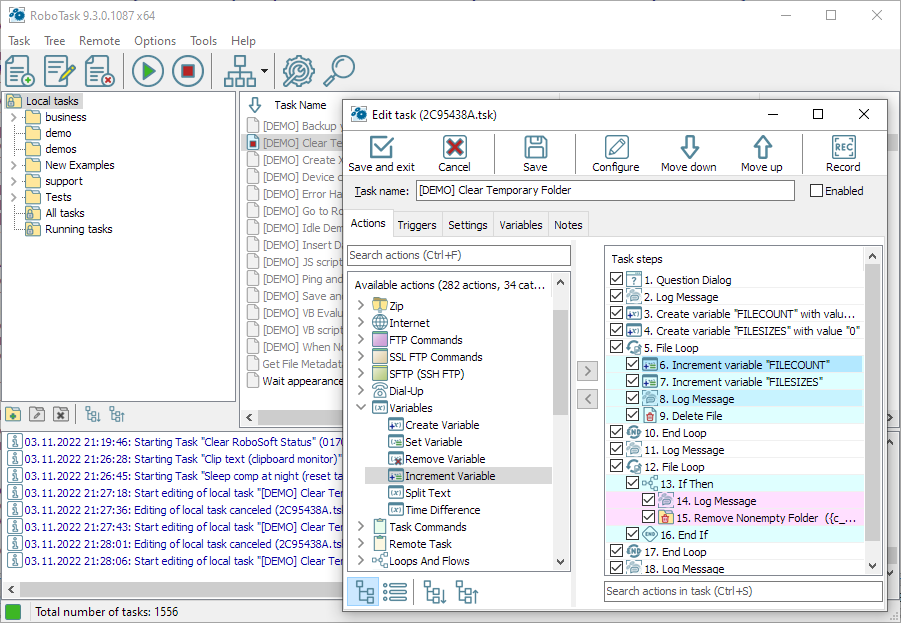 RoboTask allows you to automate any combination of tasks on your computer, ranging from simply launching applications, to checking email, moving or backing up files to uploading/downloading, sending email and much more. The program allows you to easily create simple tasks, as well as highly complex automations, involving conditional IF/ELSE statements, loops, custom variables and other advanced options.
Windows | Shareware
Read More
System Utilities :: Automation Tools
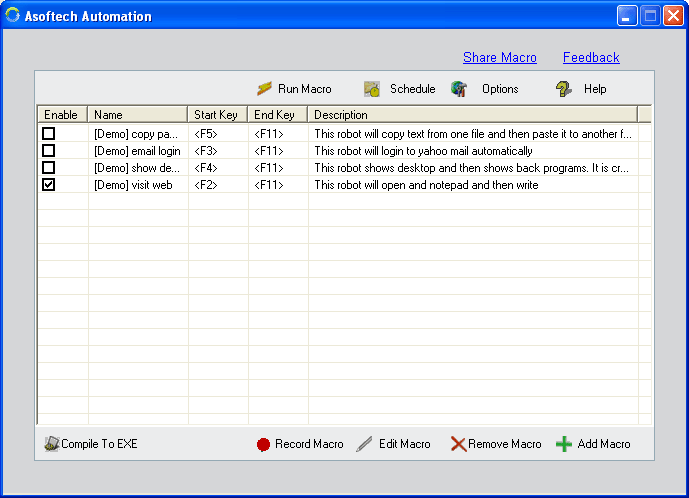 Asoftech Automation helps to automate all of the repetitive tasks you face each day. It records all operation of mouse and keystrokes and saves them as macros. You can also create macros manually with macro editor. Asoftech Automation can then play back the recorded macros to automate recorded tasks any number of times.It is very easy to use and doesn't require any programming experience.
Windows | Shareware
Read More
System Utilities :: Automation Tools
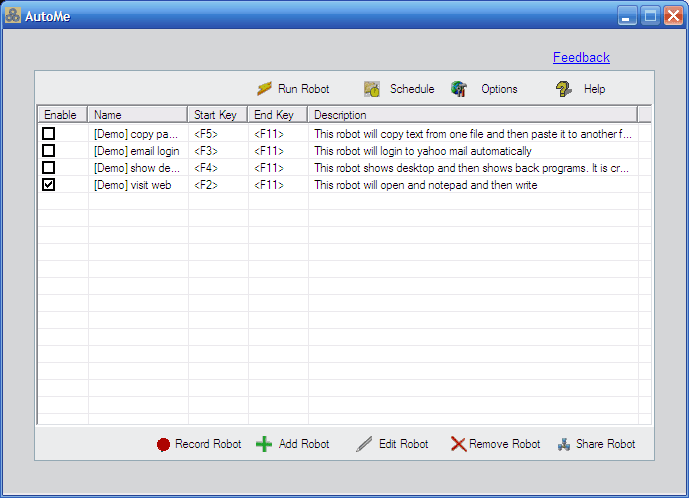 AutoMe is a reliable and user-friendly windows automation software and macro recorder with task scheduler, color checker. AutoMe is very easy to use, you can record robot, and run it as many time as needed. No programing needed. AutoMe helps you save thousands of mouse clicks and keystrokes, reduce your repetitive tasks to a single mouse click or a keystroke!
Windows | Shareware
Read More