


N5 Net Software Repository
Your one-stop for all your software needs.
Search N5 Net Software Repository:
Search Files
Sponsor:
Browse:
- Audio & Multimedia (1565)
- Business (1732)
- Communications (466)
- Desktop (182)
- Development (569)
- Education (166)
- Games & Entertainment (707)
- Graphic Apps (683)
- Home & Hobby (105)
- Network & Internet (543)
- Security & Privacy (500)
- Servers (65)
- System Utilities (9315)
- Web Development (281)
Areas Of Interest
Authors Area
Are you a software author? Take a look at our Author Resource Center where you will find marketing tools, software specifically created for promoting your software and a ton of other helpful resources.
Data Recovery Software for Mac OS 6.1.2.2
System Utilities :: File & Disk Management
(Click to Enlarge)
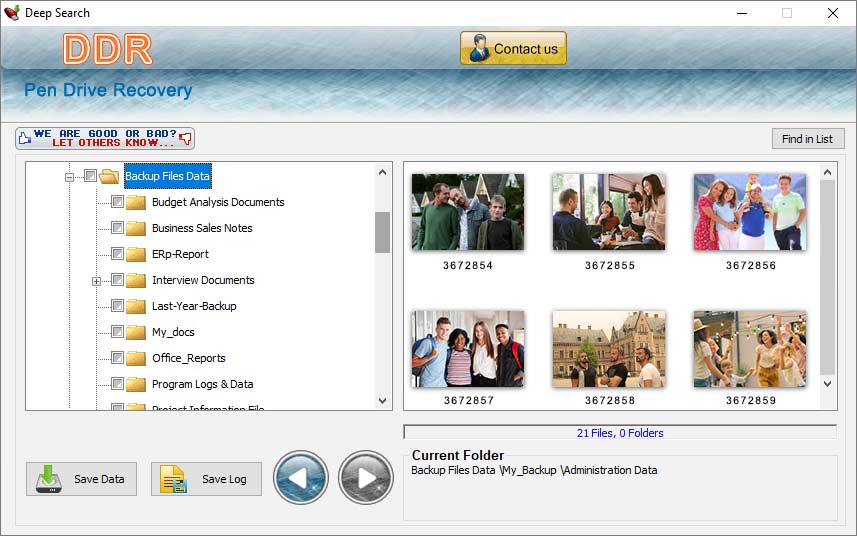
Steps to recover the data form pen drive using Mac USB drive Data recovery software-: *Install Pen Drive Data Recovery Software for Mac -: Firstly, download and install The Mac Drive Data Recovery Tool to recover the data. *Connect the USB drive on your Mac-: After completing the installation, connect the USB to your Mac. Select the USB device from the application disk list. *Scan the flash drive to recover data -: After selecting, user click on the next button and the software scans all deleted data. Software displays the scanned data on the computer screen. *Browsing and selecting folder-: User can select a specific folder, which they want to recover it. With the help of the browsing option, a user can select a folder to save the recovered data. *Perform the recovery with the selected items-: After selecting, the scanned folder or file user can perform recovery process. Software recovers the select data in less time. Cause of data loss in a pen drive-: *Immediate power loss-: Immediate power loss is the major reason for the data loss, because in this condition file transferring process is not completed. Therefore, user will lose the data. *Hardware damage-:If a USB drive is physically damaged, then we also lost data. *USB connection issue-:The physical connection between the computer and the USB can cause data loss because the transferring process is incomplete without a properly connected connection. *File system error-: Storing device also saves the data according to the file system. If a file is corrupt, then you lost the data. Key feature of the Pen drive data recovery tool-: *Application restores photos and videos without harming of the original data. *Program recover data for many USB drive storage like Pen drive, Jump drive, USB key drive, USB memory card, USB flash drive etc. *The tool has all major capabilities such as 256MB, 128MB, 512MB, and higher capability to recover data.
Specifications:
Version: 6.1.2.2 |
Download
|

Similar Products:
System Utilities :: File & Disk Management
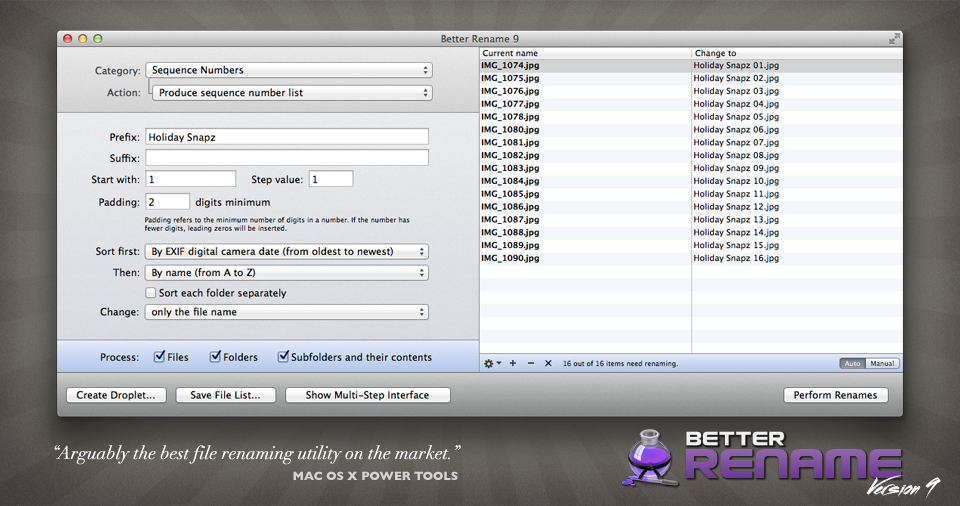 A Better Finder Rename allows users to quickly rename multiple files. This powerful, yet easy-to-use utility transforms the often tedious and time-consuming task of renaming multiple files into a simple matter of seconds. "A Better Finder Rename" is ideally suited for Macintosh webmasters, users who need to transfer files from Windows or UNIX as well as for all other Macintosh users who deal with large numbers of files.
MAC | Shareware
Read More
MAILDIVERT MAC PST CONVERTER 1.1
System Utilities :: File & Disk Management
 With MailDivert Mac PST Converter users can simply convert their Outlook PST files to PDF, MBOX, EML, CSV, DOC, HTML, MBOX, Office 365, vCard, ICS, Yahoo, OLM, IMAP Server, Gmail, Thunderbird, etc. the tool supports conversion of complete PST data without missing any data.
MAC | Shareware
Read More
MAILDIVERT MAC OLM CONVERTER 1.1
System Utilities :: File & Disk Management
 Download MailDivert Mac OLM Converter that provides simple and accurate method to convert Mac Outlook OLM mailboxes without any data loss. The tool allows converting Mac Outlook OLM to PST, PDF, EML, CSV, MBOX, Office 365, vCard, ICS, Gmail etc.
MAC | Shareware
Read More
MACFLICK MAC PST CONVERTER 1.1
System Utilities :: File & Disk Management
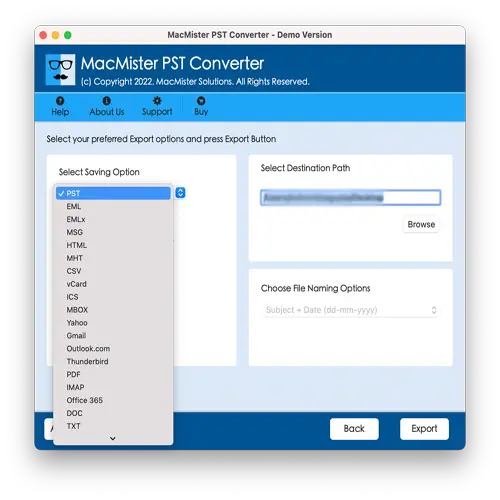 Macflick Mac PST Converter Tool securely performs the conversion of PST files into PDF, MSG, EML, CSV, OLM, MBOX, DOC, IMAP, Gmail, and more. Macflick Mac PST Converter has simplified GUI for seamless processing. Download its freeware version to know the in-depth software working for free.
MAC | Shareware
Read More