


N5 Net Software Repository
Your one-stop for all your software needs.
Search N5 Net Software Repository:
Search Files
Sponsor:
Browse:
- Audio & Multimedia (1582)
- Business (1741)
- Communications (469)
- Desktop (134)
- Development (571)
- Education (165)
- Games & Entertainment (709)
- Graphic Apps (683)
- Home & Hobby (106)
- Network & Internet (544)
- Security & Privacy (505)
- Servers (67)
- System Utilities (9267)
- Web Development (284)
Areas Of Interest
Authors Area
Are you a software author? Take a look at our Author Resource Center where you will find marketing tools, software specifically created for promoting your software and a ton of other helpful resources.
CustomExplorerToolbar 1.05
System Utilities :: Shell Tools
(Click to Enlarge)
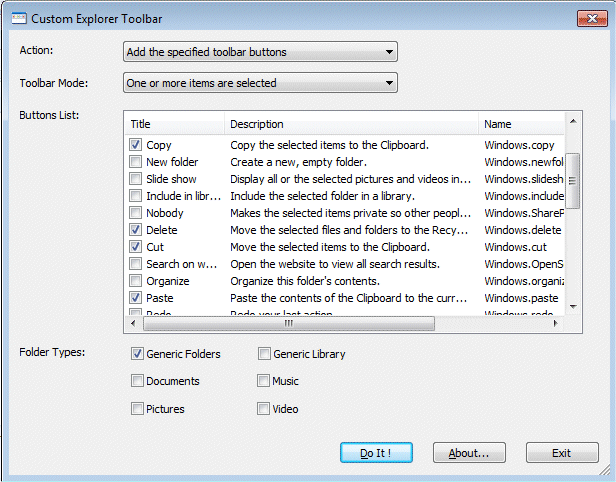
CustomExplorerToolbar is small utility for Windows 7 only, which allows you to easily customize the toolbar of Windows Explorer, and add buttons that were existed in previous versions of Windows, like Copy, Cut, Paste, Select All, and more. This utility also allows you to remove the toolbar buttons that you previously added.
Specifications:
Version: 1.05 |
Download
|

Similar Products:
Graphic Apps :: Converters & Optimizers
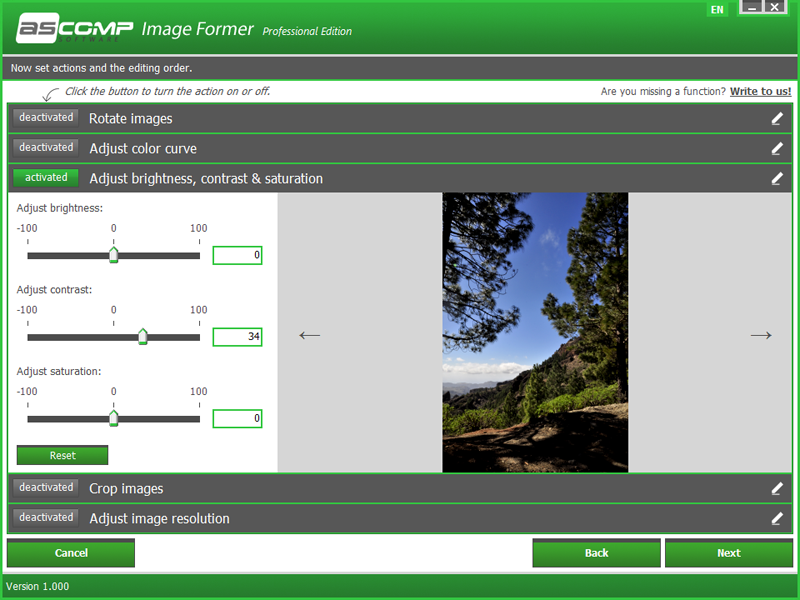 With Image Former you can get your pictures in top shape in no time at all: select any number of pictures, define actions and start conversion. Whether you want to rotate images, crop edges or correct colors, Image Former automatically applies the changes you want to all selected images. The Windows tool also has full control of enlarging or reducing the size and brings your image files into the desired format quickly and easily.
Windows | Demo
Read More
System Utilities :: Other
 AnyCoord is a powerful tool that lets you change your GPS location to any place you choose. When playing AR games on your iPhone or iPad, it can help you set a virtual location. Just enter the location you want, and it will create a fake GPS location for your device.
Windows | Shareware
Read More
FOLDER MARKER FREE - CUSTOMIZE FOLDERS 4.9
System Utilities :: Shell Tools
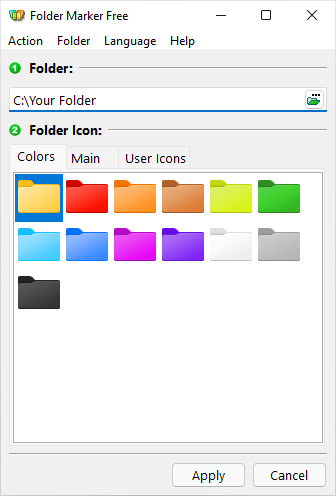 Folder Marker is a handy shell extension that enables you to quickly customize folder icons to indicate a priority level or project status (high, low, done, half-done, planned etc.), or you can use it to label a folder with a special icon or color of your choice. Simply right-click on any folder and select the icon or color to be used from the newly added menu option. Folder Marker supports single and multiple folder selections and is freeware.
Windows | Freeware
Read More
FOLDER MARKER HOME - CHANGE FOLDER COLOR 4.9
System Utilities :: Shell Tools
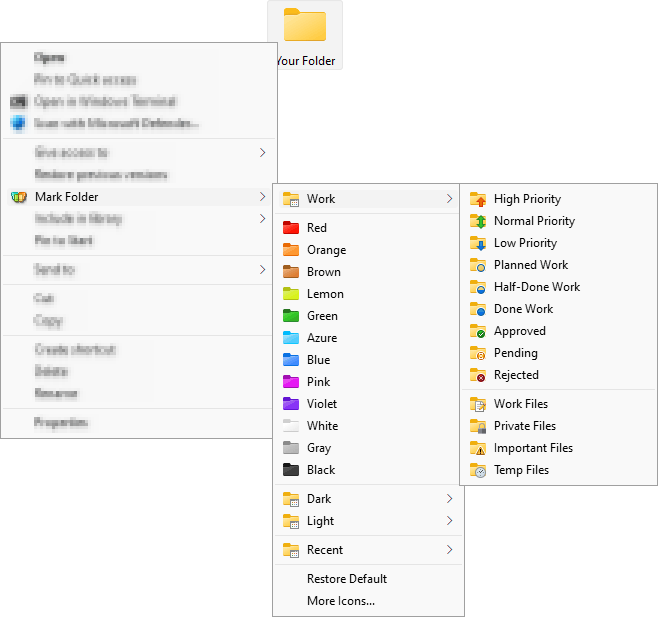 Change folder color or icon in 2 mouse clicks to indicate a priority level or project status (high, low, done, half-done, planned, etc.). Simply right-click on any folder and select the color or icon to be used from the newly added menu option. Folder color change helps you to get your files in order! Folder Marker Home has 86 amazing icons build-in, and you can get even more on the program's website.
Windows | Shareware
Read More