


N5 Net Software Repository
Your one-stop for all your software needs.
Search N5 Net Software Repository:
Search Files
Sponsor:
Browse:
- Audio & Multimedia (1552)
- Business (1741)
- Communications (466)
- Desktop (180)
- Development (562)
- Education (165)
- Games & Entertainment (709)
- Graphic Apps (675)
- Home & Hobby (106)
- Network & Internet (540)
- Security & Privacy (502)
- Servers (67)
- System Utilities (9320)
- Web Development (284)
Areas Of Interest
Authors Area
Are you a software author? Take a look at our Author Resource Center where you will find marketing tools, software specifically created for promoting your software and a ton of other helpful resources.
Barcode Designing Application for Mac 9.3.2.5
Business :: Inventory & Barcoding
(Click to Enlarge)
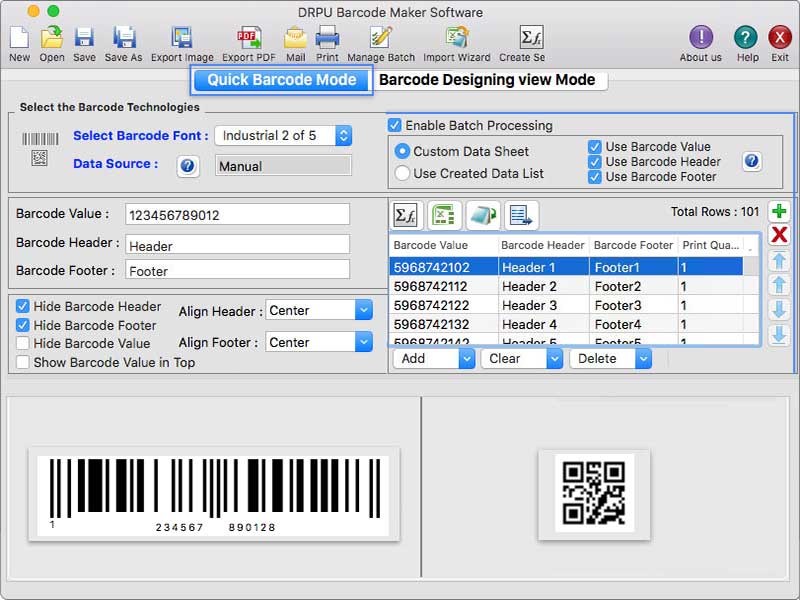
Barcode Label Designing and Printing software creates customized barcode labels as per Mac user?s requirements. Apple Mac users can design batches of labels using Batch processing feature by importing and exporting Excel datasheet. Steps to create barcode labels using Mac OS Label Printing Application: Step 1- Install the Mac Label Maker Software on your Windows. Step 2- Run the software on your Mac Book or desktop. Step 3- Users create barcode labels using the Quick barcode mode or barcode designing view mode. Step 4- Quick Barcode mode User firstly choose the linear or 2-D barcode fonts as per the requirement and also enter the value of the barcode labels, such as the primary value, header and footer data etc. User Change the general parameters, font settings, color settings, and image settings for barcodes as per the requirement. Step 5- Barcode designing view mode Go to the drawing tool, click on barcode, which will generate a barcode image on the card, and then double-click on the generated barcode image to edit its properties. Now user may change the barcode value, barcode header, and barcode footer to fulfill the requirement. To generate a barcode and see a preview, User can change the size, font, color, and other barcode attributes. Step 6- Using batch processing series option of the software you can generate multiple barcode label with the help of MS-Excel so this barcode label support excel data and bulk operation with live feature. The batch processing series also support text file and copy paste of list. Step 7- Sequential, Constant, and Random order formats are all available in the Mac barcode labelling software to create multiple barcodes at a given time period. Step 8- Mac Barcode software has built-in email settings allows user to send created barcode coupons and images to a specific email address. Step 9- Mac software export the barcode labels in image or PDF file formats.
Specifications:
Version: 9.3.2.5 |
Download
|

Similar Products:
IBARCODER, MAC BARCODE GENERATOR 3.17.6
Business :: Inventory & Barcoding
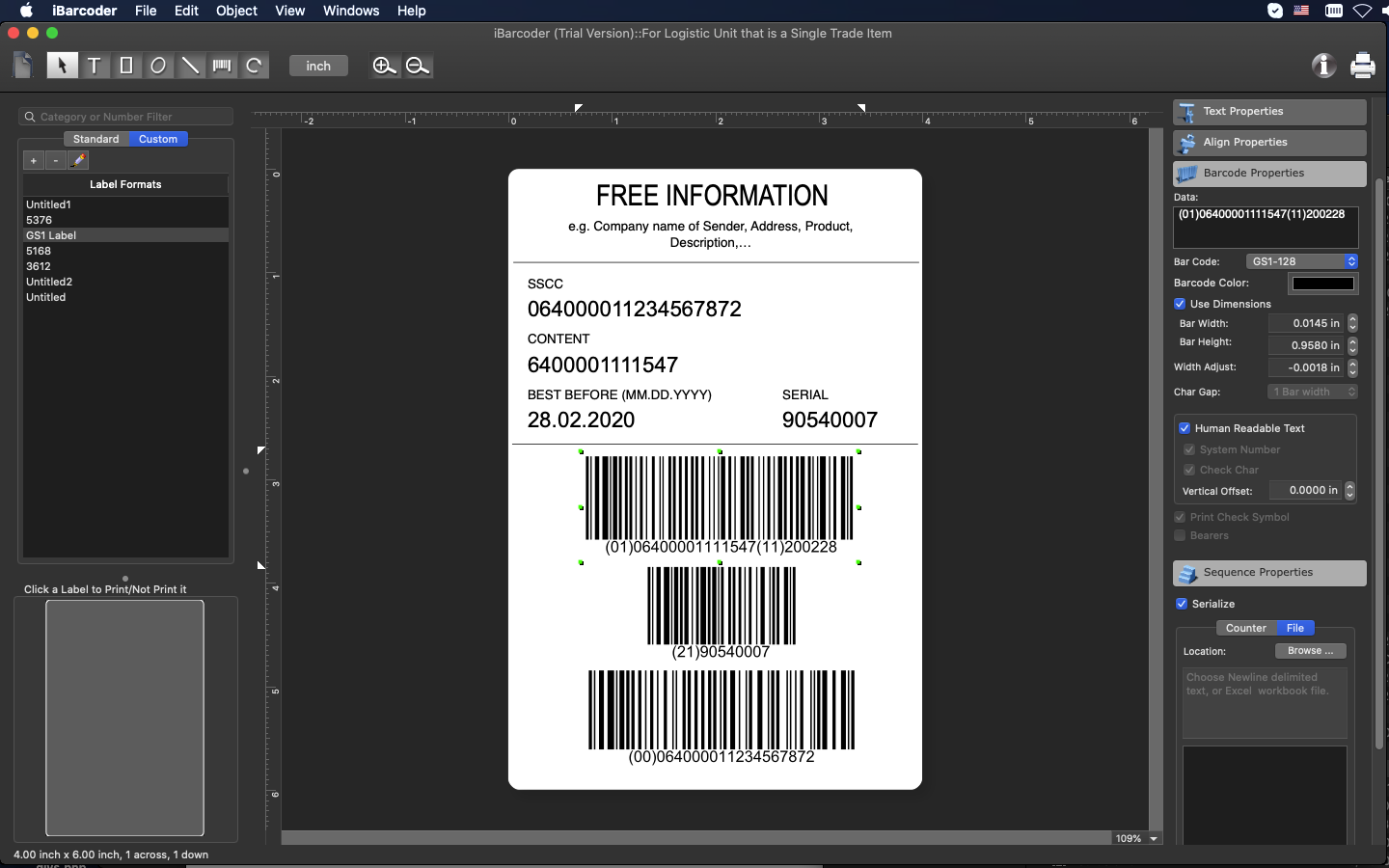 Barcode creator, QR code and Datamatrix generator. Create, print and export barcodes as vector graphics, or high resolution images. Print barcodes on Avery label templates, or make custom formats. Add text and graphics. Barcode types supported: Postnet, Japanpost, FIM Codes, UPC, EAN, ISBN, ISSN, Code 128, Codabar, ITF14, Code 39, Code 11, Code 93, MSI, Interleaved 2 of 5, Datamatrix, Intelligent Mail, Pharmacode and QR Code, GS1 Databar.
MAC | Shareware
Read More
INVENTORIA INVENTORY SOFTWARE FOR MAC 12.00
Business :: Inventory & Barcoding
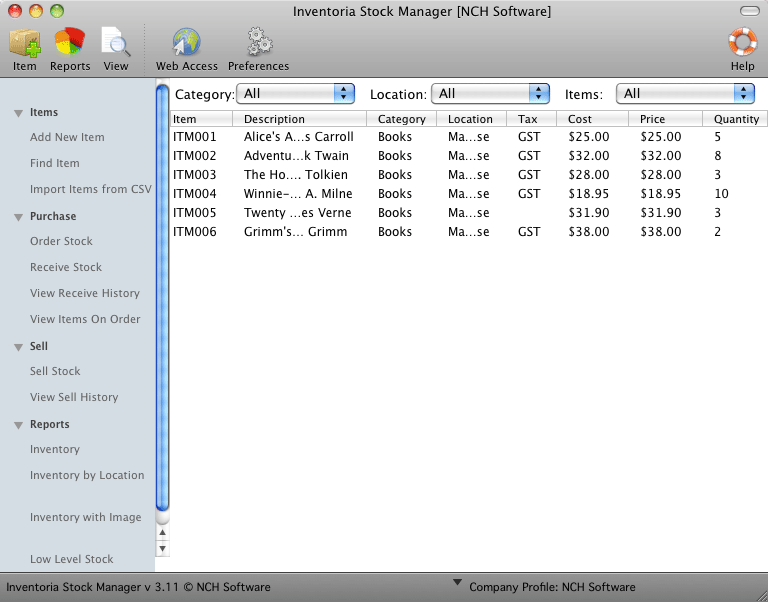 Inventoria Inventory Software for Mac helps you manage and monitor your inventory. Inventoria for Mac OS X is designed to be intuitive and very easy to use. The program allows the use of a barcode scanner for easy inventory management. Monitor and generate reports on stock levels, costs, and inventory averages. Inventoria can also easily import existing data through csv files.
MAC | Shareware
Read More
INVENTORY TRACKER PLUS FOR MAC 3.2.1
Business :: Inventory & Barcoding
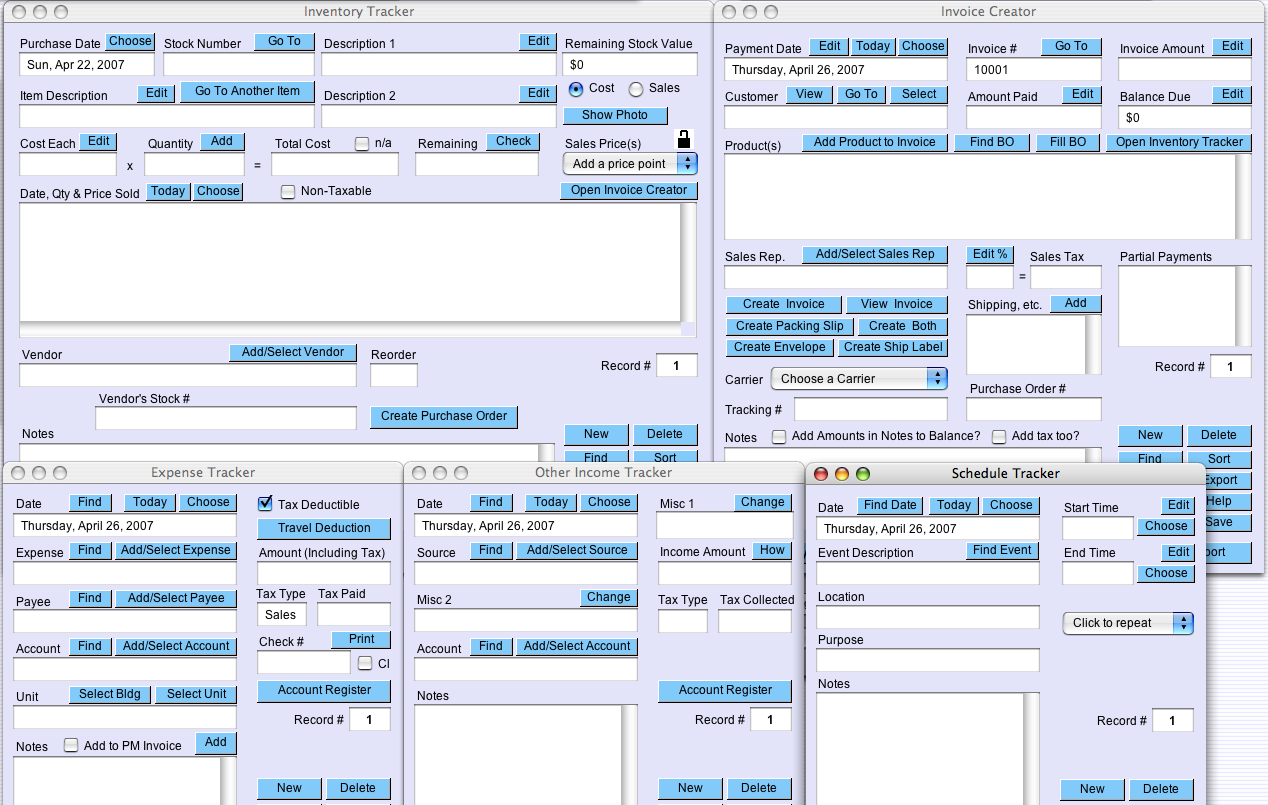 Inventory Tracker Plus helps you keep track of products and supplies. Generate invoices and reports on inventory for printing or exporting to other programs. Also includes Invoice Creator, a Contact Tracker, Schedule Tracker, Task Tracker, Expense Tracker, Other Income Tracker and Universal Calculator. Inventory Tracker runs on and shares data between most computers including Macintosh and Windows operating systems. Free 10 day trial.
MAC | Shareware
Read More
COPPER POINT OF SALE FREE FOR MAC 1.41
Business :: Inventory & Barcoding
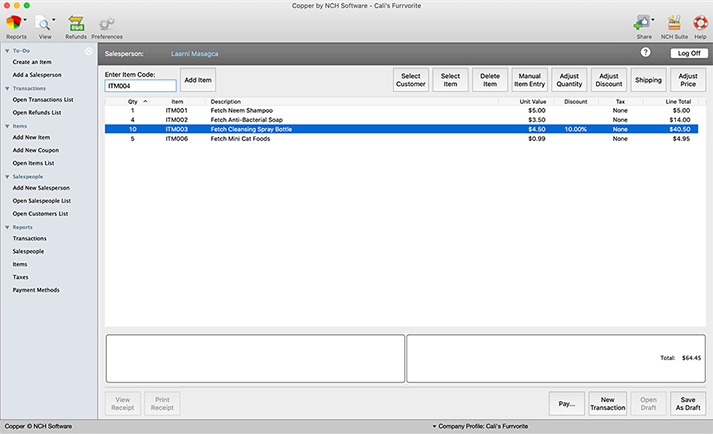 Copper Point of Sale Free for Mac is an easy to navigate POS system. The system is compatible with touch-screen monitors and barcode scanners to help save time when ringing up and help prevent mistakes. Copper POS Free for Mac also generates professional receipts. The system is compatible with printers that use roll paper.
MAC | Freeware
Read More