


N5 Net Software Repository
Your one-stop for all your software needs.
Search N5 Net Software Repository:
Search Files
Sponsor:
Browse:
- Audio & Multimedia (1582)
- Business (1741)
- Communications (469)
- Desktop (134)
- Development (571)
- Education (165)
- Games & Entertainment (709)
- Graphic Apps (683)
- Home & Hobby (106)
- Network & Internet (544)
- Security & Privacy (505)
- Servers (67)
- System Utilities (9267)
- Web Development (284)
Areas Of Interest
Authors Area
Are you a software author? Take a look at our Author Resource Center where you will find marketing tools, software specifically created for promoting your software and a ton of other helpful resources.
PDF To HTML Converter Command Line 3.0

(Click to Enlarge)
PDF to HTML Converter is an easy to use software for quickly and easily converting Adobe Portable Document Format (PDF) documents into HTML files. PDF to HTML provides all the power to convert sophisticated PDF documents, by remaining all the text layout, along with the coordinate, color, style of every object. PDF To HTML supports batch PDF to HTML conversion; PDF To HTML supports command line; PDF to HTML is a stand-alone application. PDF to HTML Converter function and face: 1. PDF to HTML Converter supports batch PDF to HTML conversion; 2. PDF to HTML Converter supports high speed in processing; 3. PDF to HTML Converter supports command line, you can call it from yourself program; 4. PDF to HTML Converter doesn't need Adobe Acrobat software; 5. PDF to HTML Converter supports Win98/ME/NT/2000/XP platform; 6. PDF to HTML Converter supports conversion of vector graphics into image files; 7. PDF to HTML Converter supports index all html pages with links; 8. PDF to HTML Converter supports extract bookmarks from PDF file; 9. PDF to HTML Converter supports replace fonts and characters in generated HTML files; 10. Automatically resize pictures to fit frame bounds; 11. PDF to HTML Converter supports optimize and scale HTML code for different screen resolutions; 12. Accurately Preserves Text, Tables, Graphics & Layout; 13. PDF to HTML Converter supports generate Navigation, Page Index, and Bookmarks Bars; 14. PDF to HTML Converter is easy to use stand-alone application; 15. PDF to HTML Converter supports multiple document conversions (Batch Processing); 16. PDF to HTML Converter support JPEG, GIF, PNG formats; 17. PDF to HTML Converter support different resolution to create HTML files; 18. Output to PNG, GIF, JPEG image files; 19. Control the X, Y coordinates for every word accurately in HTML files; 20. Optimize HTML files for Google, Yahoo, MSN, AOL etc. search engines;
Specifications:
Version: 3.0 |
Download
|

Similar Products:
AILT PDF TO ALL DOCUMENT CONVERTER 7.1
Business :: Office Suites & Tools
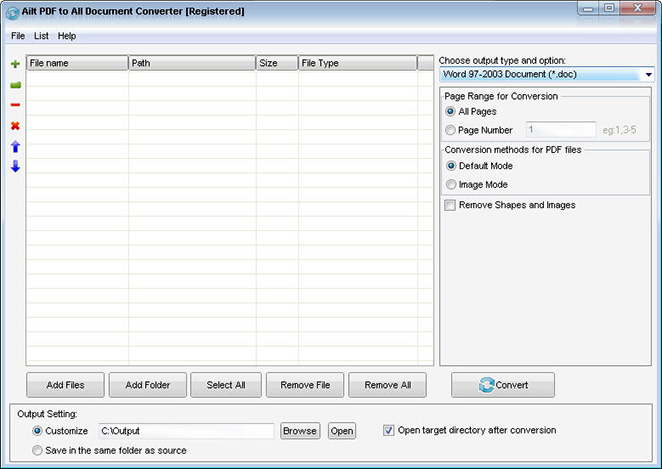 Ailt PDF to All Document Converter is an application which you can use to convert PDF files to any file format like Word, Excel, PowerPoint, SWF, image etc. It can support comprehensive formats: DOC, DOCX, DOCM, RTF, XLS, XLSX, XLSM, PPT, PPTX, PPTM, SWF, TXT, HTM, JPG, JPEG, BMP, EMF, WMF, TIF, GIF, PNG, PCX, ICO, J2K, JP2 etc. It does not need Adobe Acrobat software support.
Windows | Shareware
Read More
AILT ALL DOCUMENT TO HTML CONVERTER 7.1
Business :: Office Suites & Tools
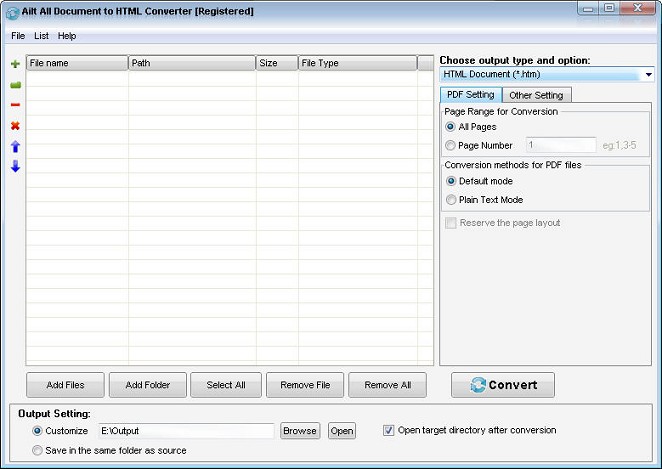 Batch easily convert any file format like Word, Excel, PowerPoint, PDF, TXT, JPEG, BMP, GIF, TIFF, EMF, WMF etc to HTML with high output quality and fast conversion speed. The conversion tool provides users with fast conversion speed. More setting options can be provided to let you control the output file more accurately.
Windows | Shareware
Read More
AILT DOCUMENT IMAGE CONVERTER PRO 7.1
Business :: Office Suites & Tools
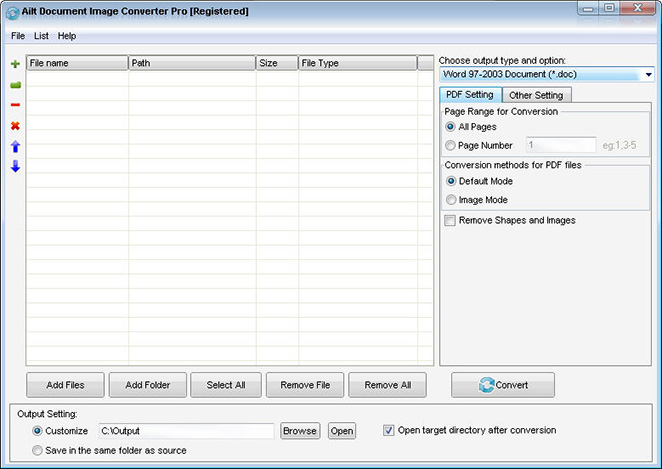 Ailt Document Image Converter Pro is a useful and handy converter used to batch easil convert among any file format like Word, Excel, PowerPoint, PDF, TXT, HTML, JPEG, BMP, GIF, TIFF, EMF, WMF, SWF etc.The conversion tool provides users with fast conversion speed. It can support comprehensive formats: PDF, doc, docx, docm, rtf, xls, xlsx, xlsm, ppt, pptx, pptm, txt, htm, jpg, jpeg, bmp, emf, wmf, tif, gif, png, pcx, ico, j2k, jp2 etc.
Windows | Shareware
Read More
Business :: Office Suites & Tools
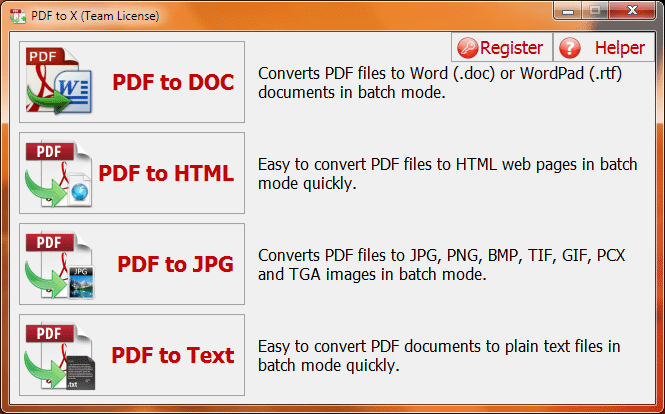 PDF to X is used to convert PDF documents to Word (.doc)/WordPad (.rtf) documents, HTML web pages, JPG/PNG/BMP/TIF/GIF/PCX/TGA images and plain text files in batch mode. It works without Adobe Acrobat or Adobe Reader, and has Command Line Interface (CLI), friendly interface, small size, accurate and fast conversion ability. It retains the original text, images, format and layout of PDF documents in various output files as much as possible.
Windows | Shareware
Read More