


N5 Net Software Repository
Your one-stop for all your software needs.
Search N5 Net Software Repository:
Search Files
Sponsor:
Browse:
- Audio & Multimedia (1582)
- Business (1733)
- Communications (469)
- Desktop (135)
- Development (557)
- Education (165)
- Games & Entertainment (706)
- Graphic Apps (681)
- Home & Hobby (105)
- Network & Internet (538)
- Security & Privacy (504)
- Servers (67)
- System Utilities (9263)
- Web Development (281)
Areas Of Interest
Authors Area
Are you a software author? Take a look at our Author Resource Center where you will find marketing tools, software specifically created for promoting your software and a ton of other helpful resources.
CueMaster 1.7c
(Click to Enlarge)
CueMaster is the best freeware cue sheet creator. Creating a cue sheet for a CD has never been so easy. CueMaster can retrieve CD track info from the free online album database FreeDB, or recover cuepoints from the MP3 file itself. Cue sheets are hard to find these days. Many download sites and P2P programs offer full CD's in one big MP3 file, but finding the correct tracknames and lengths can take a lot of of time. Burning an audio CD results in 1 long 80 minute track instead of separate audio tracks. But not any more: we have the solution! This program allows you to find the CD on FreeDB.org and convert it straight into a cue sheet that can be used by musiCutter, CDRWIN or mp3cue. If FreeDB doesn't have trackdata for the CD, you can try the unique MP3 scanning feature. It will automatically search through a large MP3 file to find split-points and uses them to recreate a new cue sheet. If possible, it can even extract cue sheets embedded in ID3v2 tags. You can save the cue sheet to a .cue file or a .xmcd file. You can use musiCutter to split the mp3 file into multiple parts using the .cue file, or Brrrn to burn a CD with correct track-markers. CueMaster can also export the tracklist to a .xml, .html, .csv or .text file. And it can write the cue sheet to an ID3v2-tag inside an mp3 file's (like mp3cue does). But it has more: you can use it as a full-featured cue sheet editor. Create a new cue sheet from scratch by adding tracks. Cut, copy, paste, delete and move tracks and edit the titles and durations. Have you ever had this: you've downloaded all tracks from an album separately, and you want to glue them together with some join-tool, but you also want a matching cue sheet. CueMaster can do it: it reads all MP3-files in a folder you specify, and creates a cue sheet with correct tracklengths. It even calculates the FreeDB DiscID, so you can get the tracklist from FreeDB.
Specifications:
Version: 1.7c |
Download
|

Similar Products:
Audio & Multimedia :: Other
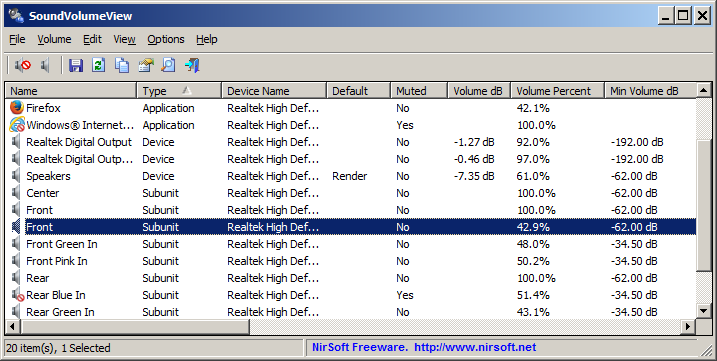 SoundVolumeView is a simple tool for Windows Vista/7/8/2008 that displays general information and current volume level for all active sound components, and allows you to mute/unmute them instantly.
It also allows you to save a sound profile into a file, containing the current volume level and other information, and then later, load the same file to restore exactly the same volume levels and settings.
SoundVolumeView is a simple tool for Windows Vista/7/8/2008 that displays general information and current volume level for all active sound components, and allows you to mute/unmute them instantly.
It also allows you to save a sound profile into a file, containing the current volume level and other information, and then later, load the same file to restore exactly the same volume levels and settings.
Windows | Freeware
Read More
FREE WAV TO MP3 CONVERTER 7.6.2
Audio & Multimedia :: Other
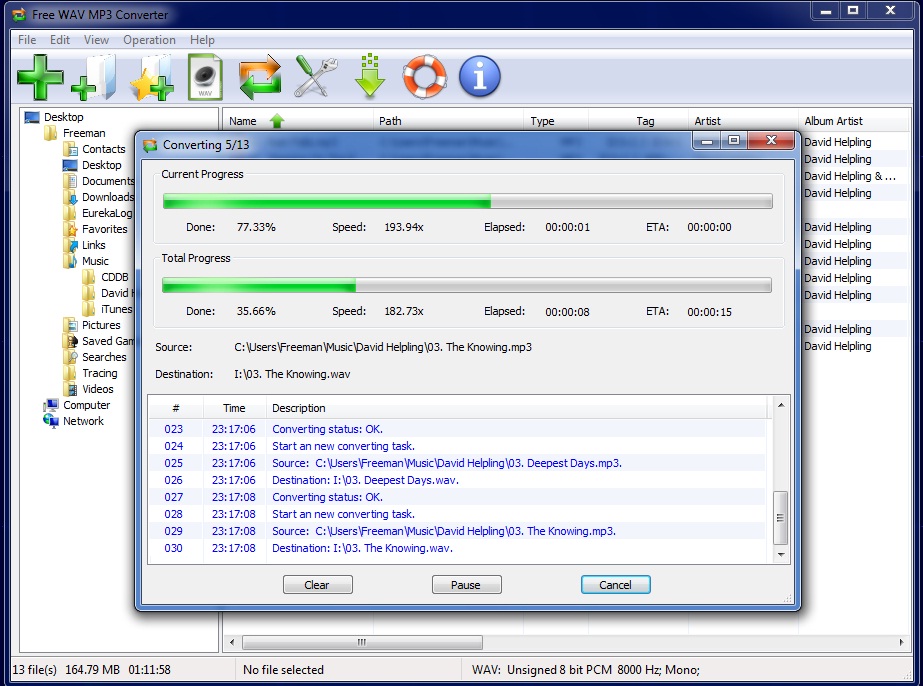 Free WAV to MP3 Converter is a fast, straightforward yet FREE WAV to MP3 Converter to convert WAV to MP3, and MP3 to WAV converter to convert MP3 to WAV.
Windows | Freeware
Read More
FREE WMA TO MP3 CONVERTER 7.6.2
Audio & Multimedia :: Other
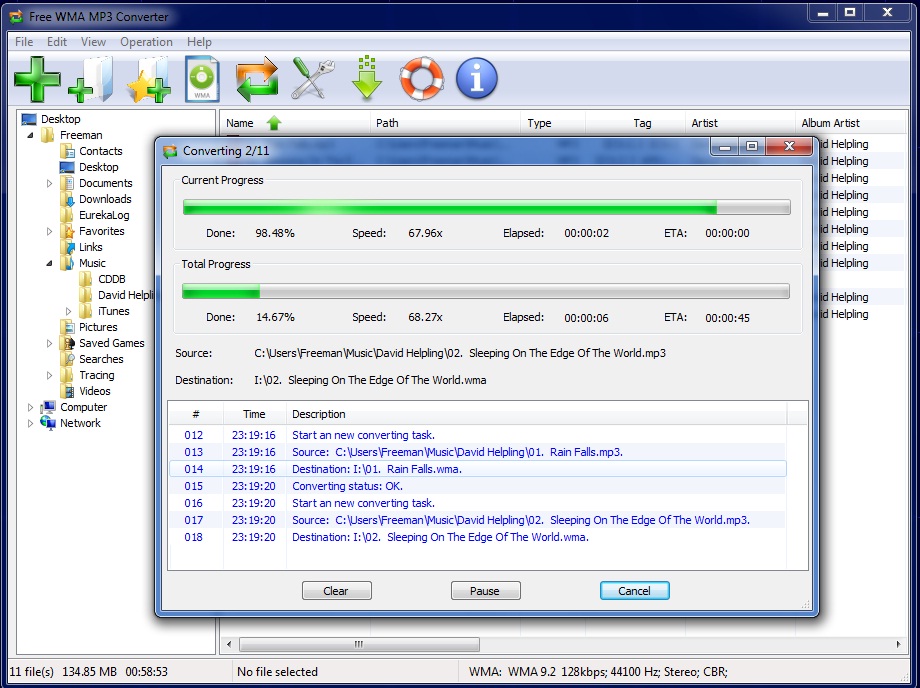 Free WMA to MP3 Converter is a fast, straightforward yet FREE WMA to MP3 Converter to convert WMA to MP3, and MP3 to WMA converter to convert MP3 to WMA.
Windows | Freeware
Read More
CRESCENDO MUSIC NOTATION EDITOR 12.00
Audio & Multimedia :: Other
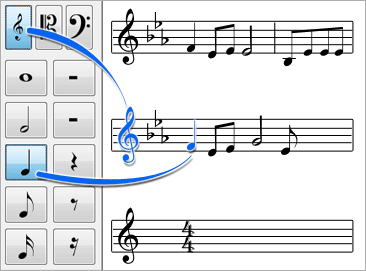 music score writing and composing software. A simple and intuitive way to write musical notation, Crescendo allows you to create, save and print your music compositions on your computer. The wide array of notation symbols, time and key signatures, and text, all on a free-form layout, give you the most control over your music arrangements.
Windows | Shareware
Read More