


N5 Net Software Repository
Your one-stop for all your software needs.
Search N5 Net Software Repository:
Search Files
Sponsor:
Browse:
- Audio & Multimedia (1582)
- Business (1741)
- Communications (469)
- Desktop (134)
- Development (571)
- Education (165)
- Games & Entertainment (709)
- Graphic Apps (683)
- Home & Hobby (106)
- Network & Internet (544)
- Security & Privacy (505)
- Servers (67)
- System Utilities (9267)
- Web Development (284)
Areas Of Interest
Authors Area
Are you a software author? Take a look at our Author Resource Center where you will find marketing tools, software specifically created for promoting your software and a ton of other helpful resources.
Image Former 2.013
Graphic Apps :: Converters & Optimizers
(Click to Enlarge)
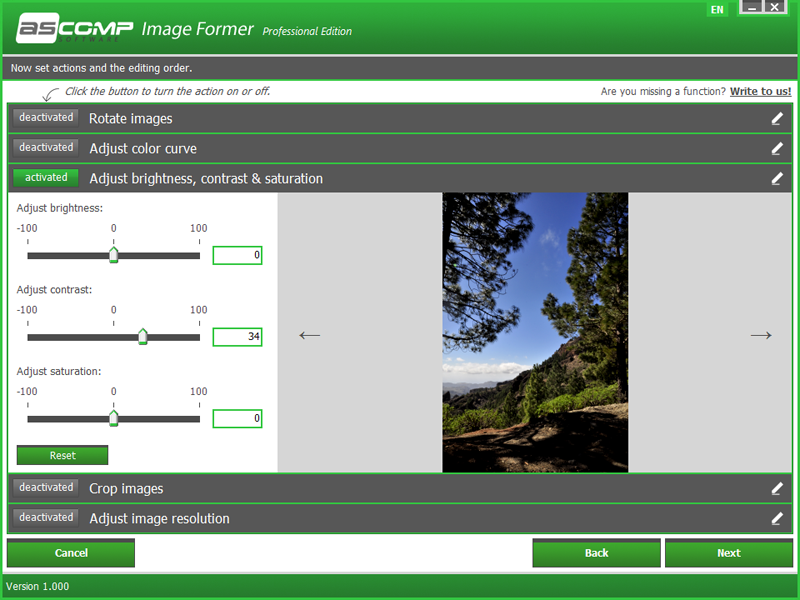
Do you know the phenomenon of the leaking sea? It arises when you want to capture a sunset on the beach with your digital camera, but don't straighten the horizon. So later you get the impression that the sea is about to run out - what a shame about a unique motif! With Image Former you can get your pictures in top shape in no time at all: select any number of pictures, define actions and start conversion. Whether you want to rotate images, crop edges or correct colors, Image Former automatically applies the changes you want to all selected images. The Windows tool also has full control of enlarging or reducing the size and brings your image files into the desired format quickly and easily. Speaking of format: Image Former changes the file format of your images on request, for example to JPEG, PNG , BMP and GIF. Even PDF and PSD are available in both input and output formats. Are you a lively user of the Windows clipboard? Then you will particularly like the monitoring of Image Former! Once monitoring has started, you can automatically import all images that you have copied to the clipboard into the program for further processing.
Specifications:
Version: 2.013 |
Download
|

Similar Products:
BATCH IMAGE RESIZER LITE 5.6.135
Graphic Apps :: Editors
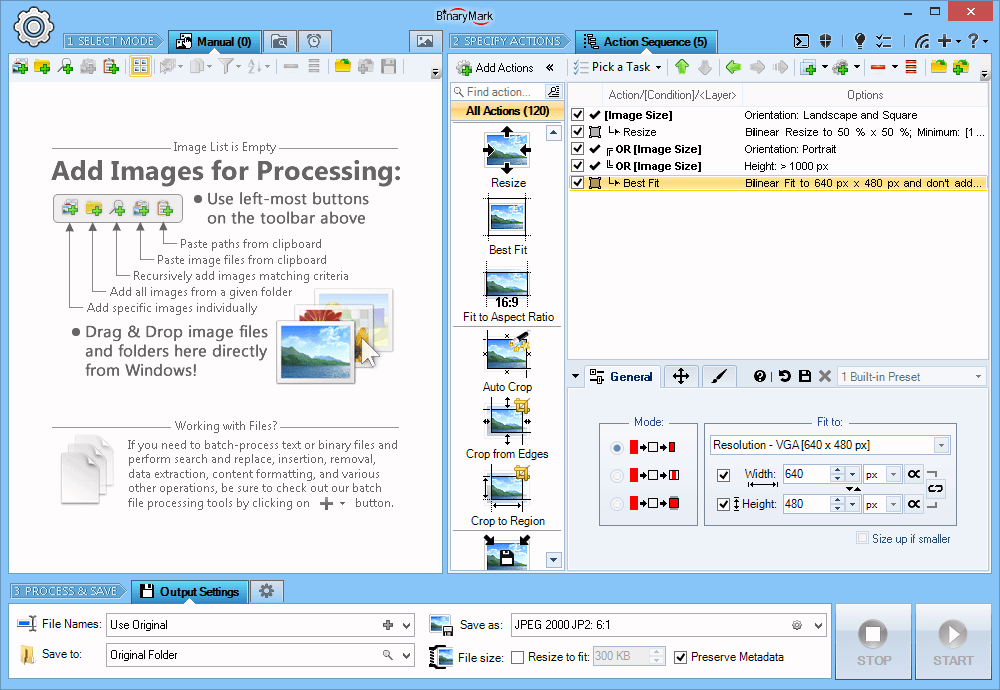 Resize, crop, shrink, flip, EXIF-autorotate, resample, convert, enhance, and process multiple pictures and photos with this professional software!
- 120+ Actions: resize, contrast, watermark
- Save results in any of 30+ formats: jpg, png, gif, tiff, bmp, j2k
- 20 scaling modes: Lanczos, Bilinear, Bicubic, Box, HqX
- Conditional Processing based on Image Orientation
- Automatic crop, crop to fixed size, crop from edges, crop to W:H ratio
Resize, crop, shrink, flip, EXIF-autorotate, resample, convert, enhance, and process multiple pictures and photos with this professional software!
- 120+ Actions: resize, contrast, watermark
- Save results in any of 30+ formats: jpg, png, gif, tiff, bmp, j2k
- 20 scaling modes: Lanczos, Bilinear, Bicubic, Box, HqX
- Conditional Processing based on Image Orientation
- Automatic crop, crop to fixed size, crop from edges, crop to W:H ratio
Windows | Shareware
Read More
ASHAMPOO PHOTO OPTIMIZER PRO 26 26.0.0
Graphic Apps :: Editors
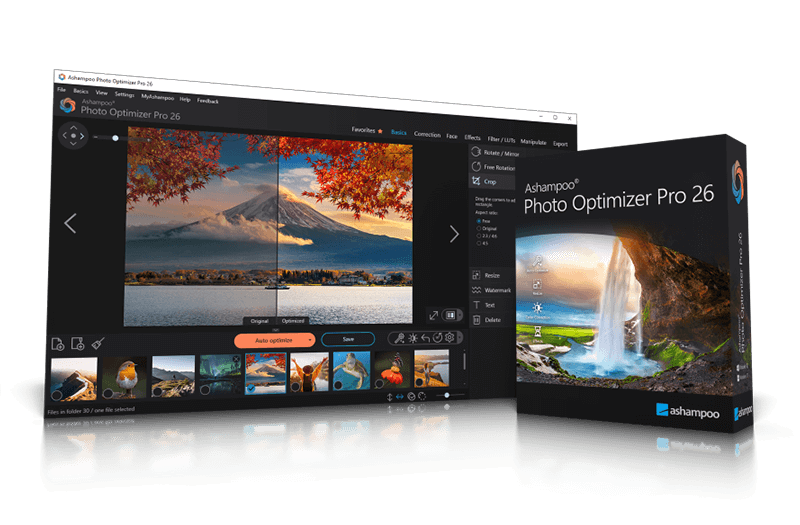 Ashampoo Photo Optimizer Pro 26 enhances digital photos automatically or manually. Colors, contrast, and exposure are optimized, perspectives corrected, and effects added. Perfect for individual images or entire collections with integrated batch processing.
Windows | Shareware
Read More
Graphic Apps :: Editors
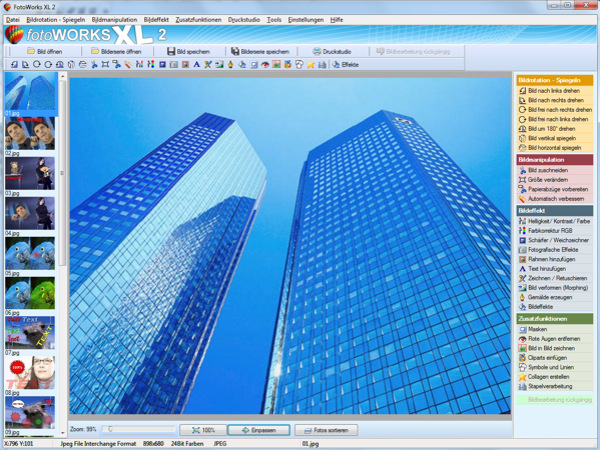 Photo editing software for beginners and professionals. The photo editing software FotoWorks XL includes all well-known photo effects needed to edit, improve, or enhance your photos. Edit photos easily without a long training period. Correct the color, brightness, and contrast values automatically; create photo montages, photo collages, or use the expert functions. Updated: clone stamp
Windows | Shareware
Read More
Graphic Apps :: Editors
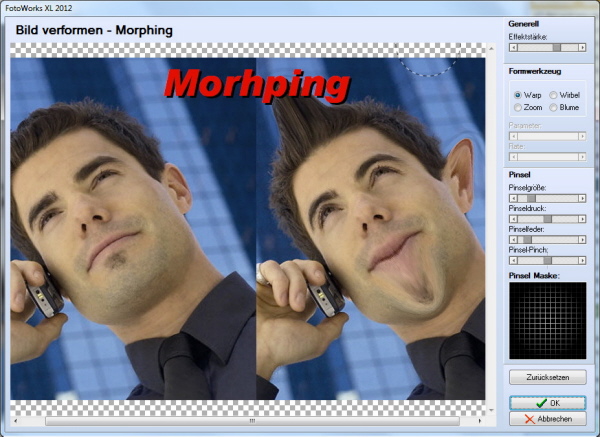 Photo editing software for beginners and professionals. The photo editing software FotoWorks XL includes all well-known photo effects needed to edit, improve, or enhance your photos. Edit photos easily without a long training period. Correct the color, brightness, and contrast values automatically; create photo montages, photo collages, or use the expert functions. Updated: clone stamp
Windows | Freeware
Read More