


N5 Net Software Repository
Your one-stop for all your software needs.
Search N5 Net Software Repository:
Search Files
Sponsor:
Browse:
- Audio & Multimedia (1582)
- Business (1741)
- Communications (469)
- Desktop (134)
- Development (571)
- Education (165)
- Games & Entertainment (709)
- Graphic Apps (683)
- Home & Hobby (106)
- Network & Internet (544)
- Security & Privacy (505)
- Servers (67)
- System Utilities (9267)
- Web Development (284)
Areas Of Interest
Authors Area
Are you a software author? Take a look at our Author Resource Center where you will find marketing tools, software specifically created for promoting your software and a ton of other helpful resources.
Anniversaries Reminder 3.22
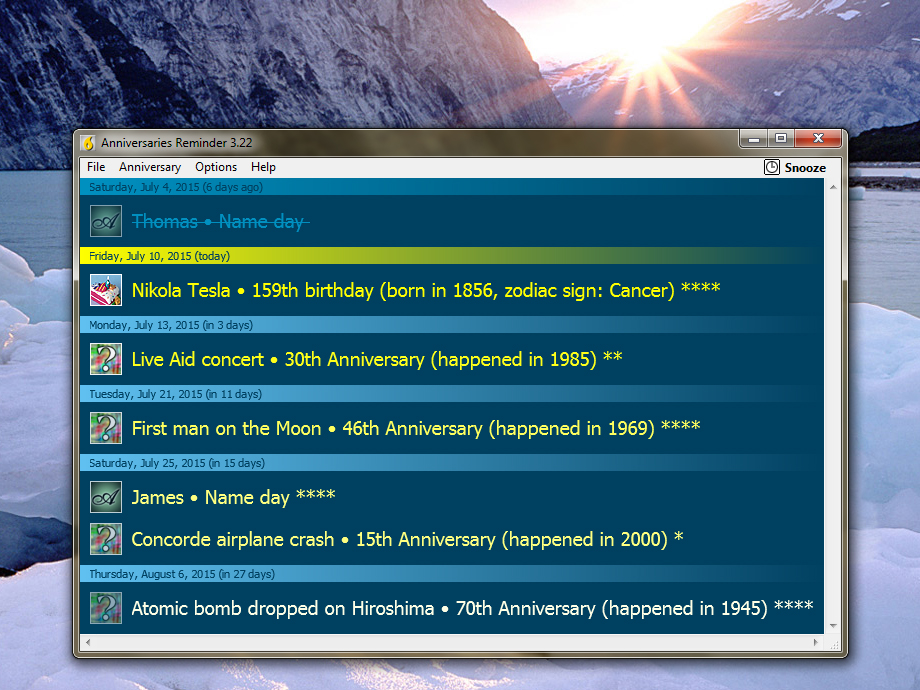
(Click to Enlarge)
Avoid angry spouses and disappointed children, remember events and buy presents on time - all without stress and feeling guilty. Never forget an anniversary again! Quickly and easily enter all anniversaries you can think of, then customize preferences to get a reminder that suits you. Of course, you can backup and restore your data and - most important - you can synchronize data between several computers without worrying whether you added a particular anniversary at home or in the office, or maybe on a portable system. Features: - Support for different types of anniversaries and recurring events - Priority settings for each configured anniversary - Configurable reminder period (default and each event specific) - User-friendly editor with various sorting options - Snooze function (like on alarm clocks) - Backup, restore and synchronize data files - Zodiac signs calculation for birthdays - Configurable colors and font settings (presets or custom) - Sample data (some interesting moments in World's history) - Automated pop-up on system startup (optional) - Detailed Help file Anniversaries Reminder is a shareware product, which means that you may evaluate it for 30 days before you either purchase or uninstall it.
Specifications:
Version: 3.22 |
Download
|

Similar Products:
Business :: PIMS & Calendars
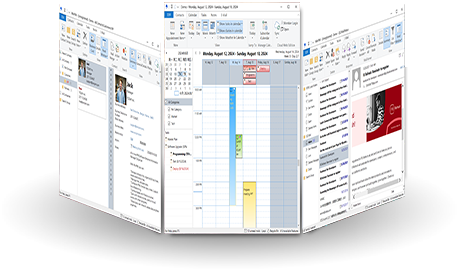 WinPIM is a professional personal information manager (PIM). It is the best software to manage your Contacts, Diaries, Appointments, Tasks, Notes, E-Mails or any other information. WinPIM also gives you an easy and low cost network solution for sharing all data simultaneously with everyone in your workgroup! Users can login the same net data folder with diferent user name and access or with the same user name and access.
Windows | Freeware
Read More
System Utilities :: Text/Document Editors
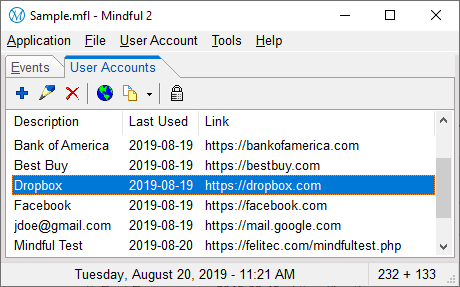 Mindful combines an event reminder and password manager into one simple system tray application. The event reminder reminds you of all your important events. The password manager allows you to manage all your passwords from one central secure location. Mindful also includes many related tools including a perpetual mini calendar, date calculator, random password generator, countdown timer and keyboard string parser.
Windows | Shareware
Read More
Business :: PIMS & Calendars
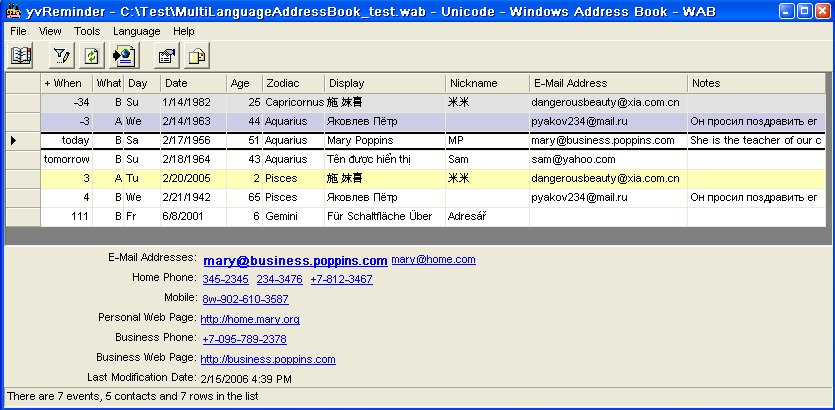 This program reminds you about future (and past) birthdays and (wedding) anniversaries. Information is taken directly from your Address Book (list of Contacts), this allows you to avoid duplicating the same information in several places. These Address Books are supported: Address Book of MS Outlook Express, Contacts of MS Outlook, and any other address book, that may be presented in XML format.
Windows | Freeware
Read More
Home & Hobby :: Other
 Birthday Reminder is a small application that takes place in the system tray. It searches your default Windows Address Book (WAB) and possibly displays the contacts who have their birthdays today.
If some birthdays are available, the icon blinks in the system tray. You can then double-click it to display the list of contacts. Select a contact in the list and click E-mail to send him/her an e-mail.
Birthday Reminder is a small application that takes place in the system tray. It searches your default Windows Address Book (WAB) and possibly displays the contacts who have their birthdays today.
If some birthdays are available, the icon blinks in the system tray. You can then double-click it to display the list of contacts. Select a contact in the list and click E-mail to send him/her an e-mail.
Windows | Shareware
Read More