


N5 Net Software Repository
Your one-stop for all your software needs.
Search N5 Net Software Repository:
Search Files
Sponsor:
Browse:
- Audio & Multimedia (1582)
- Business (1741)
- Communications (469)
- Desktop (134)
- Development (571)
- Education (165)
- Games & Entertainment (709)
- Graphic Apps (683)
- Home & Hobby (106)
- Network & Internet (544)
- Security & Privacy (505)
- Servers (67)
- System Utilities (9267)
- Web Development (284)
Areas Of Interest
Authors Area
Are you a software author? Take a look at our Author Resource Center where you will find marketing tools, software specifically created for promoting your software and a ton of other helpful resources.
Free Photo Slide Show 2.25.4.14
(Click to Enlarge)
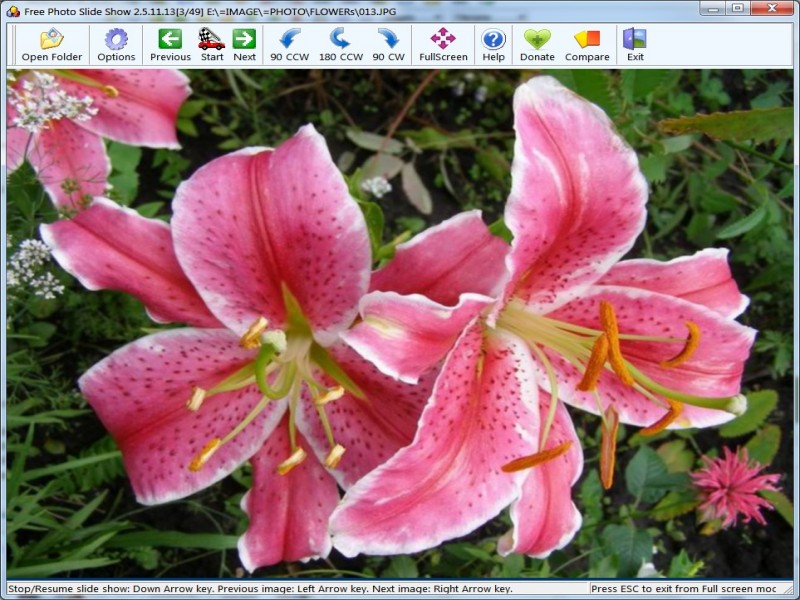
Free Photo Slide Show displays your images continuously without you doing anything. You just point it to a file in folder, say how long to display each picture, select transition effects and then sit back and watch. If a picture is too large or less for your screen, it is resized to fit keeping the aspect ratio. Free Photo Slide Show features: - Load up multiple formats of images including tif, tiff, fax, gif, jpg, jpeg, jpe, pcx, bmp, dib, rle, ico, cur, png, wmf, emf, tga, targa, vda, icb, vst, pix, pxm, ppm, pgm, pbm ... - View the slideshow with 100 transitional effects (with preview). - Full screen mode. Preview the images while loading up the list. - You would not need to worry about different image dimensions or file type as Able Photo Slide Show would resample the images on-the-fly prior to loading them up on screen. - Start and Stop buttons. - Viewing selected items or all items in the current folder. - Sequence options (forward, reverse, and random). - Repeat slide show option. - Slide delay adjustment. - Background color or images selection. - Transition delay adjustment. - HotKey buttons (Front, Back, Stop, Start, Exit from full screen mode)
Specifications:
Version: 2.25.4.14 |
Download
|

Similar Products:
BATCH IMAGE RESIZER LITE 5.6.135
Graphic Apps :: Editors
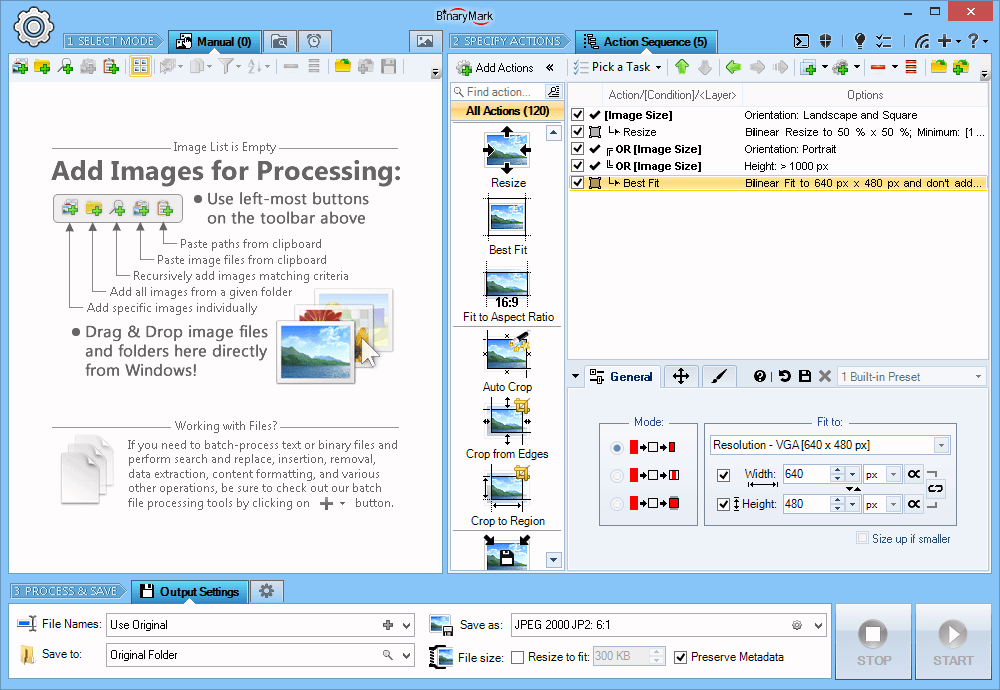 Resize, crop, shrink, flip, EXIF-autorotate, resample, convert, enhance, and process multiple pictures and photos with this professional software!
- 120+ Actions: resize, contrast, watermark
- Save results in any of 30+ formats: jpg, png, gif, tiff, bmp, j2k
- 20 scaling modes: Lanczos, Bilinear, Bicubic, Box, HqX
- Conditional Processing based on Image Orientation
- Automatic crop, crop to fixed size, crop from edges, crop to W:H ratio
Resize, crop, shrink, flip, EXIF-autorotate, resample, convert, enhance, and process multiple pictures and photos with this professional software!
- 120+ Actions: resize, contrast, watermark
- Save results in any of 30+ formats: jpg, png, gif, tiff, bmp, j2k
- 20 scaling modes: Lanczos, Bilinear, Bicubic, Box, HqX
- Conditional Processing based on Image Orientation
- Automatic crop, crop to fixed size, crop from edges, crop to W:H ratio
Windows | Shareware
Read More
ASHAMPOO PHOTO OPTIMIZER PRO 26 26.0.0
Graphic Apps :: Editors
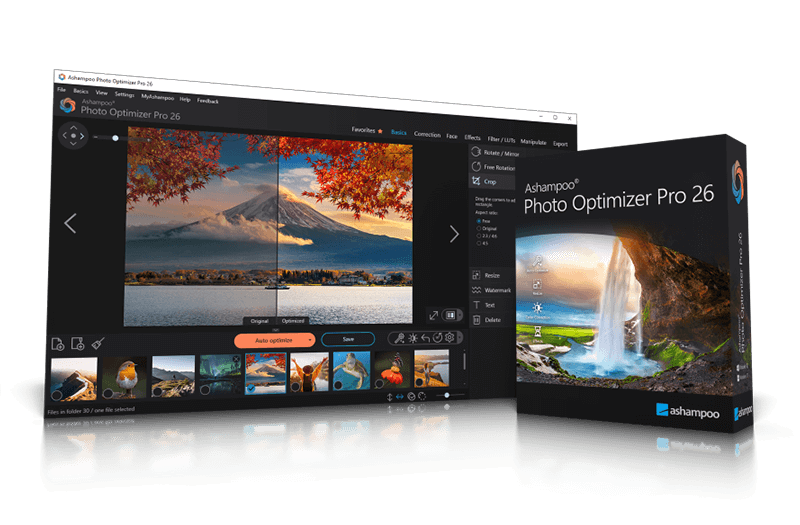 Ashampoo Photo Optimizer Pro 26 enhances digital photos automatically or manually. Colors, contrast, and exposure are optimized, perspectives corrected, and effects added. Perfect for individual images or entire collections with integrated batch processing.
Windows | Shareware
Read More
Graphic Apps :: Editors
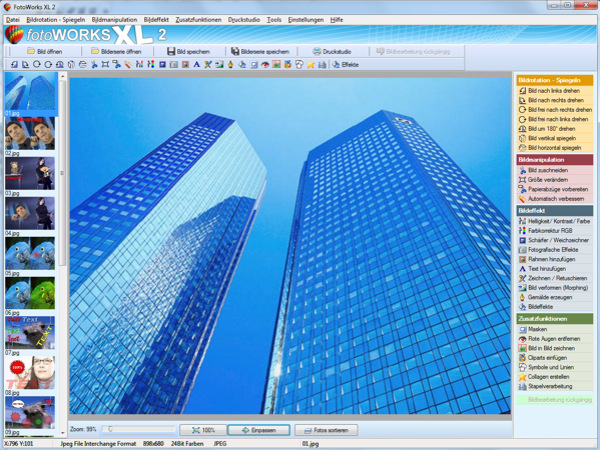 Photo editing software for beginners and professionals. The photo editing software FotoWorks XL includes all well-known photo effects needed to edit, improve, or enhance your photos. Edit photos easily without a long training period. Correct the color, brightness, and contrast values automatically; create photo montages, photo collages, or use the expert functions. Updated: clone stamp
Windows | Shareware
Read More
::
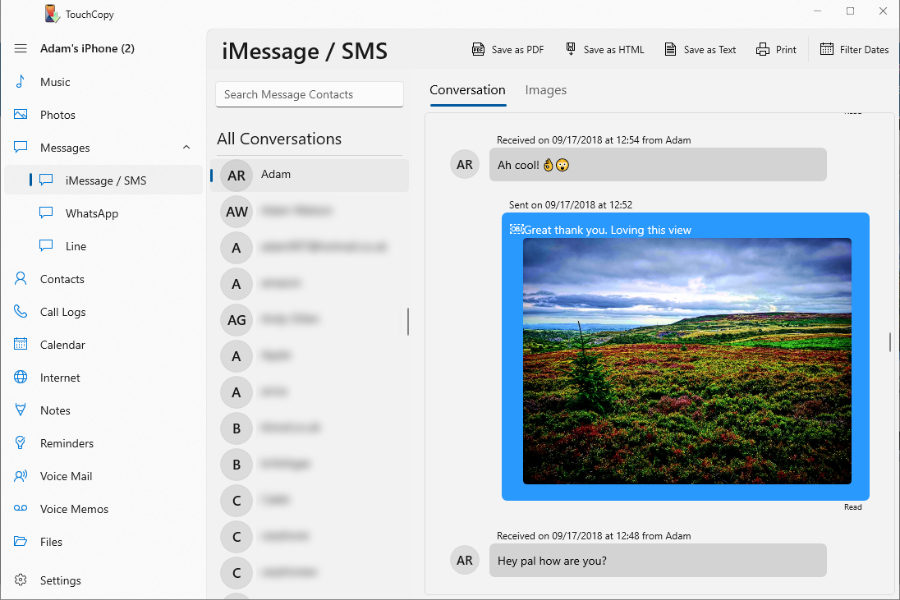 TouchCopy is an easy to use iPhone transfer tool for Windows that lets you copy music, photos, messages and other data from your iPhone, iPad or iPod directly to your computer. Transfer songs to your PC or iTunes library, save text messages as PDF, HTML or CSV or print them out, and back up contacts, call history and calendars.
Windows | Shareware
Read More