


N5 Net Software Repository
Your one-stop for all your software needs.
Search N5 Net Software Repository:
Search Files
Sponsor:
Browse:
- Audio & Multimedia (1582)
- Business (1733)
- Communications (469)
- Desktop (135)
- Development (557)
- Education (165)
- Games & Entertainment (706)
- Graphic Apps (681)
- Home & Hobby (105)
- Network & Internet (538)
- Security & Privacy (504)
- Servers (67)
- System Utilities (9263)
- Web Development (281)
Areas Of Interest
Authors Area
Are you a software author? Take a look at our Author Resource Center where you will find marketing tools, software specifically created for promoting your software and a ton of other helpful resources.
Unused Contacts Report for Outlook 5.0
Communications :: Other E-Mail Tools
(Click to Enlarge)
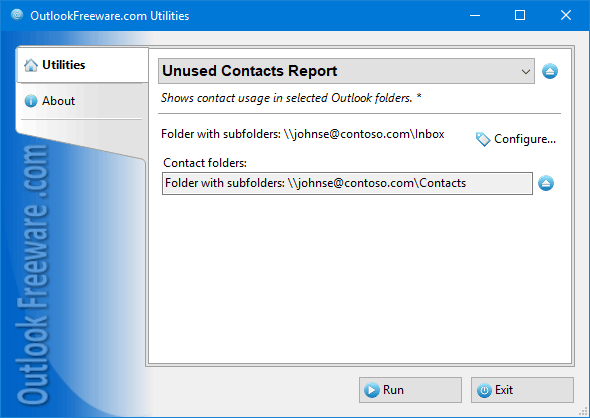
Have you ever wondered how many contacts in Outlook, shared mailboxes, Exchange Server, and Office 365 folders have been out of use in your email correspondence for a long time? Often, there may be many such contacts. For example, after you delete and archive messages or over time, contacts you no longer use appear. They accumulate and reduce your productivity and Outlook performance. This free report will help you quickly find out which contacts have not been used in your email messages, tasks, calendars, or other Outlook items for a long time. Key utility benefits: - Displays a simple list of unused contacts and a detailed report. - Looks for unused contacts in any of the selected Outlook and Exchange folders. - Shows the location of the contacts found, the number of uses, and the date of the first and last usage for the specified period. - Searches for email addresses in recipients, senders, and texts. - Allows you to save the resulting report to a CSV table file or copy it to the Windows clipboard for later insertion into Excel and other programs. - You can create the report directly in Outlook, separately from Outlook, and from the command line. To see a list of unused contacts, select folders with email messages or other Outlook, Exchange Server, or Office 365 items. These folders will be searched for email addresses from selected contact folders. If necessary, specify a date period and where to get email addresses when searching. In detailed mode, the report will show all the statistics you need: the contact's name, the number of times the contact was used in recipients, senders, and texts, the first and last usage dates, and the location of the contact folder.
Specifications:
Version: 5.0 |
Download
|

Similar Products:
REPAIR OST FILE TO PST FREE 8.0
System Utilities :: File & Disk Management
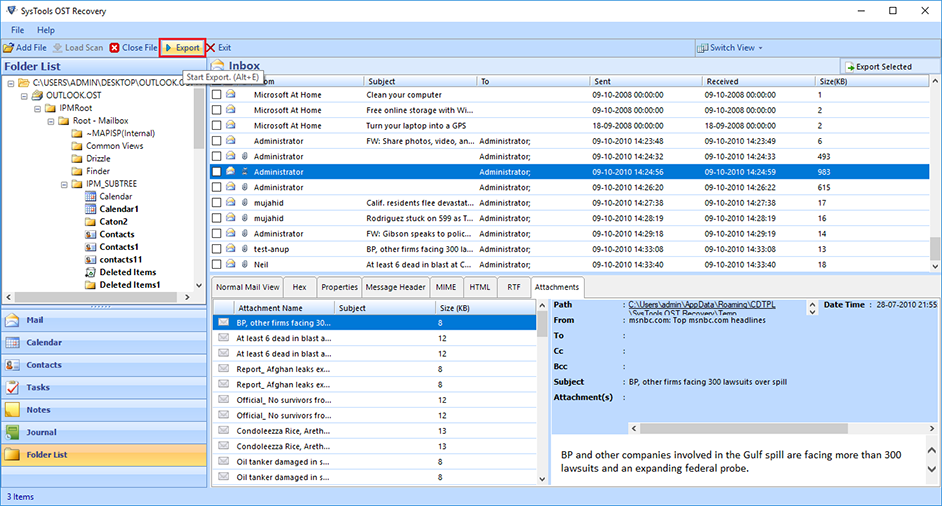 Outlook OST Repair eliminates all corruption of OST files from the scanning process. The tool has two modes: fast or advanced scan. By default, repair Outlook software to OST in a quick scan, but if your data is severely damaged. Ost database, advanced scan is the best. If OST files get damaged due to unexpected errors, repair OST file to PST free. Software Exchange 2010 Repair OST Process useful.
Windows | Shareware
Read More
Games & Entertainment :: Arcade
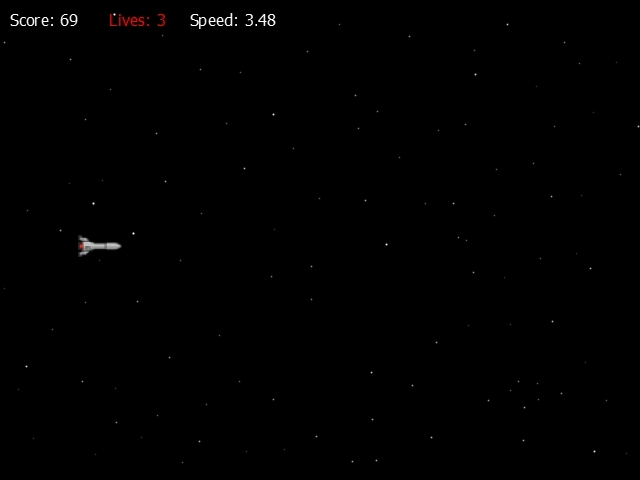 Enjoy an endless arcade on glass with different bonuses. During the game, the speed of your missiles increases. There are two bonus games as well: Red meteorite gives you one extra life. Yellow meteorite slows the gameplay and adds 1,000 points.
Windows | Freeware
Read More
Games & Entertainment :: Arcade
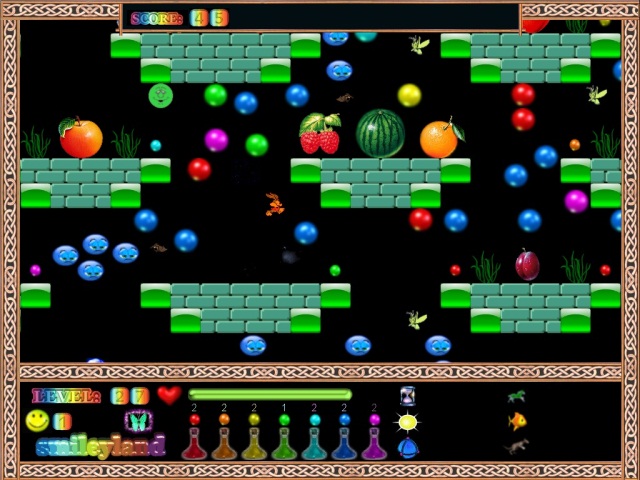 Spike to bring back the joy to the country SmayLend. For this it is necessary to collect all the colors of the rainbow - they are scattered in the form of drops of paint. Spike is a little unusual ability to walk on air. This will help him achieve the goal. The game has 30 levels. On the top level, all the collected paint to convey to the rainbow. Save the emoticons and their country SmayLend.
Windows | Freeware
Read More
Games & Entertainment :: Arcade
 "Skynet: Rampage" is a tactical stealth action game set in a post-apocalyptic future. To survive in this new world is not so easy, because you have to battle robots and other creatures of Skynet. Robots have advanced artificial intelligence that takes into account real sights and sounds. They can think on the fly as we can, only faster. You, in turn, will be able to use a variety of futuristic weapons and accessories, such as a laser rifle, the
Windows | Freeware
Read More