


N5 Net Software Repository
Your one-stop for all your software needs.
Search N5 Net Software Repository:
Search Files
Sponsor:
Browse:
- Audio & Multimedia (1572)
- Business (1734)
- Communications (470)
- Desktop (180)
- Development (572)
- Education (166)
- Games & Entertainment (708)
- Graphic Apps (684)
- Home & Hobby (105)
- Network & Internet (542)
- Security & Privacy (505)
- Servers (65)
- System Utilities (9409)
- Web Development (284)
Areas Of Interest
Authors Area
Are you a software author? Take a look at our Author Resource Center where you will find marketing tools, software specifically created for promoting your software and a ton of other helpful resources.
Auto-Complete Lists Report for Outlook 5.0
Communications :: Other E-Mail Tools
(Click to Enlarge)
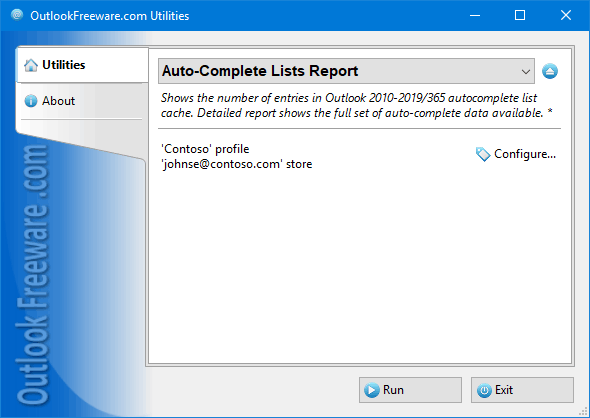
This free tool reports the number of entries in Outlook 2010/2013/2016 autocomplete list cache. Detailed report shows the full set of auto-complete data available. Even if all Outlook contacts are lost or an angry employee deleted a customer base, there is another way to restore important contacts. Every time you send a message, Outlook stores selected recipients in Auto-Complete Lists and keeps them there, until they are deleted manually. These data are not available anywhere else, and many users are unaware this is not the Outlook contacts, but individual data. This report shows the number of contacts in AutoComplete lists for all connected mailboxes and accounts in Outlook 2010 and above. In advanced mode, the report shows all contacts for each account in your Outlook profile: name, email address (including X.500), and other fields. The creation of this report is the easiest way to save all the information from the Auto-Complete Lists to a CSV file. The result is a ready-made contact list you can open in Excel, edit, and import back into Outlook contacts. This is an easy way to restore contacts with email addresses from AutoComplete Lists in case of loss of the contact list. The utility can be useful in investigations and security audits. Auto-Complete Lists are stored inside the mailboxes, and there are no standard Outlook tools for viewing or editing them. Even if users delete all messages and contacts, they often forget about Auto-Complete Lists, which clearly shows recent recipients. If you don't want to leave any contacts on the computer, run this report, and make sure you haven't forgotten to delete anything. Command line allows you to export Auto-Complete Lists from PST data files and mailboxes of other users in bulk.
Specifications:
Version: 5.0 |
Download
|

Similar Products:
Games & Entertainment :: Arcade
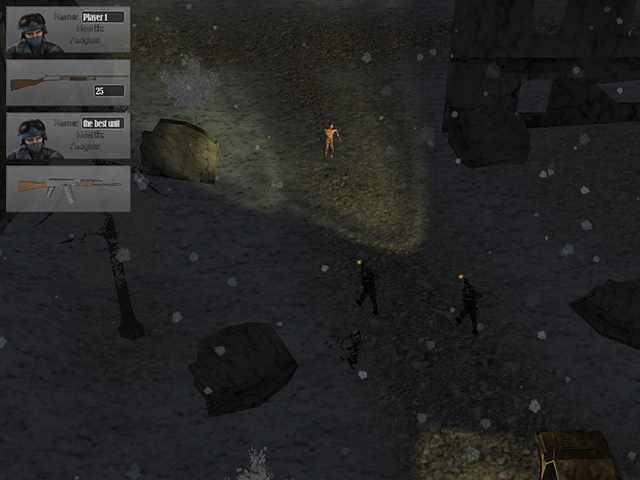 In the near future, following an environmental disaster on the planet, there is a new ice age. It's the end of the world as we knew it. From the ruins of once powerful civilizations, a Corporation was founded to protect what is left of humanity. You, as a soldier of the Corporation, will carry out various missions, traveling through the ruins of the destroyed city while fighting to survive in the new, harsh world.
Windows | Freeware
Read More
Games & Entertainment :: Arcade
 Fly in the space, collect coins, upgrade your rocket. Dial the best record!
Windows | Freeware
Read More
REPAIR OST FILE TO PST FREE 8.0
System Utilities :: File & Disk Management
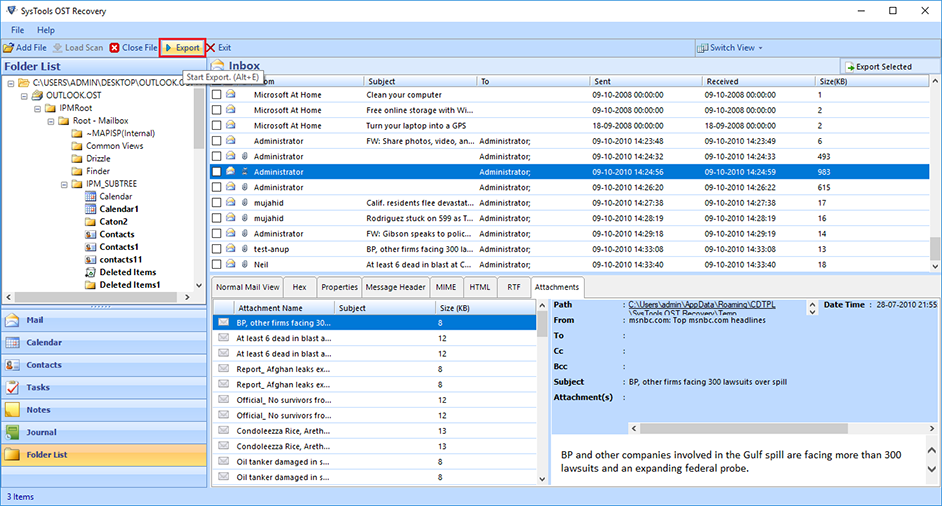 Outlook OST Repair eliminates all corruption of OST files from the scanning process. The tool has two modes: fast or advanced scan. By default, repair Outlook software to OST in a quick scan, but if your data is severely damaged. Ost database, advanced scan is the best. If OST files get damaged due to unexpected errors, repair OST file to PST free. Software Exchange 2010 Repair OST Process useful.
Windows | Shareware
Read More
System Utilities :: Automation Tools
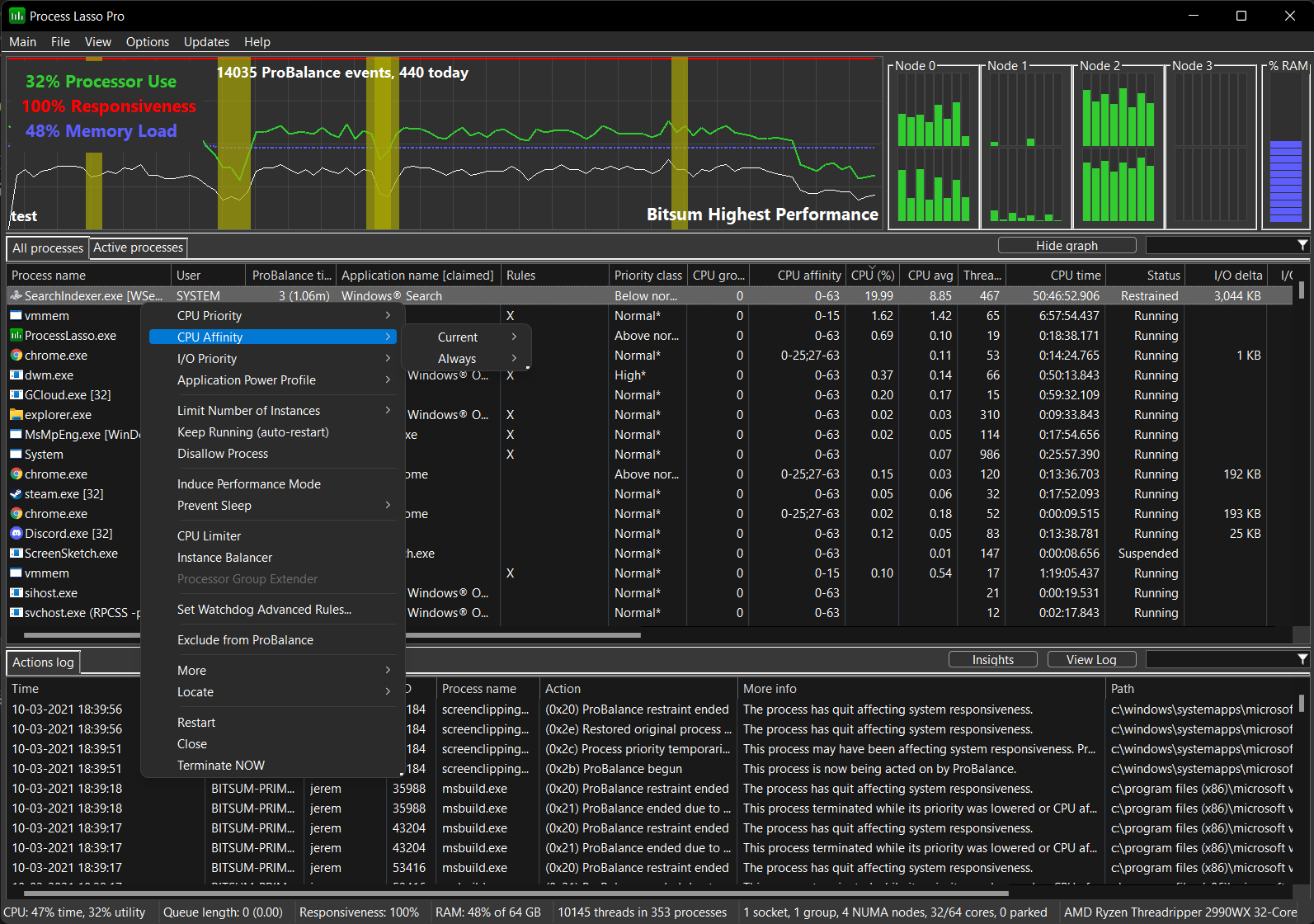 Process Lasso is a unique new technology that will, amongst other things, improve your PC's responsiveness and stability. Windows, by design, allows programs to monopolize your CPU without restraint -- leading to freezes and hangs. Process Lasso's ProBalance technology intelligently adjusts the priority of running programs so that badly behaved programs won't interfere with your ability to use the computer!
Windows | Freemium
Read More