


N5 Net Software Repository
Your one-stop for all your software needs.
Search N5 Net Software Repository:
Search Files
Sponsor:
Browse:
- Audio & Multimedia (1582)
- Business (1741)
- Communications (469)
- Desktop (134)
- Development (571)
- Education (165)
- Games & Entertainment (709)
- Graphic Apps (683)
- Home & Hobby (106)
- Network & Internet (544)
- Security & Privacy (505)
- Servers (67)
- System Utilities (9267)
- Web Development (284)
Areas Of Interest
Authors Area
Are you a software author? Take a look at our Author Resource Center where you will find marketing tools, software specifically created for promoting your software and a ton of other helpful resources.
Flowchart Maker 8

(Click to Enlarge)
Flowchart Maker is a cross-platform flowchart design program which is compatible with Mac OS X, Windows and Linux systems. It offers a drag-and-drop interface and a large variety of built-in symbols for flowchart, data flow diagram. Top 10 Reasons to Use: 1. Easy to Learn, Easy to Use. Drawing does not need to start anew. Just drag the ready-made shapes from the library pane and drop them on your page. Drawing couldn't be easier! 2. Rich pre-drawn templates. Include basic flowcharts, organizational charts, business charts, hr diagrams, work flowcharts, programming flowcharts, process flowcharts and network design diagrams. 3. Typical examples. Offer the examples storehouse to collect, manage various kinds of works of excellence. 4. Powerful functions. No artistic skill is required. What you see is what you get. Create professional diagrams with minimum time loss for you. Automatically aligns and arranges everything to look great. 5. Beautiful style. Provide abundant arrow, line style, gradient fill and texture for each object. Predefined color scheme and style give your more creativity. 6. Work easily with other programs. With one-click buttons to import word, excel, equation files. Insert your EDraw charts into other document in just minutes. 7. XML file format. Save Common graphic format support and printing what your see is what you get. Enhanced export EMF, WMF, SVG, PDF, Html, Multiply tiff and SlideShow. 8. Smart connecting. Connecting the shapes with smart connecting lines that maintain flows and relationships easily. 9. Live update you will be notified once a new version or new templates are available for download. you can download the new version directly in the program. It's free for ever. 10. Great value for the money.
Specifications:
Version: 8 |
Download
|

Similar Products:
Graphic Apps :: Other
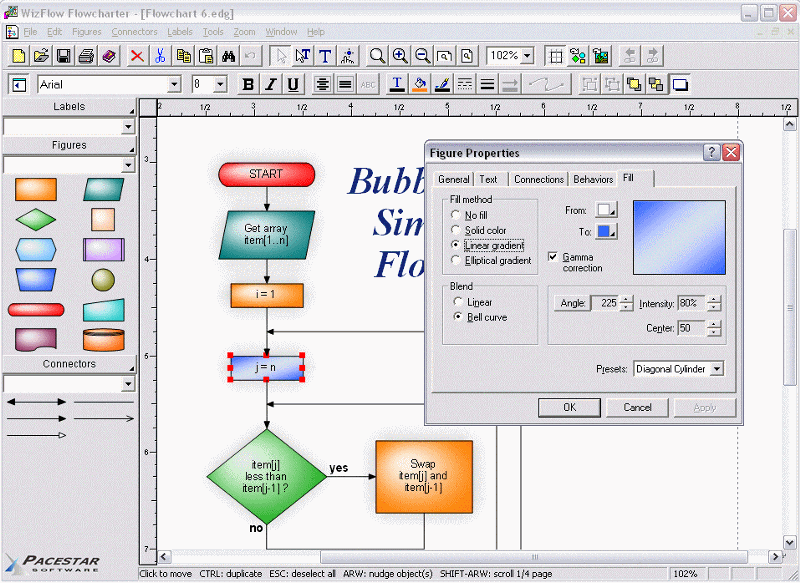 A tool for creating flowcharts and similar diagrams. It allows you to work with a single object or a group of objects, drawing boxes or symbols of many shapes and connecting them with lines of various types. Extensive features such as full zoom, OLE connectivity for inserting charts in other documents, poster printing, graphics import and export, automatic routing, curves, flow symbols, and much more.
Windows | Shareware
Read More
Graphic Apps :: Other
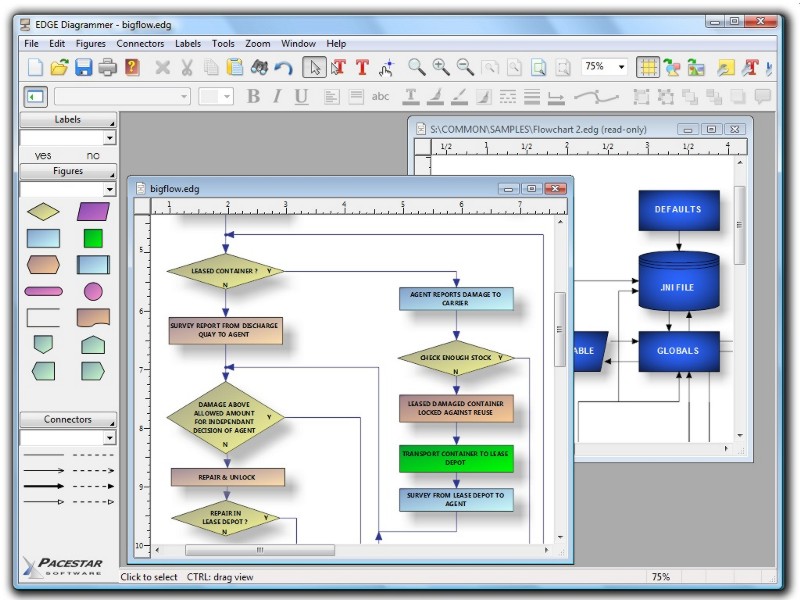 Professional diagramming and flowcharting tool that focuses on ease of learning and use. Create any type of block diagrams with shapes connected by arrows. Built in shapes and arrow heads, plus create your own. Contains many features only found in very expensive packages such as full zoom, OLE connectivity, poster printing, graphics import and export.
Windows | Shareware
Read More
Development :: Components & Libraries
 FlowChart.NET adds to applications the ability to create and present workflow, flowchart and process diagrams, database entity-relationship diagrams, organizational, hierarchy and relationship charts, network schemes, graphs and trees. Its basic types of items - shapes, tables, and links - can be grouped and attached one to another and combined in complex structures. The control provides many predefined box shapes and allows custom-designed ones.
Windows | Commercial
Read More
Graphic Apps :: Editors
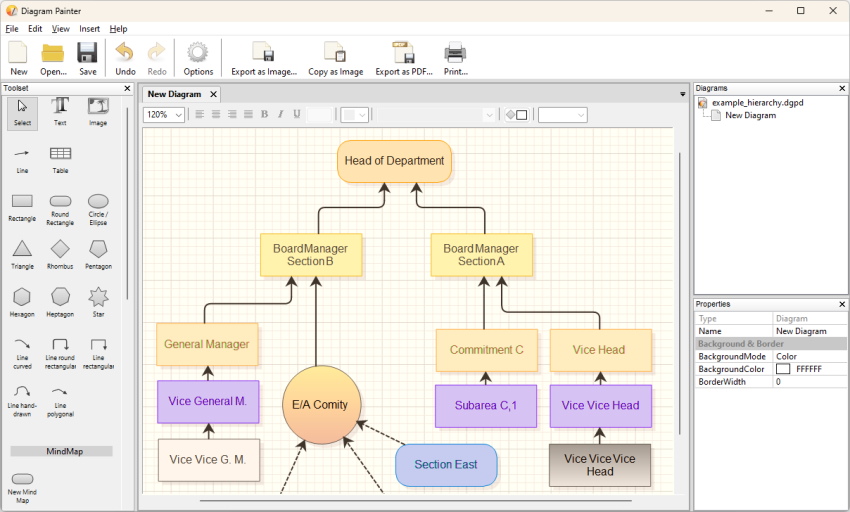 DiagramPainter is a diagram editor for creating professional looking diagrams, from flowcharts over mind mappings to organization charts. It exports diagrams as .png, .jpg, and .bmp image files, but also includes a fast .pdf creator. The editor supports multiple diagrams per document, and every shape has full rich text editing, directly in the diagram. Even tables are possible to be created directly on the diagram.
Windows | Freeware
Read More