


N5 Net Software Repository
Your one-stop for all your software needs.
Search N5 Net Software Repository:
Search Files
Sponsor:
Browse:
- Audio & Multimedia (1582)
- Business (1741)
- Communications (469)
- Desktop (134)
- Development (571)
- Education (165)
- Games & Entertainment (709)
- Graphic Apps (683)
- Home & Hobby (106)
- Network & Internet (544)
- Security & Privacy (505)
- Servers (67)
- System Utilities (9267)
- Web Development (284)
Areas Of Interest
Authors Area
Are you a software author? Take a look at our Author Resource Center where you will find marketing tools, software specifically created for promoting your software and a ton of other helpful resources.
Doppelganger - Duplicate File Finder 1.0.3
System Utilities :: File & Disk Management
(Click to Enlarge)
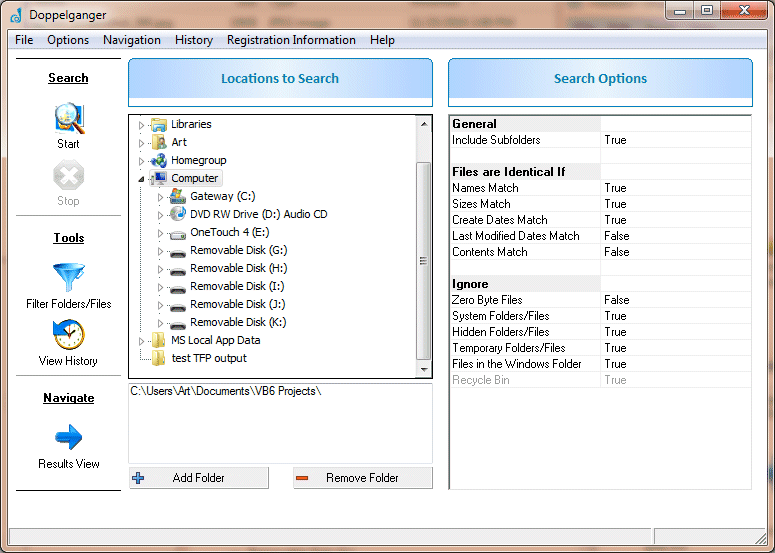
Doppelganger is a powerful and reliable tool to find and remove duplicate pictures, documents, music files, and more! Removing duplicates frees up disk space and aids your computer in indexing. If you backup your files, removing duplicates first reduces the storage space required for the backups and the amount of time required to perform the backup. Most people are not aware of how many duplicate files reside on their computer and how much space these duplicate files are taking up. Doppelganger locates the duplicate files on your computer. It can find matching files even if their names are different! Once found, Doppelganger can also help you safely remove these duplicates. Doppelganger is based on the duplicate file finder functionality in our software FolderMatch. As such, it has over a decade of Windows file system knowledge and experience behind it. Its core programming code has been tested and refined by the feedback of millions of users. It's rock solid and you can trust your data to it. It's also FAST! In all of our testing of comparable software, it's one of the fastest we've found. Search for duplicates based on file name, size, date/times, and/or contents. Specific files and folders can be excluded from the search. Once found, the duplicate files can be treated in several ways: they can be moved to another folder, or sent to the Windows Recycle Bin, or they can be deleted permanently.
Specifications:
Version: 1.0.3 |
Download
|

Similar Products:
::
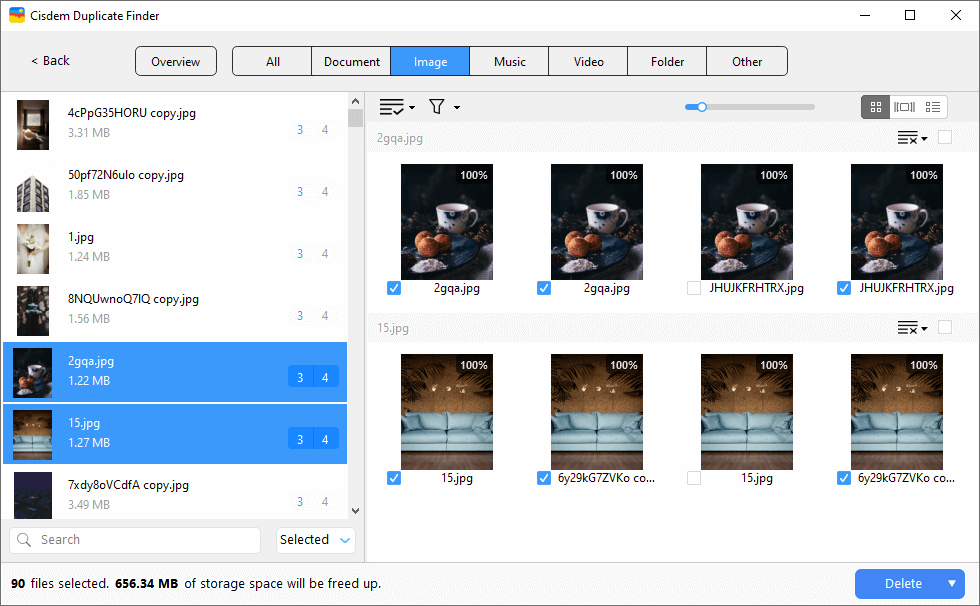 Cisdem Duplicate Finder accurately finds duplicate photos, videos, audio files, documents, archives and other duplicate files, regardless of their file names. In addition to Windows PC, it supports scanning for duplicate files on OneDrive, Dropbox, and external storage devices. It also detects similar images. With auto-selection and preset selection rules, removing duplicate files from your computer is quick and easy.
Windows | Shareware
Read More
System Utilities :: System Maintenance
 A set of more than 20 software utilities including but not limited to the ones that can help you get the best performance out of your computer. It also provides an automatic and a one click solution to keep your computer clean and error free. It includes Puran Defrag, Puran File Recovery, Disk Check, Uninstaller, Disk Cleaner, Duplicate File Finder, Permanent Delete, Delete History, Gaming PC and many more.
Windows | Freeware
Read More
System Utilities :: System Maintenance
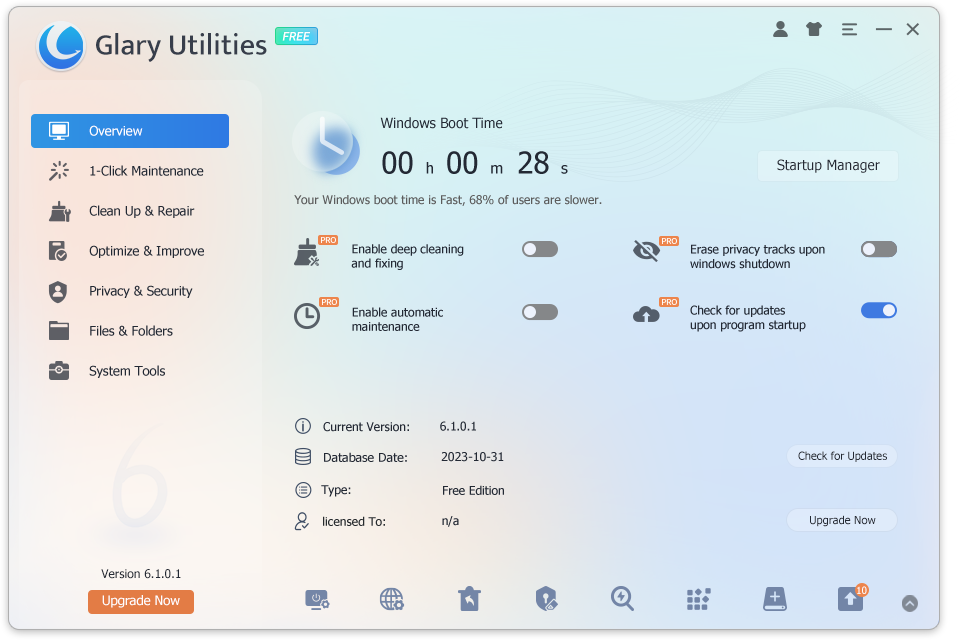 Glary Utilities is a free and powerful all-in-one tool for cleaning, speeding up, maintaining and protecting your computer. It optimizes your system with just one click and includes more than 20 tools to maximize your computer's performance. It also helps you analyze what's taking up space on your hard drive, find duplicate files, keep your software up to date, and even recover permanently deleted files.
Windows | Freeware
Read More
DUPLICATE FILE FINDER MINI 7.0
System Utilities :: File & Disk Management
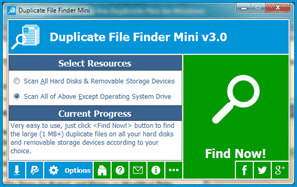 Duplicate File Finder Mini is a 100% freeware that used to find and delete the large (1 MB+) duplicate files on all your hard disks and removable storage devices, so as to recover your valuable disk space. It works very fast, usually, doing a fully finding only spend tens of seconds depending on the size of your drives (about one minute per 300 GB files). Besides, also very easy to use, only need to click the "Find Now!" button to get your want.
Windows | Freeware
Read More