


N5 Net Software Repository
Your one-stop for all your software needs.
Search N5 Net Software Repository:
Search Files
Sponsor:
Browse:
- Audio & Multimedia (1566)
- Business (1738)
- Communications (472)
- Desktop (180)
- Development (573)
- Education (166)
- Games & Entertainment (709)
- Graphic Apps (679)
- Home & Hobby (105)
- Network & Internet (543)
- Security & Privacy (503)
- Servers (64)
- System Utilities (9409)
- Web Development (284)
Areas Of Interest
Authors Area
Are you a software author? Take a look at our Author Resource Center where you will find marketing tools, software specifically created for promoting your software and a ton of other helpful resources.
Bigasoft DVD to WMV Converter 3.1.11.4743
Audio & Multimedia :: Rippers & Converters
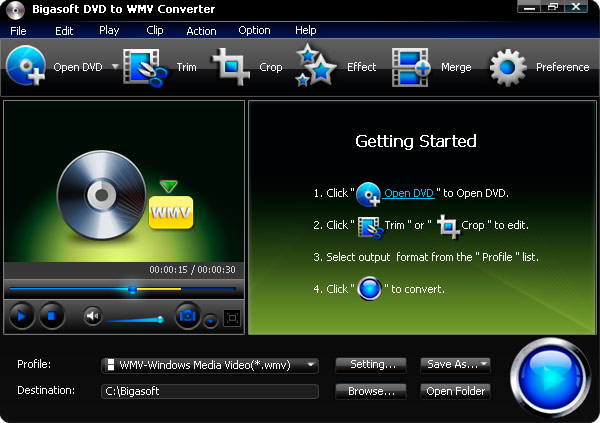
(Click to Enlarge)
Bigasoft DVD to WMV Converter, the professional and splendid DVD to WMV converter, is designed to convert DVD to WMV video format to help you enjoy watch DVD movies on Microsoft Xbox 360, Zune, Pocket PC, Dell Axim, HP iPaq, and Windows Mobile-powered devices. Besides, the best all-in-one DVD WMV converter also helps you enjoy your personalized DVD on WMV players easily and conveniently. Moreover, it can rip DVD to WMV HD with splendid speed and great output quality. In addition, it is equipped with more advanced features such as customizing file size, ripping DVD segment to WMV, selecting DVD languages and audio tracks, capturing DVD pictures, cropping video size, and so on. Key Features 1. Convert DVD to WMV WMV video format has its benefits in that any Windows PC can play it. Bigasoft DVD to WMV Converter can convert DVD WMV HD video format without lose any image quality. 2. Rip DVD to WMA The powerful DVD to WMV software also rips DVD music to WMA audio format for hearing DVD music only. 3. Watch on various WMV players The converted WMV is high compatible with various WMV players such as Microsoft Xbox 360, Zune, Pocket PC, Dell Axim, HP iPaq, and Windows Mobile-powered devices with various optimized profiles. 4. Capture DVD images 5. Pause during ripping 6. Trim DVD movies 7. Drag and drop 8. Support languages You can use any of the following languages: English, German, French, Japanese and Chinese. 9. Change skins The considerate DVD WMV converter supplies two kinds of beautiful and charming skins for you to enjoy. 10. Works for all Windows All the following Windows are supported: Windows 8, Windows 7, Windows XP, Windows Vista, and Windows 2000.
Specifications:
Version: 3.1.11.4743 |
Download
|

Similar Products:
AUDFREE TIDAL MUSIC CONVERTER FOR WINDOWS 3.10.0
Audio & Multimedia :: Rippers & Converters
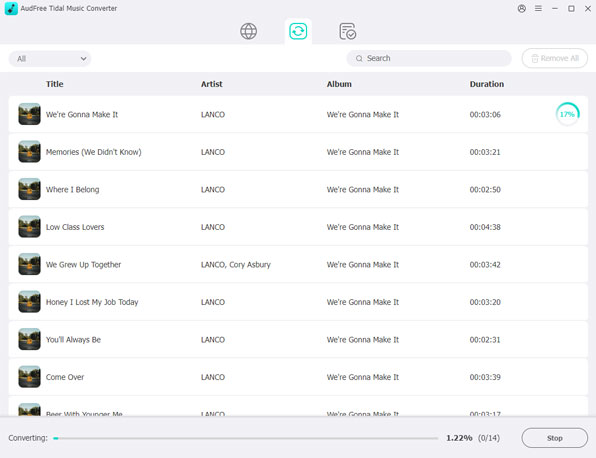 As a smart Tidal DRM removal tool and music converter, AudFree Tidal Music Converter works at up to 37X faster speed to download protected Tidal tracks and convert Tidal songs to MP3, FLAC, WAV, M4A, AIFF, Lossless and M4B on PC. With the professional Tidal music downloader, it?s easy to listen to Tidal songs with original quality and ID3 tags on any device and music player offline even if you have canceled the premium plan on Tidal.
Windows | Shareware
Read More
DRMARE DRM AUDIO CONVERTER FOR WINDOWS 3.5.0
Audio & Multimedia :: Rippers & Converters
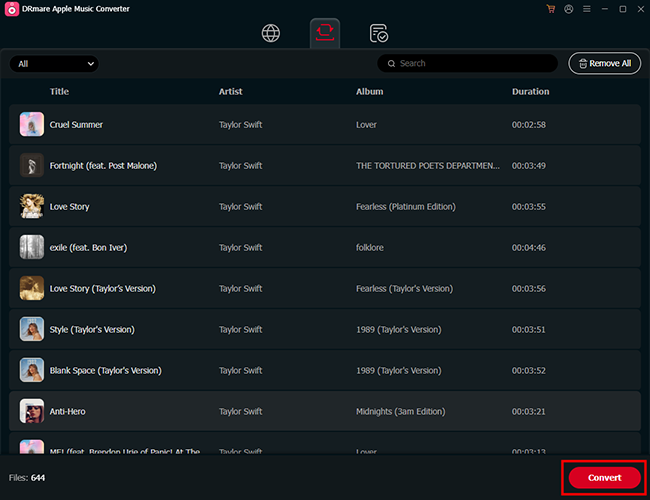 As one of the best streaming audio converter, DRmare Audio Converter is able to losslessly remove DRM lock from all protected audios, including Apple Music, iTunes and Audible audiobooks. Not only that, it can convert both DRM and non-DRM audios to common MP3, AAC, M4A, FLAC, WAV, M4B while preserving original audio quality and ID3 tags for any device and player.
Windows | Shareware
Read More
Audio & Multimedia :: Rippers & Converters
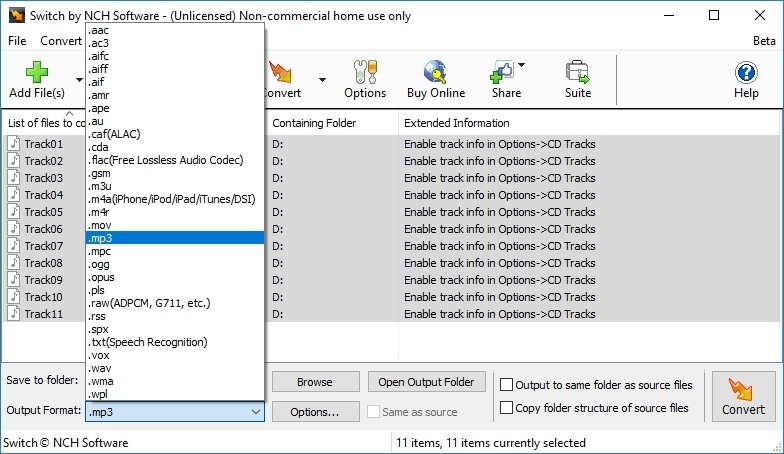 Convert wma to mp3 with Switch audio file format converter for Windows. It can convert mp3, wav or wma format and more to the format of your choice. Switch Converter is very easy to use. Just add the files you want to convert to the list, select the format you want to use, and then click the convert button. Automatically normalize audio while converting. Access online database to add song information as you convert.
Windows | Shareware
Read More
SWITCH FREE AUDIO AND MP3 CONVERTER 14.03
Audio & Multimedia :: Rippers & Converters
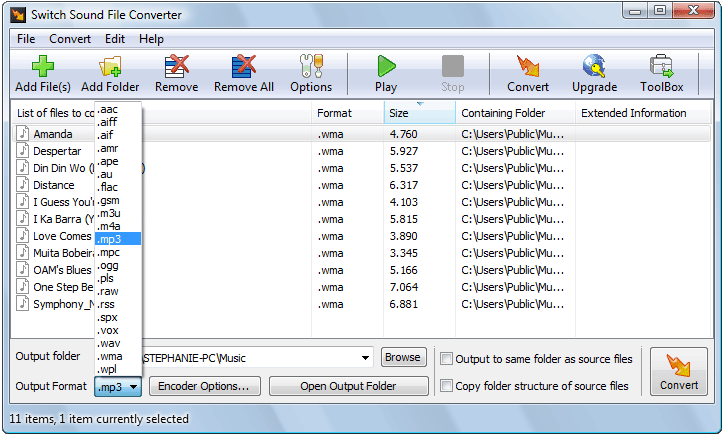 Convert wma to mp3 with Switch audio converter for Windows. It can convert mp3, wav or wma format and more to the format of your choice. Switch Converter is very easy to use. Just add the files you want to convert to the list, select the format you want to use, and then click the convert button. Automatically normalize audio while converting. Access online database to add song information as you convert.
Windows | Freeware
Read More