


N5 Net Software Repository
Your one-stop for all your software needs.
Search N5 Net Software Repository:
Search Files
Sponsor:
Browse:
- Audio & Multimedia (1582)
- Business (1741)
- Communications (469)
- Desktop (134)
- Development (571)
- Education (165)
- Games & Entertainment (709)
- Graphic Apps (683)
- Home & Hobby (106)
- Network & Internet (544)
- Security & Privacy (505)
- Servers (67)
- System Utilities (9267)
- Web Development (284)
Areas Of Interest
Authors Area
Are you a software author? Take a look at our Author Resource Center where you will find marketing tools, software specifically created for promoting your software and a ton of other helpful resources.
Start Menu 8 6.0.0.2

(Click to Enlarge)
Start Menu 8 is a desktop customized utility for Windows users, specifically designed to bring back the familiar Classic Start Menu to Windows 8/8.1 & Windows 10. It offers a convenient and simple solution to freely switch between the latest Window 10 start menu and Windows Classic Start Menu. It also provides multiple start menus for Windows 7/Vista/XP. With the improved searching engine, you can quickly and easily access your apps and files from start menu. Start Menu 8 allows more customization with just a few clicks, which provides the options to skip Modern UI & Welcome on Windows 8.1 and customize your taskbar any way you like on Windows 10. What's new: + Improved algorithms for less resource usage and smoother user experience. + Optimized search engine for more accurate results. + Recent history can display more programs. + Smarter Screenshot tool. + Fixed known bugs.
Specifications:
Version: 6.0.0.2 |
Download
|

Similar Products:
Desktop :: Other
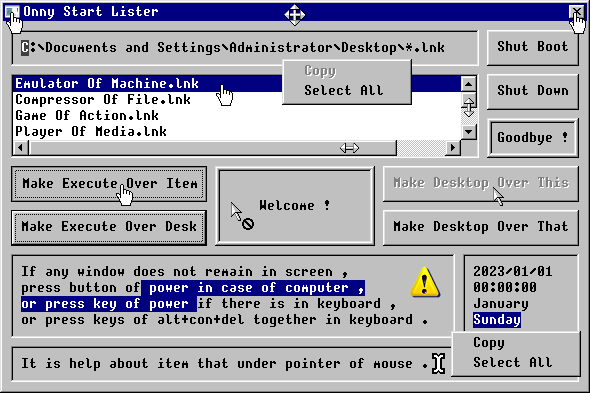 It is a program to list files of start.
Windows | Freeware
Read More
Desktop :: Other
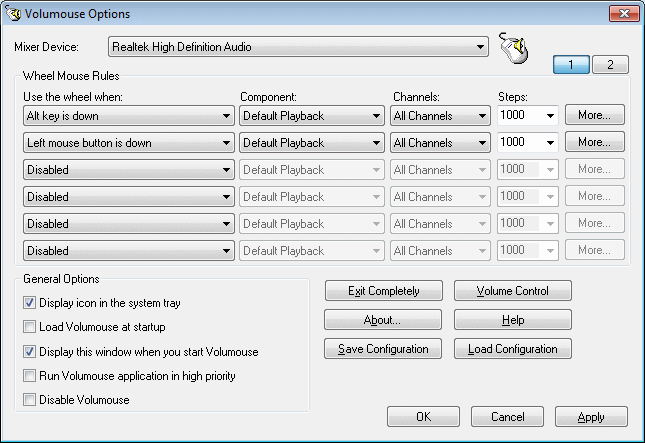 Volumouse provides a quick and easy way to control the sound volume on your system - simply by rolling the wheel of your wheel mouse.
It allows you to define a set of rules for determining when the wheel will be used for changing the sound volume. For example: You can configure Volumouse to use your mouse wheel for volume control when the Alt key is hold down, when a mouse button is down, when the mouse cursor is over the taskbar, and so on...
Volumouse provides a quick and easy way to control the sound volume on your system - simply by rolling the wheel of your wheel mouse.
It allows you to define a set of rules for determining when the wheel will be used for changing the sound volume. For example: You can configure Volumouse to use your mouse wheel for volume control when the Alt key is hold down, when a mouse button is down, when the mouse cursor is over the taskbar, and so on...
Windows | Freeware
Read More
Desktop :: Other
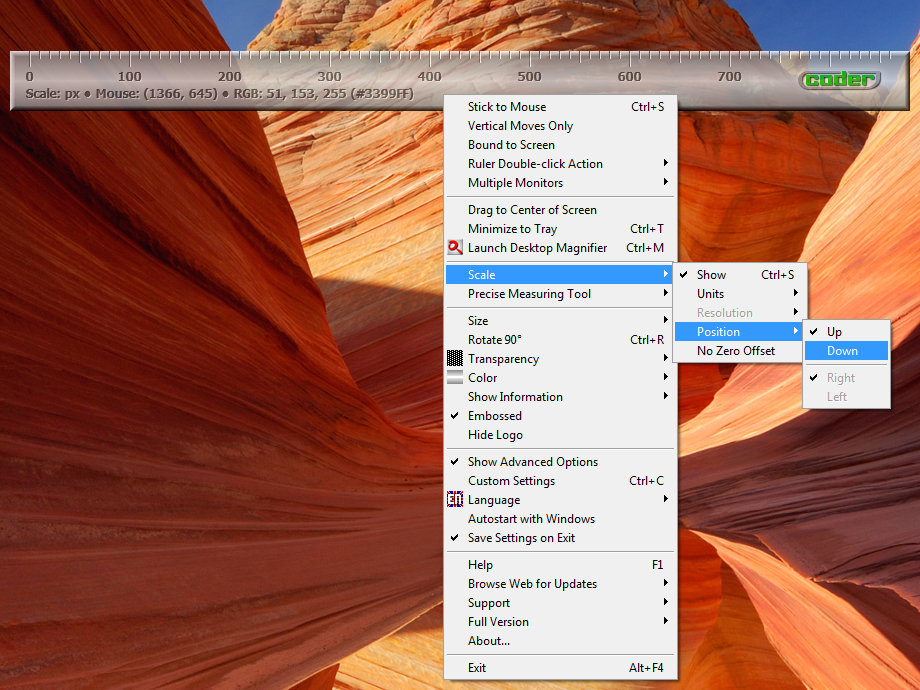 Desktop Ruler is, just as its name indicates, a virtual ruler utility/tool for your desktop. It has customizable size,
color, transparency, orientation and scale in pixels, centimeters or inches, as well as some other useful features like
Precise Measuring Tool with adjustable zoom, capable of measuring on-screen distances in any angle, not just
along the ruler, support for multiple monitors systems and customizable double-click action.
Desktop Ruler is, just as its name indicates, a virtual ruler utility/tool for your desktop. It has customizable size,
color, transparency, orientation and scale in pixels, centimeters or inches, as well as some other useful features like
Precise Measuring Tool with adjustable zoom, capable of measuring on-screen distances in any angle, not just
along the ruler, support for multiple monitors systems and customizable double-click action.
Windows | Shareware
Read More
Desktop :: Other
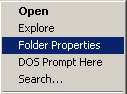 NirExt utility adds 3 useful context menu extensions to your Windows Explorer environment:
* Folder Properties: Change the icon of any folder you want
* Advanced Run: Run an application with command-line and some other options.
* Create Shortcut+: Instantly create a shortcut and drop it into one of the following folders: Desktop, Start Menu, Programs folder under Start Menu, and more...
NirExt utility adds 3 useful context menu extensions to your Windows Explorer environment:
* Folder Properties: Change the icon of any folder you want
* Advanced Run: Run an application with command-line and some other options.
* Create Shortcut+: Instantly create a shortcut and drop it into one of the following folders: Desktop, Start Menu, Programs folder under Start Menu, and more...
Windows | Freeware
Read More