


N5 Net Software Repository
Your one-stop for all your software needs.
Search N5 Net Software Repository:
Search Files
Sponsor:
Browse:
- Audio & Multimedia (1582)
- Business (1741)
- Communications (469)
- Desktop (134)
- Development (571)
- Education (165)
- Games & Entertainment (709)
- Graphic Apps (683)
- Home & Hobby (106)
- Network & Internet (544)
- Security & Privacy (505)
- Servers (67)
- System Utilities (9267)
- Web Development (284)
Areas Of Interest
Authors Area
Are you a software author? Take a look at our Author Resource Center where you will find marketing tools, software specifically created for promoting your software and a ton of other helpful resources.
G-Lock Email Processor 2.5
Communications :: Other E-Mail Tools
(Click to Enlarge)
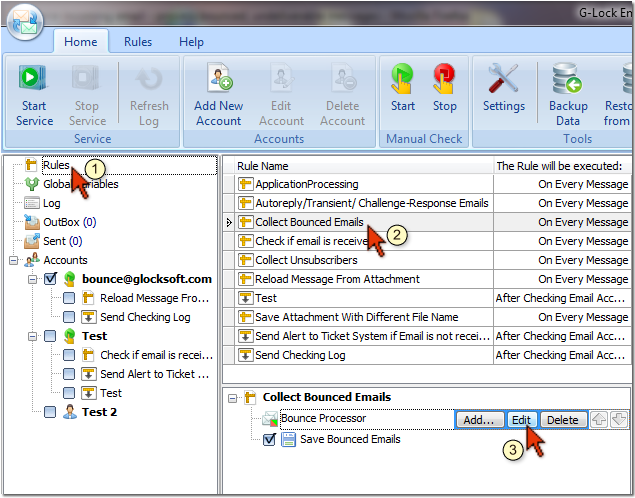
G-Lock Email Processor is the most complete solution for processing incoming emails and automating business processes. G-Lock Email Processor provides you with the ability to develop a set of rules that determine how you want to process your incoming messages. It runs as a system service on your PC. The service automatically starts each time you switch your PC on - no need to start the program manually! Using our G-Lock Email Processor you can read messages from POP3 and IMAP mailboxes, filter the messages by different conditions, extract any data from the message body, message header, and text attachments and save the data to a file. Thus, G-Lock Email Processor can handle purchase orders, messages where the text layout is known (web forms), bounced emails, subscribe and unsubscribe emails, auto replies or any kind of messages of a specific format you may receive. G-Lock Email Processor can insert extracted data into a local or remote database, update the database or delete records from the database based on the extracted data. The program can work with any ODBC compatible database. Just imagine how much time you would spend for manually extracting the data from the messages and adding it to the database. In G-Lock Email Processor you setup the rule only once determining the criteria to catch the emails, fields you want to extract and database to insert the data to. The program will handle the messages according to your settings without your participation - faster, easier and better than you can imagine! In addition, using G-Lock Email Processor you can send a reply to the recipient immediately after the message is processed, or schedule a series of follow-up emails to each recipient. And you can send attachments with the messages too - all is completely automatically with G-Lock Email Processor!
Specifications:
Version: 2.5 |
Download
|

Similar Products:
Communications :: Other E-Mail Tools
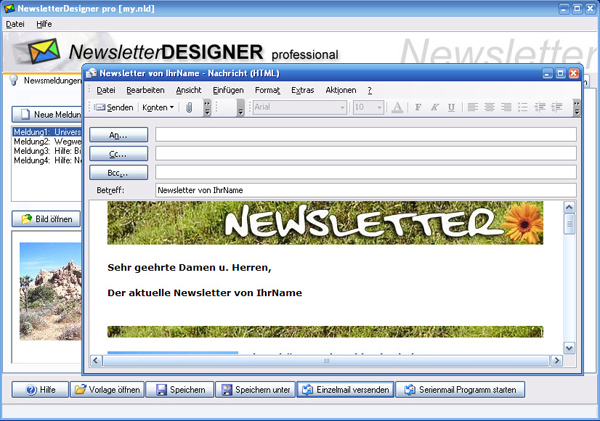 With NewsletterDesigner you can create professional HTML Newsletters in your very own design, without any HTML or programming knowledge. Design your Newsletter like professionals do. Easy integration of Pictures, Links and Design Elements. Also included: Ready-to-use Templates and Layouts for your Newsletters. Keep your Cooperate Design by creating Templates in your very own Design. Updated: export
Windows | Shareware
Read More
Communications :: Other E-Mail Tools
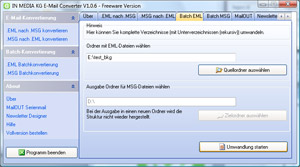 E-Mail-Converter is able to convert Outlook MSG-Files into Outlook Express EML files or Outlook Express EML-file into Outlook MSG file! Updated: MSGtoEML help
Windows | Shareware
Read More
System Utilities :: Backup & Restore
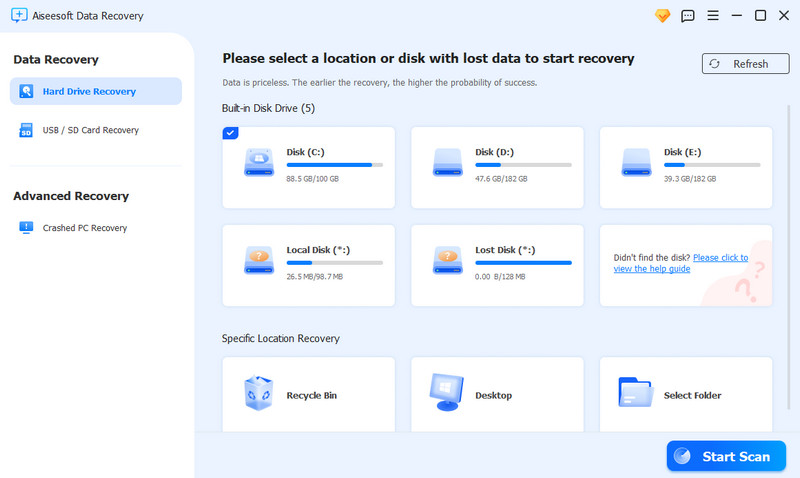 Aiseesoft Data Recovery is a comprehensive recovery tool which can recover different data like photos, images and documents for you. Even your computer crashes, data system is damaged or virus attacks your computer, you can get your lost data by this software easily. It can support Windows 11/10/8.1/8/7/Vista/XP (SP2 or later).
Windows | Shareware
Read More
Network & Internet :: Browsers
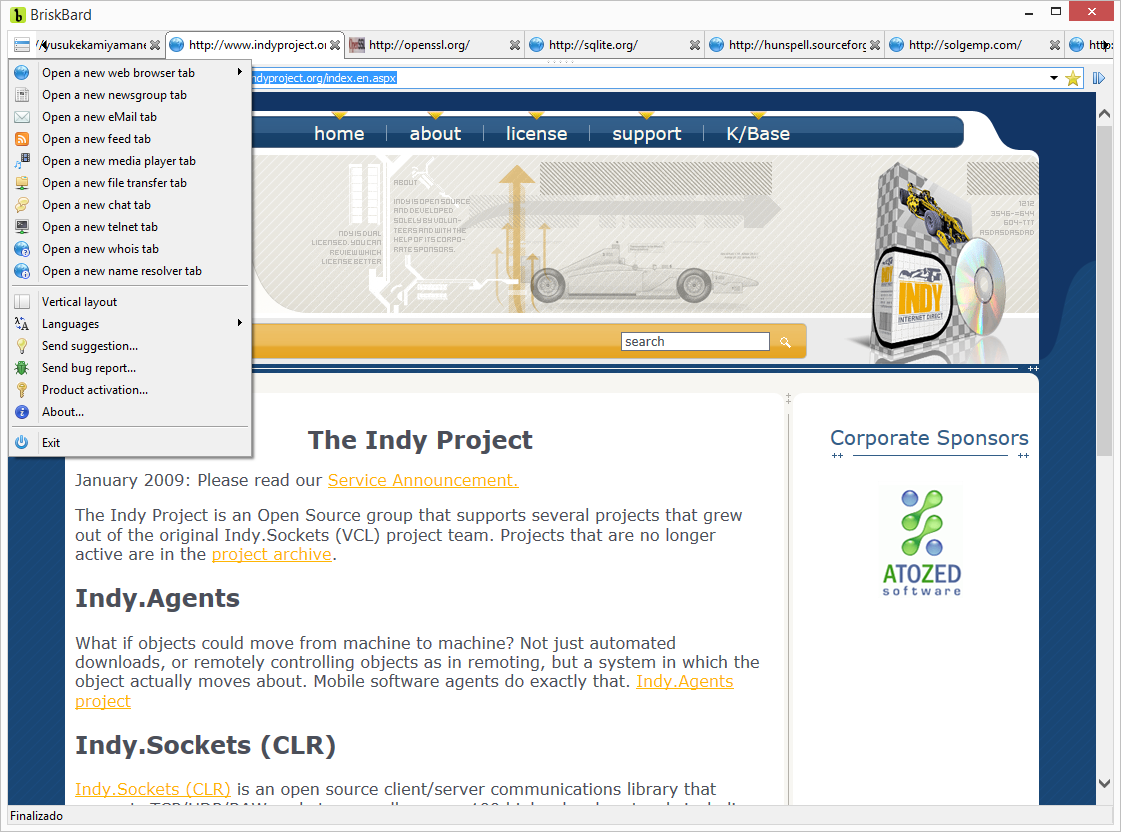 BriskBard is the new web browser for Windows that simplifies many of the most common tasks in Internet integrating in one program a web browser, an email client, a media player, a news aggregator, a file transfer client, a newsgroups reader, a contact manager, instant messaging, and several web developer tools.
Windows | Freeware
Read More