


N5 Net Software Repository
Your one-stop for all your software needs.
Search N5 Net Software Repository:
Search Files
Sponsor:
Browse:
- Audio & Multimedia (1582)
- Business (1741)
- Communications (469)
- Desktop (134)
- Development (571)
- Education (165)
- Games & Entertainment (709)
- Graphic Apps (683)
- Home & Hobby (106)
- Network & Internet (544)
- Security & Privacy (505)
- Servers (67)
- System Utilities (9267)
- Web Development (284)
Areas Of Interest
Authors Area
Are you a software author? Take a look at our Author Resource Center where you will find marketing tools, software specifically created for promoting your software and a ton of other helpful resources.
GRBackPro Professional Backup 11.2.0
System Utilities :: Backup & Restore
(Click to Enlarge)
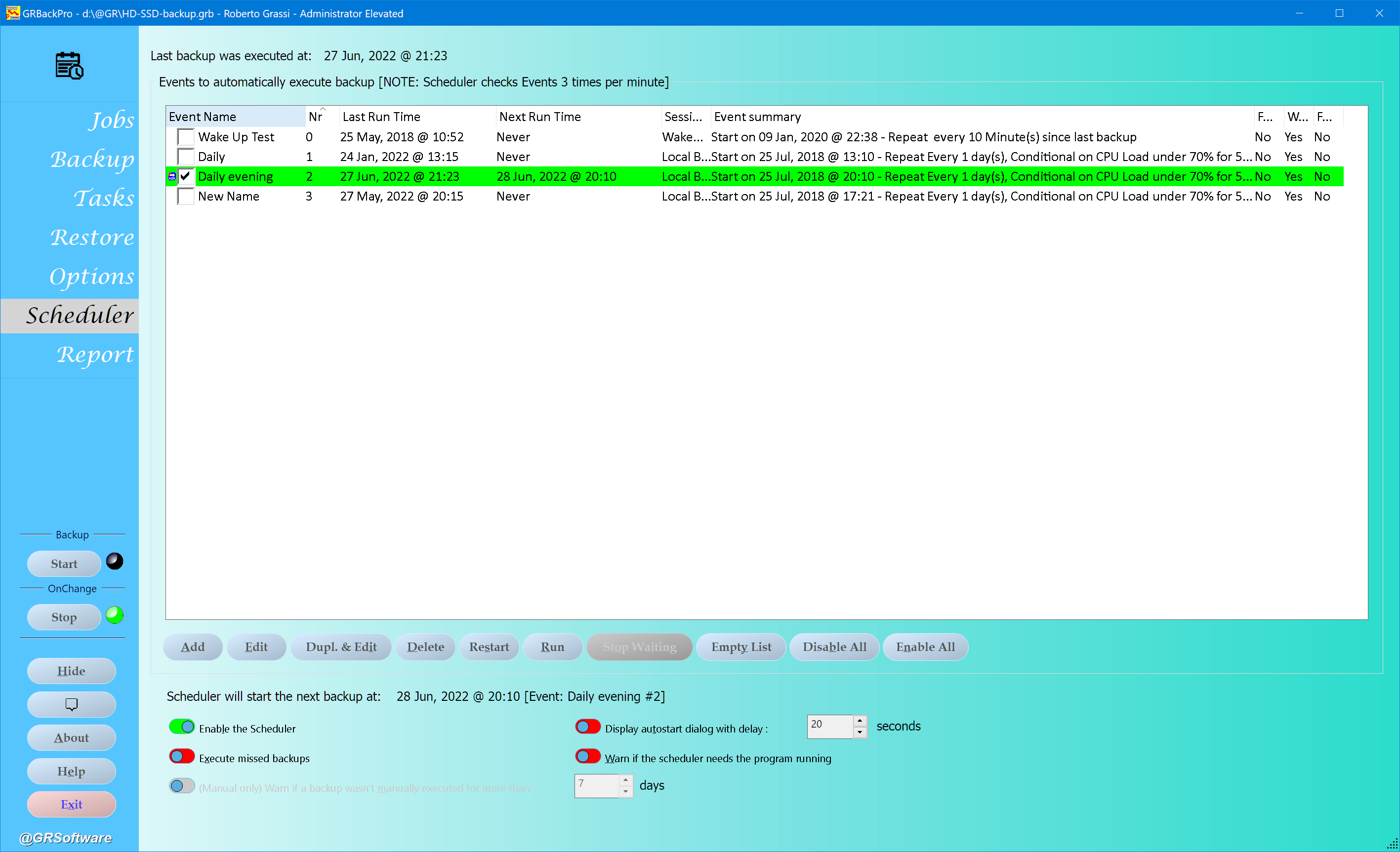
What if you can no longer access your valuable data because of a hard drive problem? GRBackPro is a Windows data backup program that helps protect you from such event. A new OnChange (real-time) backup let you back up your file while you are working on them. You can define multiple backup sessions: back up a whole disk, a single folder or just a few files. An integrated scheduler will let you start your backup automatically without any intervention, even if your PC is in stand-by, and you can set conditions such as paths available, no user input and CPU loading to fine tune your backup process. GRBackPro supports networks, USB drives, hard drives and all removable hard drives. Tapes are not supported unless seen as a drive letter. You can install it as a Windows Service to have your backups start even if no users are logged in. It supports Windows Volume Shadow Copy on both 64 and 32 bit Systems in order to backup open and locked files. GRBackPro let you handle long path names up to 1024 characters. Unicode file names are supported even inside the zip archives. You can span multiple destination disks so that you can easily build a multi disk backup set. Split mode to easily burn DVDs after the backup has been completed. An History mode let you keep multiple backup sets. Integrated restore facility to easily restore your files or whole backups and also keep two or more PCs synchronized. You can execute one or more tasks before and/or after the backup, such as start/stop/restart services close an application, start a program, pause the backup, open a message box, end a process or send an email (which lets you send the backup log report if any error has been found in the backup. Registry backup both locally (for an easy manual restore) or on the destination disk. Automatic software update facility allows you to easily update. Fully featured backup software with many professional options built to solve any data backup problem
Specifications:
Version: 11.2.0 |
Download
|

Similar Products:
GRBACKPRO SERVER BACKUP 11.2.0
System Utilities :: Backup & Restore
 Professional Server Backup for Windows designed to solve your backup problems at an affordable price. Run as a Service. Fully customizable, include/exclude files, skip directories. Zip64 compression with password protection. Integrated restore, scheduler and tasks (email). Full, Incremental and Differential Backup modes. Supports: Windows Volume Shadow Copy, Unicode and Long path names. Span, Split, History modes. Zip2 and Zip64 compression.
Windows | Shareware
Read More
QILING DISK MASTER SERVER 8.7.6
System Utilities :: Backup & Restore
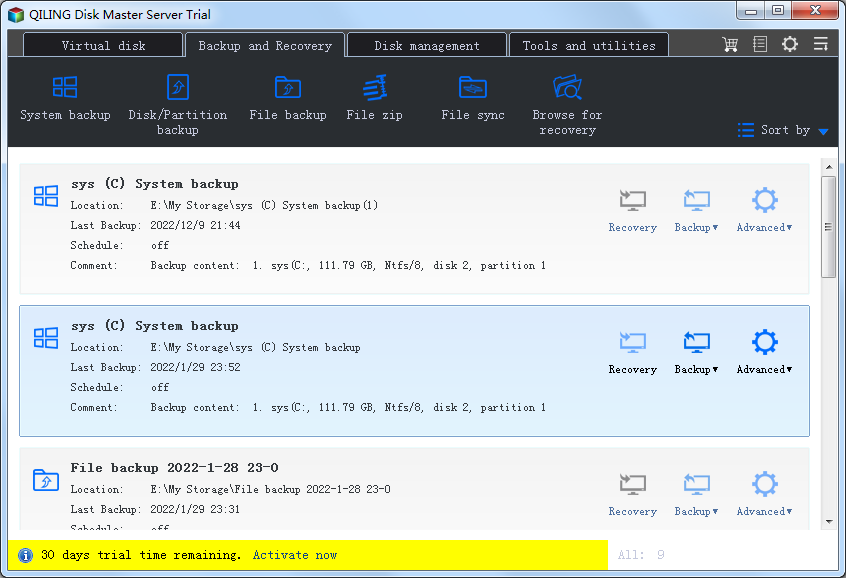 QILING Disk Master Server is not only a reliable best backup and recovery software solution, but also a ramdisk and partition manager software. It aiming to protect your data and improve the performance of your computer. For Windows Server 2003, Windows Server 2008, Windows Server 2008 R2, Windows Server 2012, Windows Server 2012 R2, Windows 10, Windows 8.1, Windows 8, Windows 7, Vista, and XP (all editions, 32/64-bit).
Windows | Shareware
Read More
GRBACKPRO SERVER BACKUP X64 11.2.0
System Utilities :: Backup & Restore
Professional x64 Server Backup for Windows designed to solve your backup problems at an affordable price. Run as a Service. Fully customizable, include/exclude files, skip directories. Zip64 compression with password protection. Integrated restore, scheduler and tasks (email). Full, Incremental and Differential Backup modes. Supports: Windows Volume Shadow Copy, Unicode and Long path names. Span, Split, History modes. Zip2 and Zip64 compression.
Windows | Shareware
Read More