


N5 Net Software Repository
Your one-stop for all your software needs.
Search N5 Net Software Repository:
Search Files
Sponsor:
Browse:
- Audio & Multimedia (1582)
- Business (1741)
- Communications (469)
- Desktop (134)
- Development (571)
- Education (165)
- Games & Entertainment (709)
- Graphic Apps (683)
- Home & Hobby (106)
- Network & Internet (544)
- Security & Privacy (505)
- Servers (67)
- System Utilities (9267)
- Web Development (284)
Areas Of Interest
Authors Area
Are you a software author? Take a look at our Author Resource Center where you will find marketing tools, software specifically created for promoting your software and a ton of other helpful resources.
pblcompare 2.40
Development :: Management & Distribution
(Click to Enlarge)
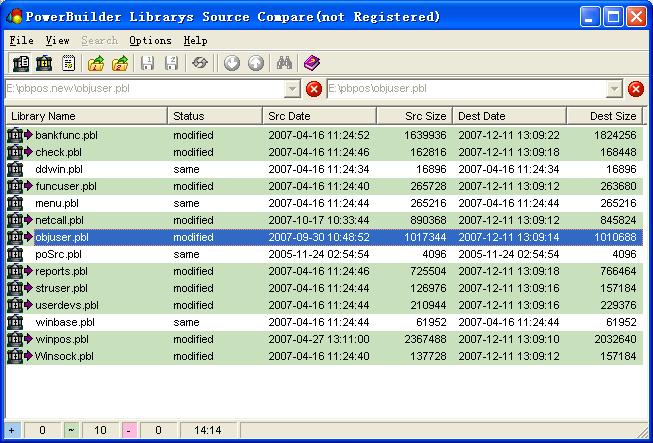
pblCompare is a tool for visual PowerBuilder Library File comparison. It has a number of simple and convenient features that many users have been asking for a long time from a PowerBuilder source code comparison tool. pblCompare is used to highlight and report on the changes made between versions of library files used for developing PowerBuilder Applications including; complete applications, groups of libraries, single objects. 1. Use as a management tool to check all the changes to an application before a new release. 2. Find out what and why the changes you just made broke the application! 3. export source for objects. 4. pblCompare does not modify PBL's in any way. It's a viewer only. 5. PowerBuilder is NOT required. pblCompare does not use PowerBuilder API to read PBL format. 6. pblCompare supports PBL format of PowerBuilder 6 and higher. pblCompare may be used to compare the contents of two PowerBuilder library files or of more. It may be invoked using several methods depending on what you wish to do. pblCompare has three views, they are PowerBuilder library files list view, Objects in library file list view and Object source code view. The default view of pblCompare is PowerBuilder library files list view. Files in list are opened by select the file names which extension .pbw, .pbt or .pbl. The Object list view list items in a PowerBuilder library file, this file would be opened from library list view or opened using Open file dialog. The Object source code view is split into two panes (for the object source code to be compared) with the menus and toolbar above. For details on opening and comparing PowerBuilder library files please
Specifications:
Version: 2.40 |
Download
|

Similar Products:
System Utilities :: Text/Document Editors
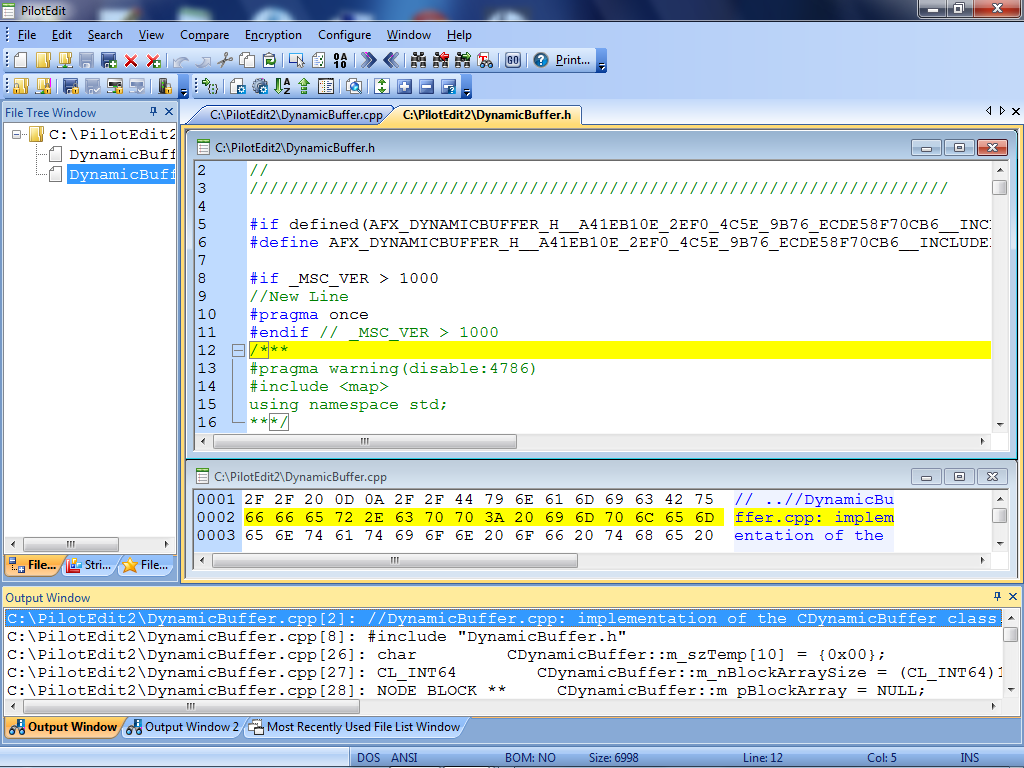 PilotEdit is a powerful file editor capable of editing huge files larger than 400GB (40 billion lines).
Windows | Shareware
Read More
System Utilities :: Other
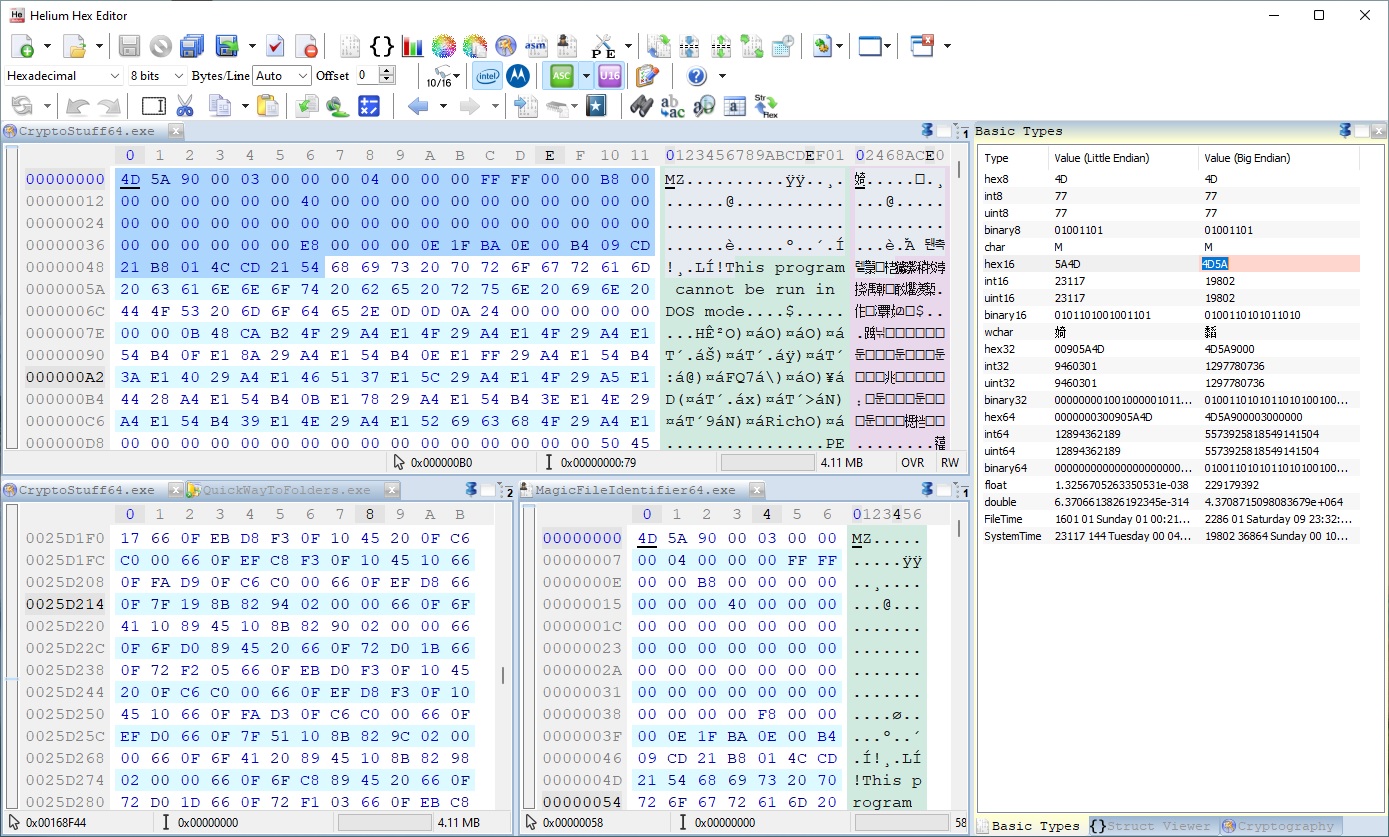 Helium Hex Editor is an advanced lightweight portable hexadecimal editor. It allows to edit:Files,Processes memory,Kernel memory (virtual and physical),Disks and partitions,S-Records and Intel Hex. It contains the following features: bookmarks, structures parser, cryptography, disassembly, binary compare, join, split, multiple data operations, search and replace, string search, bytes distribution, entropy, Portable Executable PE, PE Viewer
Windows | Shareware
Read More
Development :: Source Editors
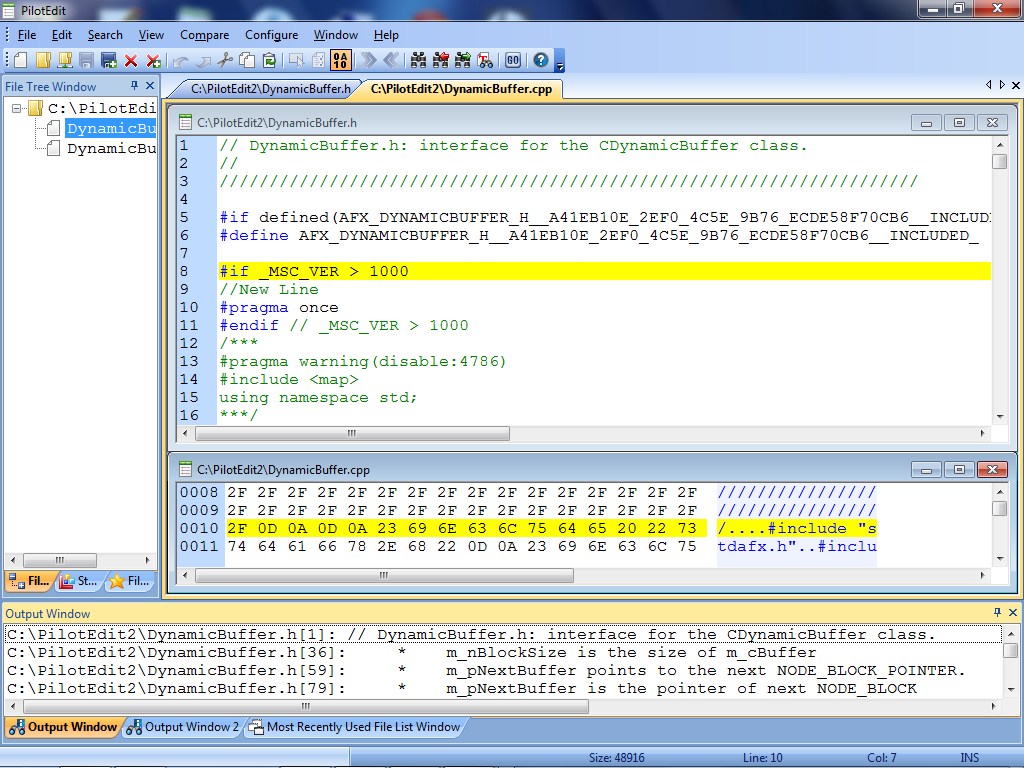 PilotEdit Lite is an amazing file editor capable of editing large files.
Windows | Freeware
Read More
Development :: Source Editors
PilotEdit is a powerful file editor capable of editing huge files larger than 400GB (40 billion lines).
Windows | Shareware
Read More