


N5 Net Software Repository
Your one-stop for all your software needs.
Search N5 Net Software Repository:
Search Files
Sponsor:
Browse:
- Audio & Multimedia (1596)
- Business (4238)
- Communications (1257)
- Desktop (183)
- Development (602)
- Education (171)
- Games & Entertainment (702)
- Graphic Apps (686)
- Home & Hobby (107)
- Network & Internet (571)
- Security & Privacy (532)
- Servers (65)
- System Utilities (11196)
- Web Development (284)
Areas Of Interest
Authors Area
Are you a software author? Take a look at our Author Resource Center where you will find marketing tools, software specifically created for promoting your software and a ton of other helpful resources.
Net Control 2 10.22
Education :: Teaching & Training Tools
(Click to Enlarge)
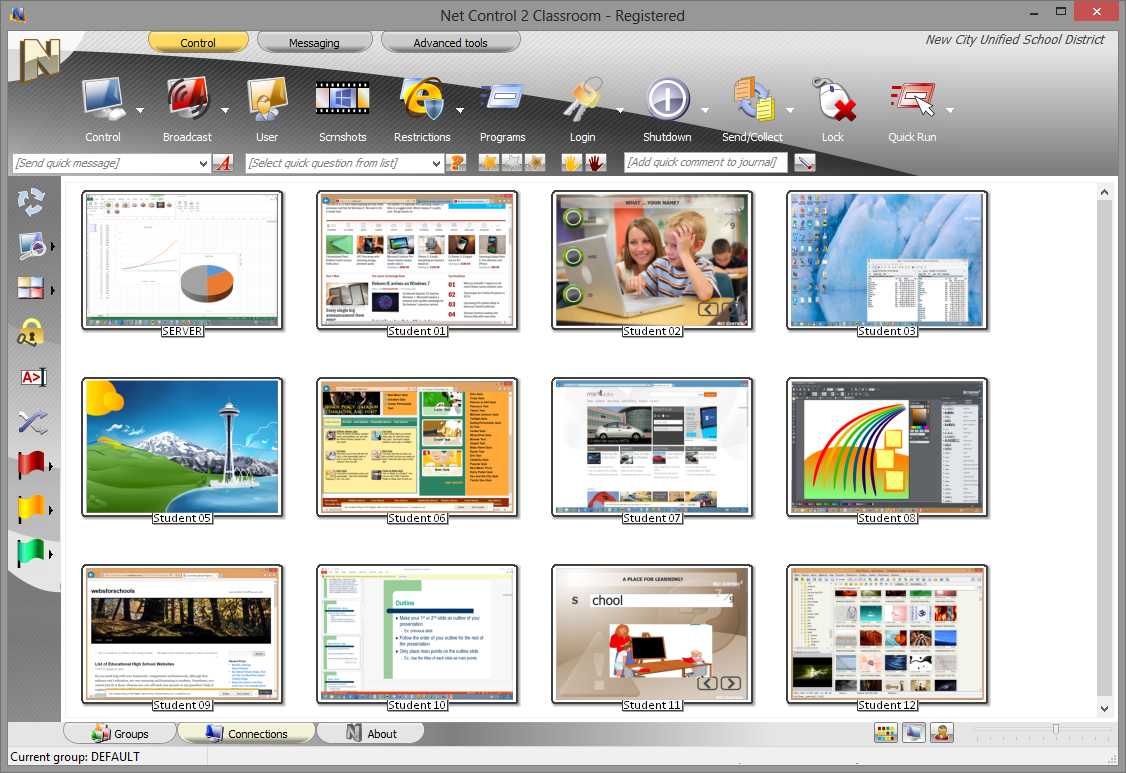
Net Control 2 is a classroom management software, was specially designed for educational environment, k-12, schools, colleges, universities, libraries. Monitor student computers in real time, help students remotely, share teacher's screen, control access to Internet, applications and devices; prepare and send quizzes, make polls, chat, send messages, receive help requests, log events, these and more than 150 other monitoring and teaching commands and features are at your service. Net Control 2 supports all modern versions of Windows, including 32- and 64-bit versions of Windows 8 and 7, terminal and thin client environments (Windows Terminal Server, MultiPoint Server, Hyper-V, nComputing clients and other). It was specially designed for easy management multiple computers at a time. Intended for use in both conventional and wireless local networks without any additional configuring, supports multi-VLAN environments. In addition, we are proud to offer this software for the lowest in the industry cost of licensing. Evaluation version may be tested for free of charge on up to 50 computers within 30 day trial period. Just try it now!
Specifications:
Version: 10.22 |
Download
|

Similar Products:
CLASSROOM SPY PROFESSIONAL 5.5.2
Security & Privacy :: Covert Surveillance
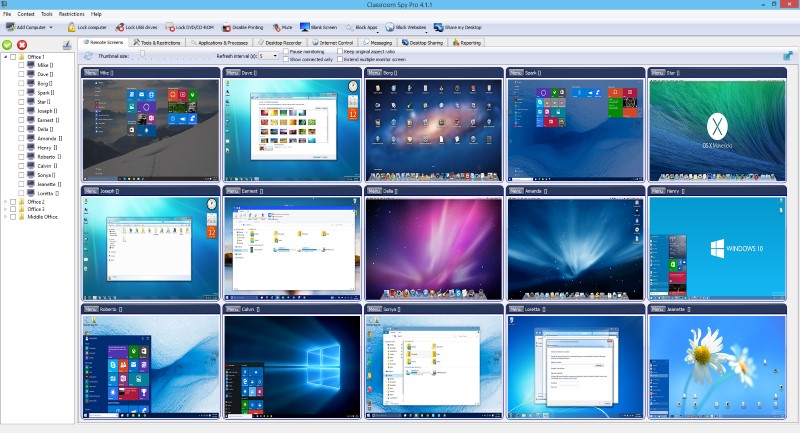 A simple and powerful classroom management software that allows you to see live screens of student computers or show you screen to students. You can take control of a remote computer by controlling the mouse and keyboard. Additionally you can also record student's screens. Several tools allow you to turn off, restart, hibernate.... remote computers with one click. Starting program on remote computers is easy.
Windows | Shareware
Read More