


N5 Net Software Repository
Your one-stop for all your software needs.
Search N5 Net Software Repository:
Search Files
Sponsor:
Browse:
- Audio & Multimedia (1582)
- Business (1733)
- Communications (469)
- Desktop (135)
- Development (557)
- Education (165)
- Games & Entertainment (706)
- Graphic Apps (681)
- Home & Hobby (105)
- Network & Internet (538)
- Security & Privacy (504)
- Servers (67)
- System Utilities (9263)
- Web Development (281)
Areas Of Interest
Authors Area
Are you a software author? Take a look at our Author Resource Center where you will find marketing tools, software specifically created for promoting your software and a ton of other helpful resources.
CachemanXP 2.20
System Utilities :: Registry Tools

(Click to Enlarge)
Have you been asking yourself how to make your computer faster? Have you been trying to fix computer slow downs with frequent rebooting, or even by completely reinstalling Windows? Instead of reinstalling, consider the CachemanXP software to make your computer faster in few minutes. CachemanXP is easy enough for novices to use, yet powerful enough for advanced users. Plus it offers an automatic backup feature to keep you on the safe side. CachemanXP offers a wide range of PC tune up options including computer cache tweaks. What is a computer cache? A cache in computing is a high speed data storage component. Your computer tries to get data from a cache, before accessing slower storage components. The more data can be accessed from the cache, the better the computer's performance becomes. CachemanXP's one-click optimization will tune up all PC cache parameters, but you can change them also manually. In Windows any program (=process) can be changed to temporarily run with a lower or higher processor priority. When a lower priority is configured for a process, Windows will give it less resources. A high priority process will get more CPU time and processing power. This can increase the performance of that particular process (especially if you run many applicaions at the same time). With CachemanXP you can change process priority for good, so it will be still at the configured priority after you reboot your computer.
Specifications:
Version: 2.20 |
Download
|

Similar Products:
WINTOOLS.NET PROFESSIONAL 26.3.1
System Utilities :: Registry Tools
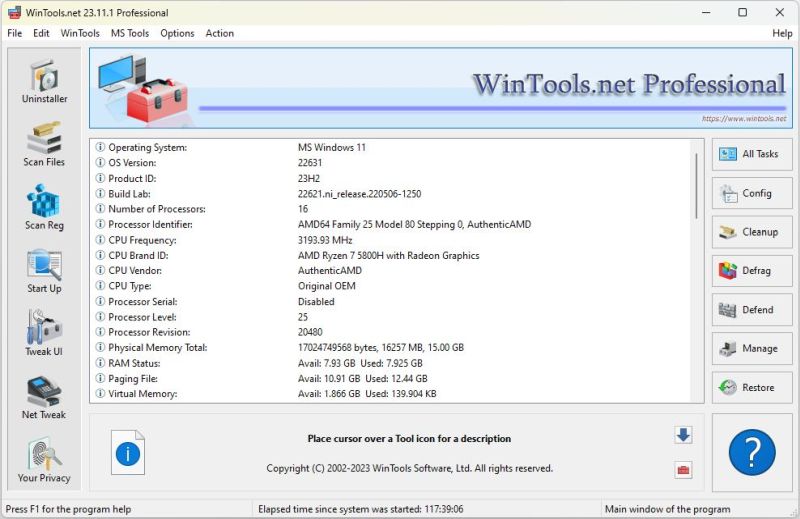 A suite of tools for increasing the operating system performance. WinTools.net cleanly removes unwanted software from disk drives and dead references from the Windows registry. WinTools.net puts you in control of the Windows start up process, memory monitoring and gives you the power to customize desktop and system settings to fit your needs. Adds more speed and stability for your connection.
Windows | Shareware
Read More
System Utilities :: Registry Tools
A suite of tools for increasing the operating system performance. WinTools.net cleanly removes unwanted software from disk drives and dead references from the Windows registry. WinTools.net puts you in control of the Windows start up process, memory monitoring and gives you the power to customize desktop and system settings to fit your needs. Adds more speed and stability for your connection.
Windows | Shareware
Read More
System Utilities :: Registry Tools
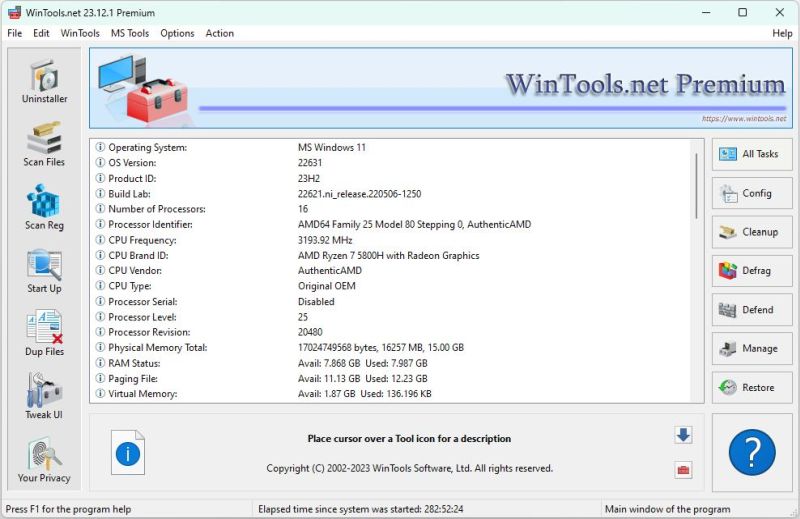 A suite of tools for increasing the operating system performance. WinTools.net cleanly removes unwanted software from disk drives and dead references from the Windows registry. WinTools.net puts you in control of the Windows start up process, memory monitoring and gives you the power to customize desktop and system settings to fit your needs. Ensures your privacy and keep sensitive information secure.
Windows | Shareware
Read More
System Utilities :: Registry Tools
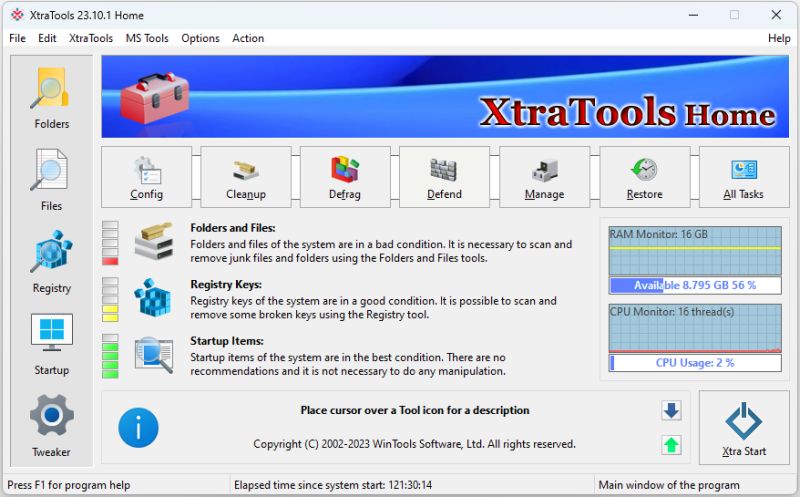 XtraTools Home a set of applications consisting a lot of independent system utilities that are complimentary to the standard MS Windows utilities. XtraTools increases productivity and makes working with MS Windows easier. XtraTools Home contain tools: Scan Folders, Scan Files, Scan Registry, Startup Manager, System Tweaker, System Monitor, Xtra Start.
Windows | Shareware
Read More