


N5 Net Software Repository
Your one-stop for all your software needs.
Search N5 Net Software Repository:
Search Files
Sponsor:
Browse:
- Audio & Multimedia (1582)
- Business (1741)
- Communications (469)
- Desktop (134)
- Development (571)
- Education (165)
- Games & Entertainment (709)
- Graphic Apps (683)
- Home & Hobby (106)
- Network & Internet (544)
- Security & Privacy (505)
- Servers (67)
- System Utilities (9267)
- Web Development (284)
Areas Of Interest
Authors Area
Are you a software author? Take a look at our Author Resource Center where you will find marketing tools, software specifically created for promoting your software and a ton of other helpful resources.
Image Constructor 2.5
(Click to Enlarge)
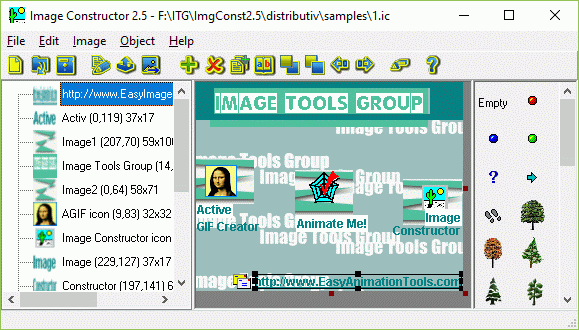
Image Constructor helps you to create original illustrations, structural schemas and diagrams, simple geographical maps and location plants in form of texts and small images over some background with picture or gradient fill and save them to graphical files. Image Constructor has the following features: - loads background picture from BMP, JPEG, PNG, GIF, ICO, PCX, PSD and Windows Metafiles; - creates background as color or gradient fill; - edits size and coordinates of the image; - adds objects from a set of base objects and image collections; - adds objects from graphical files; - adds objects as a text line and coordinate axis; - manages list of objects; - edits, deletes, duplicates, aligns objects; - changes size and position of object (group of objects) by mouse; - supports clipboard operations for separate objects and groups of objects; - scales image with all objects; - saves created images in a file with extension .ic; - exports images to HTML5, BMP, JPEG, PNG, PDF, SWF and GIF-files; - copies image with all objects to clipboard in BMP-format; - supports multi-language interface.
Specifications:
Version: 2.5 |
Download
|

Similar Products:
BATCH IMAGE RESIZER LITE 5.6.135
Graphic Apps :: Editors
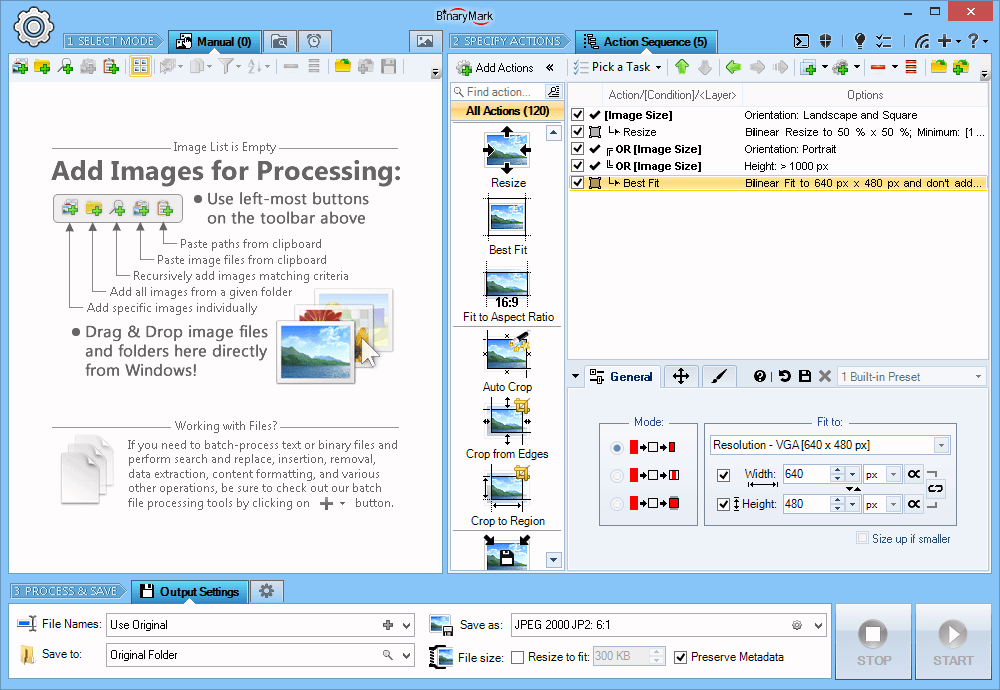 Resize, crop, shrink, flip, EXIF-autorotate, resample, convert, enhance, and process multiple pictures and photos with this professional software!
- 120+ Actions: resize, contrast, watermark
- Save results in any of 30+ formats: jpg, png, gif, tiff, bmp, j2k
- 20 scaling modes: Lanczos, Bilinear, Bicubic, Box, HqX
- Conditional Processing based on Image Orientation
- Automatic crop, crop to fixed size, crop from edges, crop to W:H ratio
Resize, crop, shrink, flip, EXIF-autorotate, resample, convert, enhance, and process multiple pictures and photos with this professional software!
- 120+ Actions: resize, contrast, watermark
- Save results in any of 30+ formats: jpg, png, gif, tiff, bmp, j2k
- 20 scaling modes: Lanczos, Bilinear, Bicubic, Box, HqX
- Conditional Processing based on Image Orientation
- Automatic crop, crop to fixed size, crop from edges, crop to W:H ratio
Windows | Shareware
Read More
ASHAMPOO PHOTO OPTIMIZER PRO 26 26.0.0
Graphic Apps :: Editors
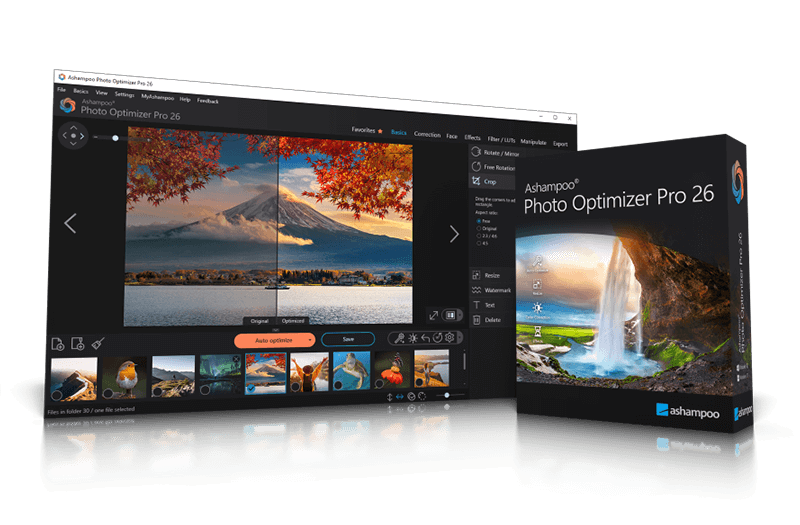 Ashampoo Photo Optimizer Pro 26 enhances digital photos automatically or manually. Colors, contrast, and exposure are optimized, perspectives corrected, and effects added. Perfect for individual images or entire collections with integrated batch processing.
Windows | Shareware
Read More
Graphic Apps :: Editors
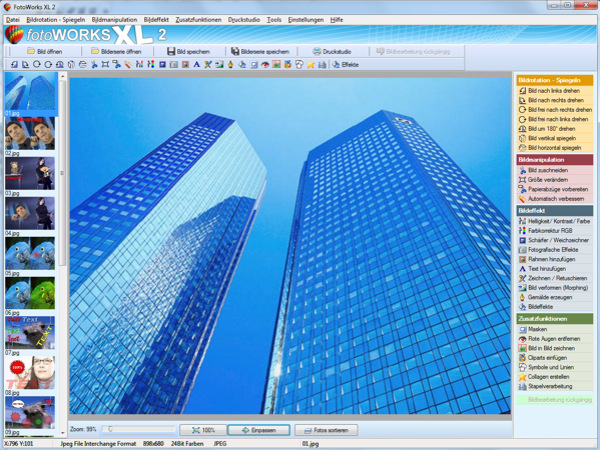 Photo editing software for beginners and professionals. The photo editing software FotoWorks XL includes all well-known photo effects needed to edit, improve, or enhance your photos. Edit photos easily without a long training period. Correct the color, brightness, and contrast values automatically; create photo montages, photo collages, or use the expert functions. Updated: clone stamp
Windows | Shareware
Read More
Graphic Apps :: Editors
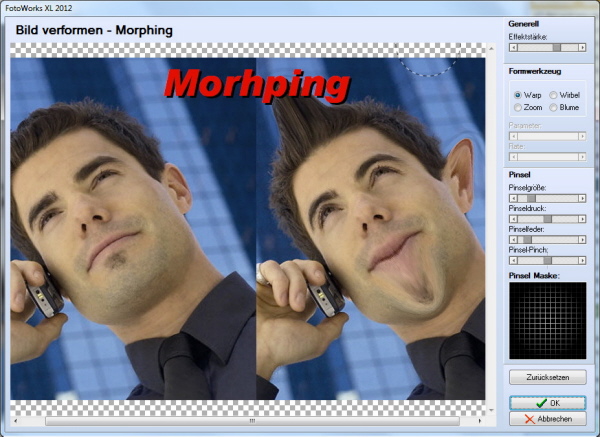 Photo editing software for beginners and professionals. The photo editing software FotoWorks XL includes all well-known photo effects needed to edit, improve, or enhance your photos. Edit photos easily without a long training period. Correct the color, brightness, and contrast values automatically; create photo montages, photo collages, or use the expert functions. Updated: clone stamp
Windows | Freeware
Read More