


N5 Net Software Repository
Your one-stop for all your software needs.
Search N5 Net Software Repository:
Search Files
Sponsor:
Browse:
- Audio & Multimedia (1582)
- Business (1733)
- Communications (469)
- Desktop (135)
- Development (557)
- Education (165)
- Games & Entertainment (706)
- Graphic Apps (681)
- Home & Hobby (105)
- Network & Internet (538)
- Security & Privacy (504)
- Servers (67)
- System Utilities (9263)
- Web Development (281)
Areas Of Interest
Authors Area
Are you a software author? Take a look at our Author Resource Center where you will find marketing tools, software specifically created for promoting your software and a ton of other helpful resources.
VeryUtils ConvertDoc Command Line 2.7
Business :: Office Suites & Tools
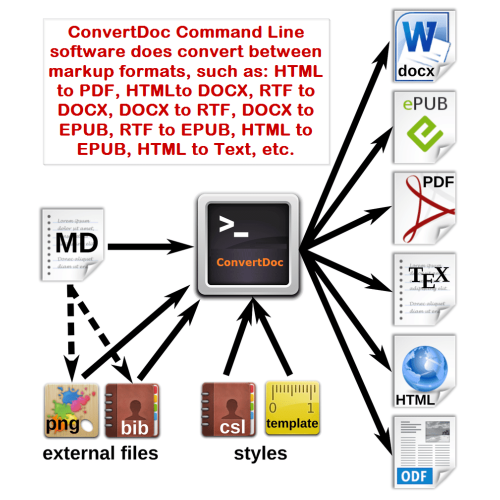
(Click to Enlarge)
VeryUtils ConvertDoc Command Line software does convert between markup formats. ConvertDoc is a Command Line application for converting from one markup format to another. It can read markdown and (subsets of) reStructuredText, HTML, LaTeX and Textile, and it can write markdown, reStructuredText, HTML, LaTeX, ConTeXt, Docbook, OpenDocument, ODT, Word docx, RTF, MediaWiki, Textile, groff man pages, plain text, Emacs Org-Mode, AsciiDoc, EPUB, and S5 and Slidy HTML slide shows. ConvertDoc extends standard markdown syntax with footnotes, embedded LaTeX, definition lists, tables, and other features. In contrast to existing tools for converting markdown to HTML, which use regex substitutions, ConvertDoc has a modular design: it consists of a set of readers, which parse text in a given format and produce a native representation of the document, and a set of writers, which convert this native representation into a target format. Thus, adding an input or output format requires only adding a reader or writer. VeryUtils ConvertDoc understands a number of useful markdown syntax extensions, including document metadata (title, author, date); footnotes; tables; definition lists; superscript and subscript; strikeout; enhanced ordered lists (start number and numbering style are significant); running example lists; delimited code blocks with syntax highlighting; smart quotes, dashes, and ellipses; markdown inside HTML blocks; and inline LaTeX. If strict markdown compatibility is desired, all of these extensions can be turned off. VeryUtils ConvertDoc is a standalone command-line program, it doesn't require any third-party applications, for example, it doesn't require MS Word to convert DOCX to PDF or DOCX to HTML or DOCX to RTF or DOCX to EPUB or DOCX to Text, etc., it doesn't require MS Internet Explorer or Chrome or Firefox to convert HTML to DOCX or HTML to PDF or HTML to EPUB or HTML to Text, etc., and so on.
Specifications:
Version: 2.7 |
Download
|

Similar Products:
BATCH DOCX TO DOC CONVERTER 2026.18.310
Business :: Office Suites & Tools
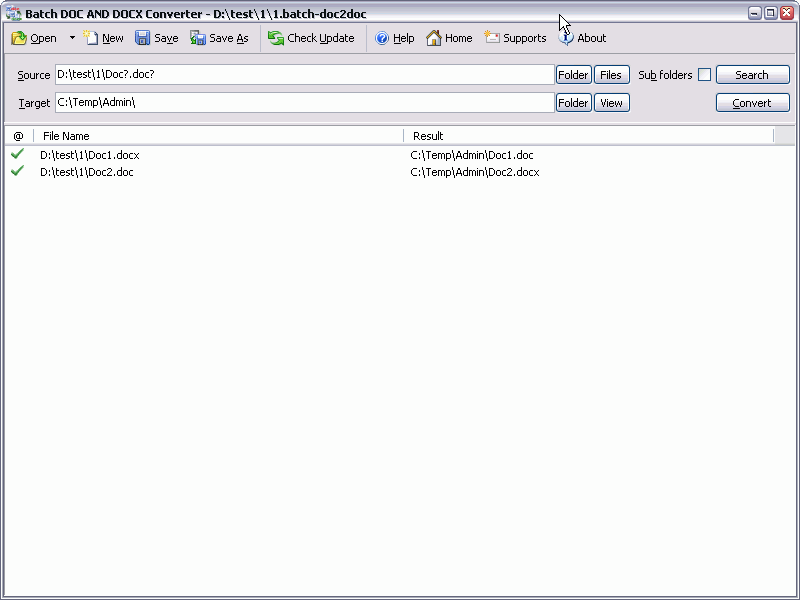 Batch DOC AND DOCX Converter is a Word DOC to DOCX DOCX to DOC Batch Converter that can convert Word DOC to DOCX and DOCX to DOC easily. Batch DOC TO DOCX Converter supports powerful search for a lot of files. A DOC and DOCX converter for Word. Batch DOC AND DOCX Converter supports project and command line. Batch DOC AND DOCX Converter has a friendly GUI so it is used very easily. Batch DOC AND DOCX Converter Drag and Explorer Context supported.
Windows | Shareware
Read More
BATCH XLSX TO XLS CONVERTER 2026.18.310
Business :: Office Suites & Tools
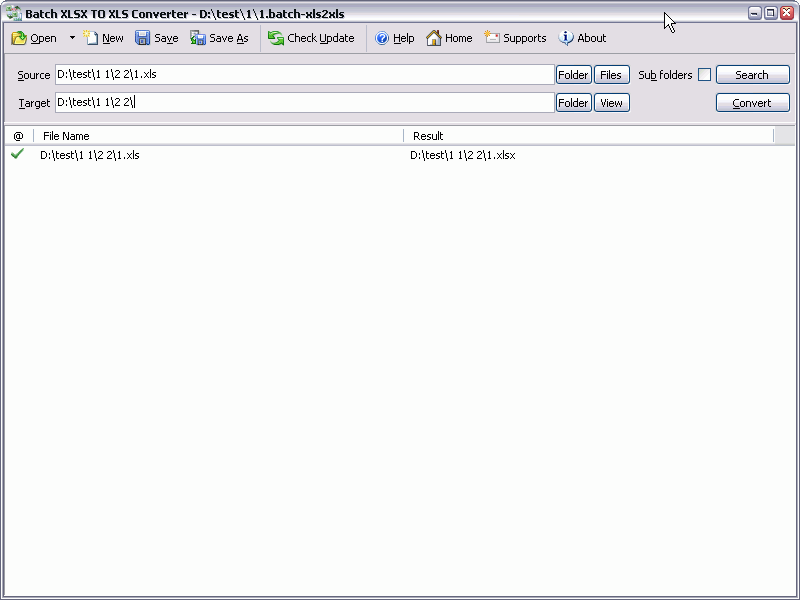 Batch XLS AND XLSX Converter is a Excel XLS to XLSX XLSX to XLS Batch Converter that can convert Excel XLS to XLSX and XLSX to XLS easily. Batch XLS TO XLSX Converter supports powerful search for a lot of files. A XLS and XLSX converter for Excel. Batch XLS AND XLSX Converter supports project and command line. Batch XLS AND XLSX Converter has a friendly GUI so it is used very easily. Batch XLS & XLSX Converter Drag and Explorer Context supported.
Windows | Shareware
Read More
BATCH WORD TO PNG CONVERTER 2026.18.310
Business :: Office Suites & Tools
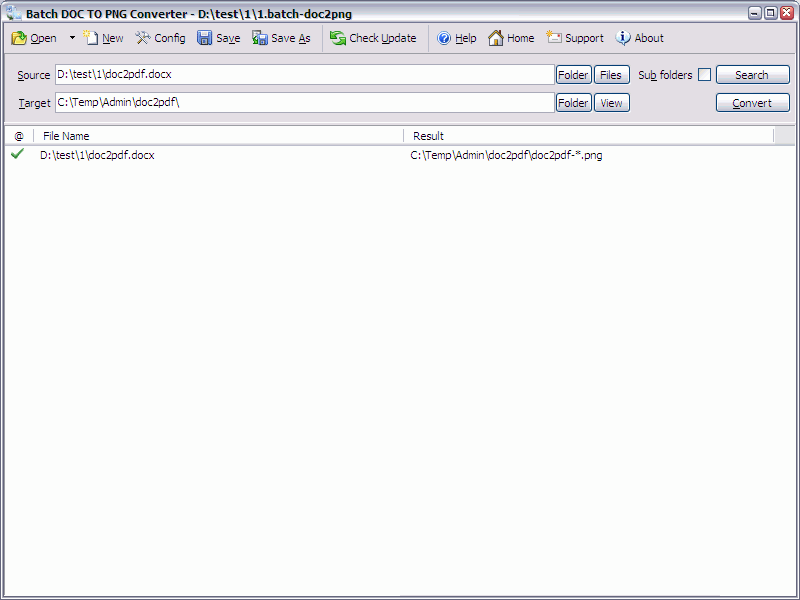 Batch DOC TO PNG Converter is a Word to PNG DOC/DOCX to PNG Batch Converter that can convert Word DOC/DOCX to PNG (Portable Network Graphics) easily. Batch DOC TO PNG Converter supports powerful search for a lot of files. A PNG publisher for Word. Batch DOC TO PNG Converter supports project and command line. Batch DOC TO PNG Converter has a friendly GUI so it is used very easily. Batch DOC TO PNG Converter Drag and Explorer Context supported.
Windows | Shareware
Read More
BATCH WORD TO EMF CONVERTER 2026.18.310
Business :: Office Suites & Tools
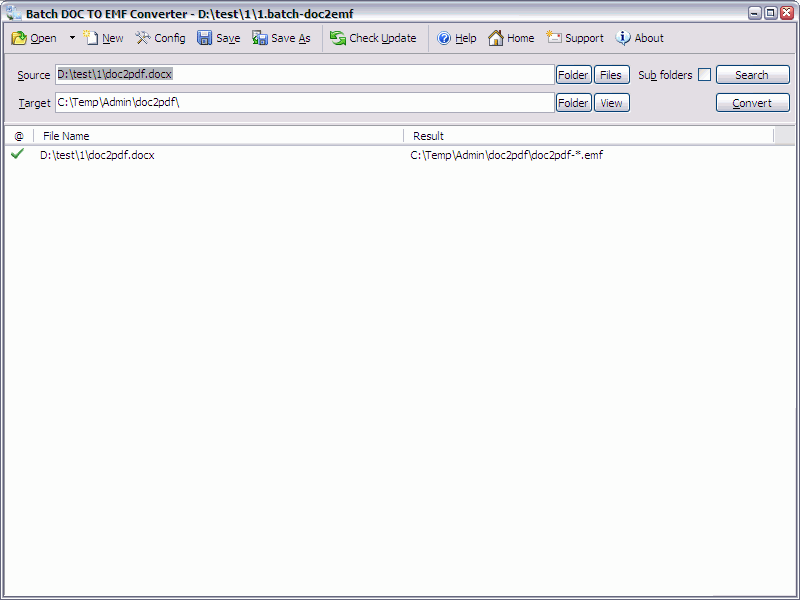 Batch DOC TO EMF Converter is a Word to EMF DOC/DOCX to EMF Batch Converter that can convert Word DOC/DOCX to EMF (Enhanced Metafile) easily. Batch DOC TO EMF Converter supports powerful search for a lot of files. A EMF publisher for Word. Batch DOC TO EMF Converter supports project and command line. Batch DOC TO EMF Converter has a friendly GUI so it is used very easily. Batch DOC TO EMF Converter Drag and Explorer Context supported.
Windows | Shareware
Read More