


N5 Net Software Repository
Your one-stop for all your software needs.
Search N5 Net Software Repository:
Search Files
Sponsor:
Browse:
- Audio & Multimedia (1565)
- Business (1732)
- Communications (466)
- Desktop (182)
- Development (569)
- Education (166)
- Games & Entertainment (707)
- Graphic Apps (683)
- Home & Hobby (105)
- Network & Internet (543)
- Security & Privacy (500)
- Servers (65)
- System Utilities (9315)
- Web Development (281)
Areas Of Interest
Authors Area
Are you a software author? Take a look at our Author Resource Center where you will find marketing tools, software specifically created for promoting your software and a ton of other helpful resources.
VeryUtils PDF to Excel Converter Command Line 2.7
Business :: Office Suites & Tools
(Click to Enlarge)
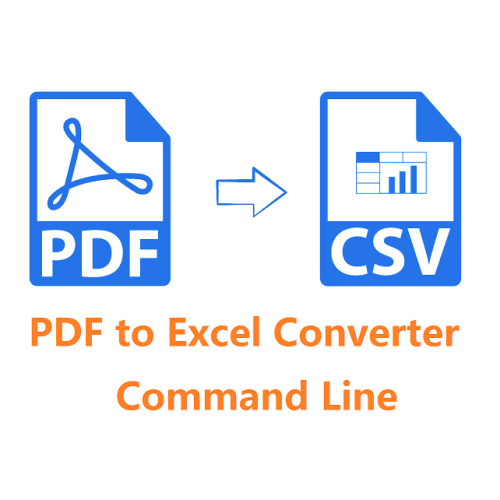
VeryUtils PDF to Excel Converter Command Line is a command line application to extract tables from PDF files and save to CSV files. It can be installed on your web server and be used by multiple users in your network. VeryUtils PDF to Excel Converter Command Line is a program to convert Adobe PDF documents into CSV format. Intelligent algorithm of parsing PDF format provides high performance of the conversion process. This Command line application allows to script, automate and schedule the conversion process. VeryUtils PDF to Excel Converter Command Line can extract data from almost any type of PDF to Excel without losing any the original Text, Tables. With it, users will be able to edit their PDF forms in MS Excel. And it supports page range selection, which means users can convert selected PDF pages from a big PDF file, and it will save much more time than converting the whole PDF file. It can convert multiple PDF files to Excel within one process. Download it right now to test it in your work environment. In order to convert PDF to Excel, you will need a simple command where you should specify the source file name and location, destination file name and conversion parameters. Destination file name and location defines how converted Excel file will be named and where it will be saved. When using convert PDF to Excel command line mode you don't need to spend time on managing the program via user interface. All you need to do is to write a single command where all required parameters are specified with a pair of symbols. Easy in use and extremely fast in performance. PDF to Excel Converter Command Line is an ideal solution for your Windows server that will make this feature available for multiple users.
Specifications:
Version: 2.7 |
Download
|

Similar Products:
AILT PDF TO ALL DOCUMENT CONVERTER 7.1
Business :: Office Suites & Tools
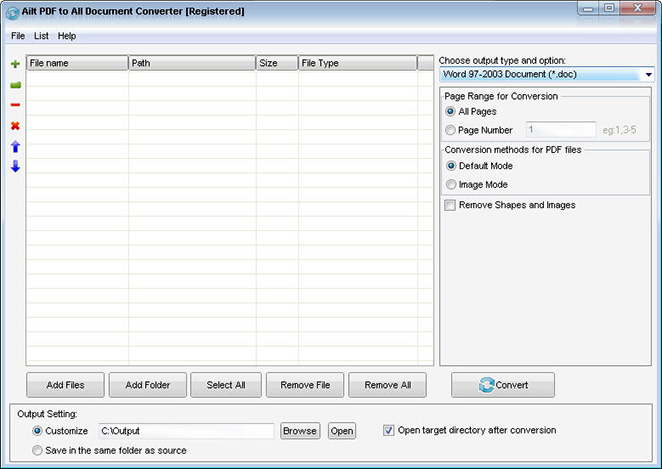 Ailt PDF to All Document Converter is an application which you can use to convert PDF files to any file format like Word, Excel, PowerPoint, SWF, image etc. It can support comprehensive formats: DOC, DOCX, DOCM, RTF, XLS, XLSX, XLSM, PPT, PPTX, PPTM, SWF, TXT, HTM, JPG, JPEG, BMP, EMF, WMF, TIF, GIF, PNG, PCX, ICO, J2K, JP2 etc. It does not need Adobe Acrobat software support.
Windows | Shareware
Read More
AILT DOCUMENT IMAGE CONVERTER PRO 7.1
Business :: Office Suites & Tools
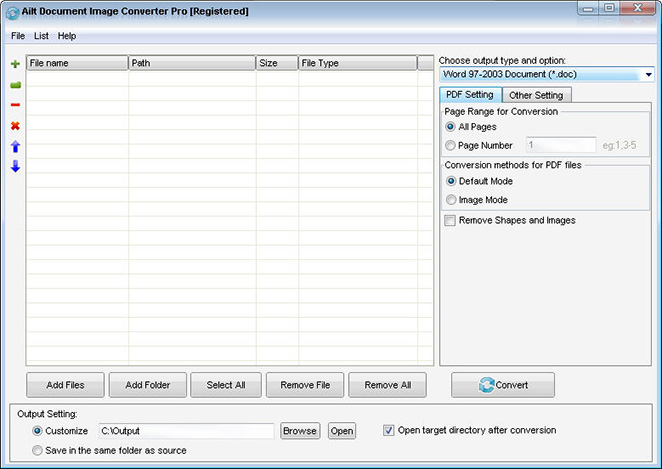 Ailt Document Image Converter Pro is a useful and handy converter used to batch easil convert among any file format like Word, Excel, PowerPoint, PDF, TXT, HTML, JPEG, BMP, GIF, TIFF, EMF, WMF, SWF etc.The conversion tool provides users with fast conversion speed. It can support comprehensive formats: PDF, doc, docx, docm, rtf, xls, xlsx, xlsm, ppt, pptx, pptm, txt, htm, jpg, jpeg, bmp, emf, wmf, tif, gif, png, pcx, ico, j2k, jp2 etc.
Windows | Shareware
Read More
AILT PDF TO EXCEL CONVERTER 7.1
Business :: Office Suites & Tools
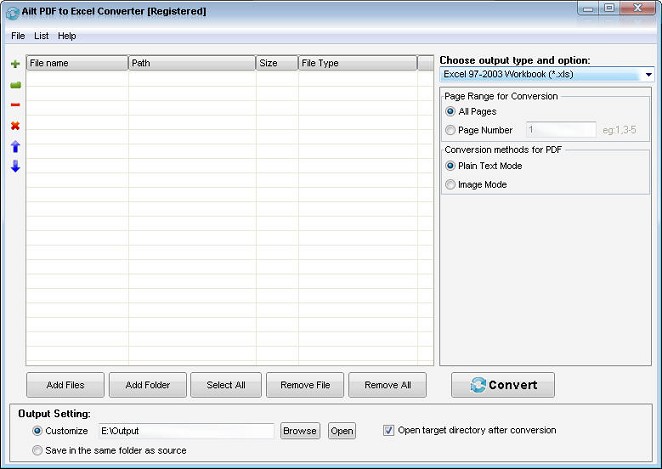 Ailt PDF to Excel Converter is an easy-to-use and flexible converter which is designed to batch convert PDF to Exce XLS XLSX XLSM format with preserving the original text, graphics, images, layout etc. User-friendly interface allows you to operate very easily. It is a standalone program which does not need Adobe Acrobat software support.
Windows | Shareware
Read More
Business :: Office Suites & Tools
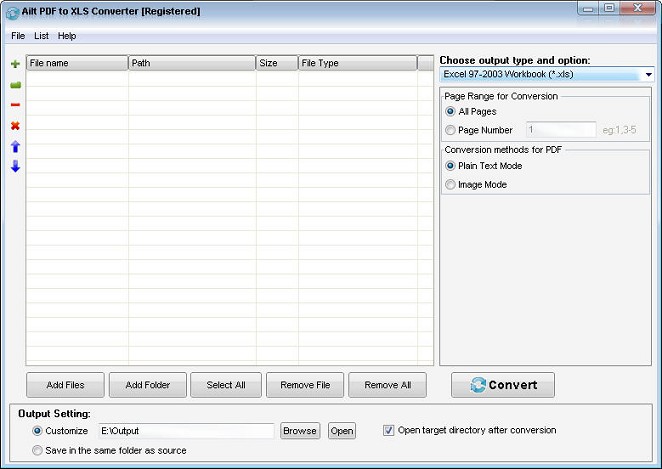 Ailt PDF to XLS Converter provides the fast and easy way to batch convert PDF to Exce XLS format with preserving the original text, graphics, images, layout etc. It has a much faster processing speed. User-friendly interface allows you to operate very easily. It is standalone software, without the need of Adobe Acrobat etc software.
Windows | Shareware
Read More